
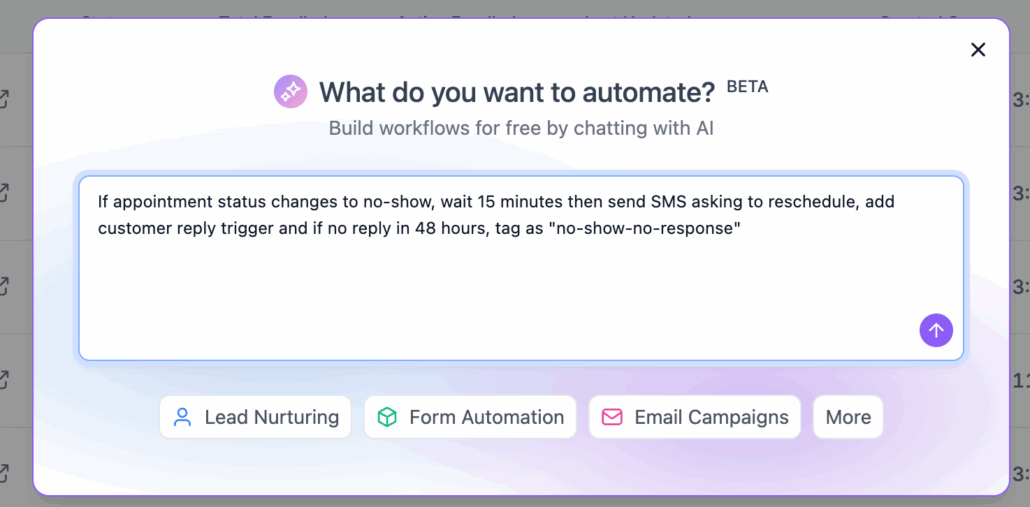
Workflow AI Builder | Clixio Changelog
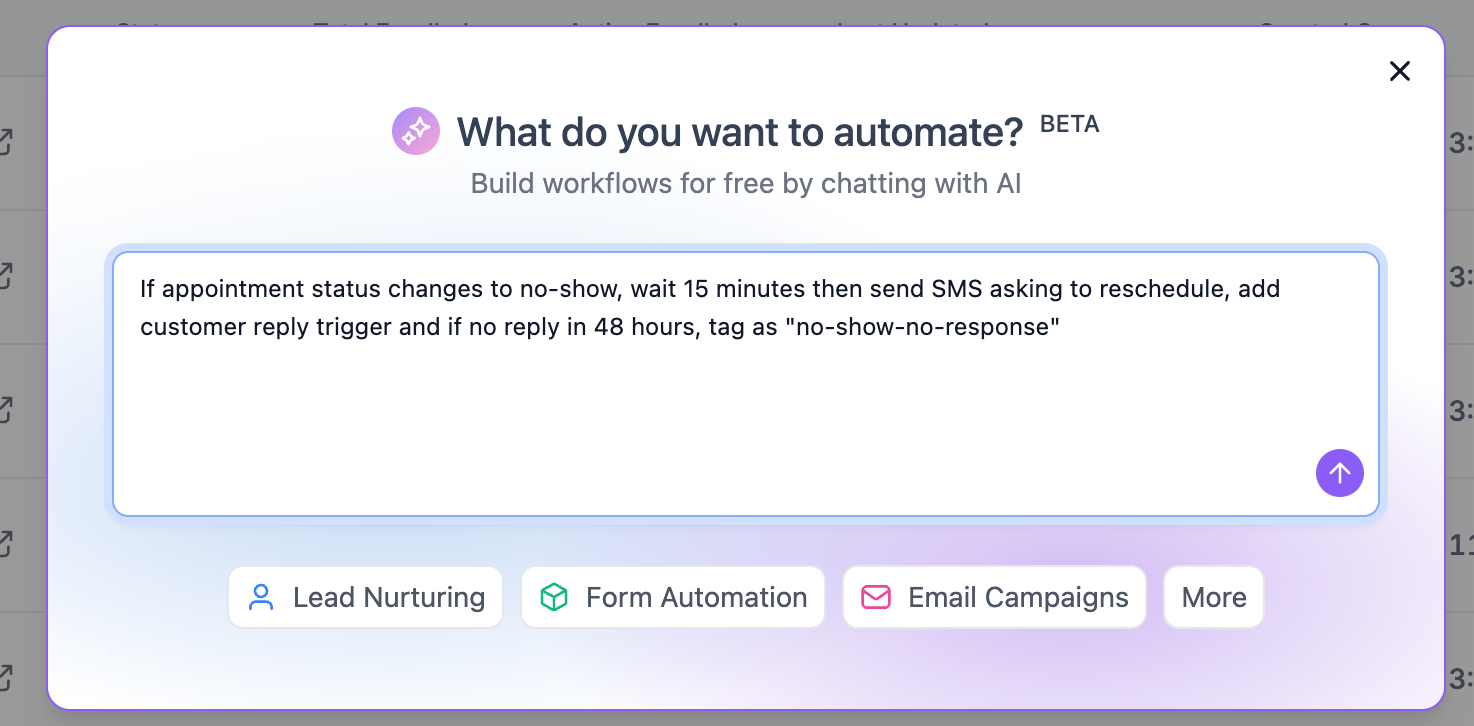
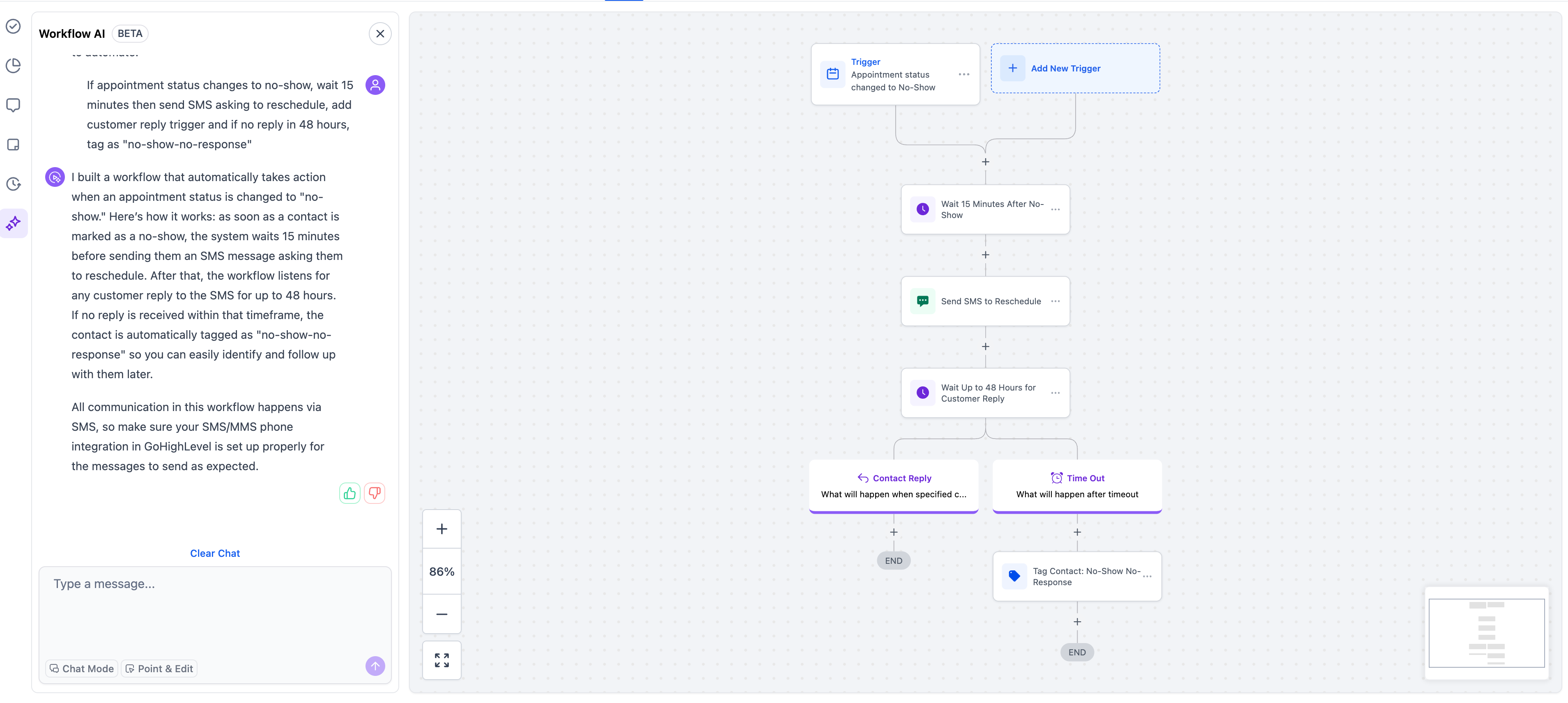
Workflow AI Builder allows you to create workflows simply by describing what you wish to automate in any language. The AI generates the entire workflow structure, including triggers, actions, wait steps, conditions, and even pre-written content.
- Describe your automation goal in plain language, and the AI will build the complete workflow.
- It supports both simple descriptions (“
create a 3-week marketing drip
“) and detailed specifications (“
when a form is submitted, send an SMS to the lead, wait 5 minutes for a response—if there is no response, create a call task; if they respond, add a tag
“).
- Generates pre-written content for emails and SMS messages.
- There are no limits on workflow complexity, supporting advanced logic, multi-branch workflows, and sophisticated routing.
Conversational Editing
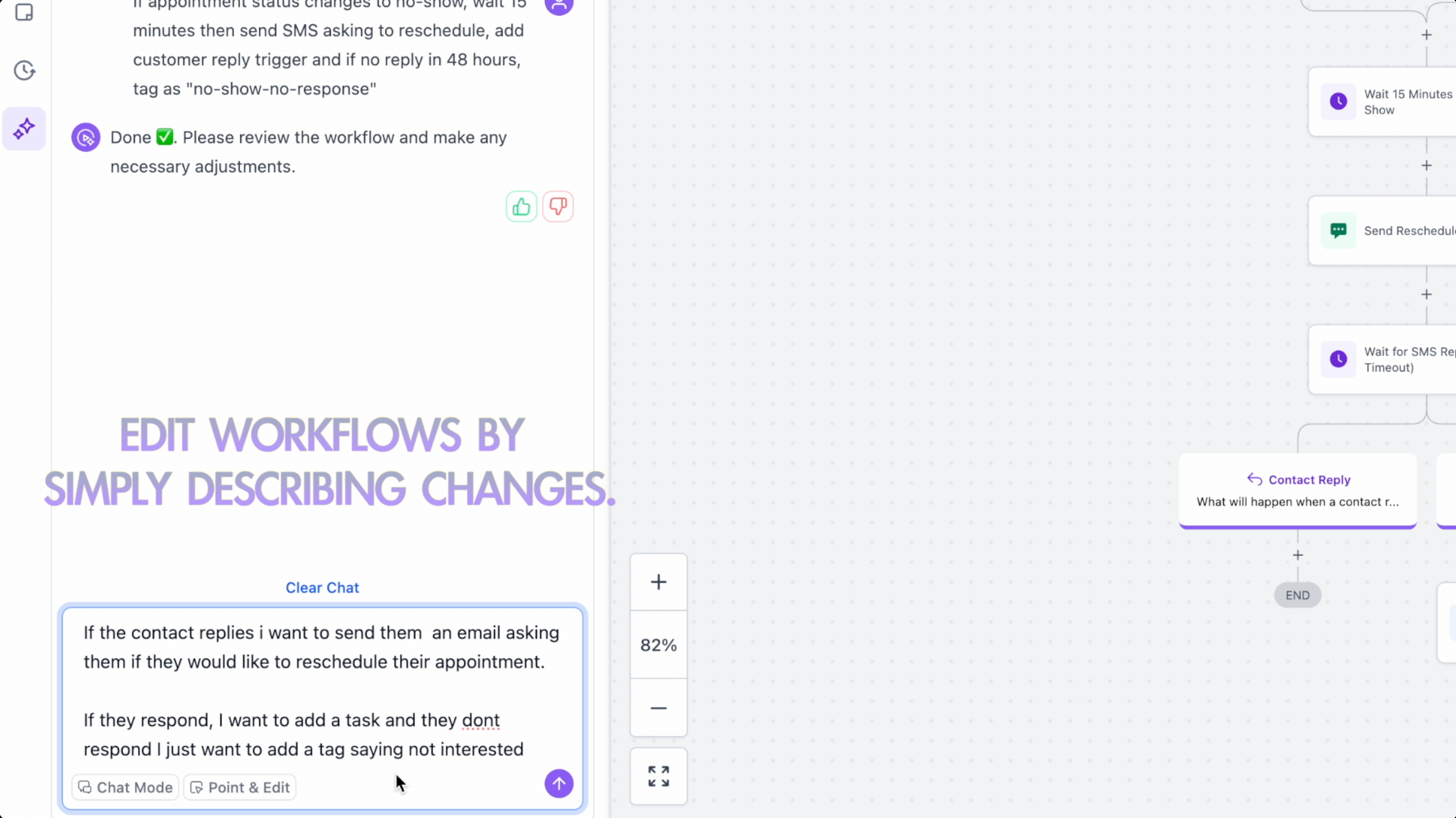
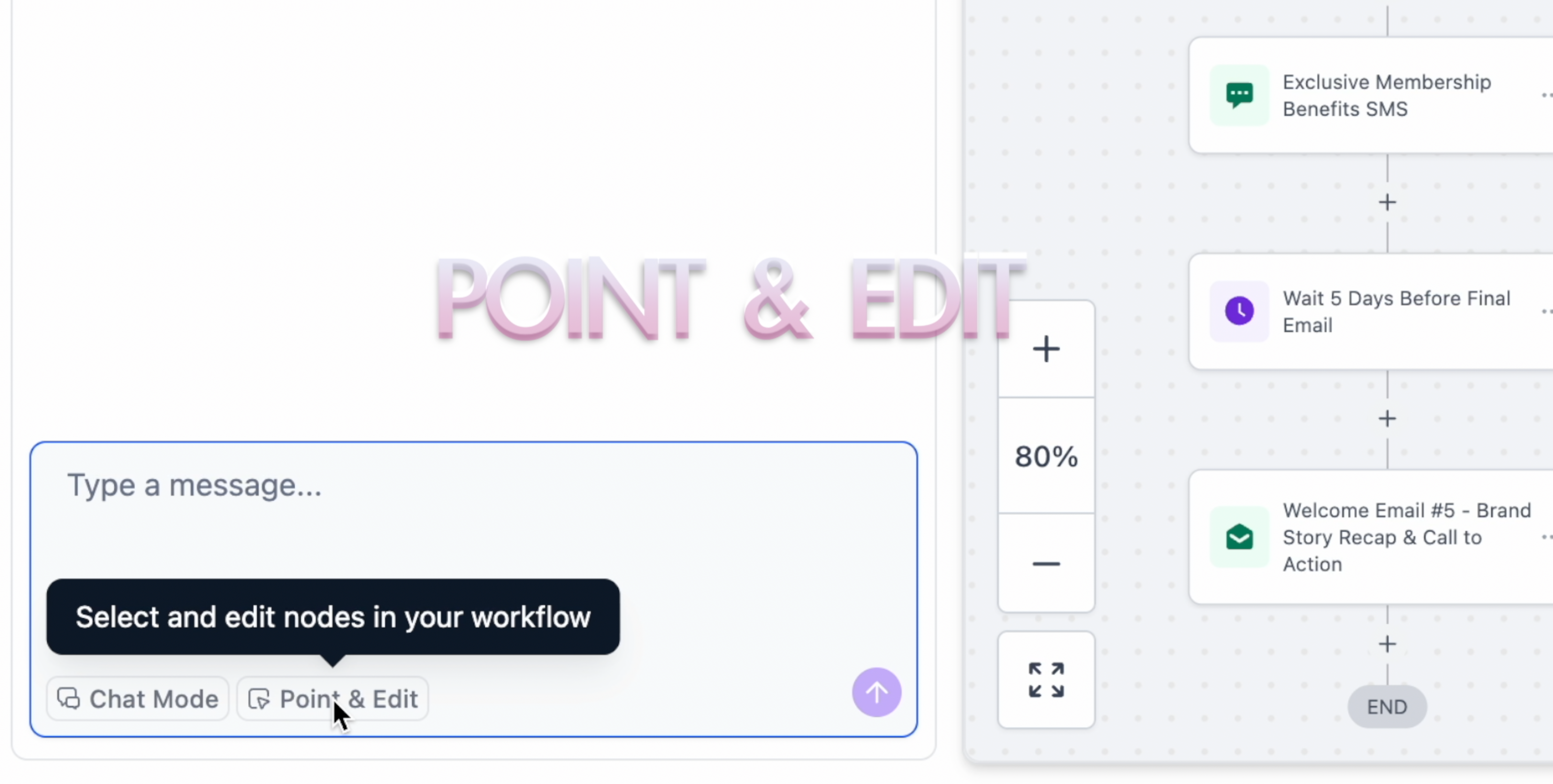
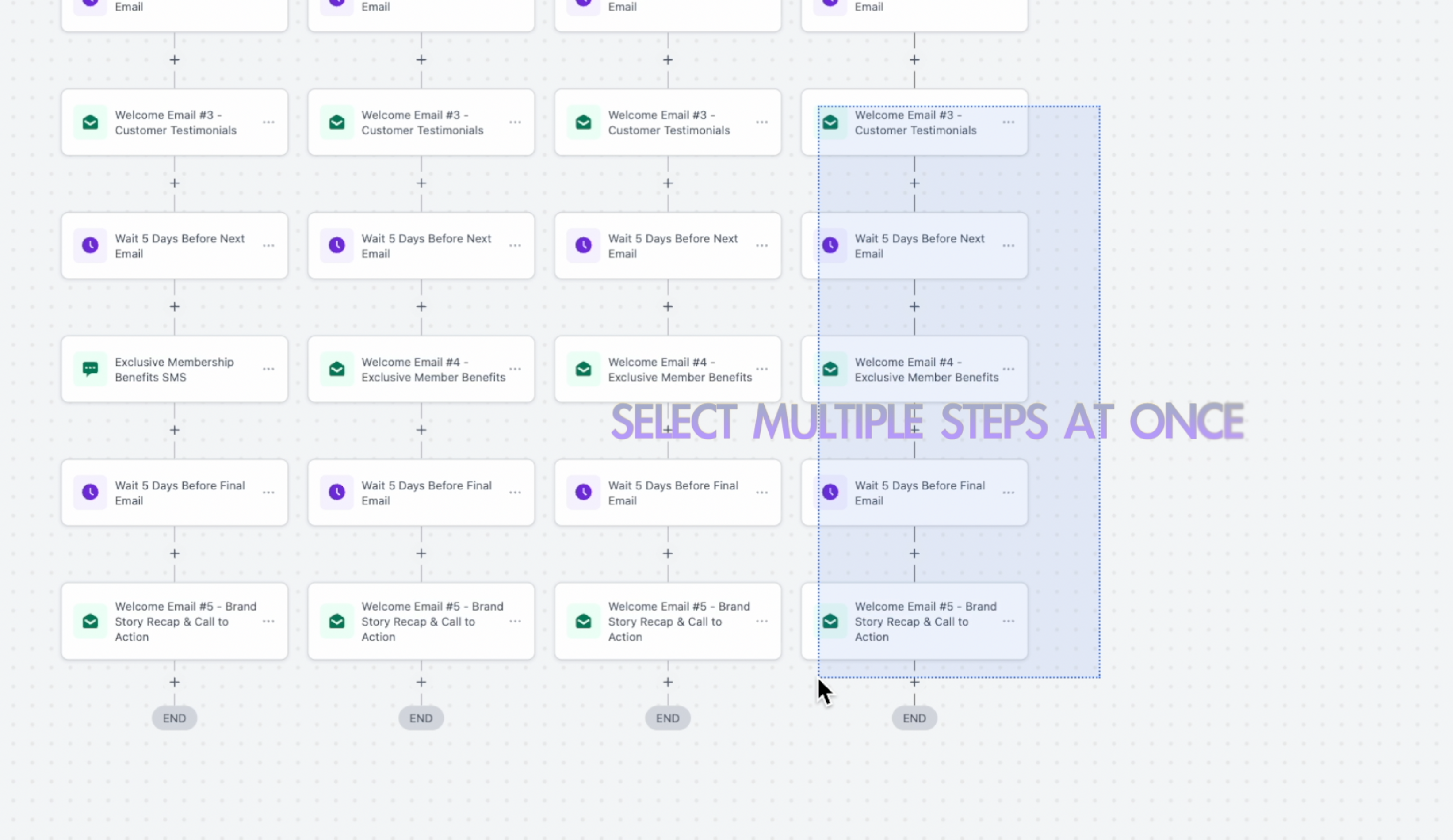
Point and Edit
- Click or drag-select specific actions for precise control.
- Make bulk modifications to selected actions only.
- Ideal for complex workflows where verbal descriptions might be ambiguous.
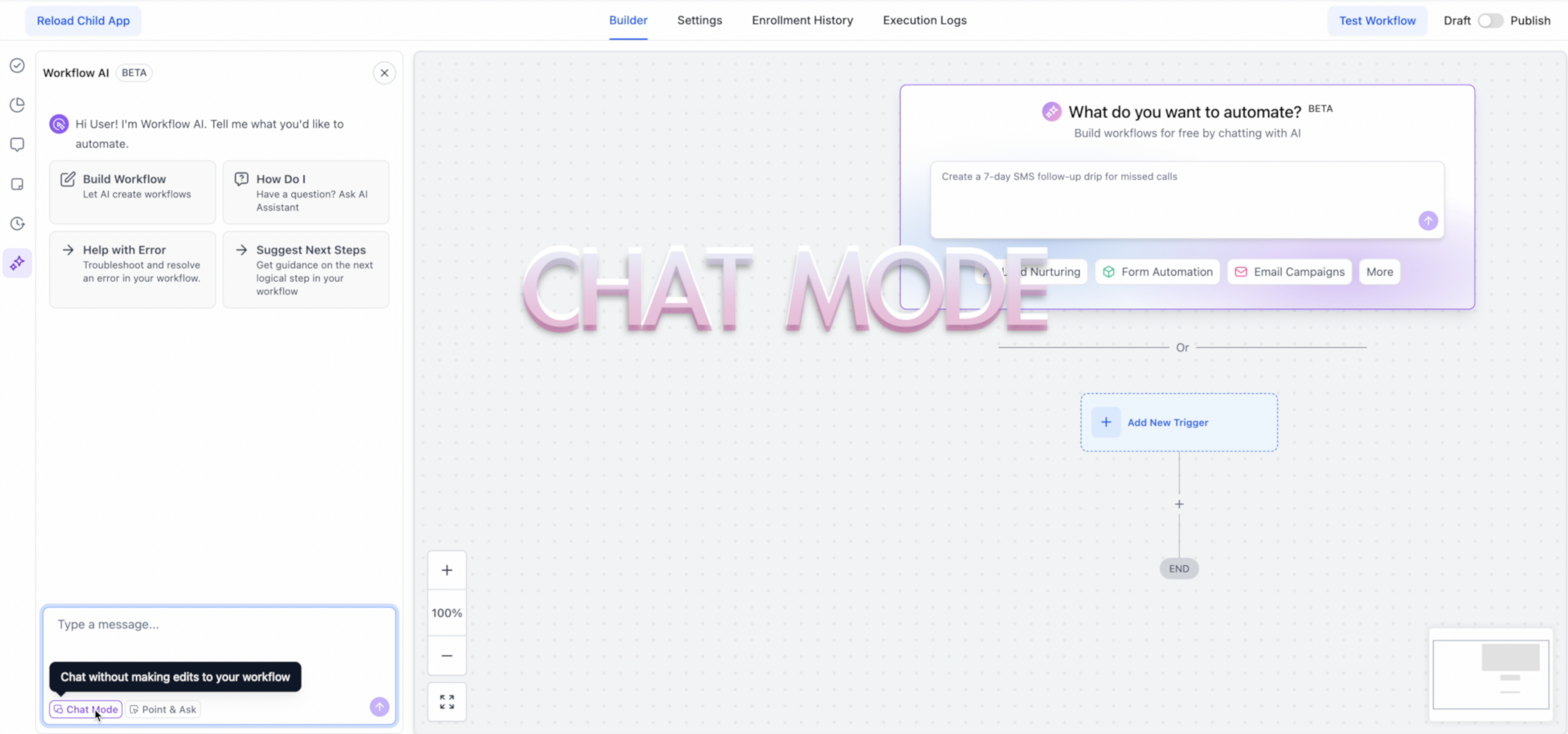
Chat Mode
- Brainstorm and plan workflows with AI before building.
- Refine your automation strategy through conversation.
- The AI remembers context when you switch to build mode.
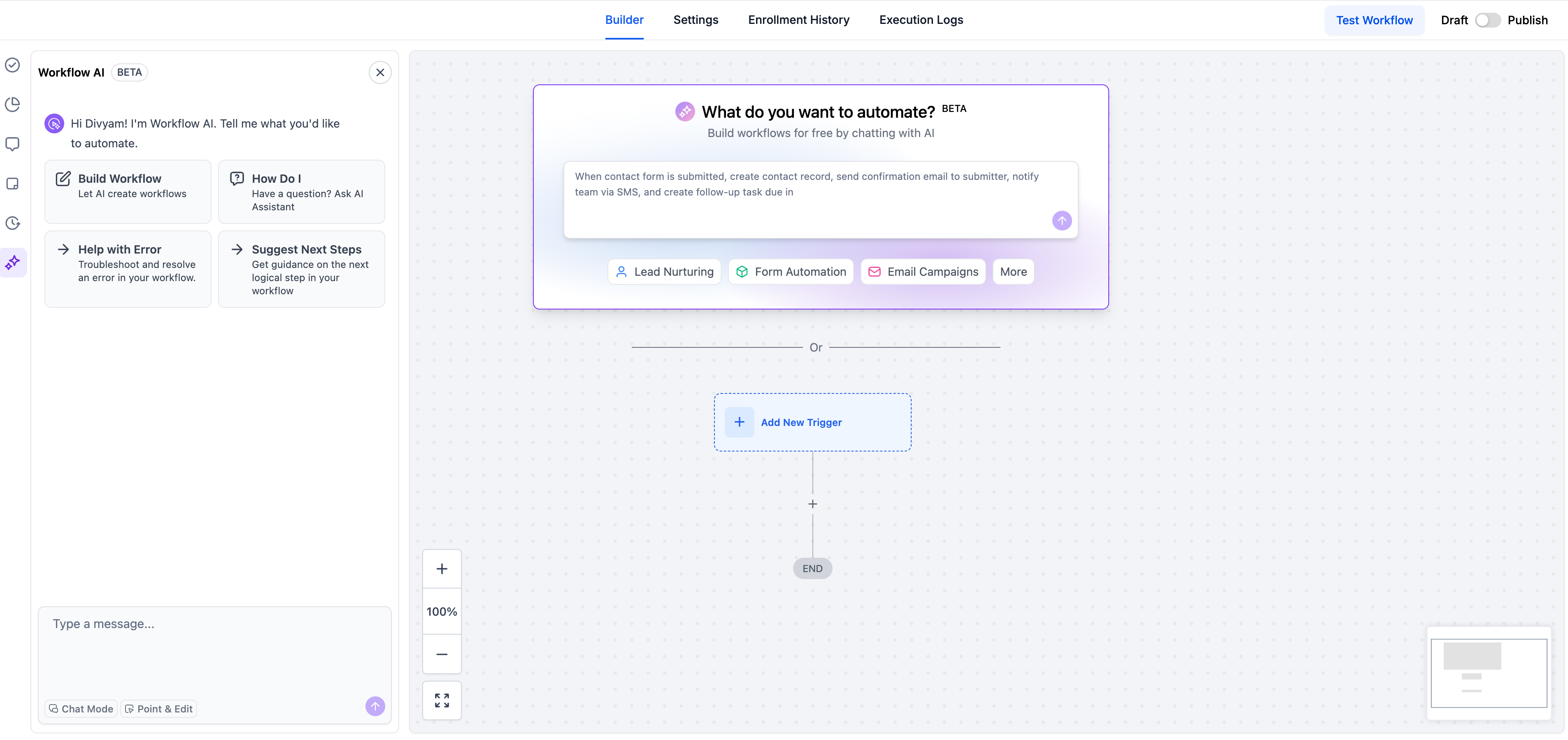
Revamped UX
- Modern, streamlined interface design.
- Placeholder prompts and use-case templates to help you get started faster.
- Smooth animations and visual feedback.
- A full-height AI chatbot for comfortable conversation and workflow building.
-
Enable in Labs: Settings → Labs → “Build Workflow Using AI”
-
Three entry points:
- Workflow List Page → “Build using AI” button.
- Workflow Builder → AI prompt box above “Add Trigger”.
- Workflow AI Assistant → Chat interface.
- Always review trigger and action configurations before activation, as AI can make mistakes.
- Some complex configurations may require manual adjustments.
- Manual testing is required—AI cannot test workflows yet.
This feature is free with fair usage limits.