🧩 Support for Assigned User Custom Value Across Funnels & Calendar Confirmation Page
Update on Assigned User Custom Values
We’ve extended support for
assigned user custom values
to ensure they function consistently across both
Funnels
and
Calendar confirmation pages
.
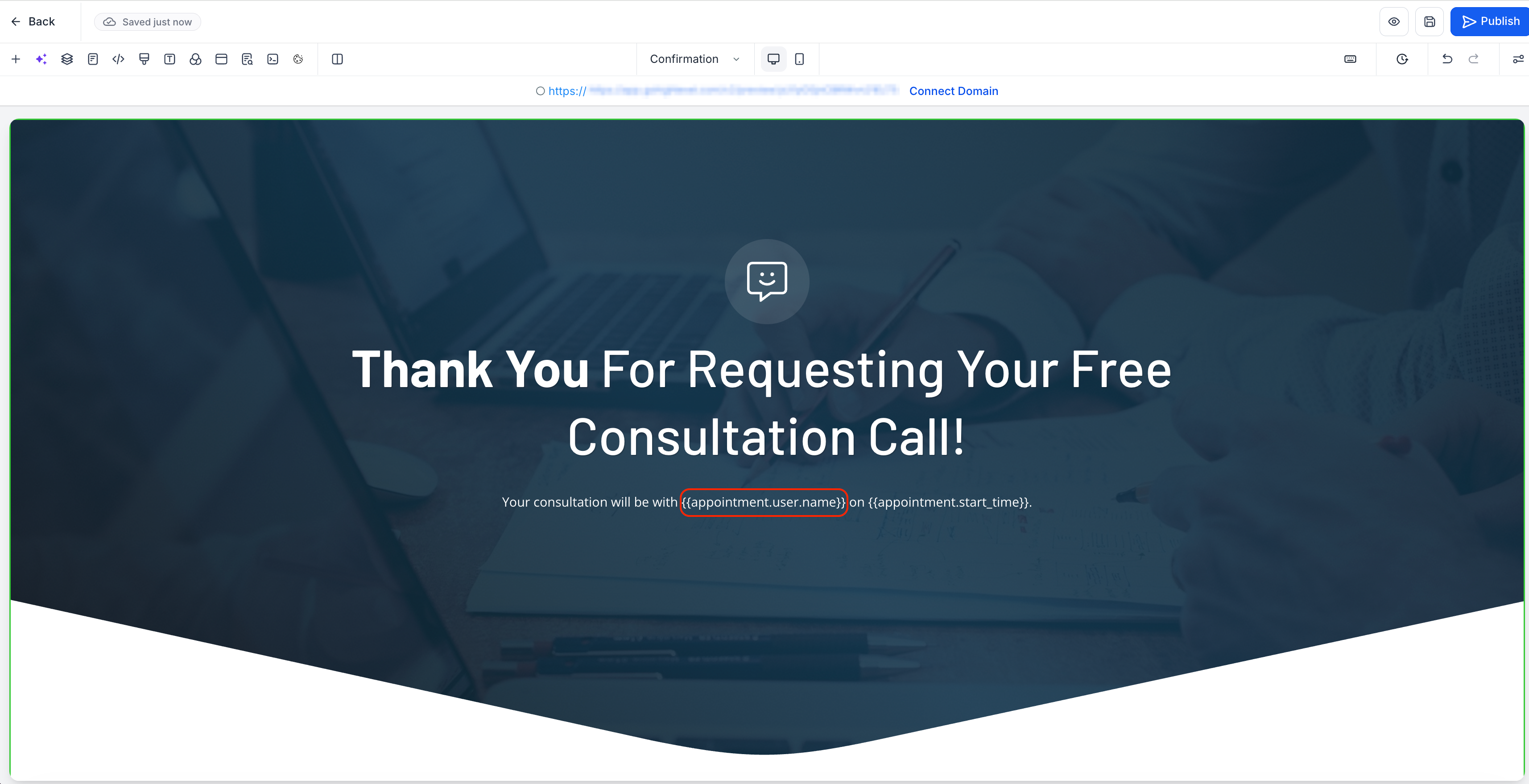
With this update, assigned user details can now be carried forward into the
next funnel step after booking
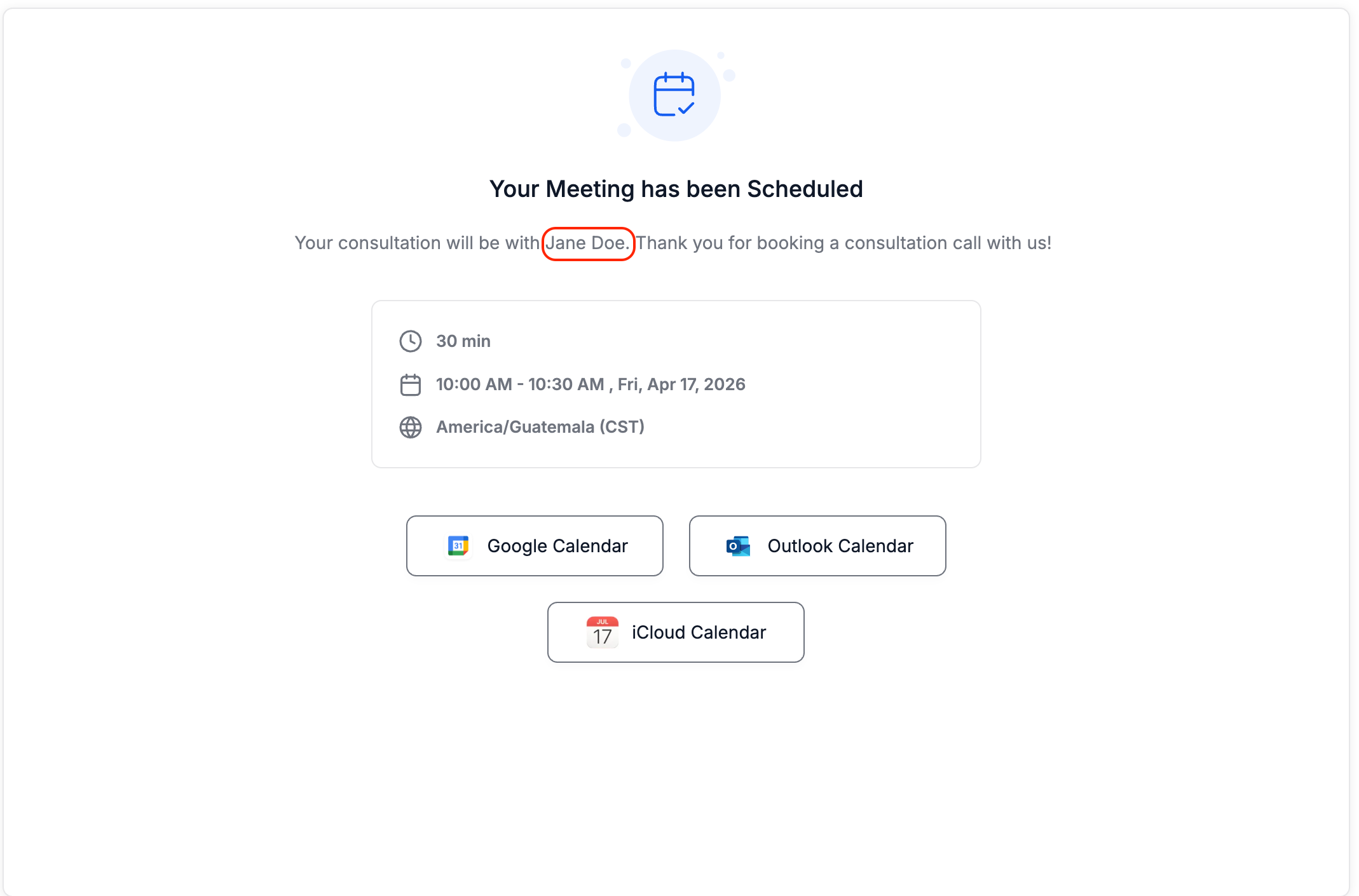
a calendar appointment. They can also be used in calendar confirmation messages, enhancing personalisation after an appointment is booked.
Key Features of This Update
- Support for
assigned user custom values
in:
- Next funnel step after booking a calendar appointment
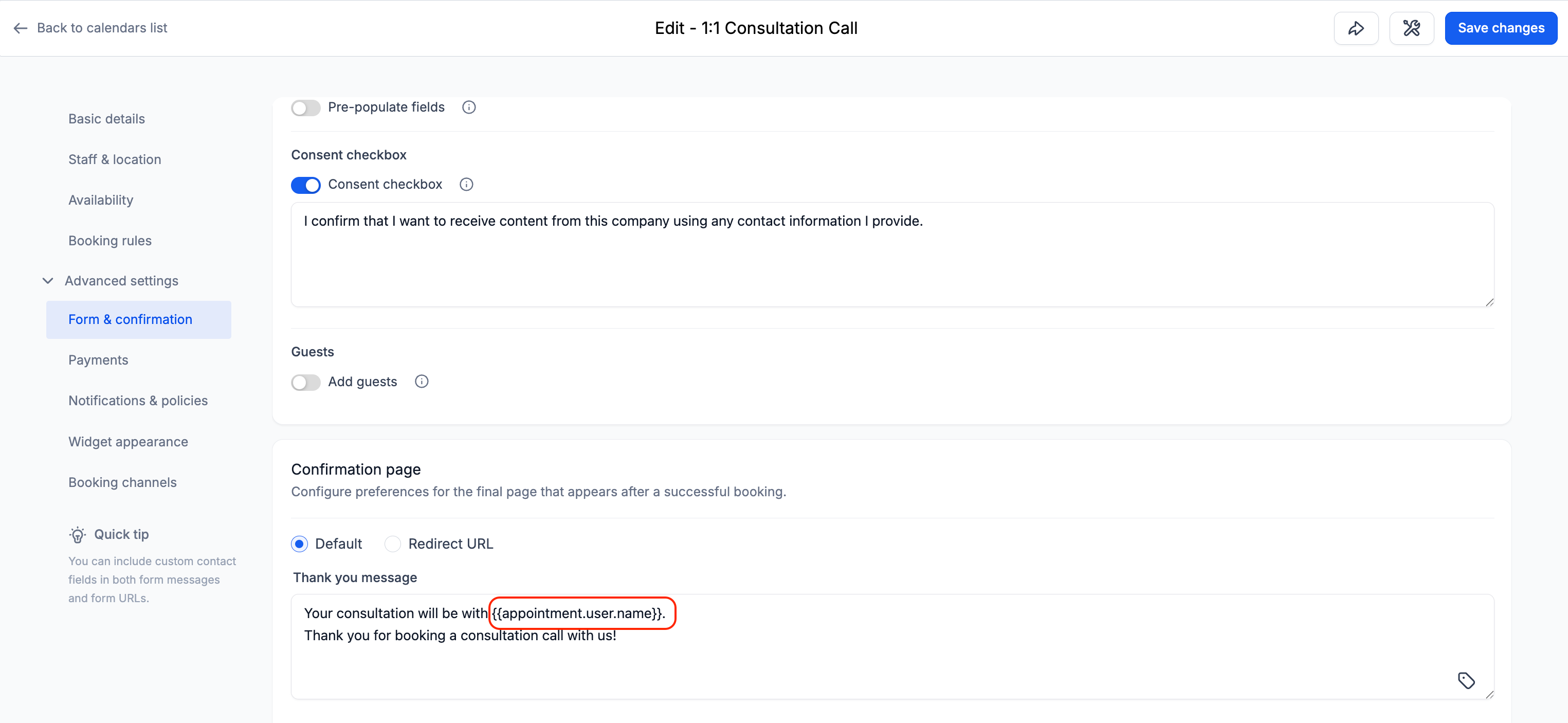
- “Thank you message” on the calendar confirmation page
Improved consistency in rendering assigned user data across booking and funnel flows.
Implementation Details
- When using a
Calendar element in a funnel
with the “
Redirect action
” set to “
Go to next step
”:
This value also works in:
The values dynamically populate based on the assigned user linked to the contact, ensuring accurate and consistent output across flows.