Standard Builder: Easily Drag and Move Workflow Nodes!
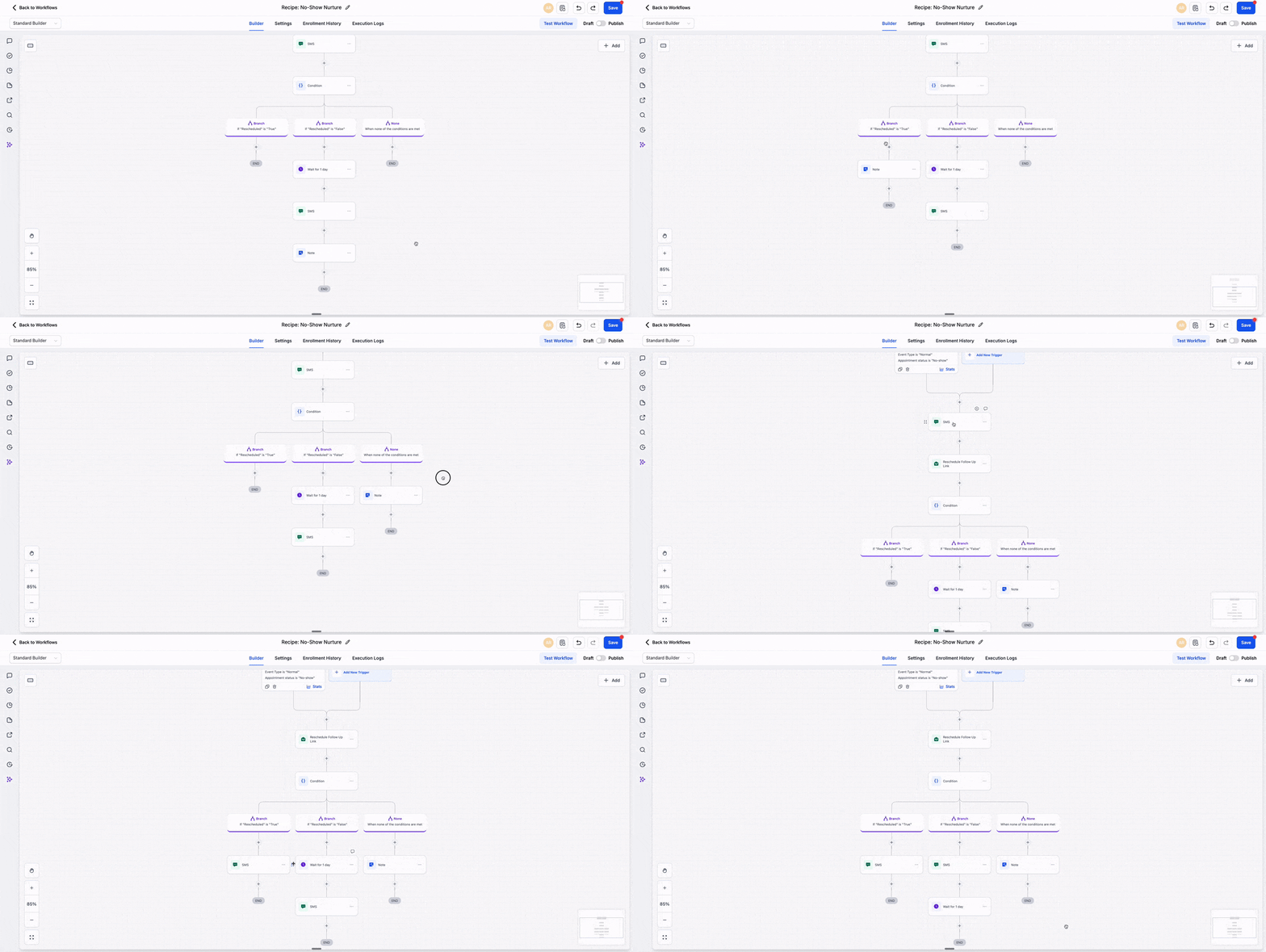
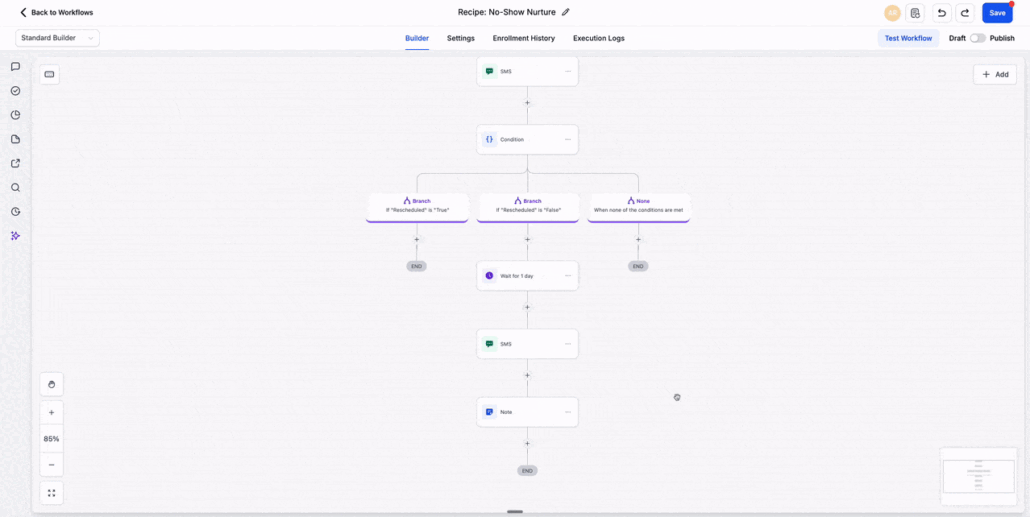
You can now drag and move nodes directly inside the workflow canvas. This enhancement simplifies the process of reorganising actions and branches without the need to delete steps or use the right-click move option for each node.
When you hover over a node, a 6-dot drag handle appears. Click and hold the handle, then slide the node to its new position within the workflow. As you drag, the canvas will show a clear “Move here” indicator, allowing you to see where the node can be dropped.
- Hover over a node to reveal the 6-dot drag handle.
- Click and hold the handle, then drag the node to its new location.
- Drop it where you see the “Move here” indicator.
Managing larger workflows can be cumbersome when you have to move steps one by one using right-click menus. The drag-and-drop feature provides a quicker, more enjoyable, and intuitive way to tidy up layouts and reorganise branches as your workflow evolves.
- The 6-dot drag handle is only visible when you hover over a node.
- Nodes can be moved directly from the canvas.
- Valid drop locations are indicated by the “Move here” marker.