
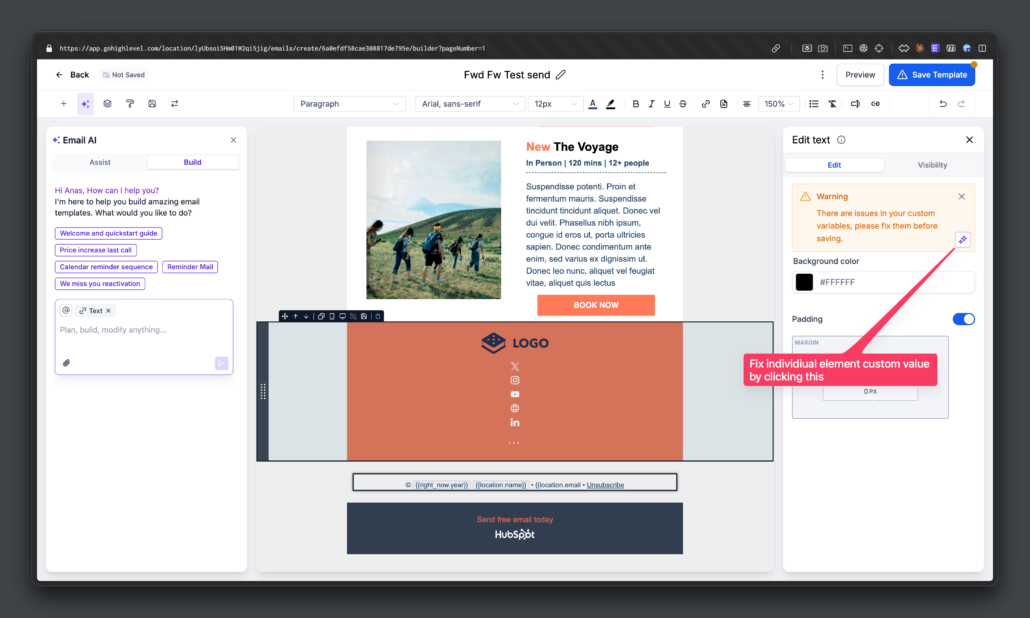
One-click email setup fixes with Fix with AI
AI-Powered One-Click Fixes
We have introduced AI-powered one-click fixes for common email issues, such as invalid custom value syntax or missing subject lines. The AI automatically applies the fix, generates the required variant when necessary, and logs all updates directly in the Email AI chat window.
Benefits of AI Fixes
- Reduces manual debugging for email configuration errors.
- Shortens the time to value for users.
- Enhances send reliability by proactively addressing invalid setups.
- Provides complete visibility into AI-generated changes through chat history.
How to Use AI Fixes
- Enable Email AI in Beta Labs.
- Create a campaign with:
— Incorrect custom field syntax, or
— Missing subject line / preview text.
- Click Send, Schedule, or open the Checklist.
- On validation errors, click the new “Fix with AI” action.
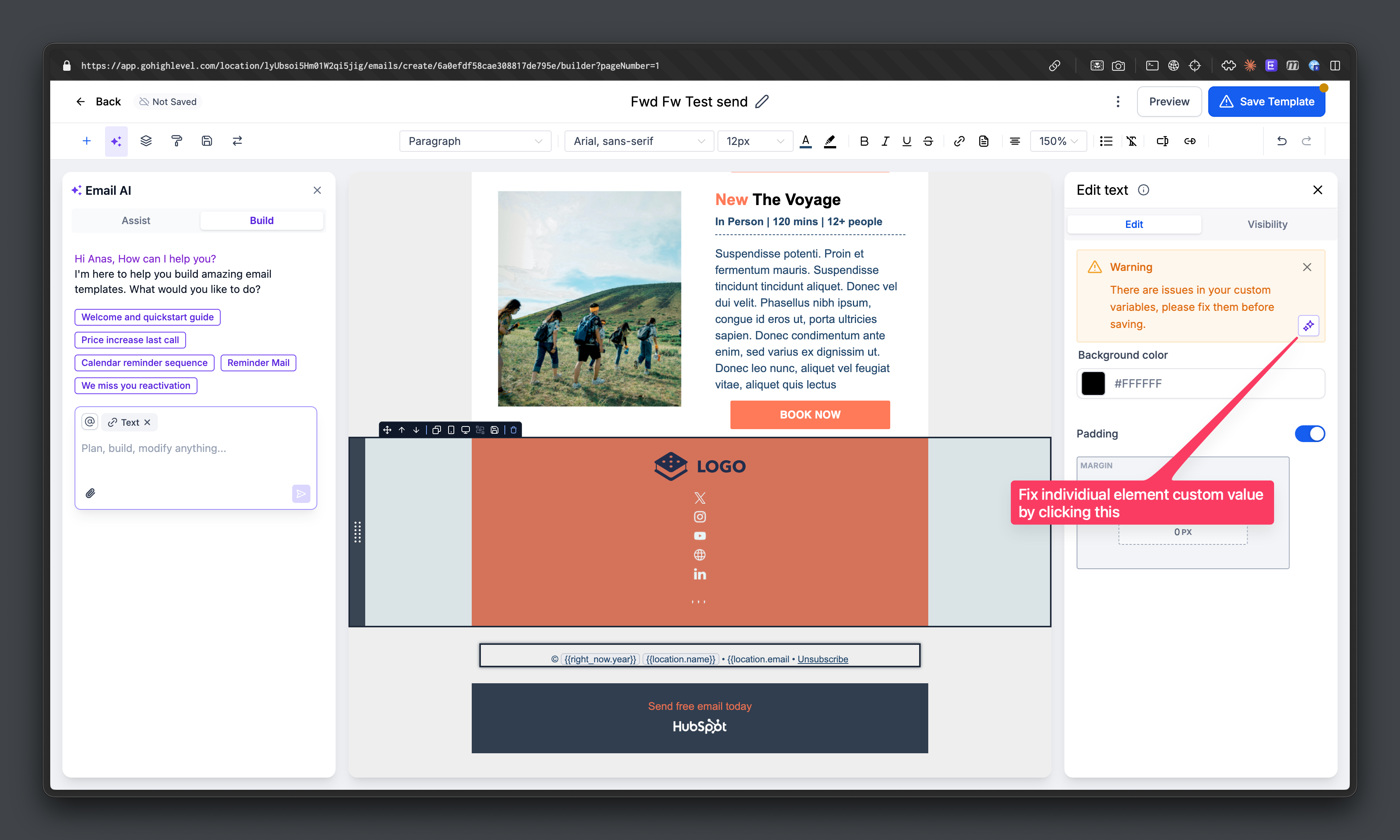
- The Email AI chat window will explain the fixes applied and log the changes automatically.
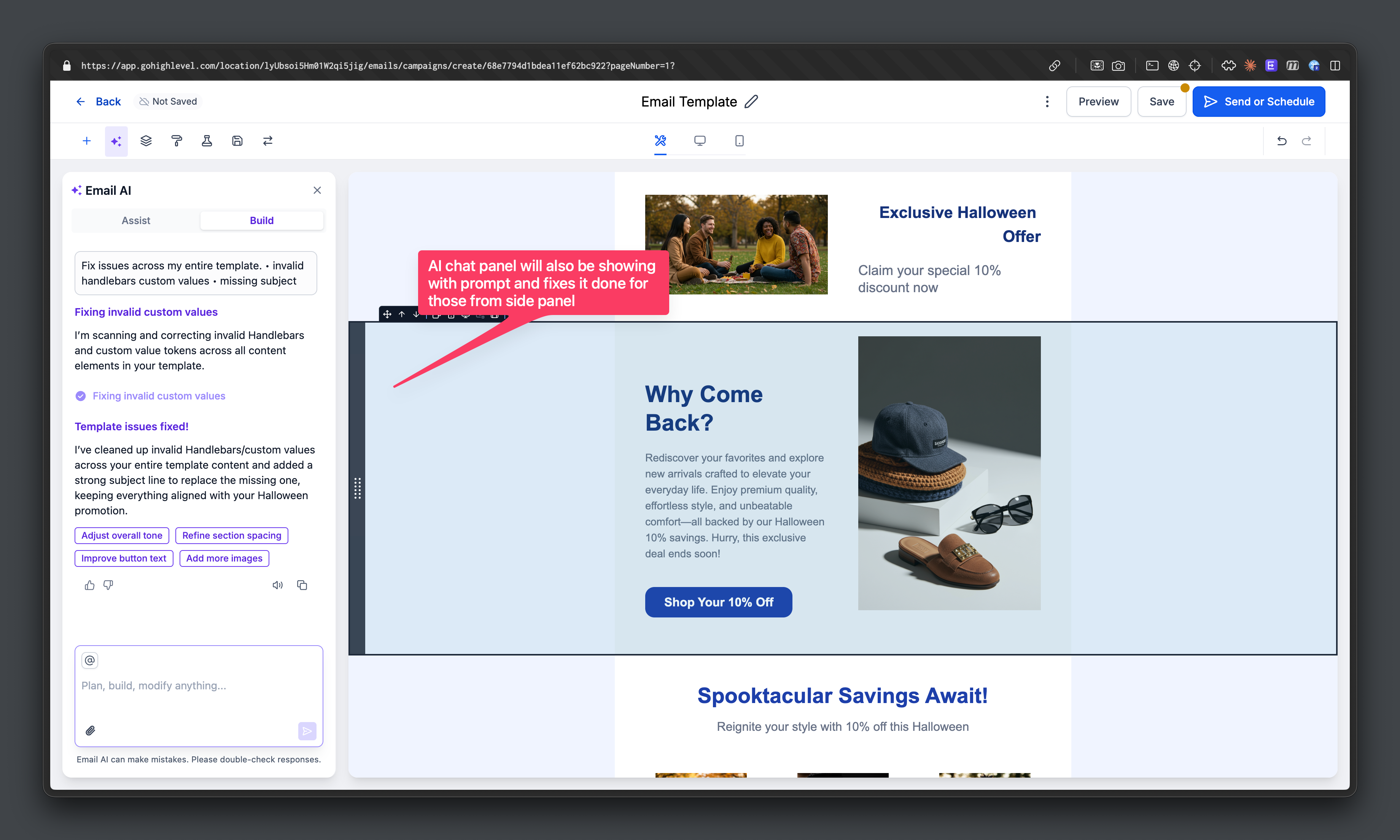
Introducing Beautify with AI
We are also launching Beautify with AI, which will automatically enhance mobile responsiveness, alignment, spacing, and overall email layout consistency. This feature helps create cleaner, production-ready emails with just a single click. 🚀