New Asana actions in workflows – Find Project and Find section
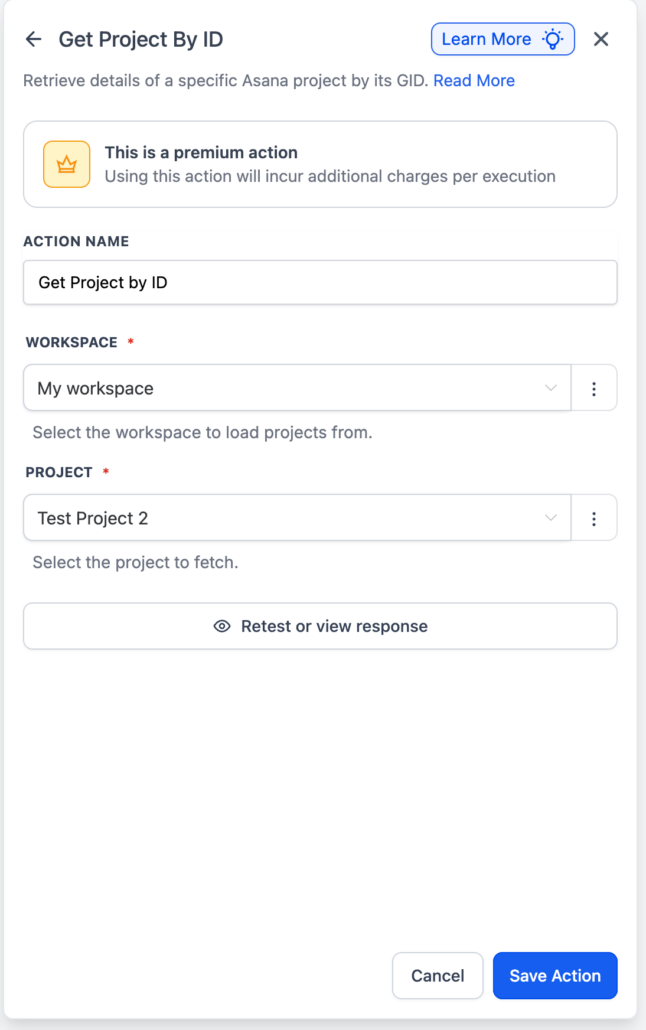
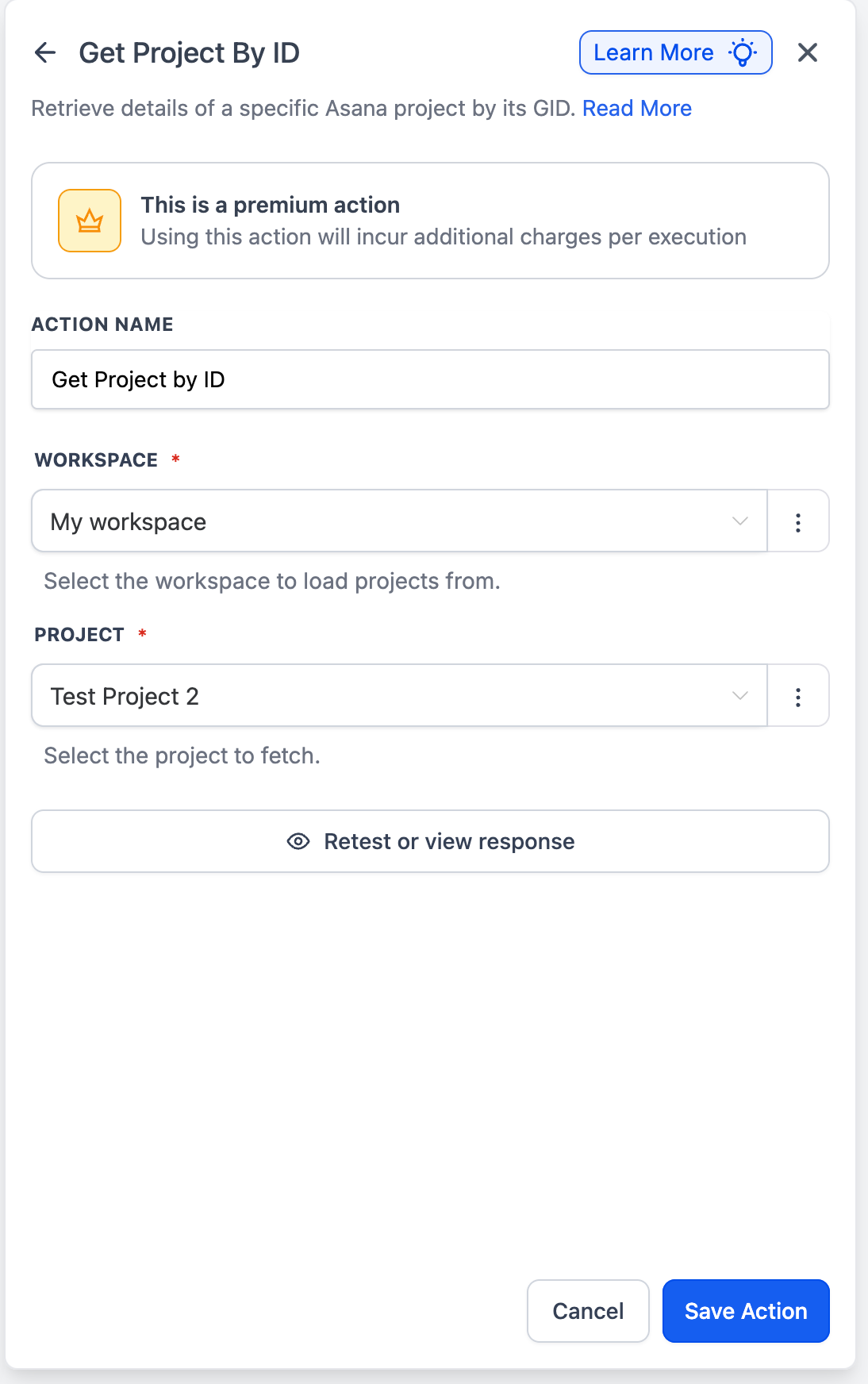
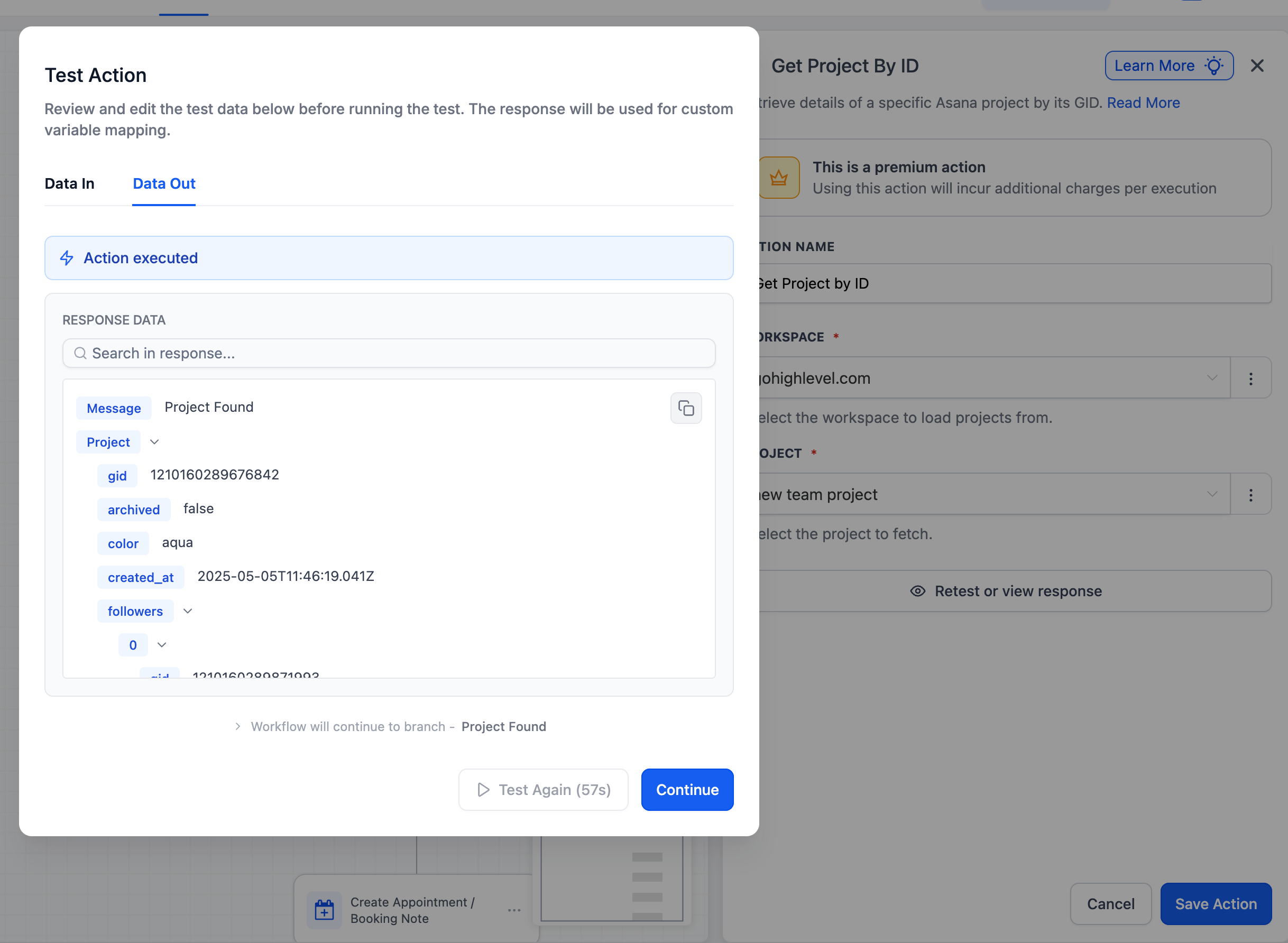
Easily search for and retrieve an Asana project within your workflows.
- Locate projects by name and retrieve their project ID.
- Utilise the project data in subsequent steps.
- No more hardcoding project IDs or saving them in custom value pickers.
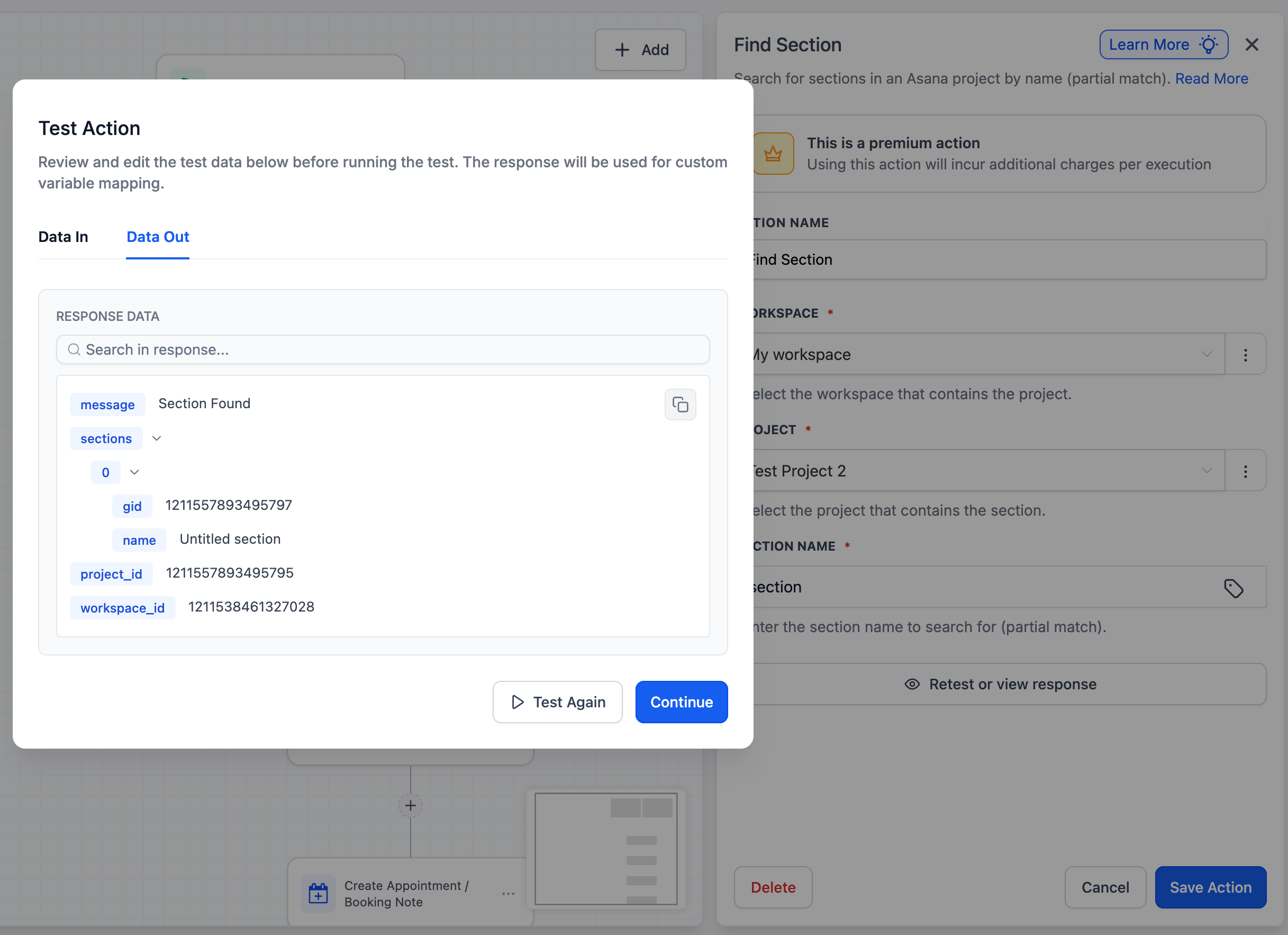
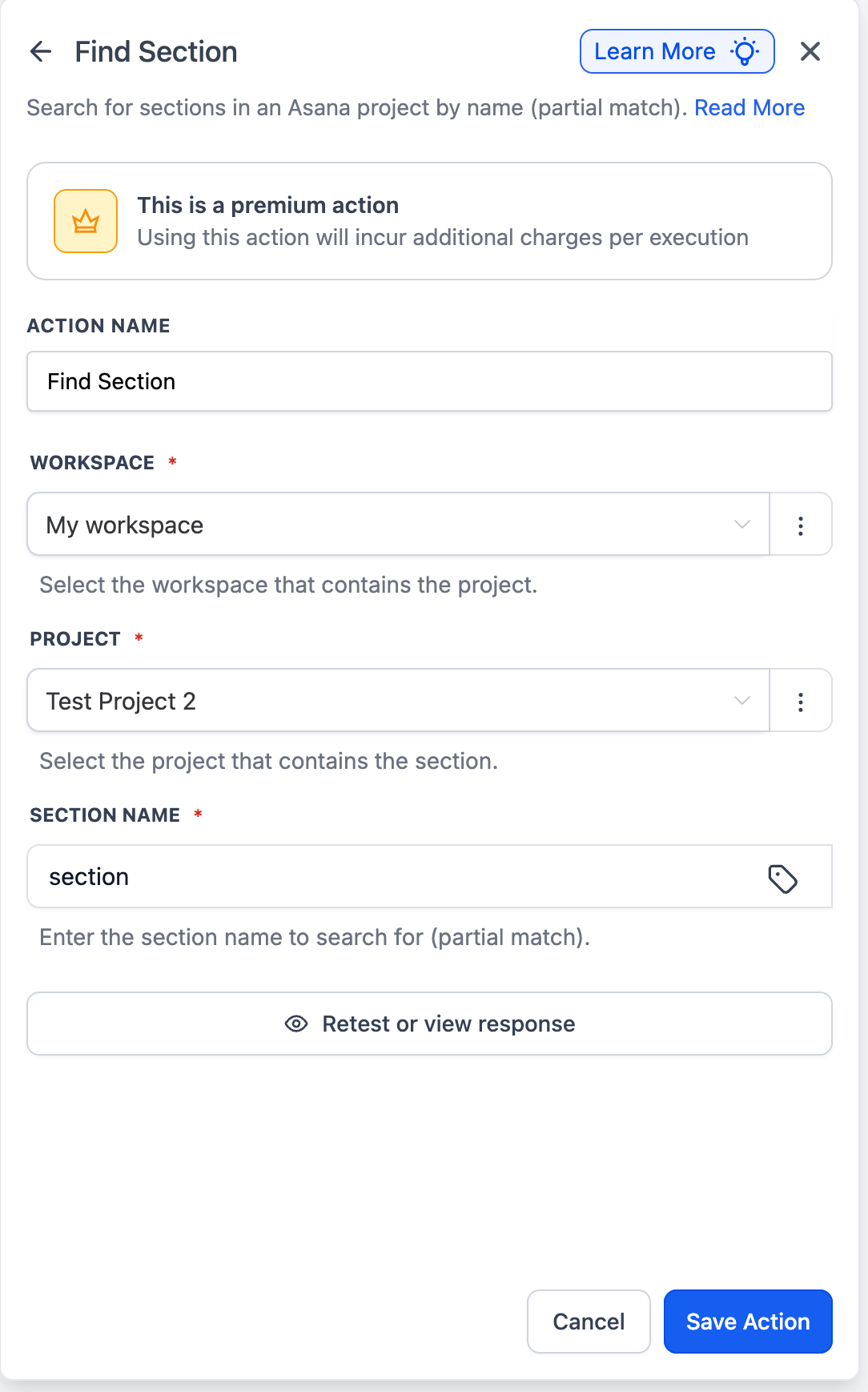
Find sections within a specific Asana project to use the schema in subsequent actions, which will output a section ID.
- Fetch sections and their IDs from a selected project.
- Dynamically route and create tasks in the specified section.
- Previously, creating tasks in a specific section was not possible as users had to hardcode the particular section ID. Now, it can be found dynamically.
- Using the “Find Project” action, users can retrieve the project ID by name instead of saving it in custom value pickers.
- By using the section ID from the “Find Section” action, you can dynamically pass this into “Create Task” to create a task in that particular section.