
Math Operations Now More Powerful: Reuse Output in Later Steps
Math Operation Enhancements
The Math Operation now saves its result as an output custom variable, allowing you to utilise that value in subsequent workflow actions without needing to write it to a custom field first. You can also reference the output of one Math Operation inside another, simplifying the manipulation and use of your mathematical outputs.
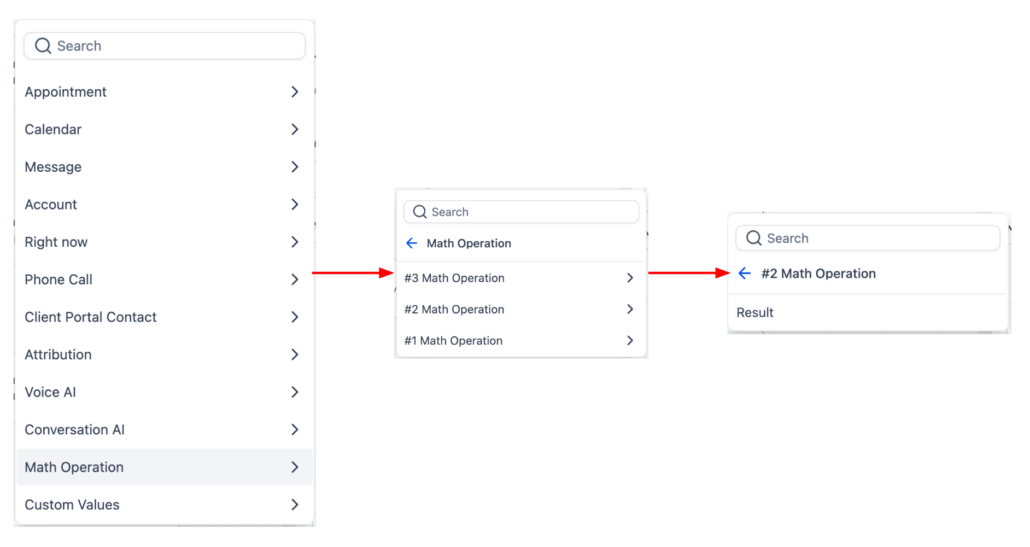
When a Math Operation is executed, its result is stored as that action’s output custom variable. In later steps, you can select this output from the custom value picker to use in other actions, including another Math Operation. If you wish to update a field, the same result will be written to that specific record field.
- Add a Math Operation step and configure your calculation.
- Leave the ‘Update field’ empty to use the result as output only, or select a field to save it to the record as well.
- In the next action, choose the Math Operation output from the custom value picker.
Previously, users often had to save a Math Operation result into a custom field or custom value to use it later in the workflow. This enhancement eliminates that extra step, providing a consistent output to reference in subsequent actions.
- A fitness workflow calculates a member’s total completed sessions from a form value and then uses that output in a later step to determine which follow-up message to send.
- The Math Operation output can now be reused in later workflow actions, with one Math Operation able to reference the output of a previous one.
- If the selected field type for a referenced Math Operation changes, any dependent Math Operation will be skipped until you review and update its configuration.
- For older legacy Math Operation actions, users may see the output of the last executed legacy Math Operation until that action is opened and saved again.
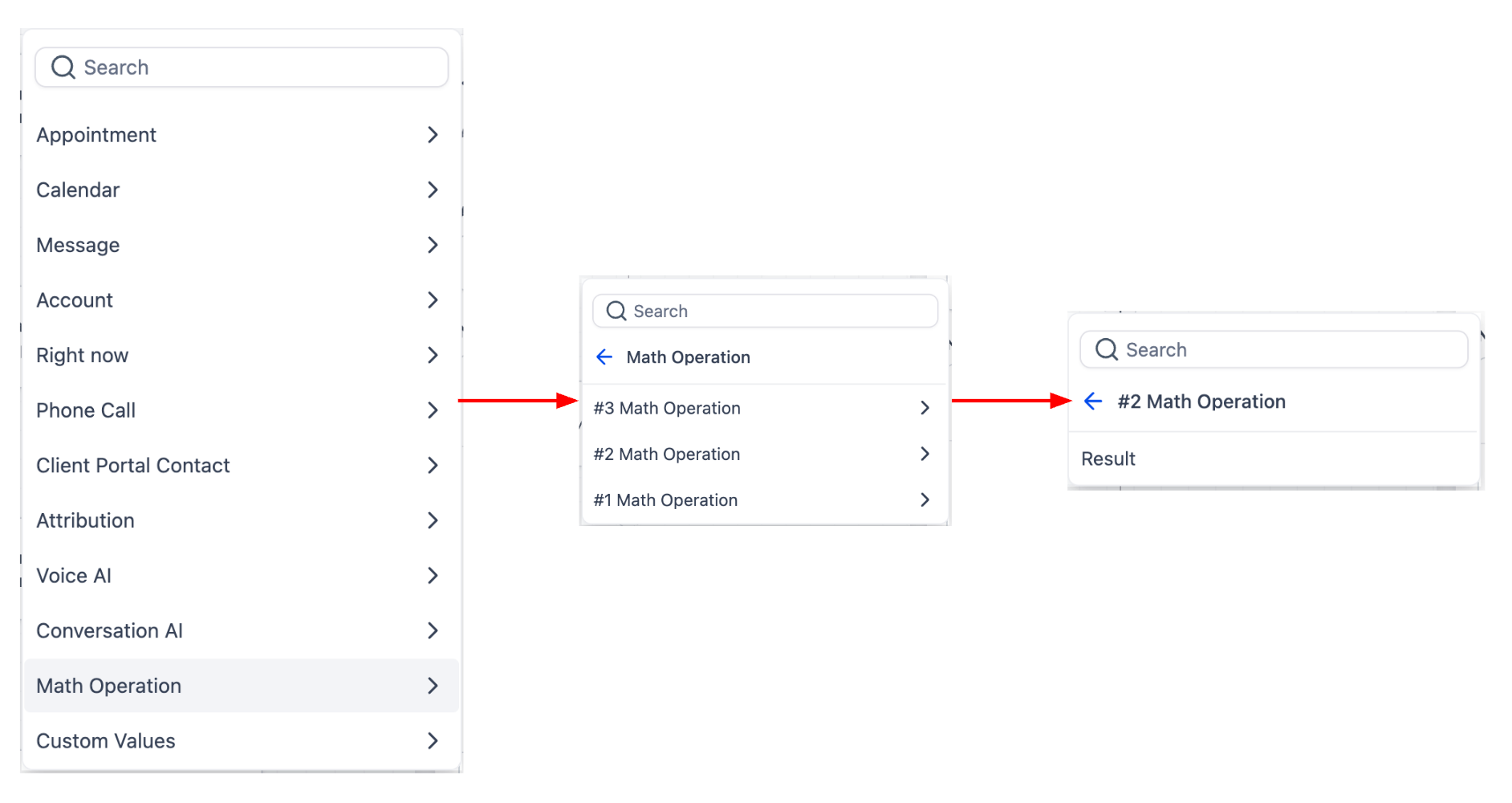
Math Operation in the Custom Value Picker
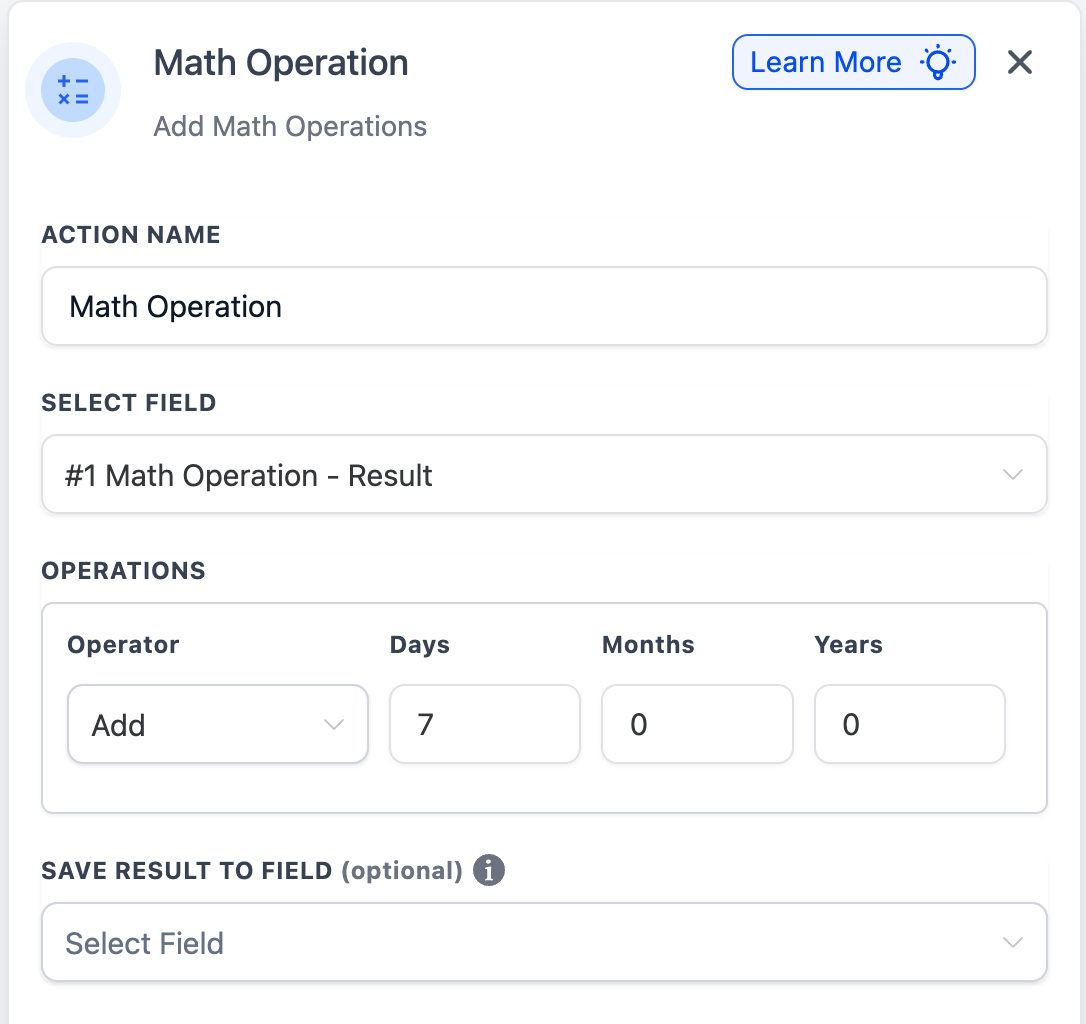
Ability to Reference Existing Math Operation Results for Further Calculations