Internal Notifications: Contactless Triggers Support
Internal Notification (in-app, email, SMS) now operates even when there are no contacts enrolled in the workflow. This feature includes workflows initiated by webhooks, Marketplace triggers, and other event-based automations, allowing your team to be alerted about operational events that do not involve a contact record. We have also enhanced recipient logic for email/SMS to address situations where the “Assigned User” is not available.
-
In-app Internal Notification:
- Triggers can operate with or without a contact and are compatible with webhook, Marketplace, or event-based triggers.
-
Email (To field):
- All Users: Sends to all team members’ email addresses.
- Specific Users: Sends to selected users.
- Assigned User: If a contact exists and has an assigned user → send; if no contact or no assigned user → skip this step.
-
SMS (To phone):
- All Users: Populates with users’ phone numbers.
- Specific Users: Sends to selected users.
- Assigned User: If a contact exists with a valid assigned user phone → send; otherwise → skip this step.
- Create (or open) a workflow with a webhook or Marketplace trigger (e.g., task created on ClickUp).
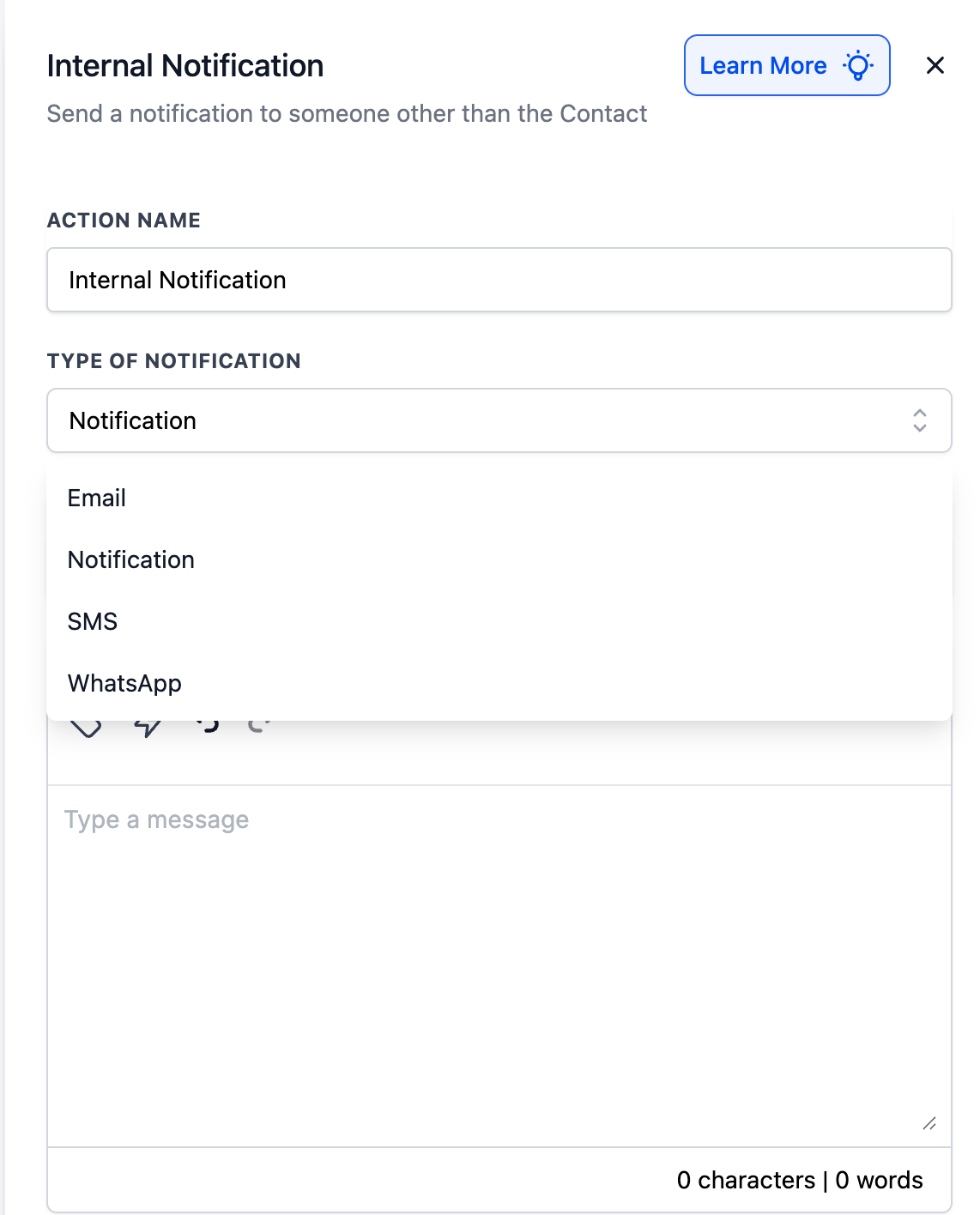
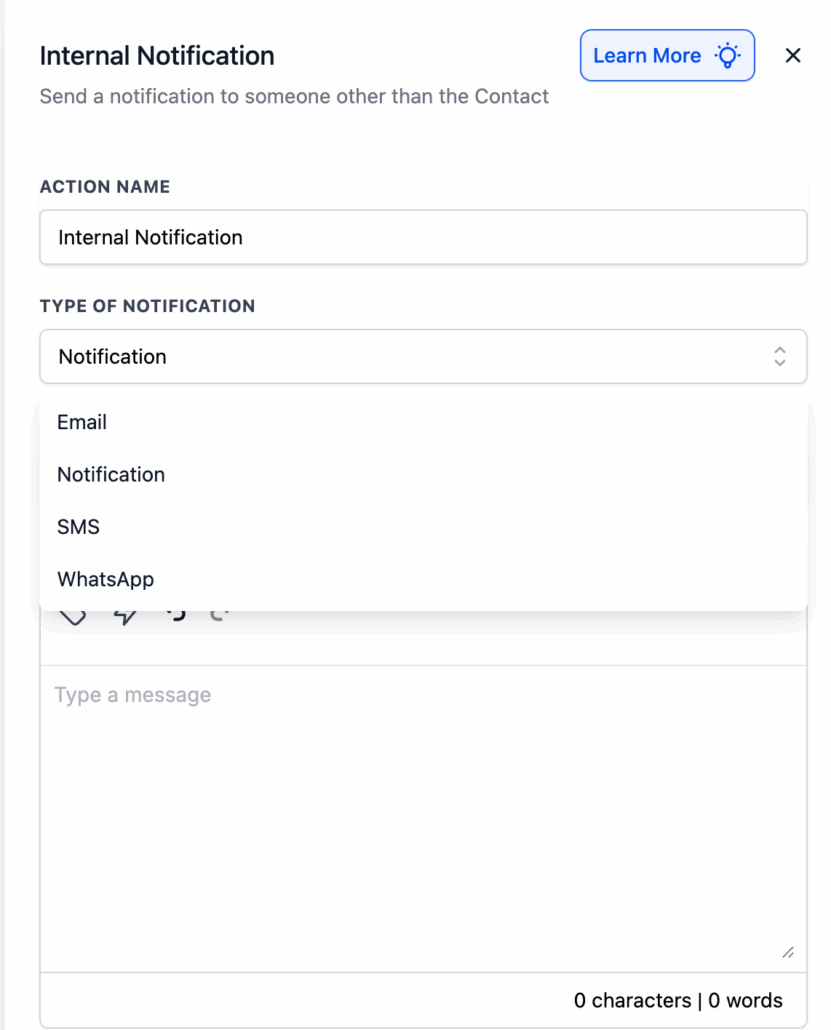
- Add an Internal Notification and select In-App, Email, or SMS.
- Select recipients (All Users, Specific Users, or Assigned User) and save/publish.
- You can combine this with other workflow actions (e.g., Assign to User, task creation, webhooks) to fully automate handoffs.
Teams are increasingly automating back-office events (from marketplace apps, webhooks, and form tools) where no contact is present. In the past, many users created “dummy” contacts or incorporated extra steps just to notify their team, which was an awkward workaround. This update allows you to alert the right individuals instantly without needing to create a contact, maintaining notifications within the workflows you already use.
- Your form submission trigger can create a ClickUp task. When the external system confirms “task created,” your workflow will send an Internal Notification to the fulfilment team:
- If you select In-App or Specific Users (email/SMS), the alert will be sent even if no contact entered the workflow.