
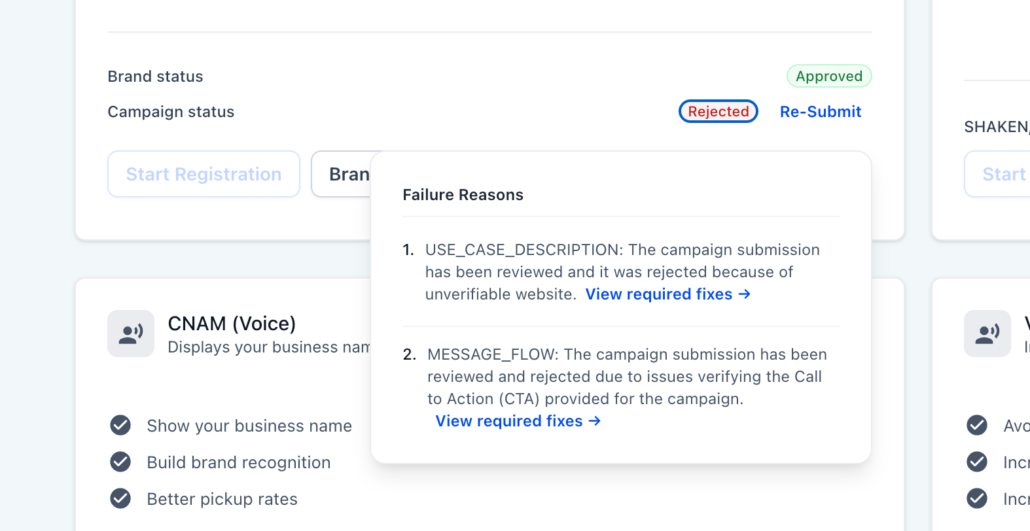
Improved A2P Campaign Rejection Feedback
We’ve simplified the process of understanding why an A2P campaign was rejected and what actions the user needs to take to address the issue.
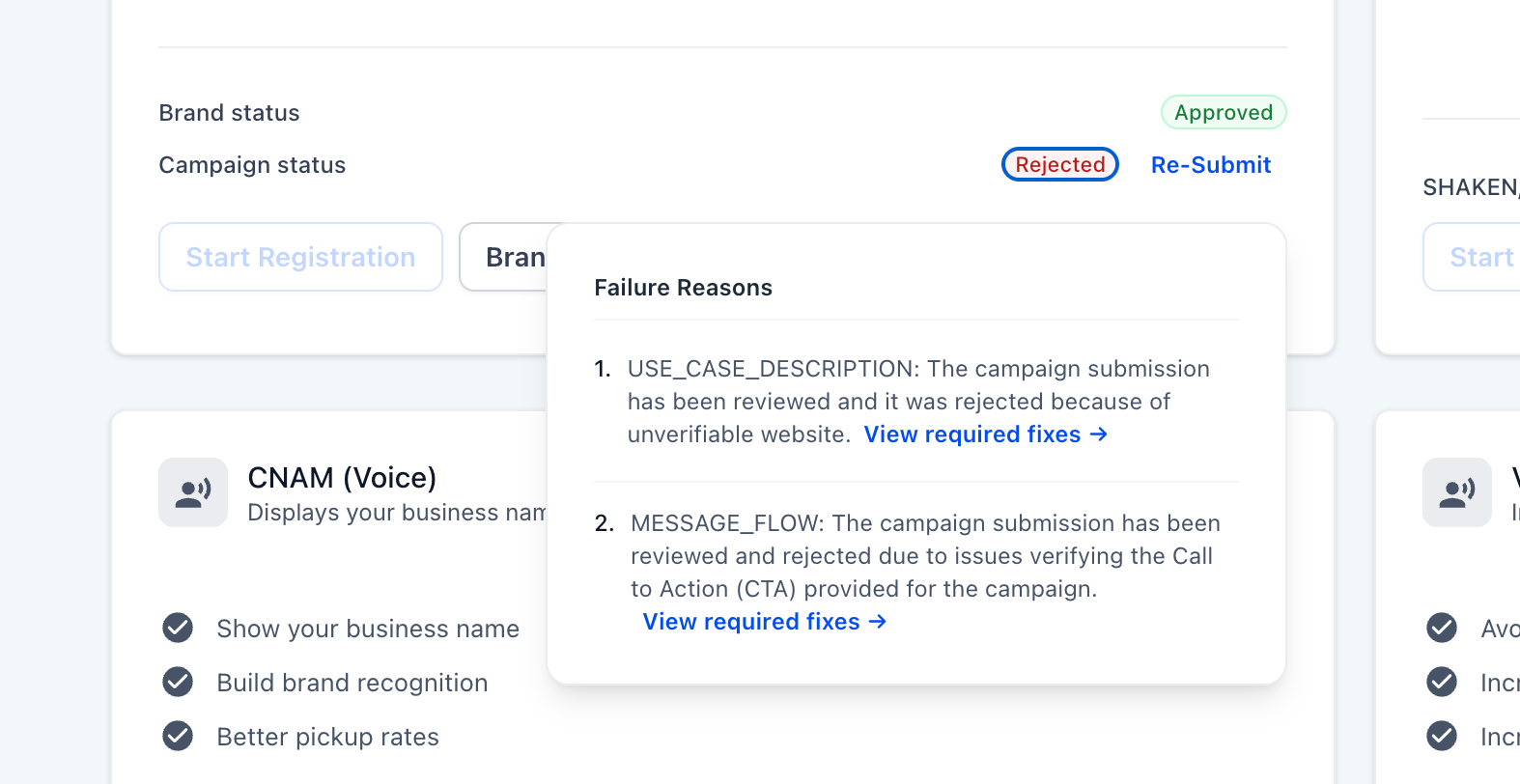
When a campaign submission is rejected, users will now see a “View required fixes →” link next to each reason for the rejection.
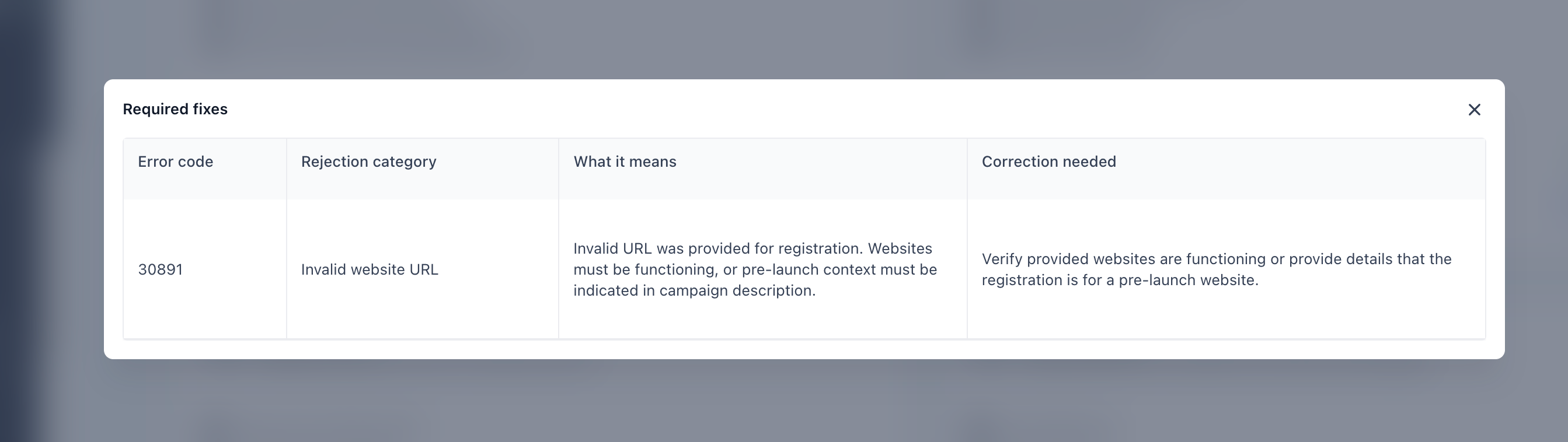
Clicking this link opens a detailed modal that breaks the issue down into four clear sections:
- Error code – the specific code returned by the carriers.
- Rejection category – a human-readable label for the type of violation (e.g., Invalid website URL).
- What it means – a concise explanation of why the submission failed.
- Correction needed – the exact action required before resubmitting.
Previously, rejection reasons were displayed as brief descriptions with no additional context, leaving users unclear about the specific cause of rejection and what steps to take next.
This change provides precise feedback, enabling users to resolve issues more quickly with less reliance on customer support, allowing for a more confident resubmission.