Custom Category Content for Quiz Results
Enhanced Personalisation of Quiz Results — You can now customise content for each specific category in personality-style quizzes.
This update offers greater control over how quiz results are displayed, enabling you to create more tailored result pages while simplifying the setup experience.
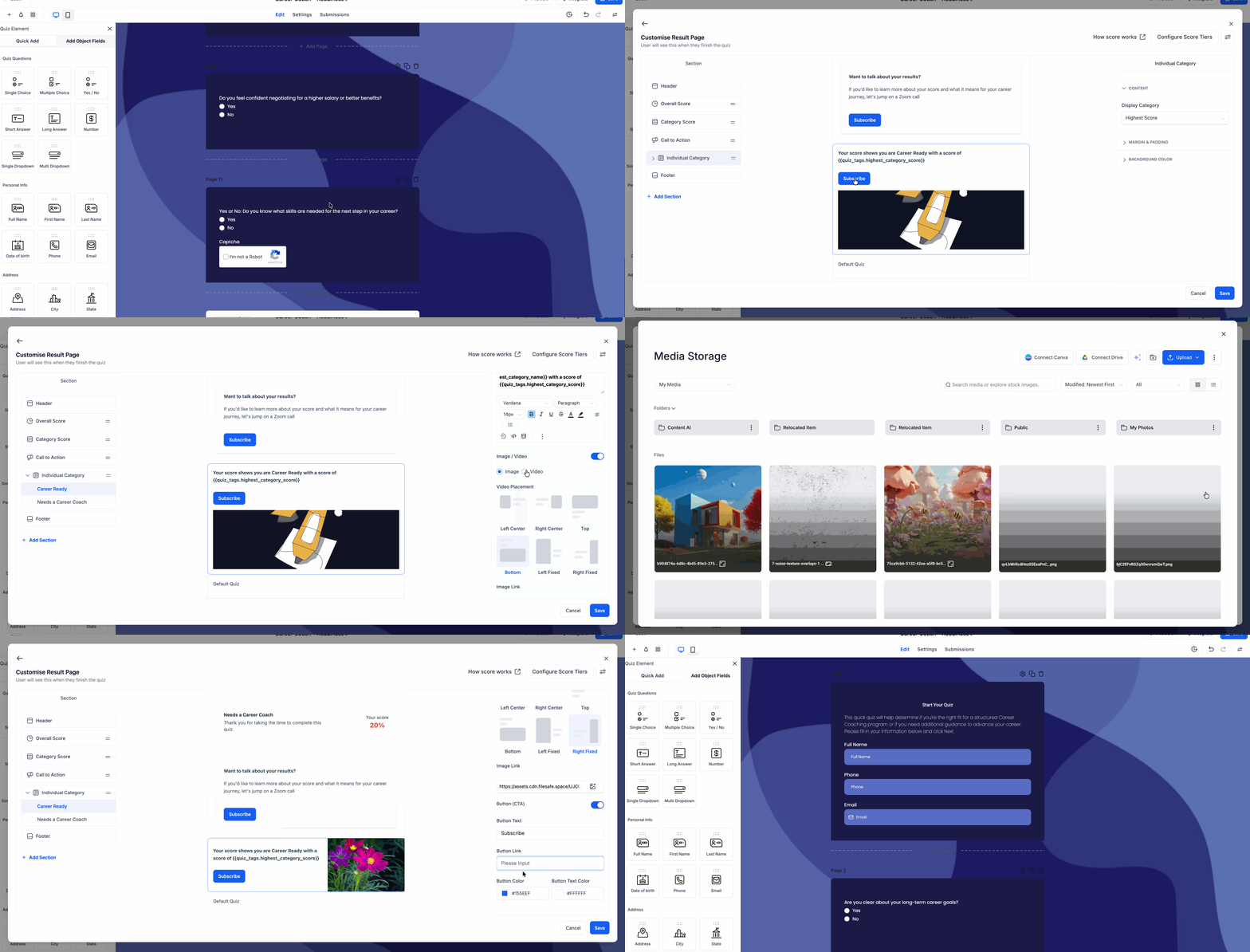
- You can personalise the result content for each individual category, including text, images or videos, CTA text, and links.
- This feature applies to both the highest-scoring and lowest-scoring category results.
- The first category can serve as a default template for others, which helps to minimise setup time.
- The preview experience has been enhanced, making category-related content more intuitive to understand during editing.
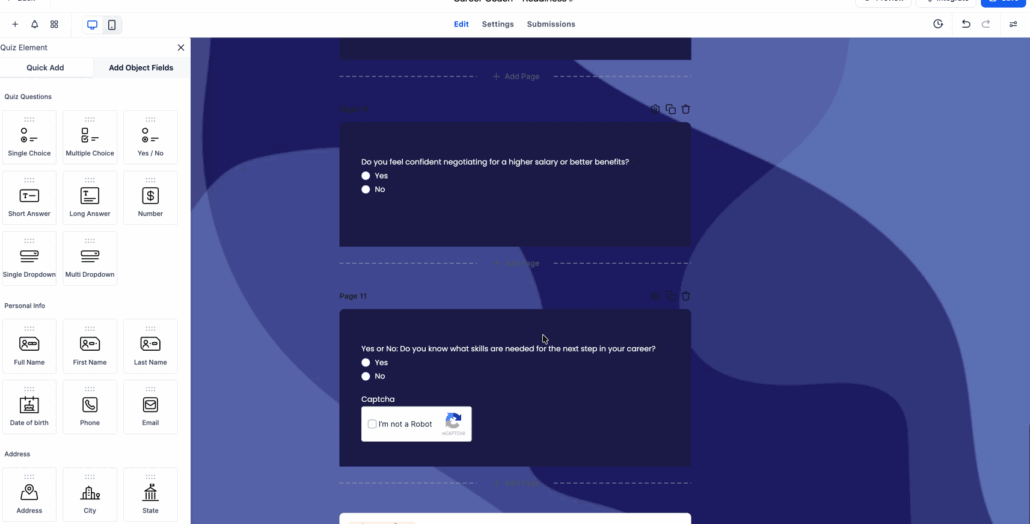
- Open the Quiz Builder.
- Navigate to the Customise Result Page. In the left panel, click + Add Section.
- In the section picker, select Individual Category. This will add an Individual Category section to the results page.
- Click the newly added Individual Category section in the left panel to expand it.
- Under that section, choose the category you wish to edit, such as Career Ready or Needs a Career Coach.
- In the right panel, use Display Category to determine whether the content should pertain to the Highest Score or Lowest Score.
- Customise the content for that category, including text, images, videos, CTA text, and links.
- Makes personality quiz results feel more personalised.
- Reduces repetitive setup by using default content as a starting point.