Conversation AI – Enable Triggers / Instructions in Knowledge Base
We are introducing triggers and instructions to enhance how Conversation AI interacts with the Knowledge Base (KB).
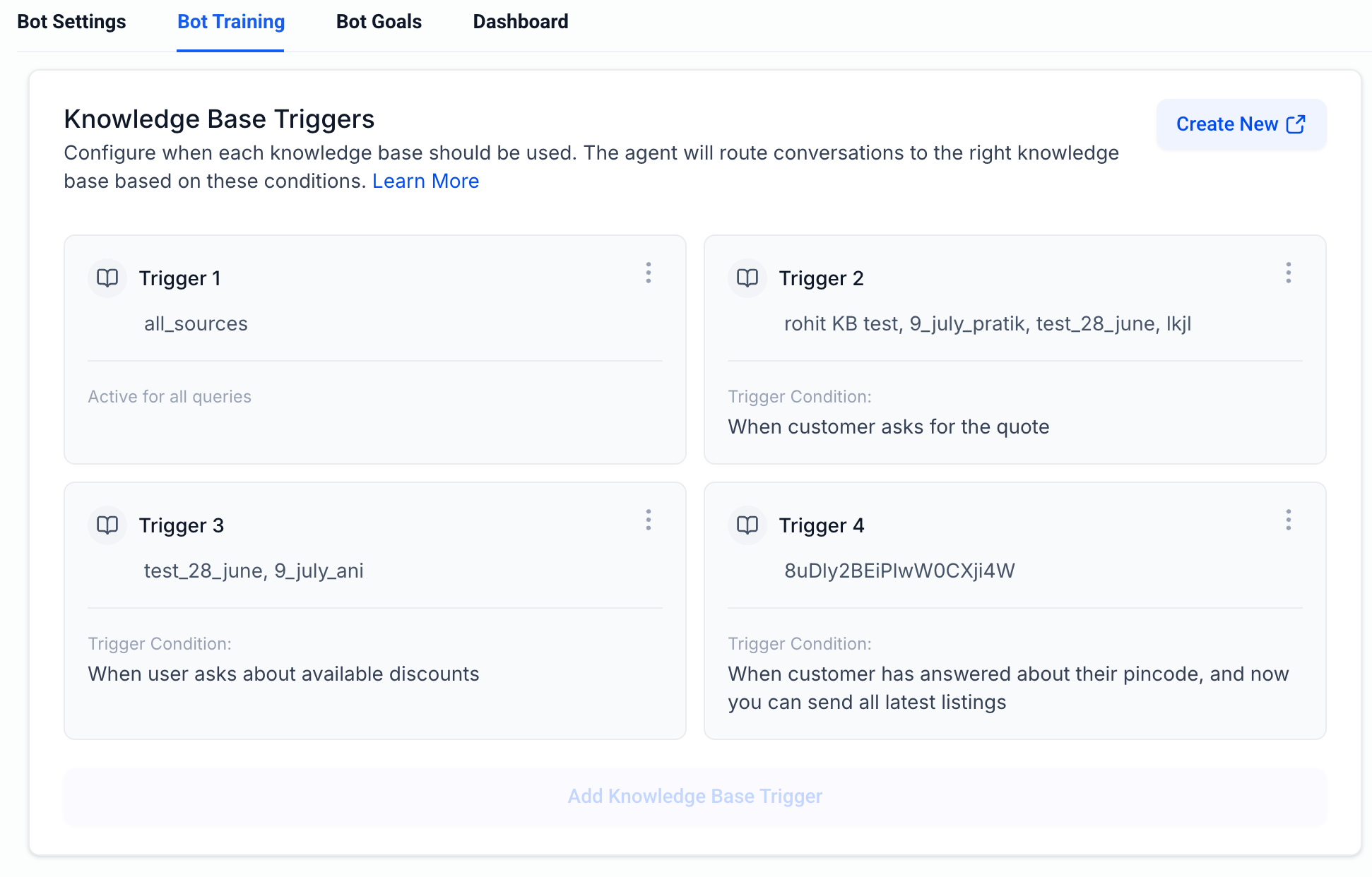
With this update, users can define explicit triggers or instructions for when the AI should utilise the Knowledge Base, providing greater control over response accuracy and reducing instances where the AI may overlook KB or relevant information.
By default, nothing changes for the existing setup. The current behaviour, where the AI agent determines when to use the KB, remains unchanged unless triggers are configured.
Additionally, we’ve expanded how Knowledge Bases can be configured:
1. Default Behaviour (No Change)
- If no trigger conditions are defined, the AI will continue to:
- Autonomously decide when to query the Knowledge Base.
- Follow the existing behaviour.
2. Define Trigger Conditions (New – Optional)
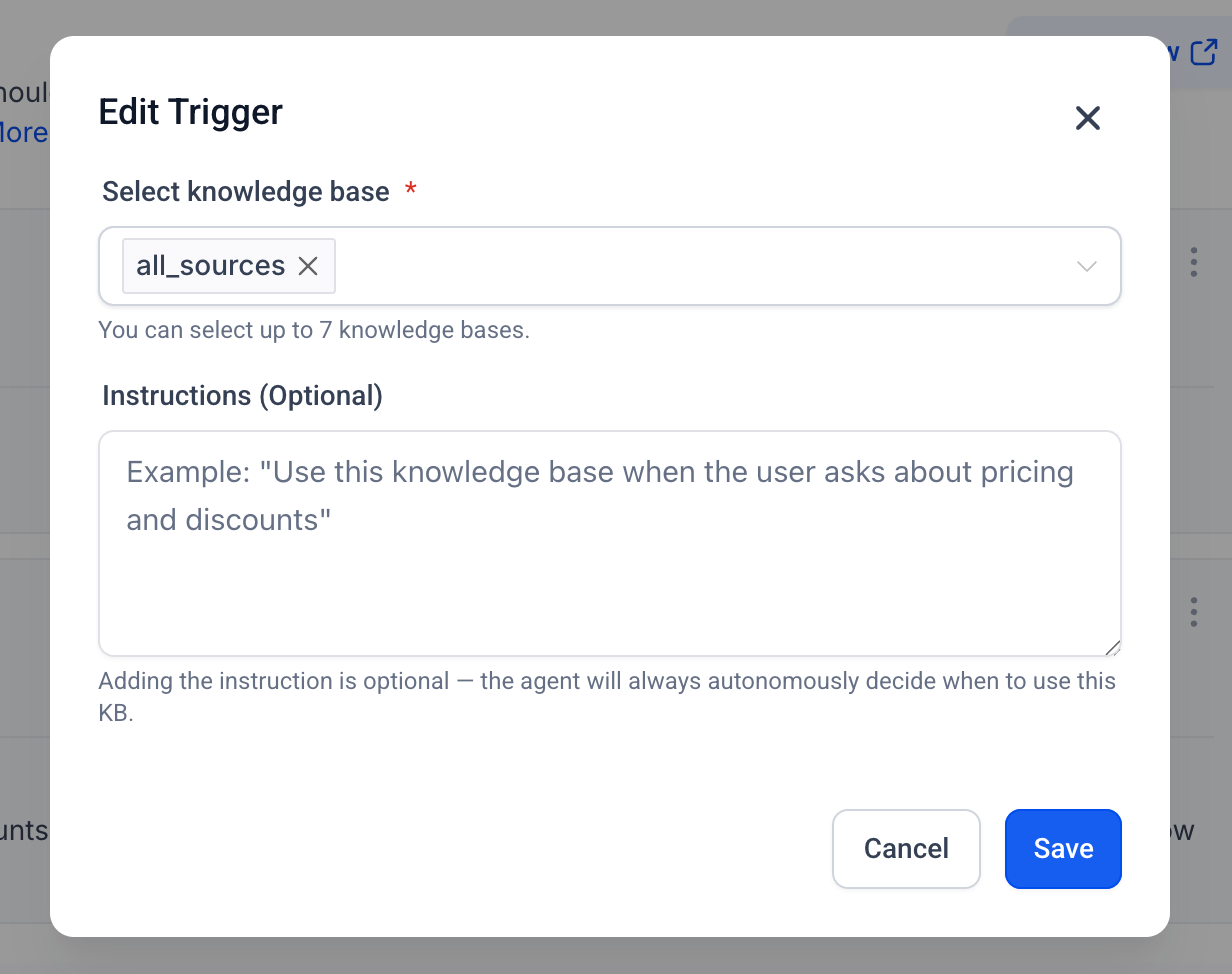
- Users can configure specific conditions or instructions within the Knowledge Base.
- These serve as signals for the AI to explicitly invoke the KB when certain scenarios are met.
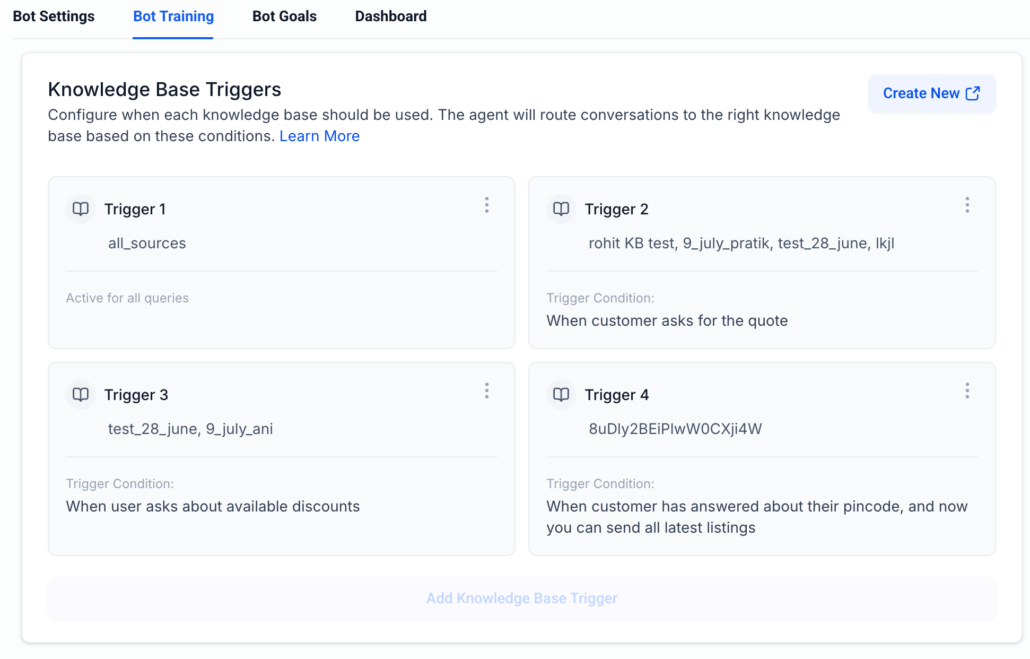
- Users can set up to 4 triggers within the Knowledge Base.
- Each trigger can include up to 7 Knowledge Bases.
- These triggers act as signals for the AI to explicitly invoke the KB when certain scenarios are met.
- When a trigger condition is present:
- The system evaluates the condition during execution.
- If matched, the AI prioritises retrieving information from the Knowledge Base.
3. Dynamic Decision-Making
- The AI can still:
- Independently decide to use the KB when needed.
- Combine autonomous reasoning with user-defined control.
- This reduces instances where the AI overlooks relevant KB information.
- It enhances response accuracy and reliability.
- It provides users with more deterministic control, especially for critical workflows.
- It aligns Conversation AI with tool-based architecture patterns (similar to Voice AI).