
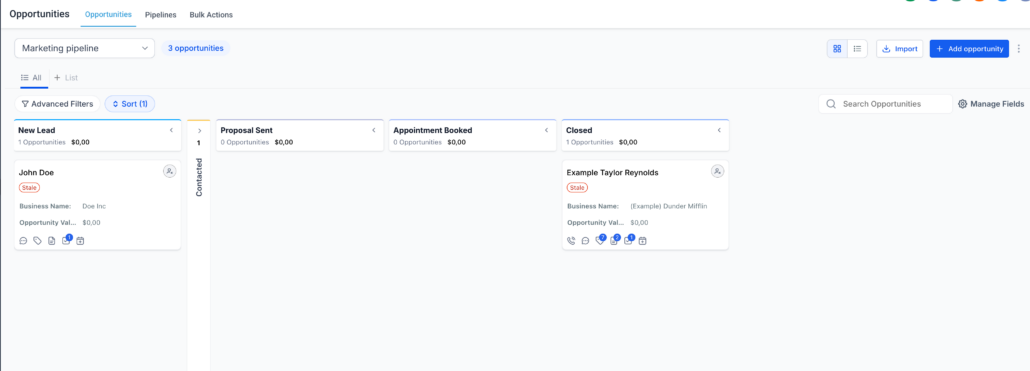
Collapse & Resize Pipeline Stages in Kanban View
Collapse & Resize Pipeline Stages in Kanban View
Managing pipelines has become significantly easier.
You can now collapse, expand, and resize stages in the Opportunities Kanban view, allowing you to focus solely on what matters most.
- Collapse and expand stages in Kanban view
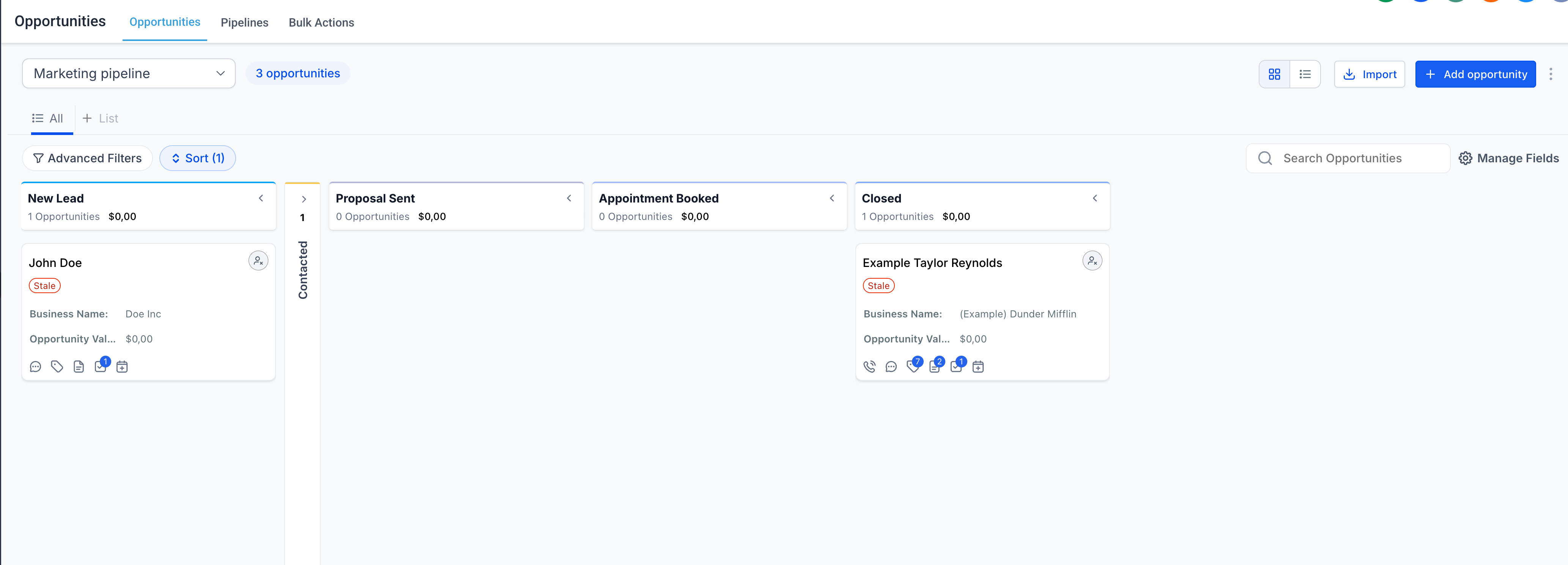
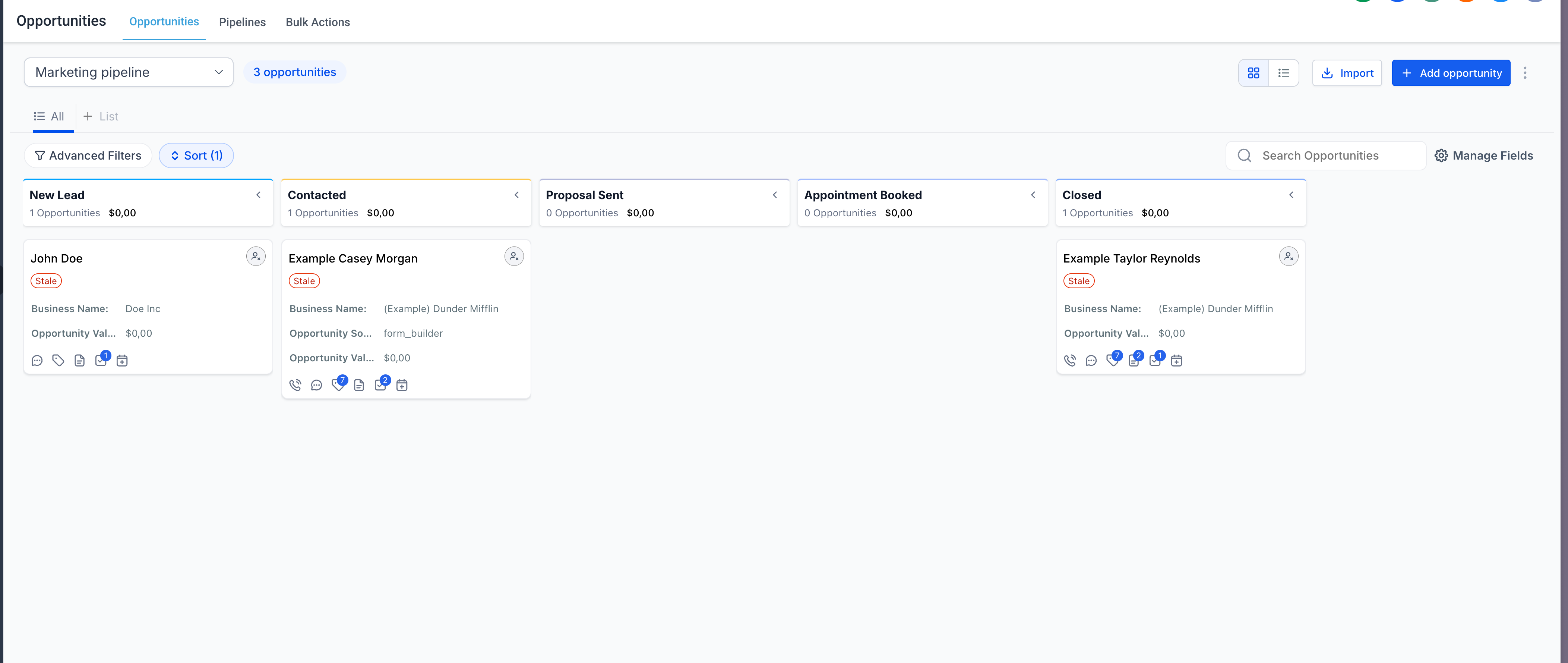
- Resize columns to prioritise important stages
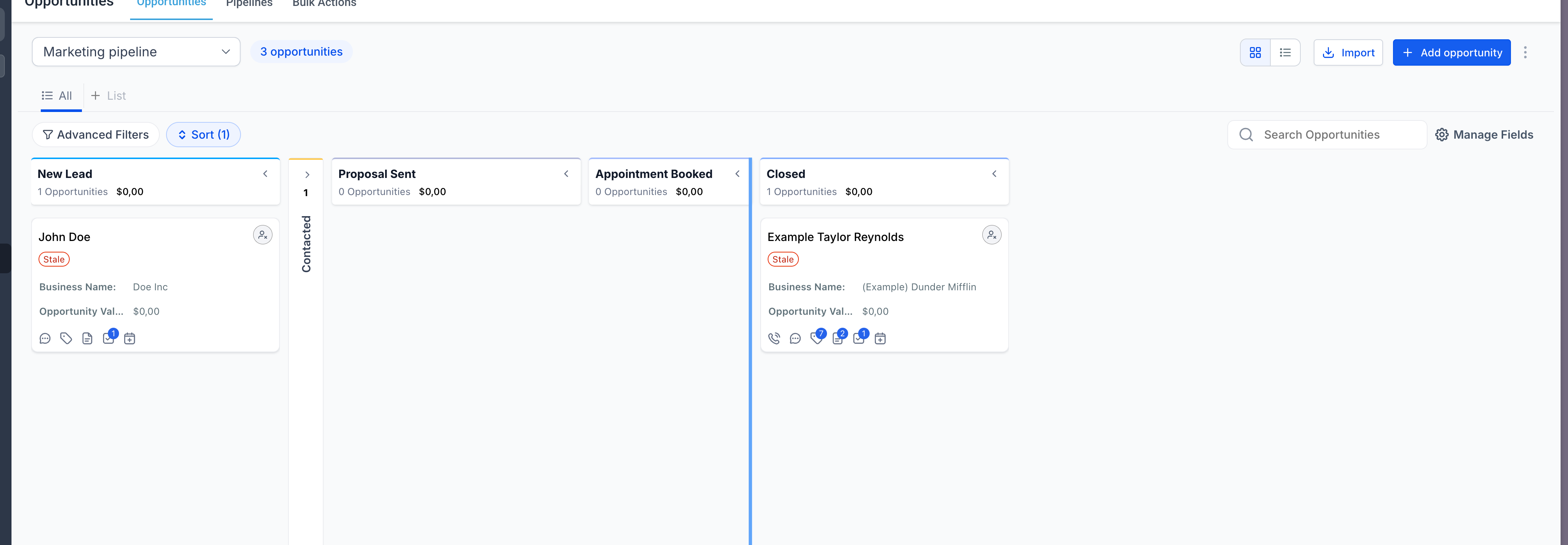
- Layout preferences are saved automatically (per user)
- Clean up clutter in large pipelines
- Focus on high-priority deals
- Customise your workspace without affecting your team
- Better visibility with less scrolling
- Layout preferences are stored locally (browser-based). We will soon bring this to smart views, enabling permanent changes.
- Changes are user-specific and do not impact other users.