
Apify actions and triggers in workflows
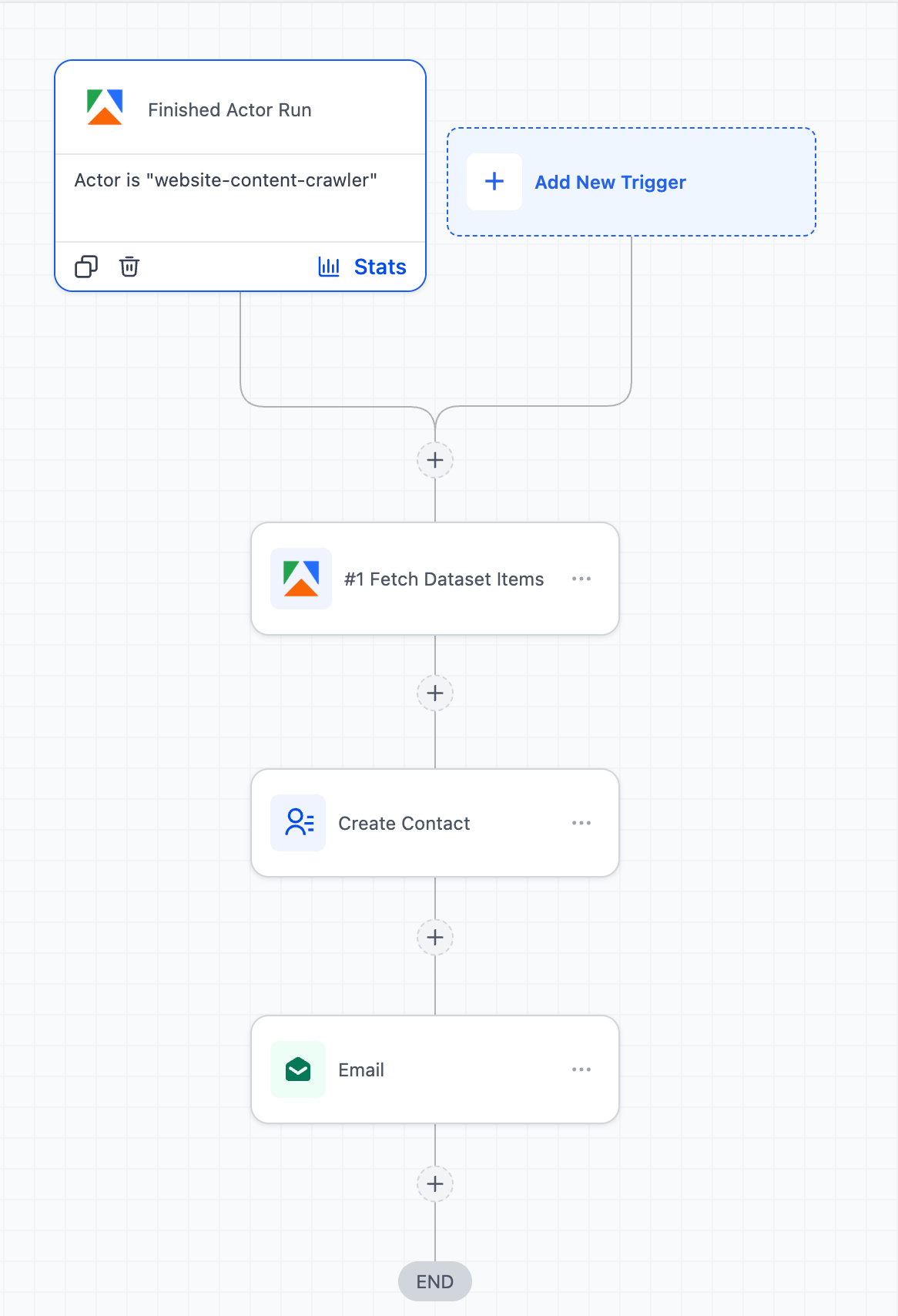
We’ve added Apify actions and triggers to Workflows. Users can now run scraping jobs, execute Apify actors, and process external data directly within workflows—eliminating the need for webhooks or third-party applications to connect with Apify.
Key Enhancements
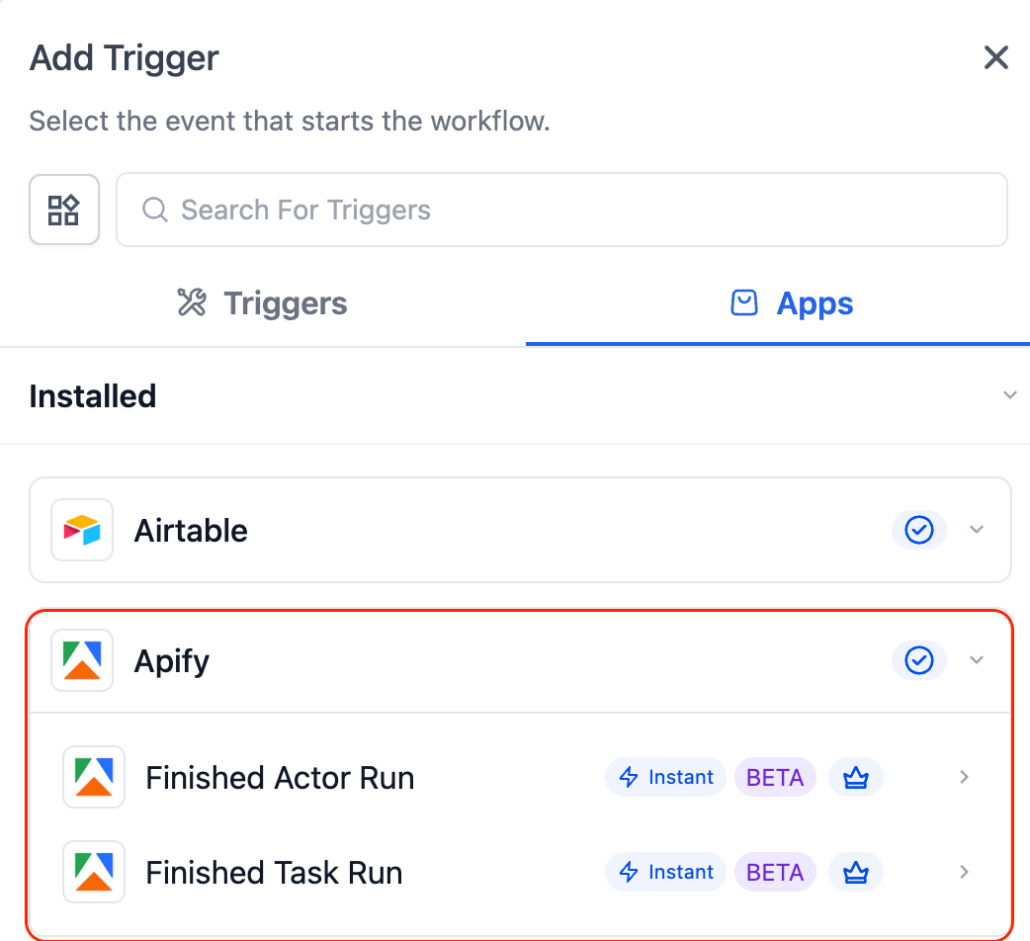
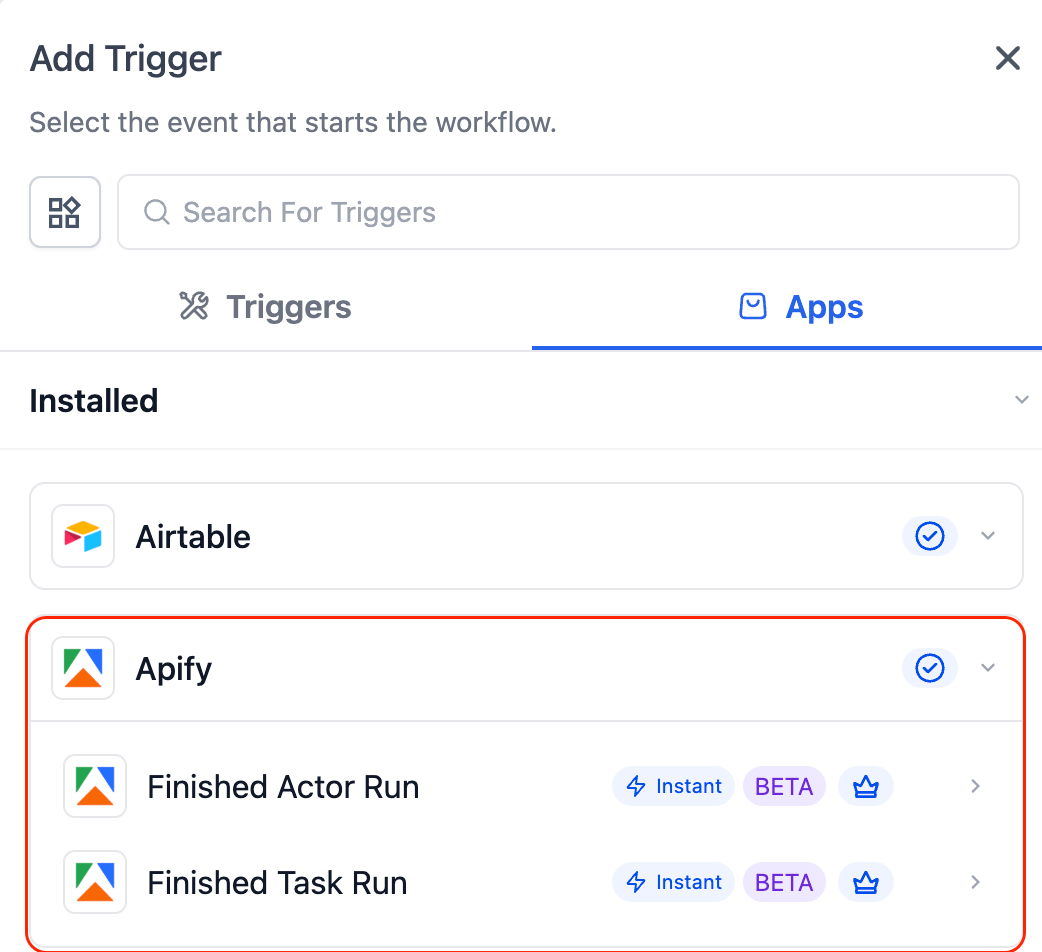
Triggers (Apify → Clixio):
Finished Actor Run: Triggered when an Apify actor completes execution.
Finished Task Run: Triggered when an Apify task finishes execution.
Actions (Clixio → Apify):
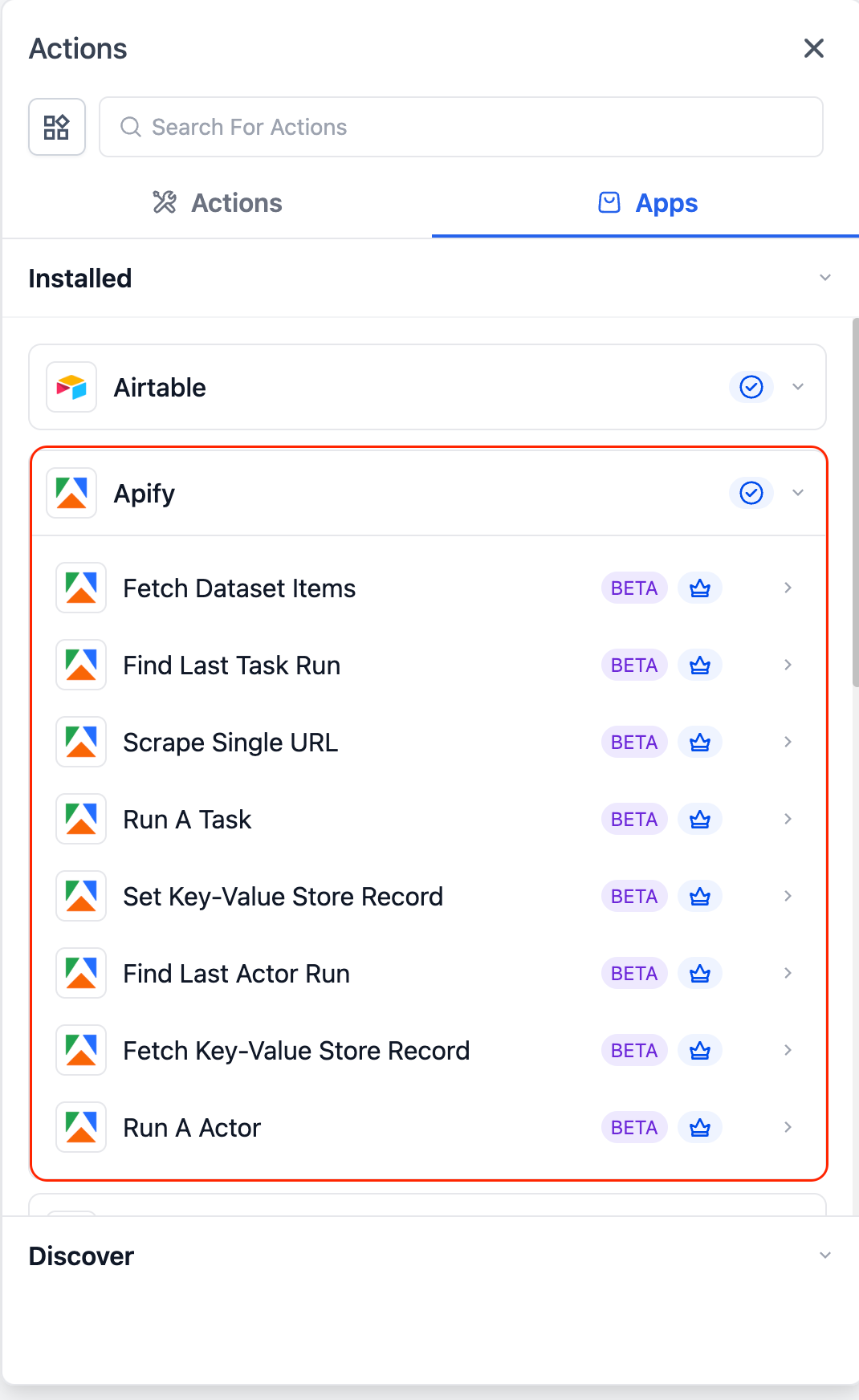
Run A Task: Execute predefined Apify tasks.
Run An Actor: Execute actors with custom inputs.
Scrape Single URL: Extract structured data from any webpage.
Fetch Dataset Items: Retrieve scraped/output data.
Find Last Task Run / Actor Run: Obtain details of the most recent execution.
- Automatically scrape local businesses from Google Maps via Apify and enrol them into Clixio outreach campaigns.
- Monitor competitor changes with Apify and trigger instant alerts and tasks in Clixio for rapid action.
- Data Enrichment: Automatically scrape a lead’s website and enrich contact fields with business details for improved segmentation and personalisation.
How to Connect
- In Workflows, search for Apify actions or triggers.
- If your Apify account is already connected, setup fields will appear immediately.
- If not, click Connect Now and authenticate using your API key.
- Alternatively, you can connect via Settings → Integrations → Apify.
Frequently Asked Questions
Q: How do I handle large datasets?
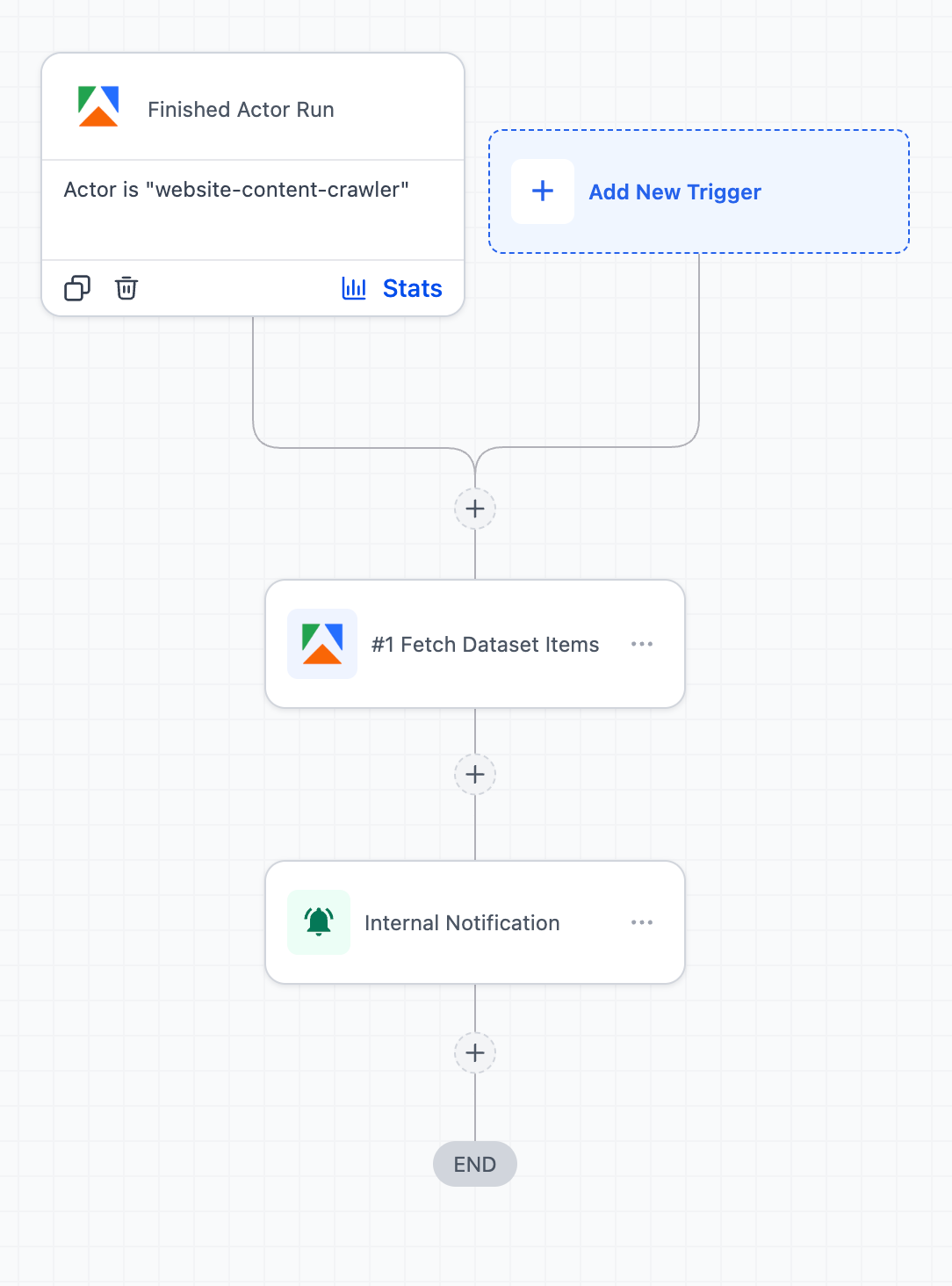
It is advisable to use a wait step after any actor, followed by Fetch Dataset Items to process the data with array actions.
Q: Are there any charges for using Apify actions and triggers?
Yes, usage is based on Apify pricing (compute and storage) and premium workflow use, where applicable.