
AI Pages — Customization & Content Enhancements
We’re making it even easier for you to create the page you envision. This update introduces real-time colour previews, specific image regeneration, and additional section variants for the AI-powered WordPress Page Builder — giving you enhanced creative control without compromising speed.
You can access AI Pages by navigating to:
WordPress > All Sites > Manage Website > Pages > AI Generated Pages
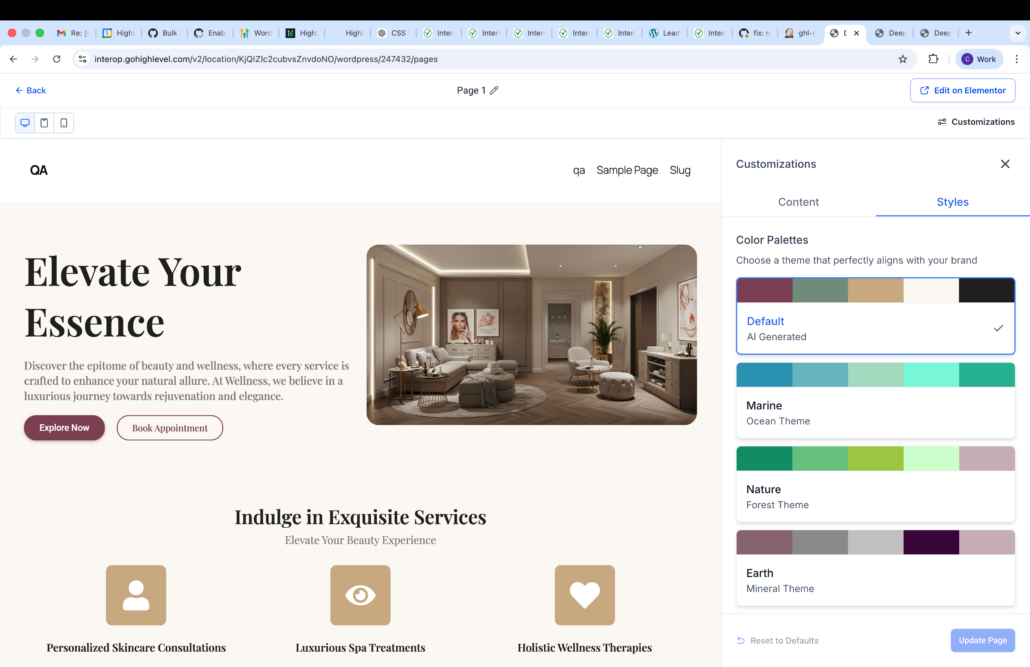
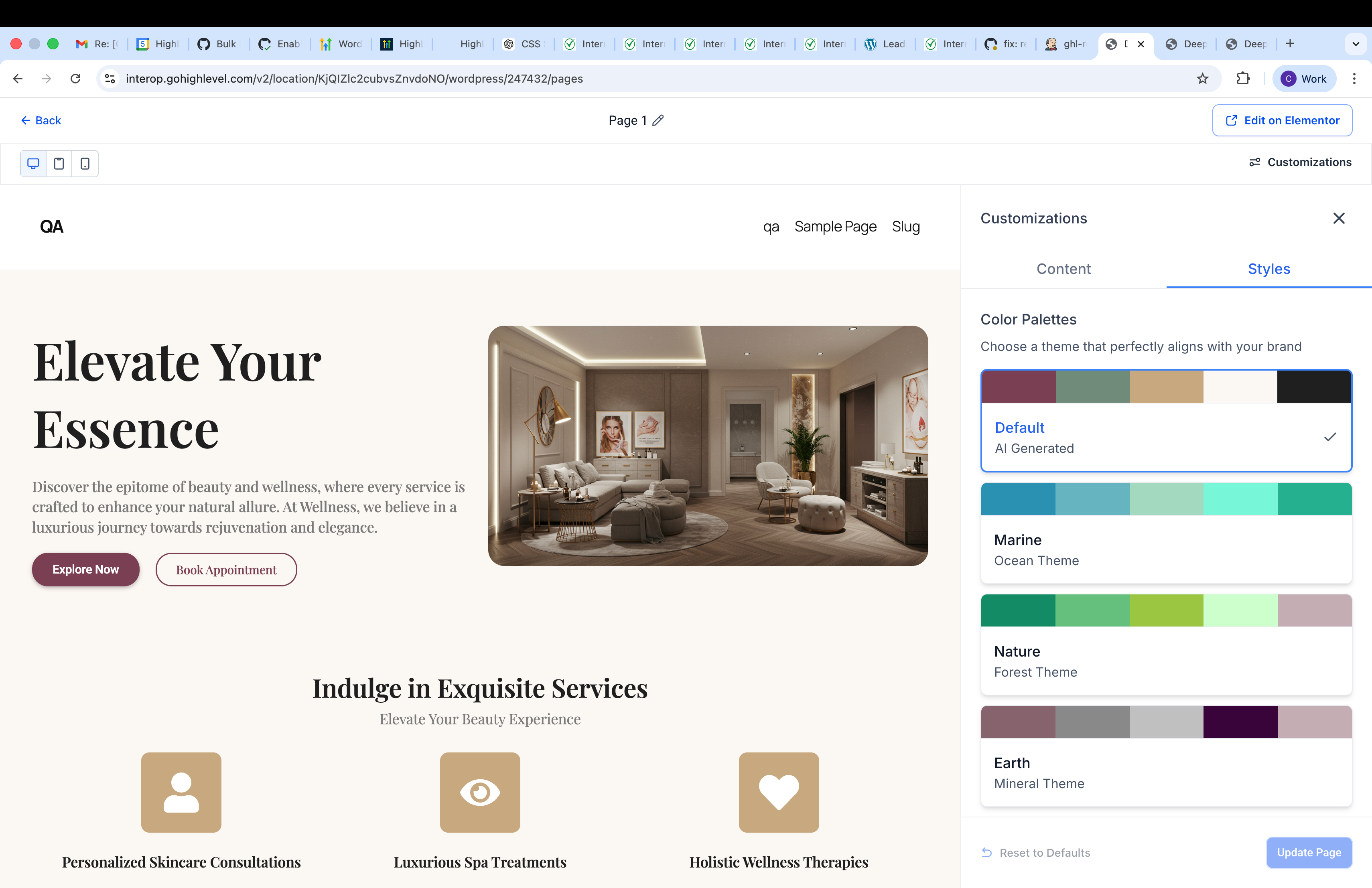
Live Preview for Colour Palette Customisation
Styles
panel, you’ll see these changes reflected instantly in a live preview — no more guessing or trial and error.
-
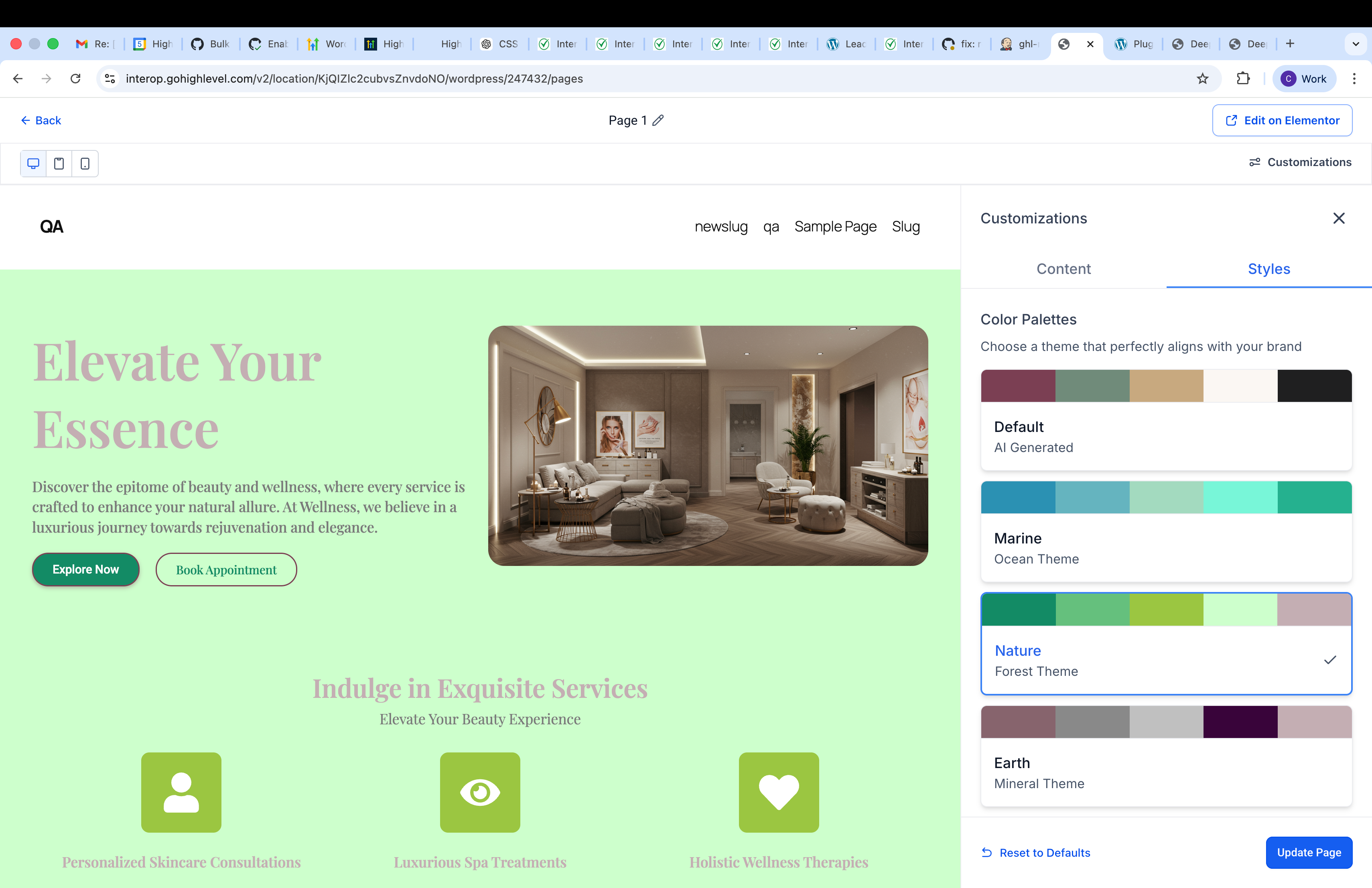
Real-time feedback: Browse palettes like Default, Marine, Nature, and Earth, and watch your entire page update live — headings, body text, buttons, backgrounds, and accents.
-
Zero-risk exploration: Changes are only applied when you click
Update Page
, allowing you to experiment freely.
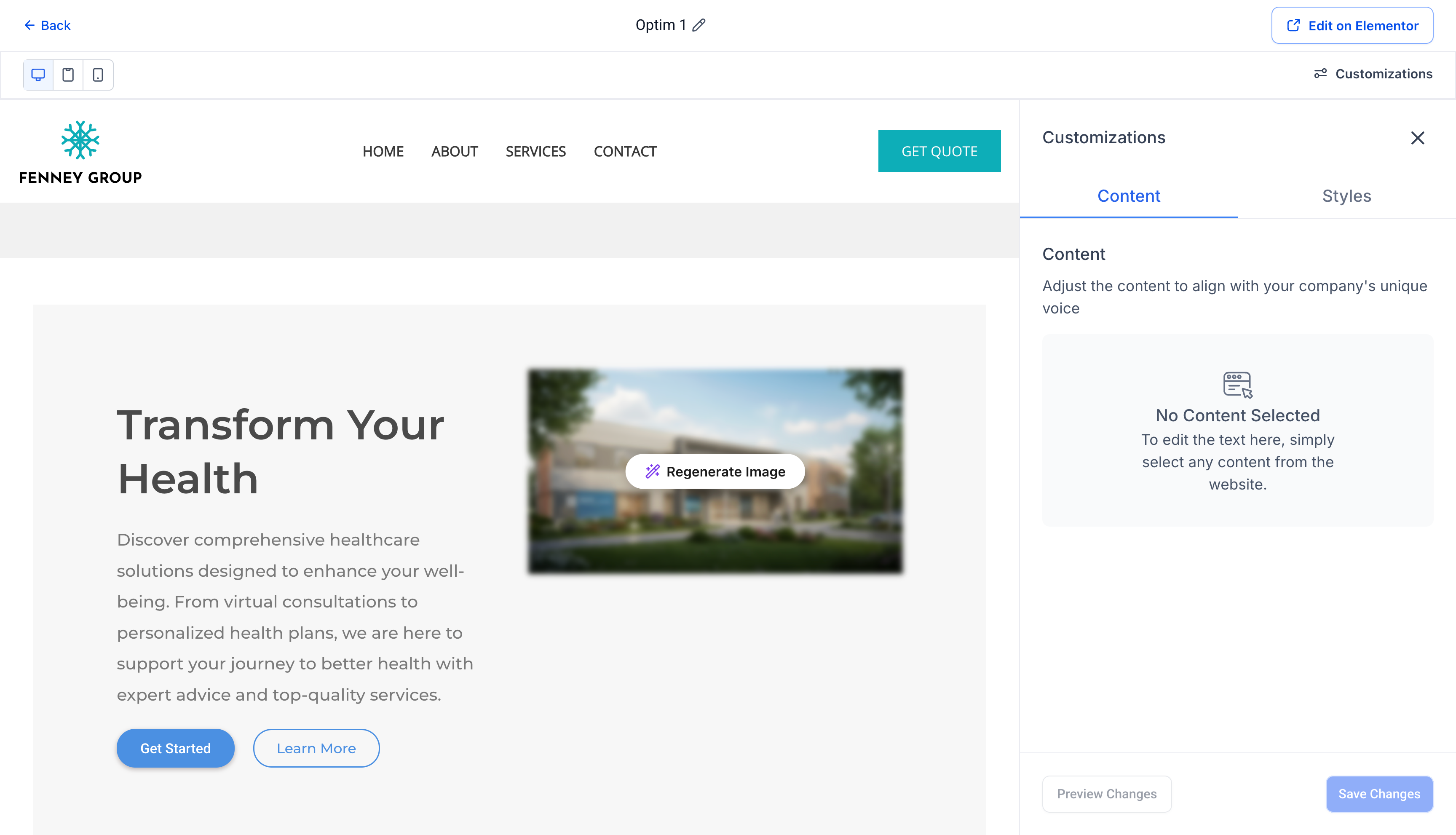
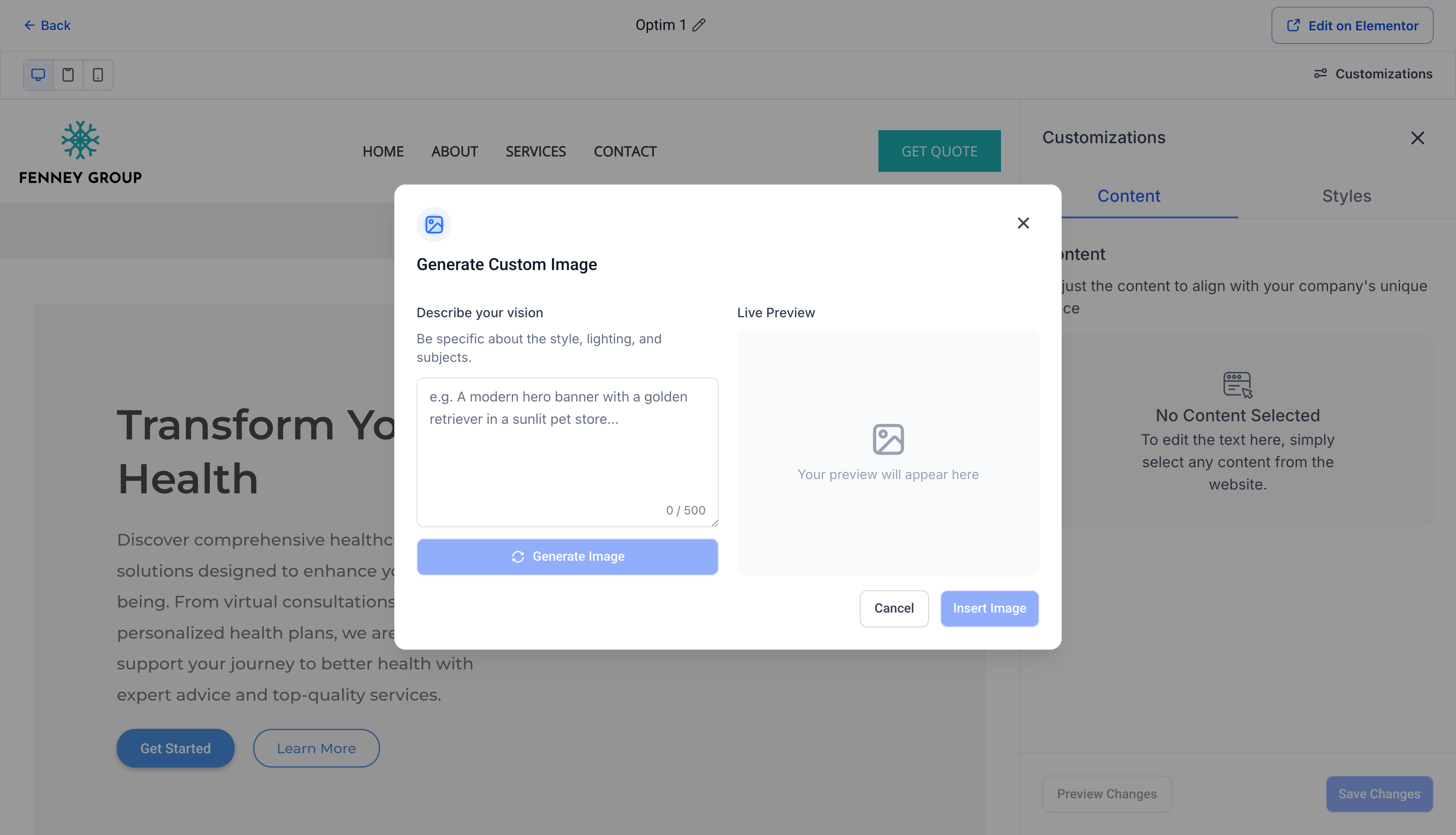
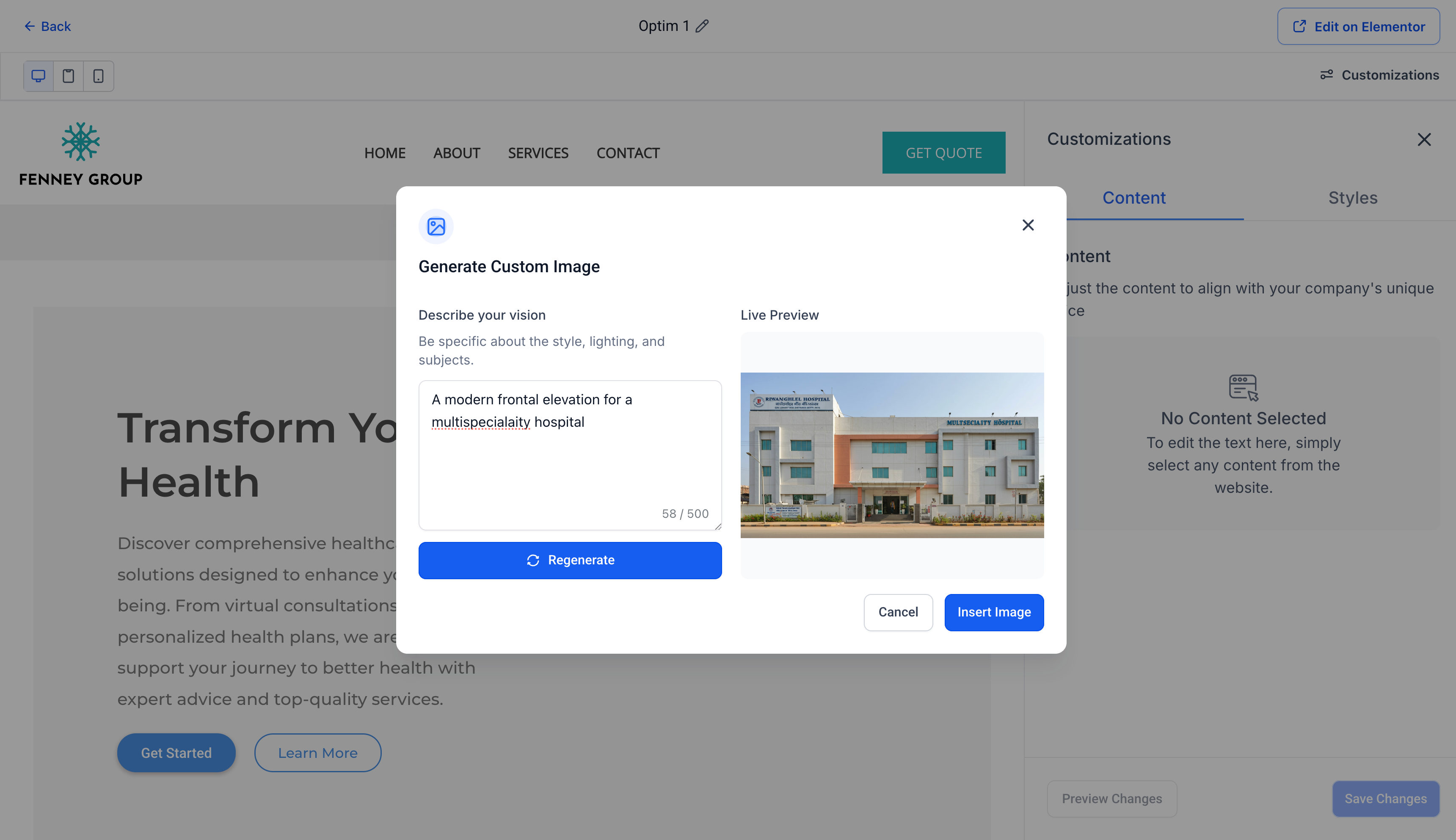
Regenerate Specific Images
You can now regenerate specific images within your page. This allows you to refine visuals based on your use case or requirements without impacting the rest of your content.
Expanded Variants for Page Sections
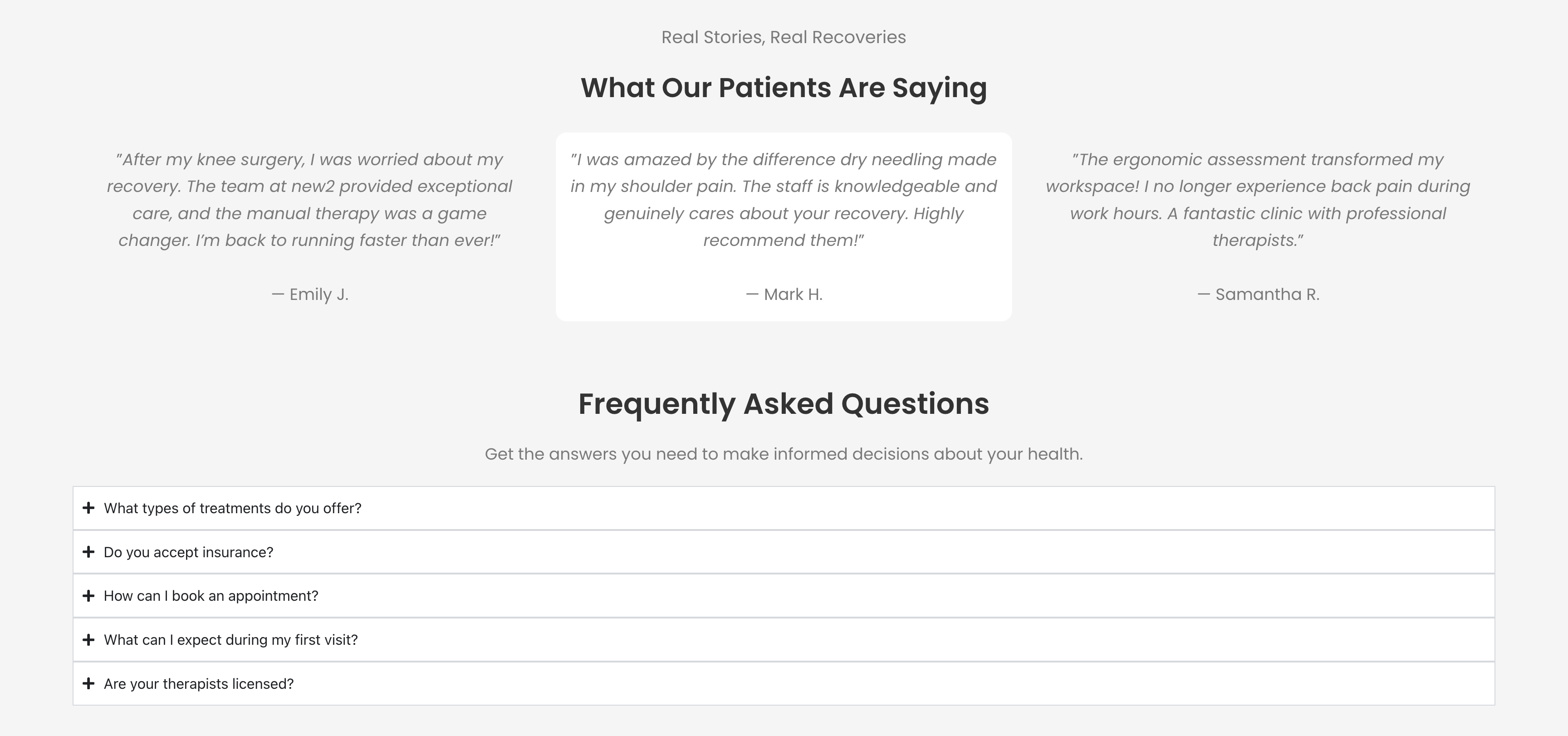
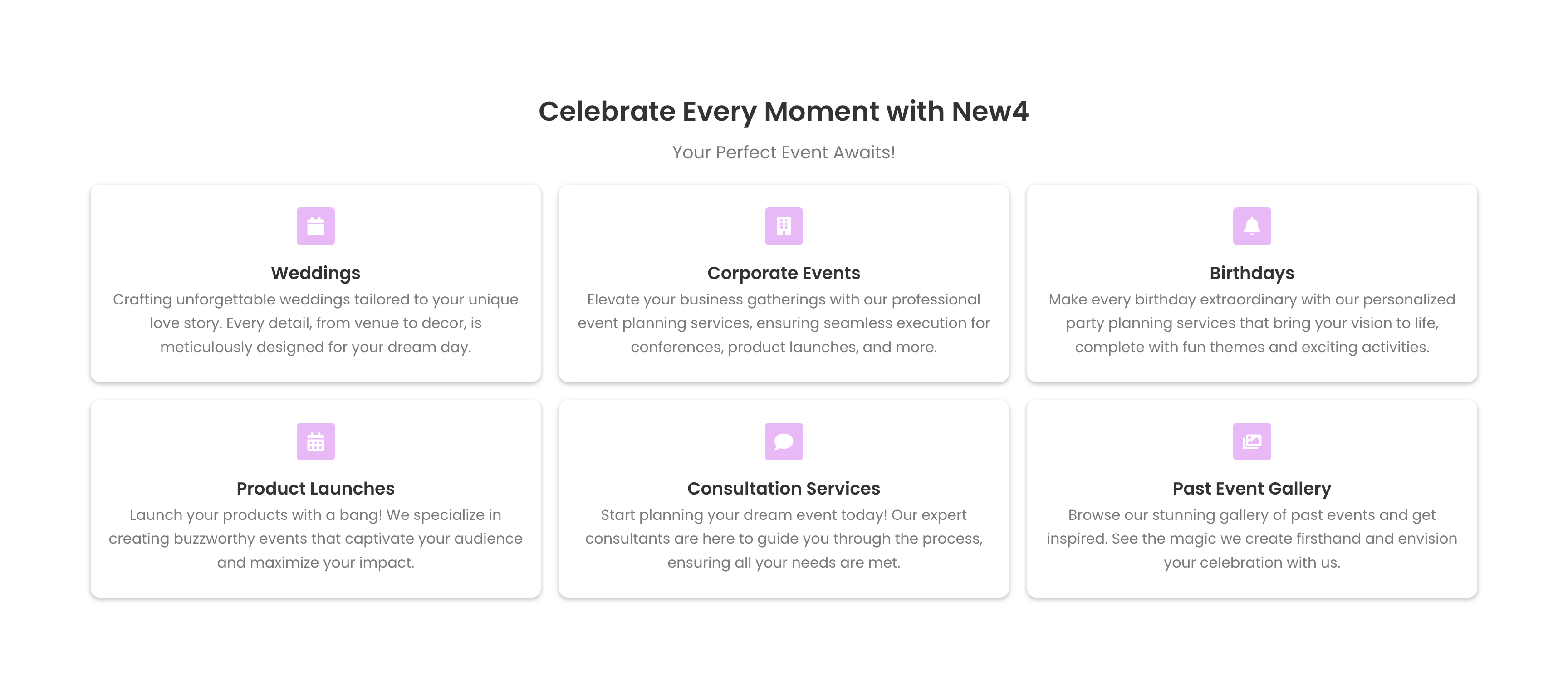
We have introduced a broader range of variants across various page sections — including new layouts and content styles for testimonials, services, FAQs, hero banners, and more. This means that AI-generated pages now draw from a richer set of templates, ensuring that the pages you receive are more diverse and better tailored to different industries and use cases.
-
More templates to generate from: The AI now utilises additional layout variants within each section type (e.g., card-based vs. quote-style testimonials, 3-column vs. 6-card service grids).
-
Better results out of the box: With more variants available, generated pages are more likely to align with your tone, audience, and business niche from the outset.

Design with confidence — preview instantly, regenerate what you need, and build with more layouts than ever.