
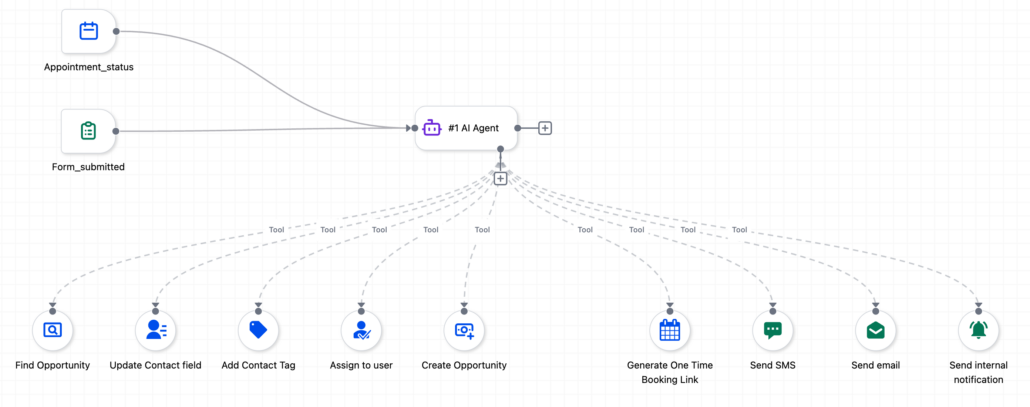
AI Agent Action: Update Custom Value Tool
The AI Agent action now supports Update Custom Value as a built-in tool. The agent can evaluate context during execution and write directly to custom values within a sub-account, eliminating the need for complex If/Else trees that previously required numerous branches and actions.
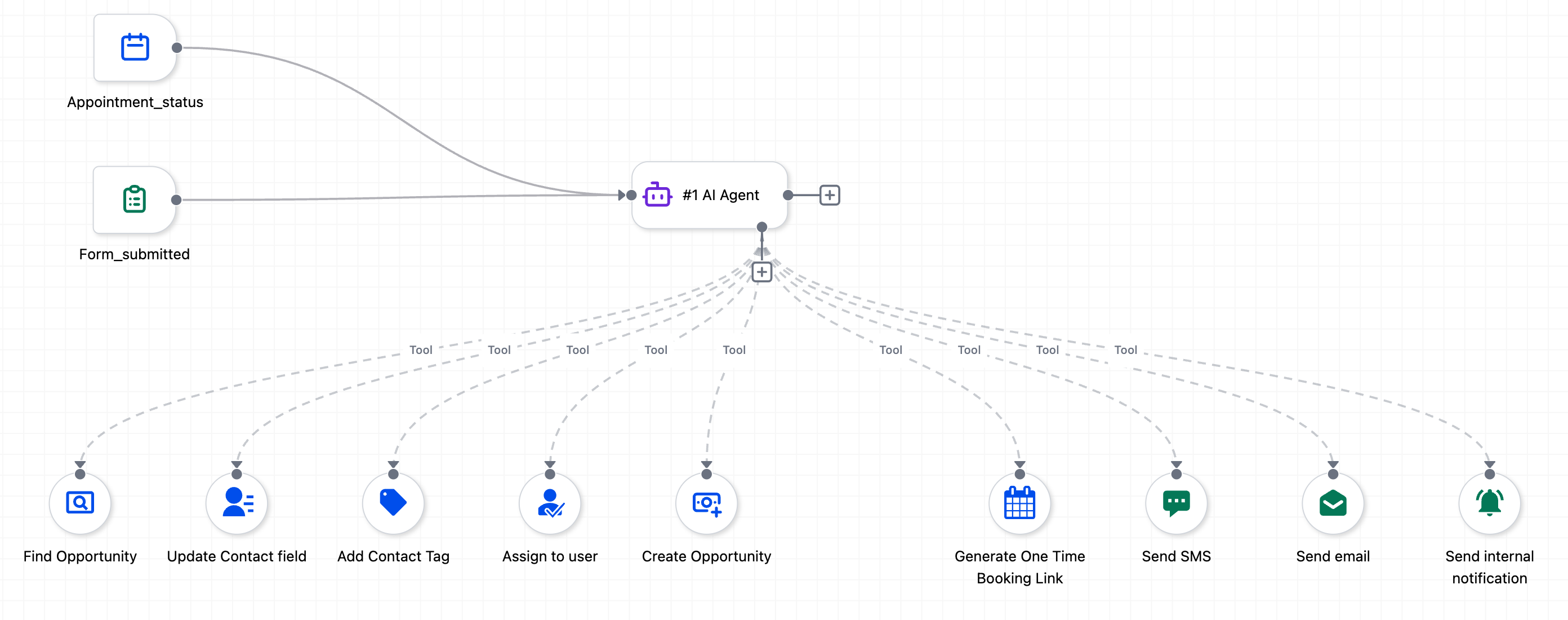
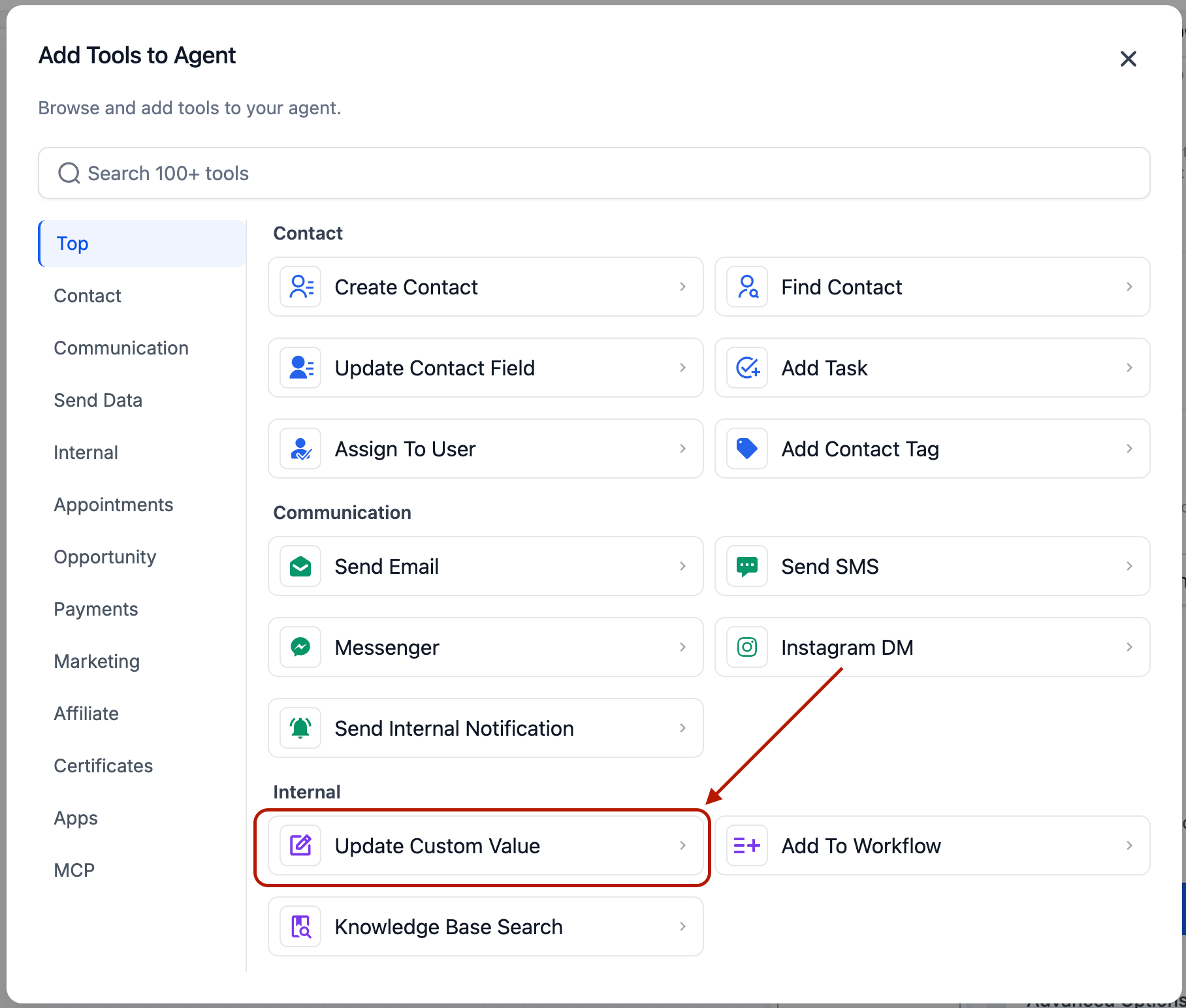
- Removes the need for extensive If/Else trees that were exclusively created to set custom values based on conditions such as day of the week, contact data, date formatting, timezone, or pipeline stage.
- Supports the familiar “Let AI decide” versus static value pattern already used in other AI Agent tools.
- Select Update Custom Value as a tool within the AI Agent action.
- Custom Value: Choose a specific custom value to update, or set it to “Let AI decide” for the agent to select the appropriate field based on its reasoning.
- New Value: Provide a fixed value or variable reference, or opt for “Let AI decide” so the agent generates the value based on your prompt instructions.
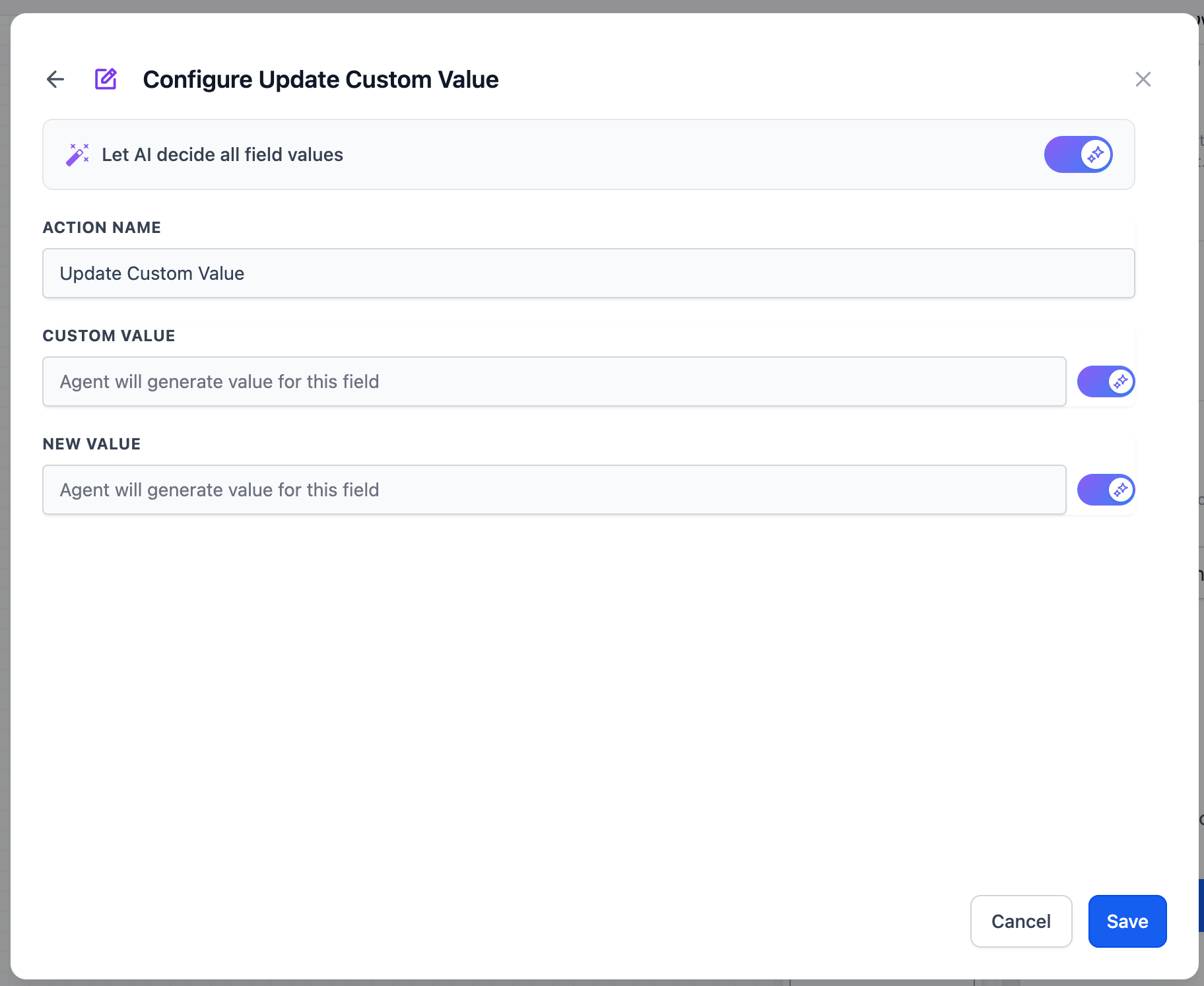
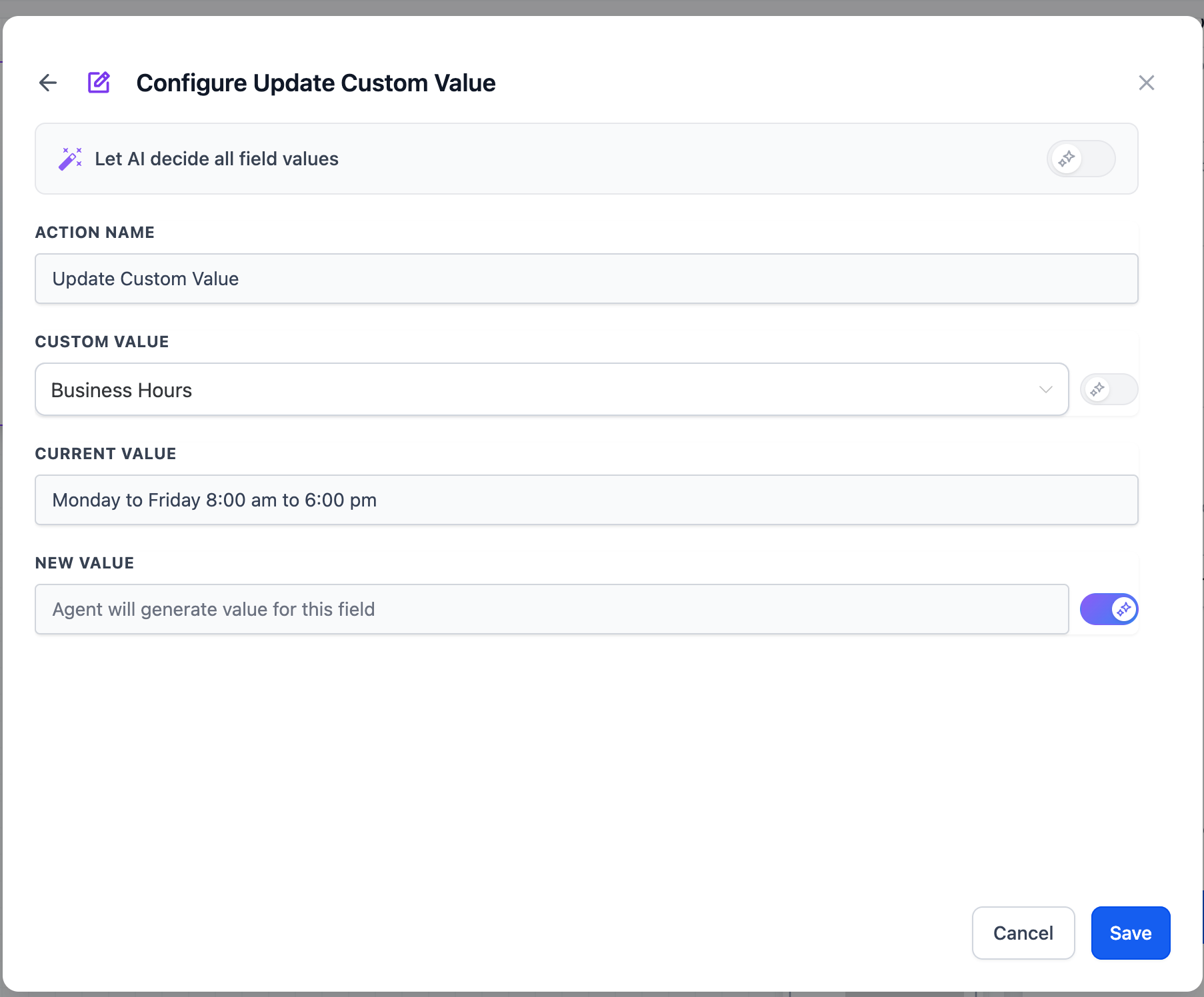
- Custom Value static + Value AI-decided: Update a specific field with whatever the agent determines. This is the most common configuration.
- Both AI-decided: The agent decides which custom value to update and what to set it to — ideal for multi-field scenarios where the target field depends on context.
Workflows that previously required branching logic for every possible condition — such as day-based schedules, formatted dates, rolling promo codes, and context-aware values — can now be resolved in a single agent step. This results in less maintenance, fewer actions, faster execution, and reduced complexity across your automations.