Advanced Builder UX Updates: Stats Controls, Auto Layout & Click Animations
A set of small but useful UX improvements across Advanced Builder. This update enhances stats mode, providing greater flexibility, saves your stats view across sessions, improves layout behaviour when stats are visible, presents a cleaner default AI Builder screen, and offers more polished click feedback on the canvas.
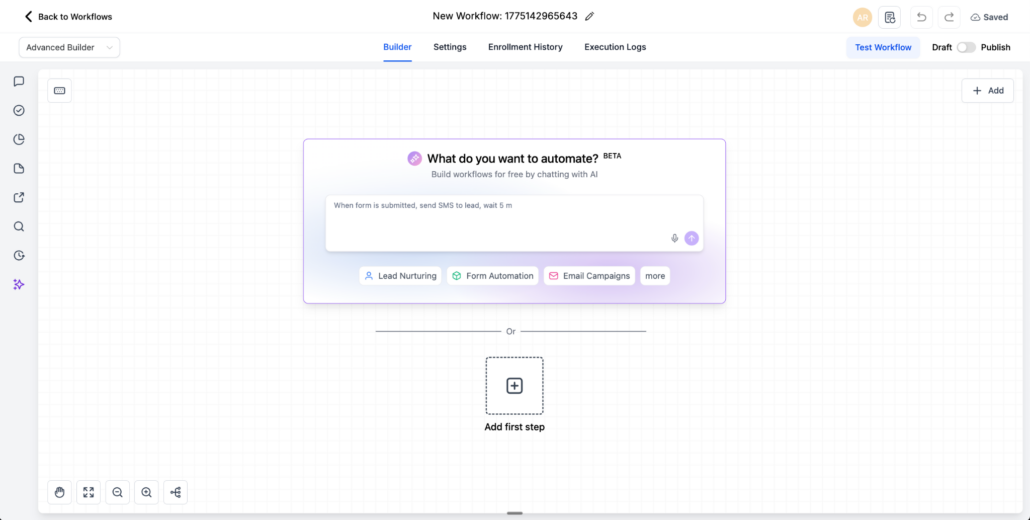
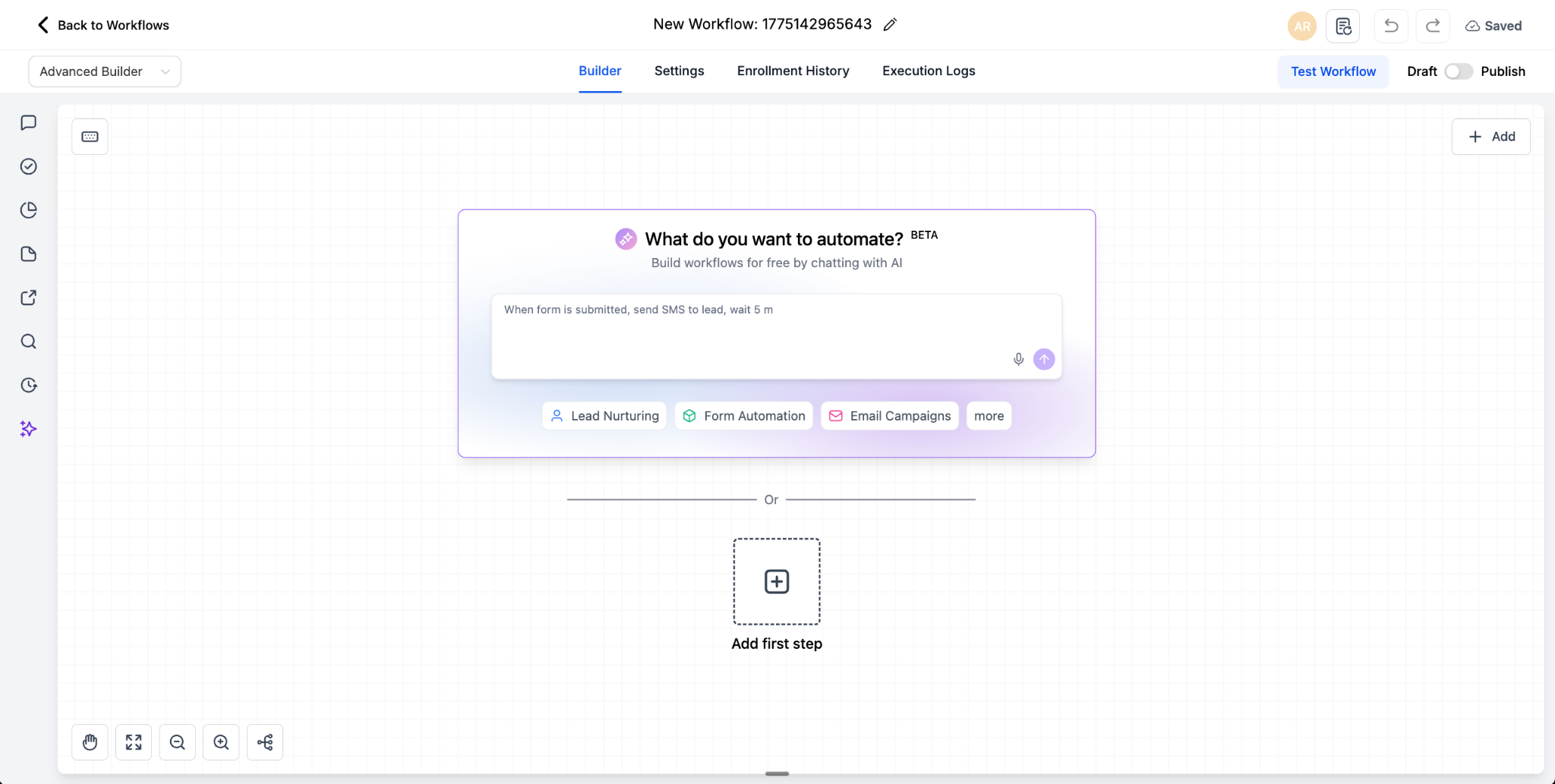
Default AI Builder Screen
The Advanced Builder now launches with a cleaner default AI Builder screen, giving users a clearer starting point when creating a workflow.
Enhanced Stats Mode
Stats mode is now more flexible and easier to work with:
- Individual stats toggle
- Stats mode can now be toggled in edit mode, not just read-only mode
- Save workflows with stats in a toggle, and it remains saved upon reload
Improved Stats View
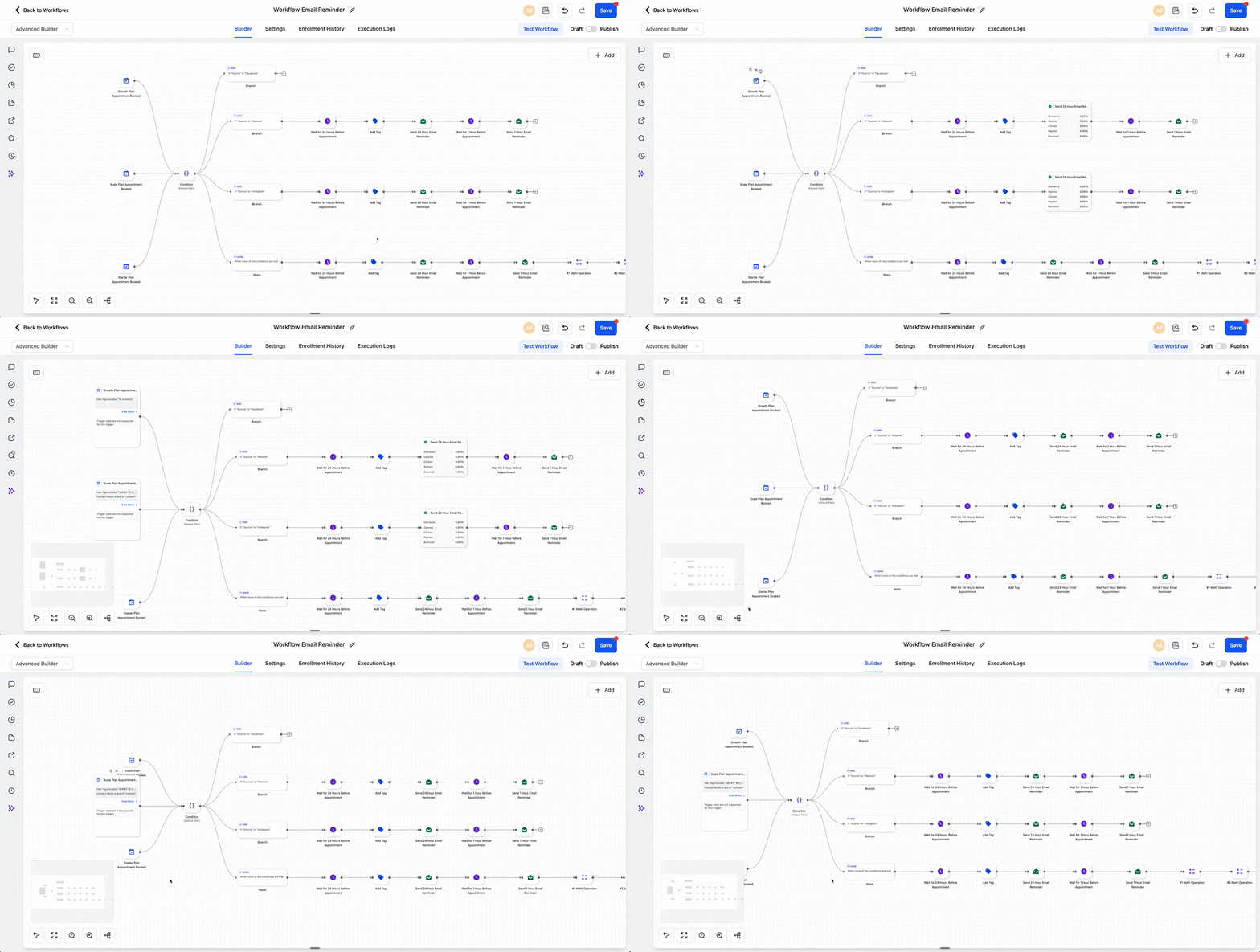
The builder now manages the stats view more effectively:
- Automatic layout adjustment for overlap
- Automatic layout with stats
New Click Animation for Workflow Nodes
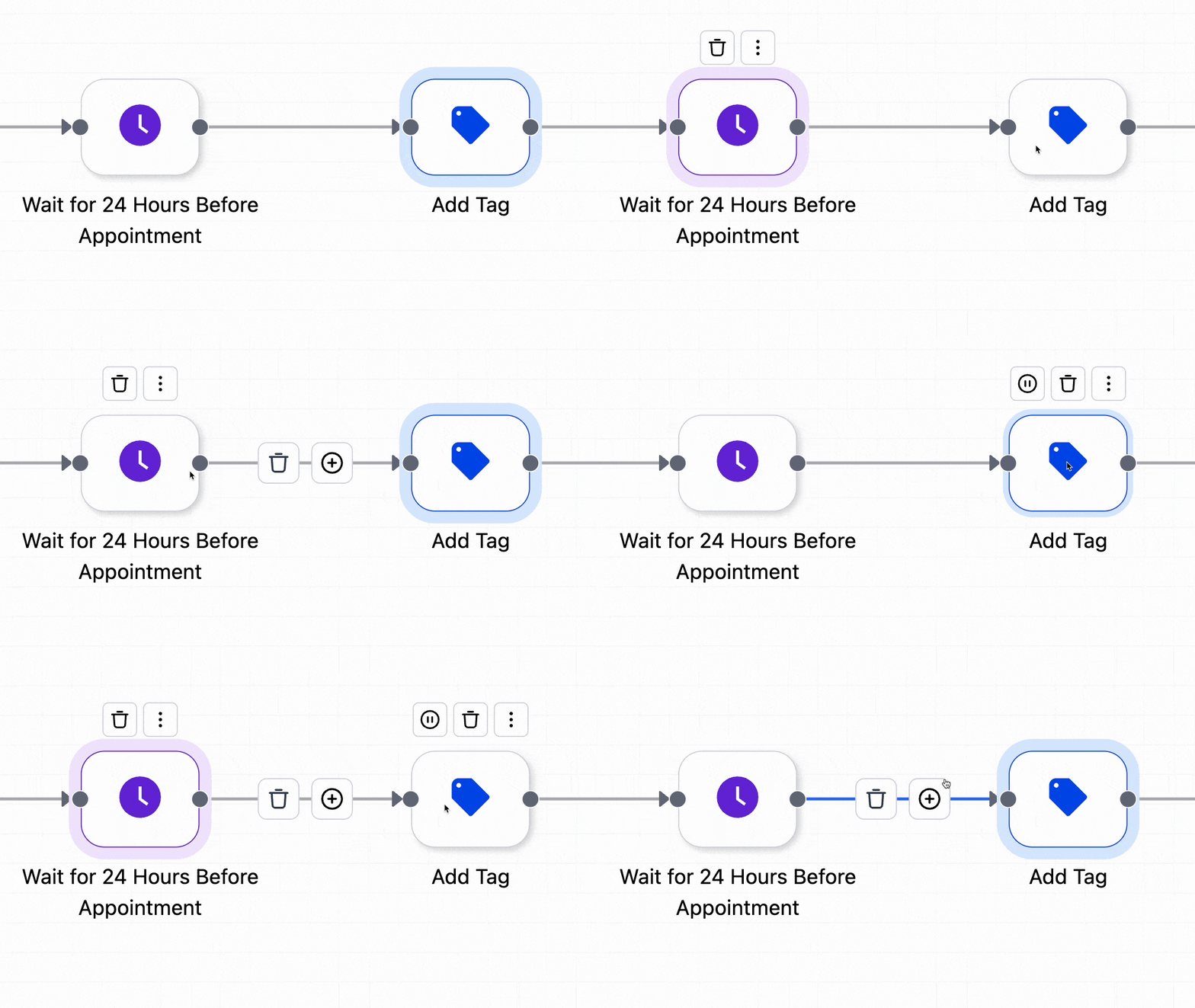
Clicks now have a more refined visual response, featuring a drop effect and highlight colour, making actions feel more engaging and interactive.