
Address & Regulatory Bundle Updates
To enhance compliance safety, minimise errors, and optimise the efficiency of bundle creation, Clixio has introduced three significant updates to the Address and Regulatory Bundle experience. These changes aim to prevent accidental deletions, streamline the bundle creation process with auto-filled data, and guide users towards selecting the correct bundle type during setup.
1. Deletion Confirmation for Bundles & Addresses
- When a user attempts to delete a Regulatory Bundle or Address, a confirmation modal now appears before the action is finalised.
- The modal clearly displays the Type, Country, and Bundle ID to prevent accidental deletions.
- If the bundle or address is currently in use, the deletion option will be disabled, accompanied by a tooltip explaining the reason why.
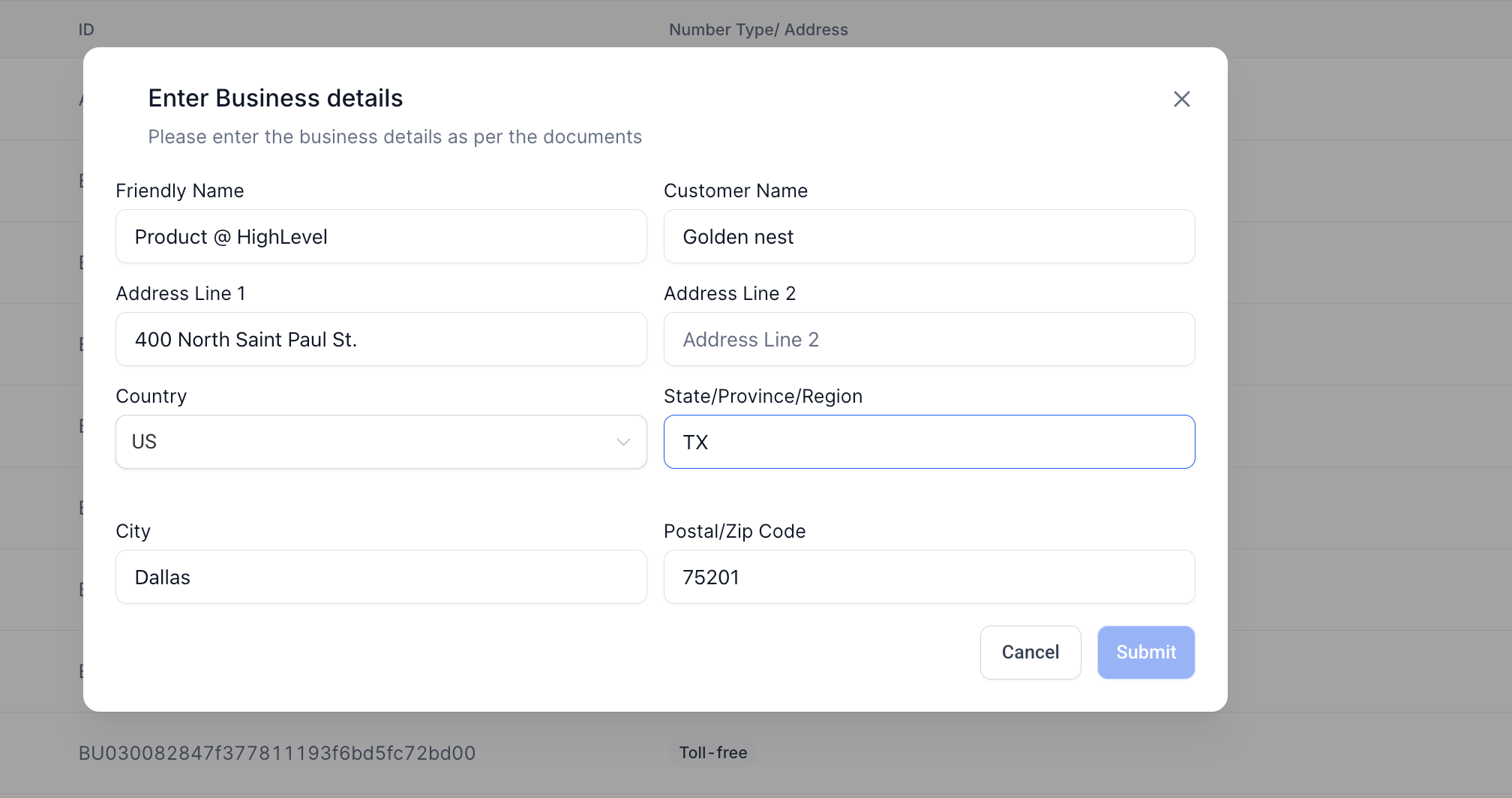
2. Auto-Population of Business Details for Address Bundles
- When creating a new Address Bundle, fields are now automatically filled with data from the location profile.
- Editable fields include the business name, address lines, city, state, and postal code.
- If location data is missing, the form will remain blank, functioning as it did previously.
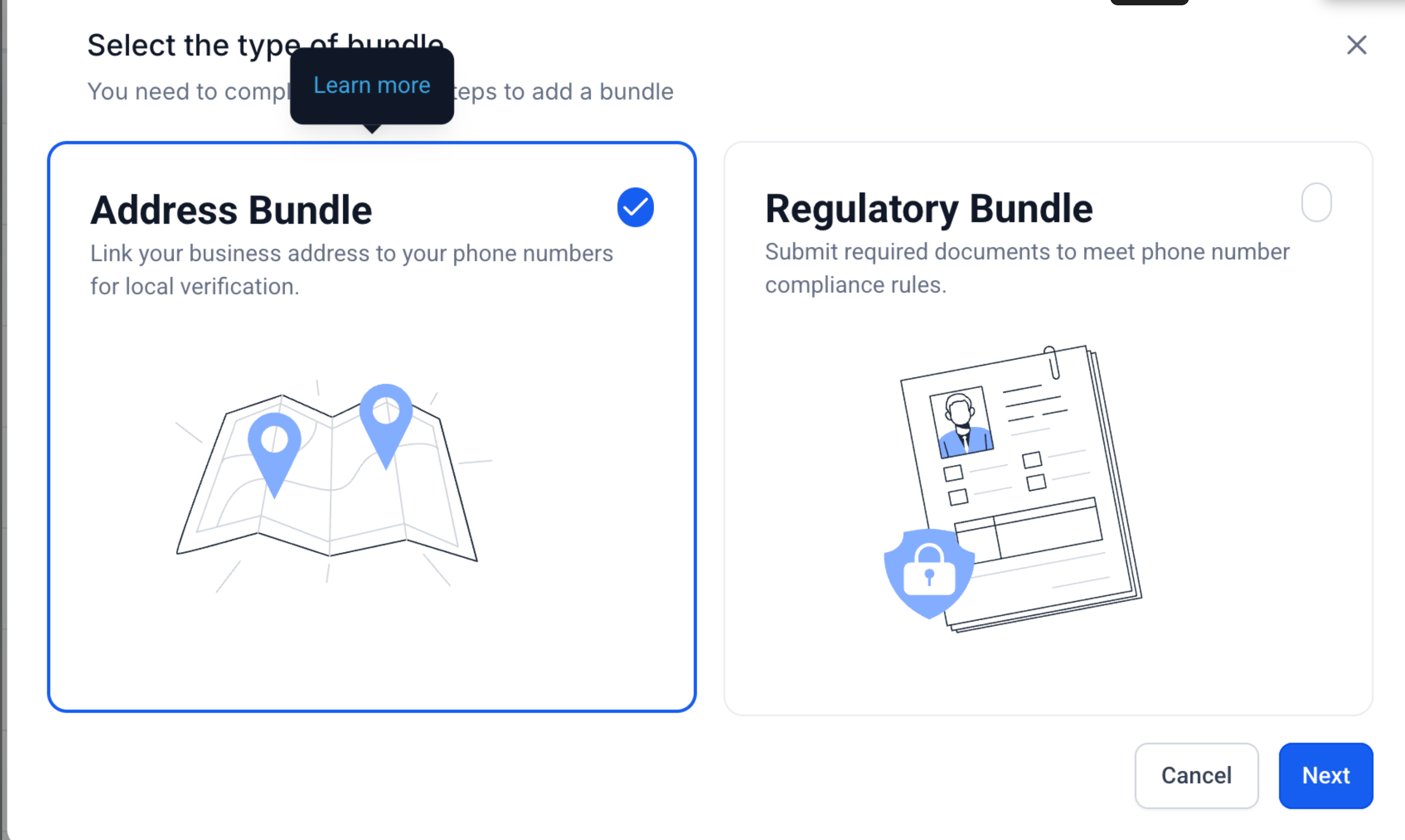
3. Default to Address Bundle in Selection Modal
- The Address Bundle option is now pre-selected when beginning the bundle creation process.
- Both Address and Regulatory Bundle options now feature clear descriptions to assist users in making the right choice.
- “Learn More” links provide direct access to support documentation for additional guidance.
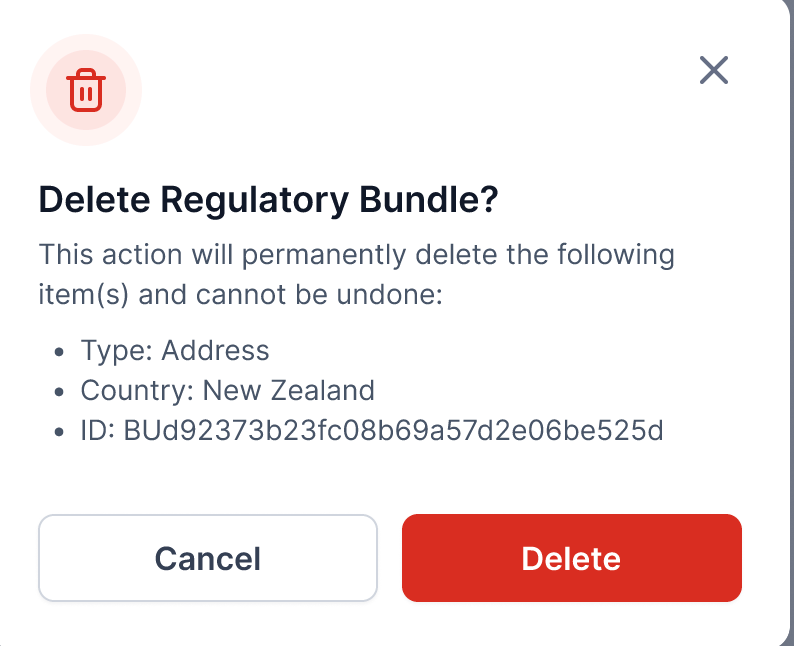
- User clicks delete → confirmation modal appears with item details → user confirms or cancels.
- If in use, the delete option is disabled with an explanation tooltip.
- User selects Address Bundle → business details auto-populate from location metadata.
- User reviews and edits fields as necessary before submitting.
- When prompted to choose a bundle type, the Address Bundle is pre-selected by default.
- Both options display short descriptions and include “Learn More” links for clarity.
- These updates are designed to:
- Reduce compliance risks associated with accidental bundle deletions.
- Save time and improve accuracy by utilising existing location data.
- Assist users in selecting the correct bundle type and avoiding provisioning errors.