
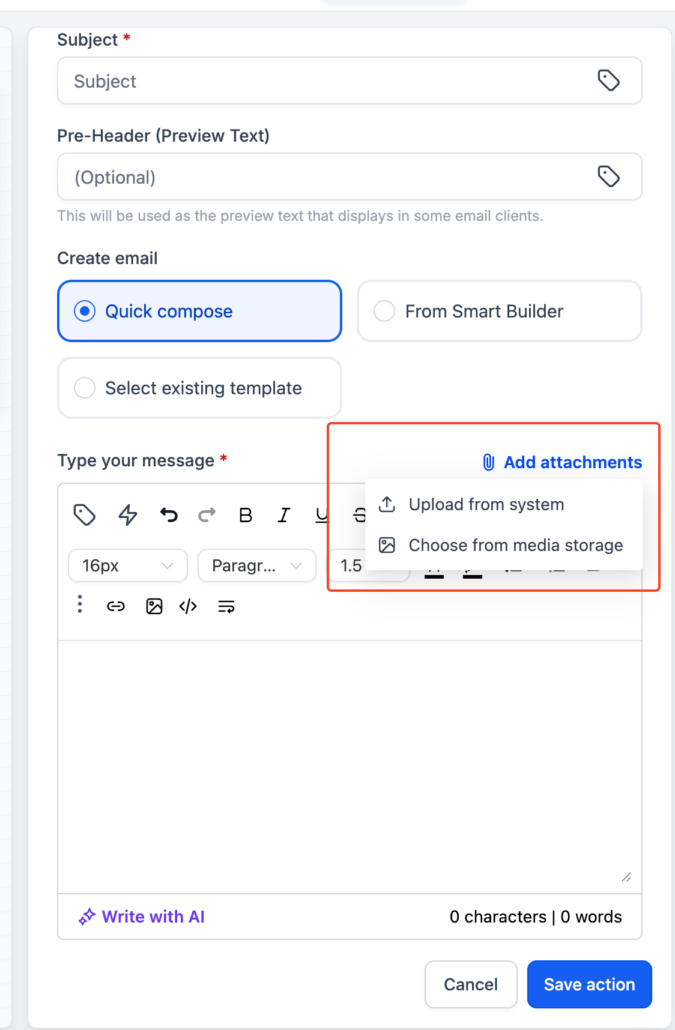
Add email action attachments from Media Library 🎯
We’ve enhanced the Email Action by integrating it with the Media Library.
Attach files directly from the Media Library
Upload and attach files from your local system
- Centralised file management → Reuse assets already stored in the Media Library
- Improved efficiency → No need to re-upload the same files repeatedly
- Greater flexibility → Choose between existing assets or new uploads
- Faster workflows → Reduce time spent managing attachments
- Go to your Workflow or Email Action
- Open the Send Email Action settings
- Scroll to the Attachments section
- Choose one of the following:
- Select from Media Library → Pick an existing file
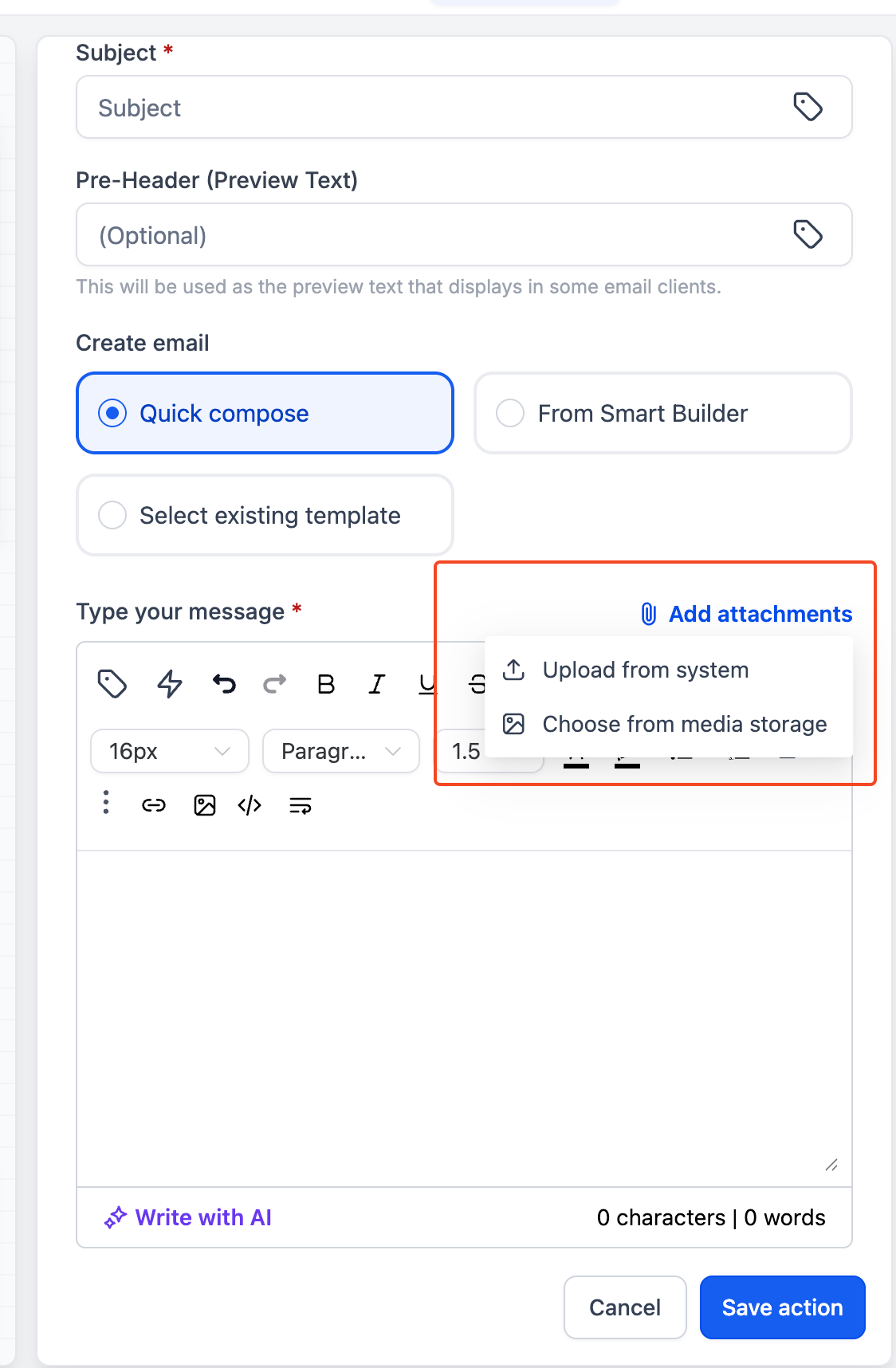
- Upload from Device → Add a new file from your system
- Save your email action and publish the workflow