
🚀 Improved Review Link Setup Experience
We’ve revamped how Review Links are configured across Reputation to make the process quicker, more intuitive, and seamless—allowing you to set up in under a minute.
✨ What’s New
1. Automatic Review Link Setup
Once a page is connected (e.g., GBP), your Review Link is set automatically.
For GBP:
- If only one page is connected → it’s set as default.
- If multiple pages are connected → the first page is selected by default.
- No manual setup is required in most cases.
2. Smart Dashboard Notifications
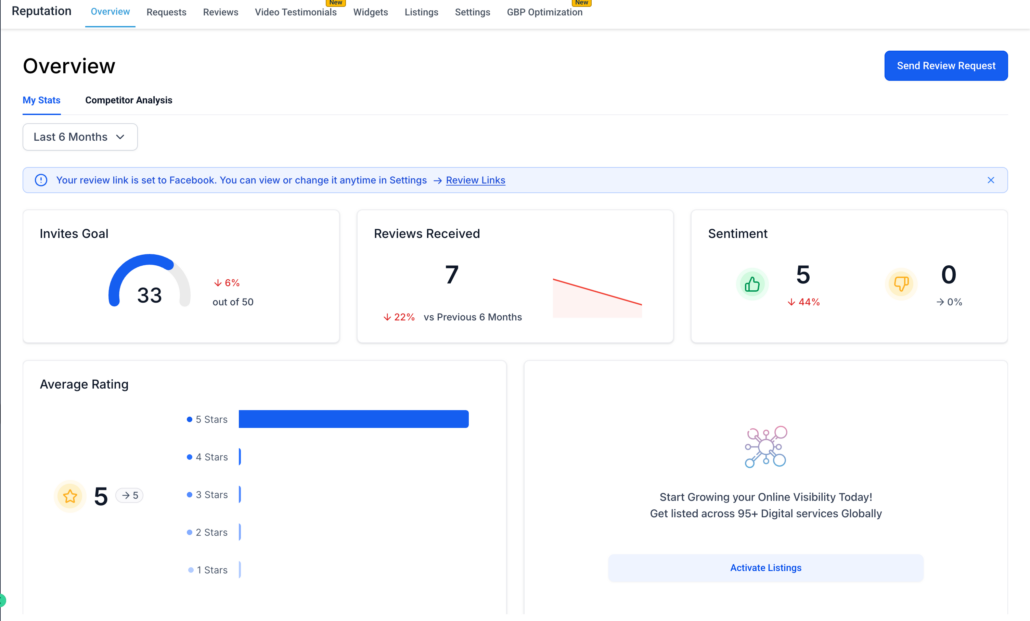
Clear status messages on the dashboard:
1. If Review Link is set:

2. If Review Link is not set:
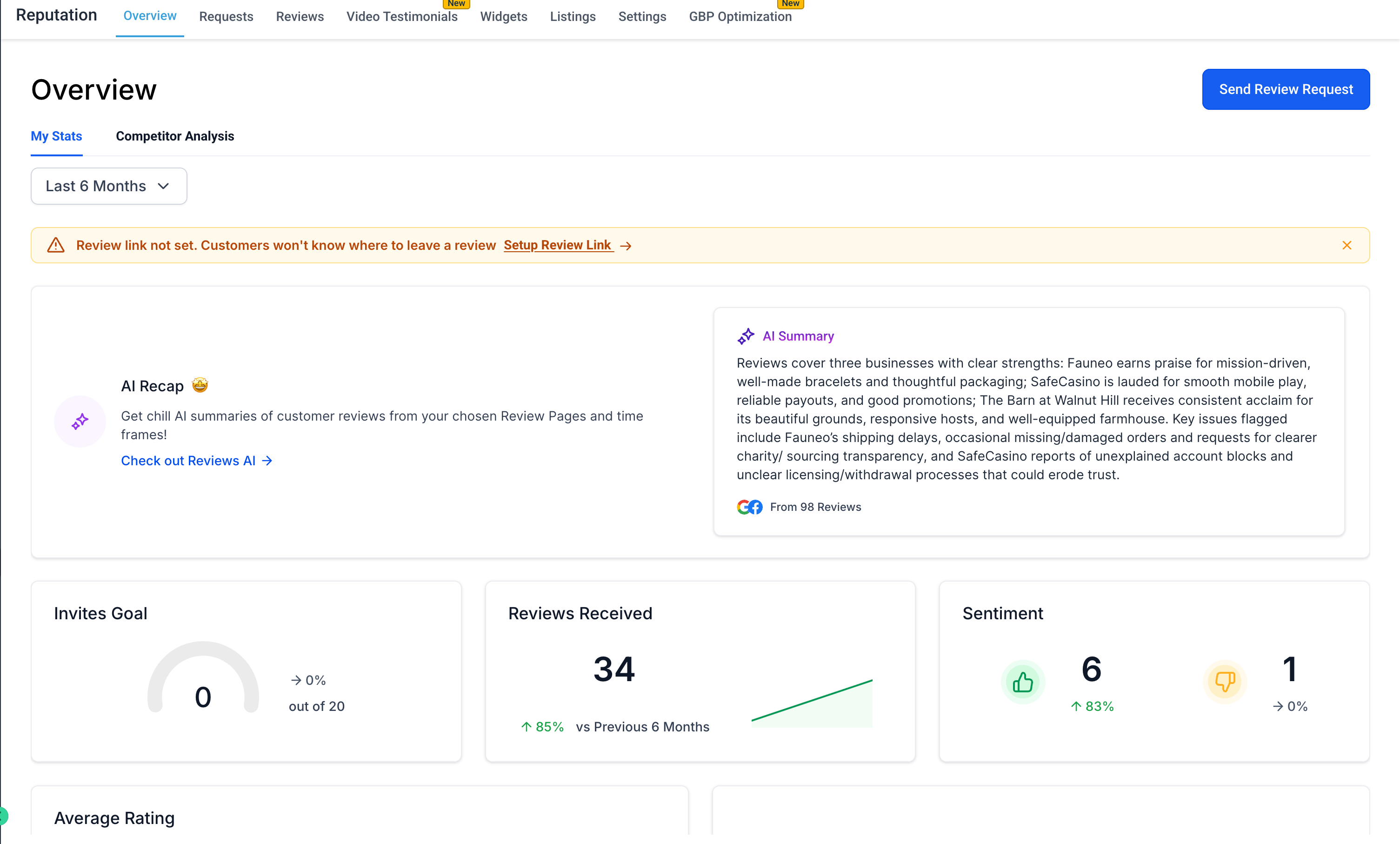
This feature helps users instantly understand what action they should take.
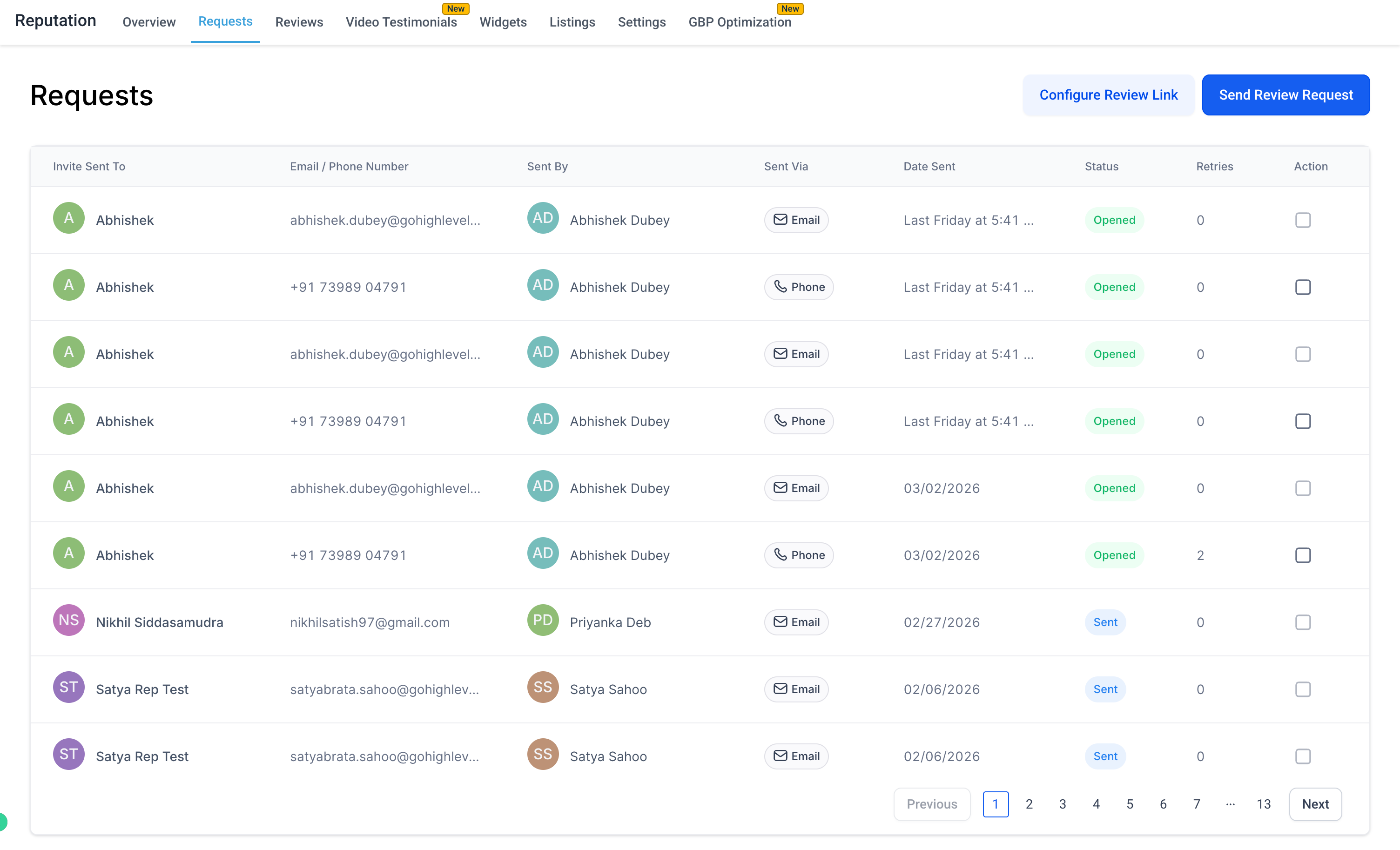
3. Setup CTAs Across Key Pages
We’ve added contextual CTAs to guide users:
For the Requests Page:
“Configure Review Link” CTA allows configuration of the link before sending requests.
4. Review Link Access While Sending Requests
- When sending a Review Request:
- Users can now view the current Review Link.
- There is an option to override or change the link instantly.

This makes it easier to customise review destinations for each request.
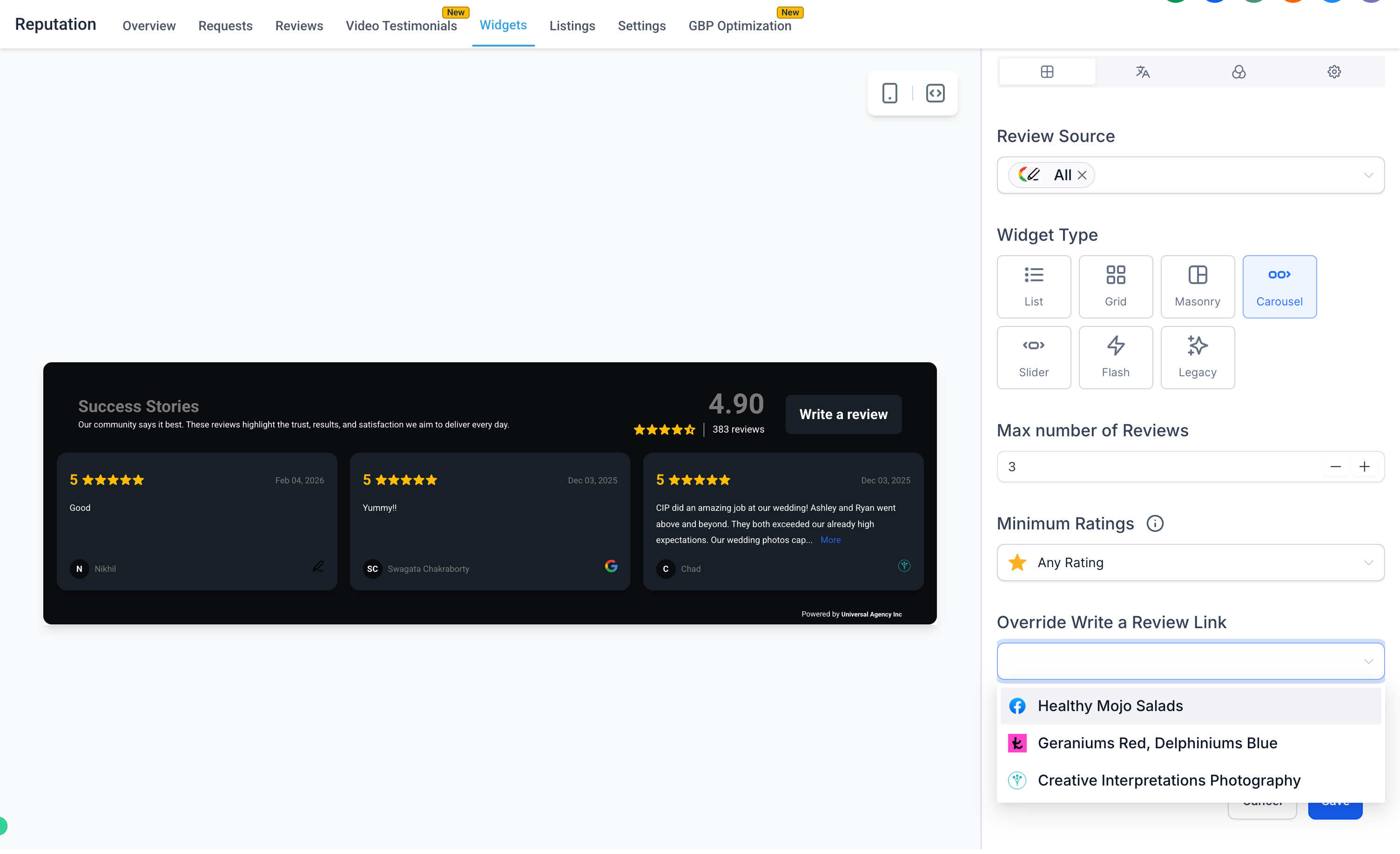
5. Configure Review Link in Widgets
We’ve added the ability to:
- View, select, and override Review Links directly within the Review Widget Page.
- This ensures that widgets reflect the correct review destination.
- Review Links are auto-configured.
- Clear status indicators guide users.
- Setup is contextual, rapid, and self-explanatory.
- Most users can complete setup in under 1 minute.
📍 Where You’ll See This
- Reputation Dashboard
- Requests Page
- Reviews Page
- Review Widgets
- Send Review Request Modal
Questions? Suggestions? Ideas to improve Reviews Management?