
Design Custom Invoice Layouts with the New AI-Powered Layout Builder
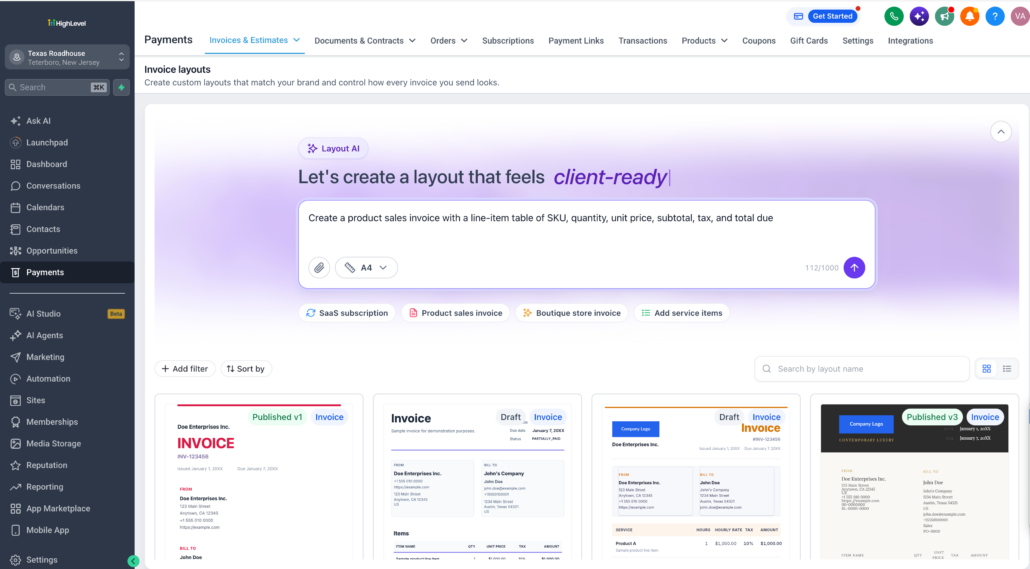
Businesses can now design their own invoice layouts with the new Layout AI Builder. Describe the invoice layout you want, and AI builds it for you. Then fine-tune any element in a visual builder and apply the layout to the invoices your customers see. You get full control over how your invoices look, without writing code or relying on one fixed template.
🚀
Create and Edit Invoice Layouts with AI
- Generate a layout with AI – Give the builder a prompt describing the invoice you want. For example: “A clean two-column invoice with my logo top-left, an itemised table in the centre, and payment terms and bank details at the bottom.” See what it builds from that alone.
- Recreate an invoice you already use – Upload or describe your current invoice layout and let AI rebuild it, instead of starting from a blank template.
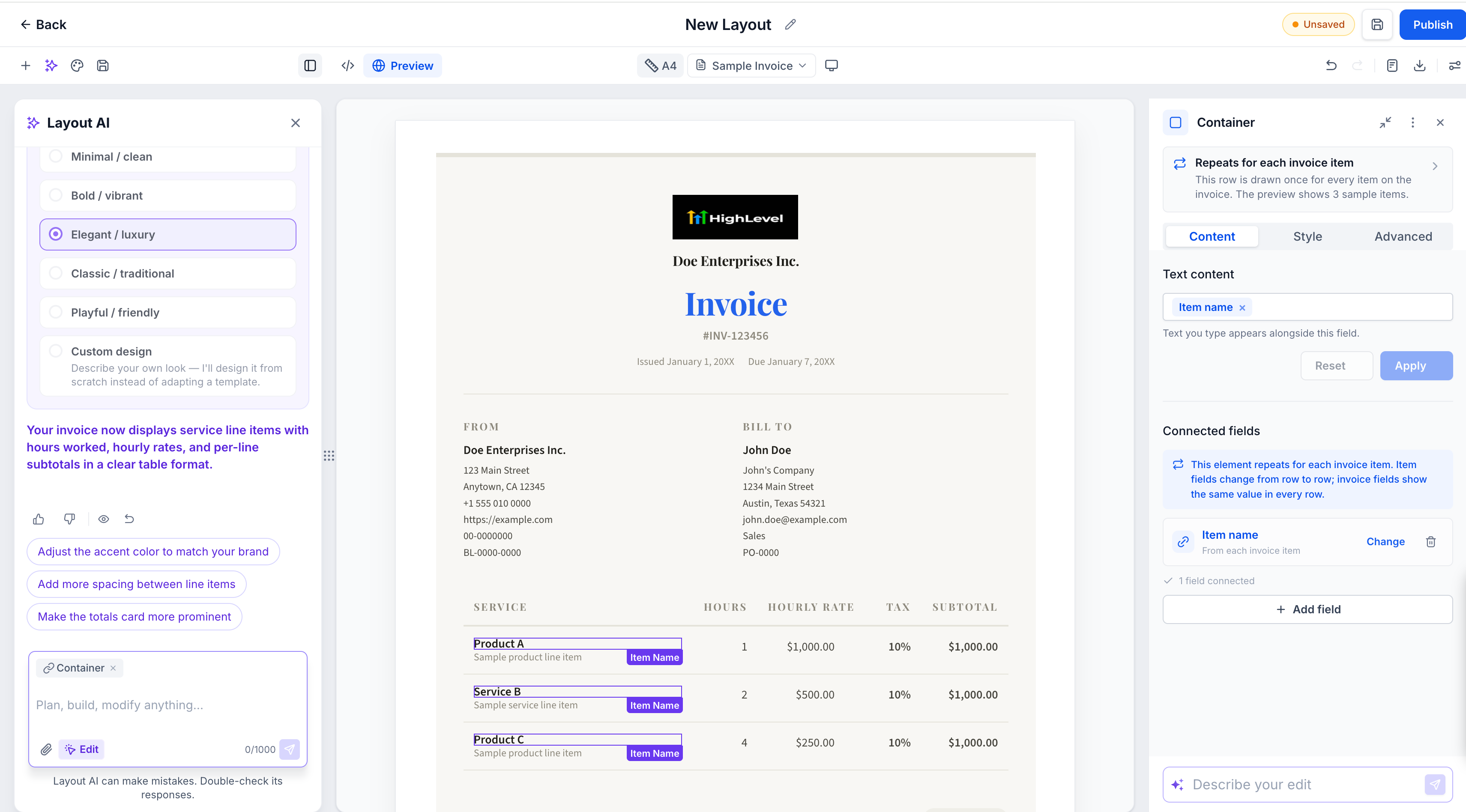
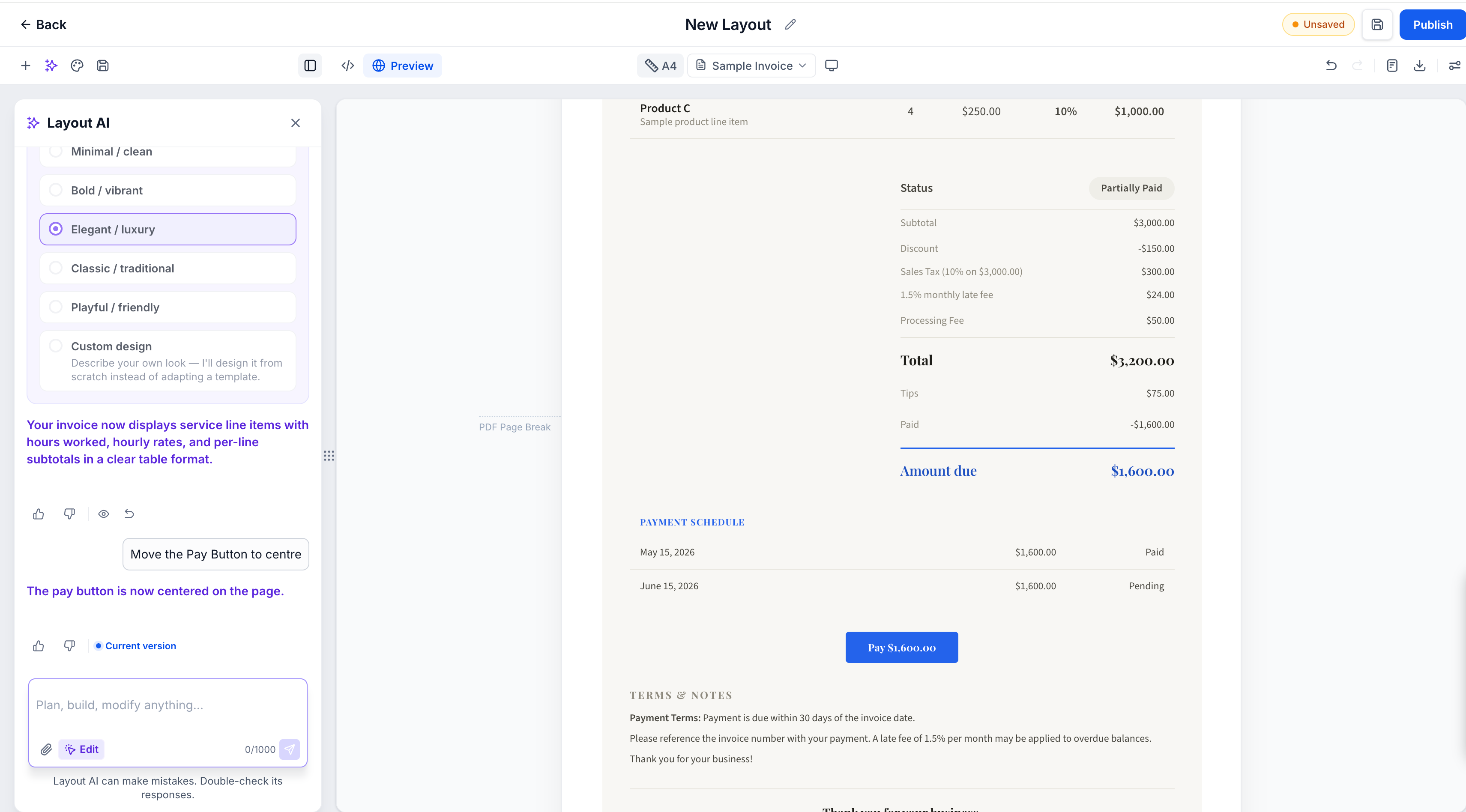
- Fine-tune the result, your way – You’re not locked into the first result. Keep asking Layout AI for further changes, or open the layout in the container to manually adjust style and content, and add, remove, align, or delete elements directly.
- Every AI change saves a restore point, so you can go back to any earlier version from the chat. You can also undo changes from the toolbar.
- Rate AI responses with a thumbs up or thumbs down to help improve results.
- Publish is available once the layout has content. Publishing takes you back to the Layouts list, where the layout shows its new published version.
🧰
Manage All Your Layouts in One Place
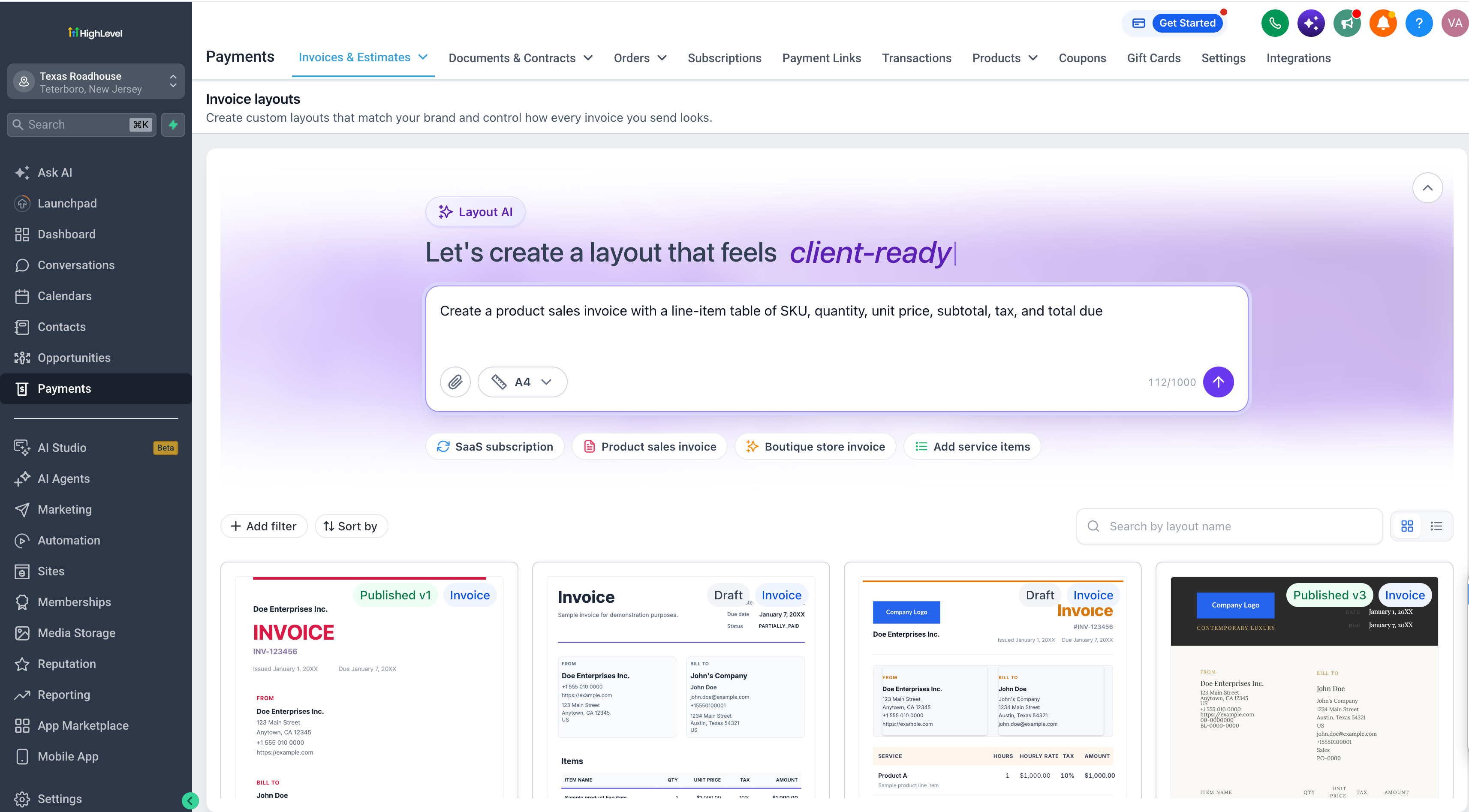
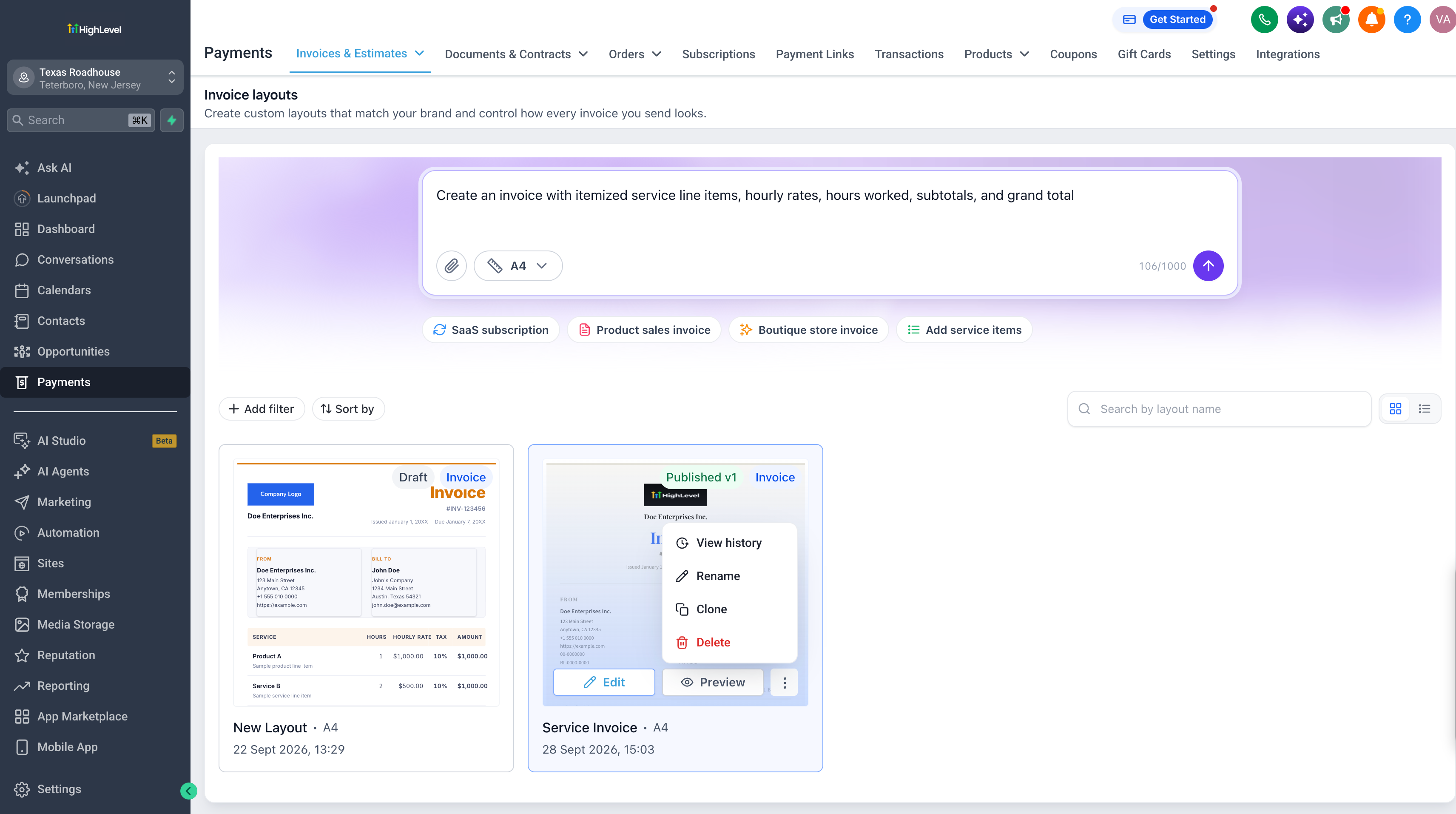
- Build separate layouts for different clients, services, or business needs, then check your layouts list. Try previewing, downloading, cloning, or deleting a layout from there.
- Switch between grid and list views.
- Search layouts by name, and sort by name or last updated date.
- Preview any layout without leaving the list.
- Rename, clone, or delete a layout from its ⋮ menu.
- View history shows who created, edited, published, or copied each layout, and when.
🛠️
How do layouts work with Invoices
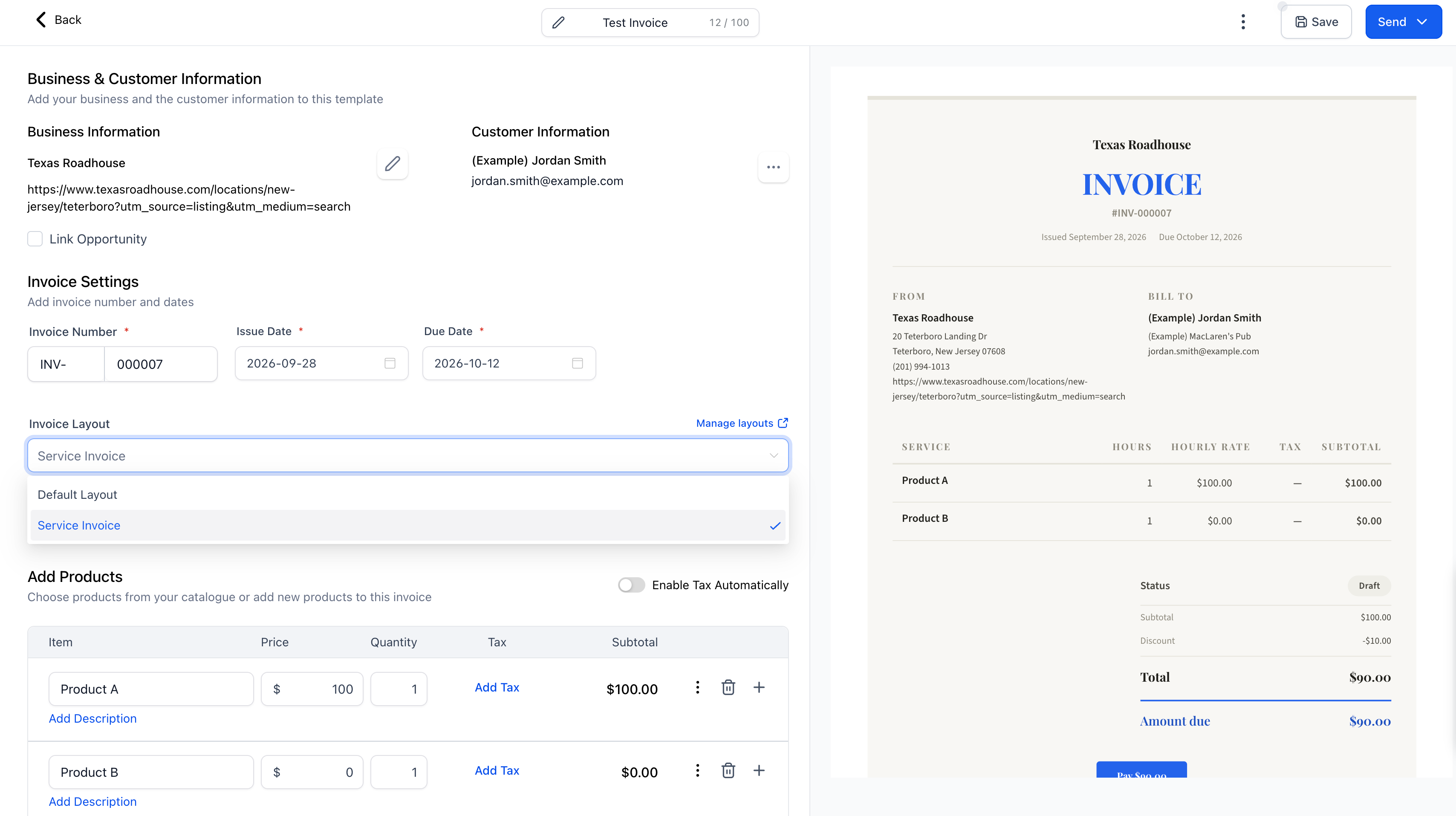
- Pick a published layout for any invoice, and your customer sees that design on the invoice preview.
- The layout locks once an invoice is sent or partially paid.
- If a layout is deleted, invoices that were already sent keep showing the original design.
- Draft invoices that used a deleted layout switch to the default layout.
🔍
Where Can I Find This?
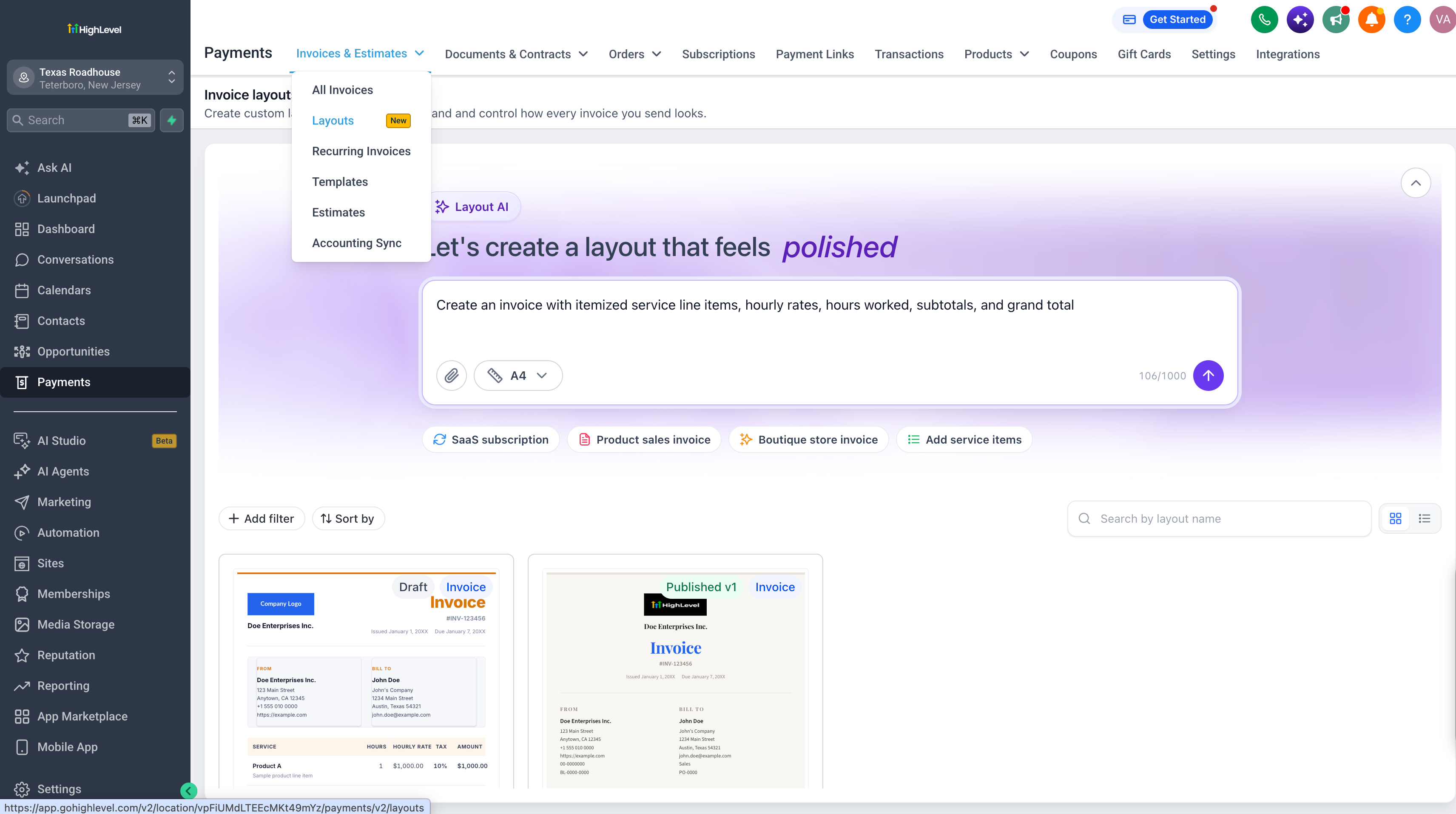
- Go to Payments, then Invoices & Estimates dropdown. You’ll find the Layout AI Builder under Layouts.
- Generate a layout with AI
- Once you create and publish a layout, you can select it when creating invoices.
- Go to Settings → Labs → Account.
- Search for AI-Powered Custom Invoice Layouts.
- Click Activate Feature.
- Turn on access for sub-accounts one at a time, or turn it on for all of them at once.