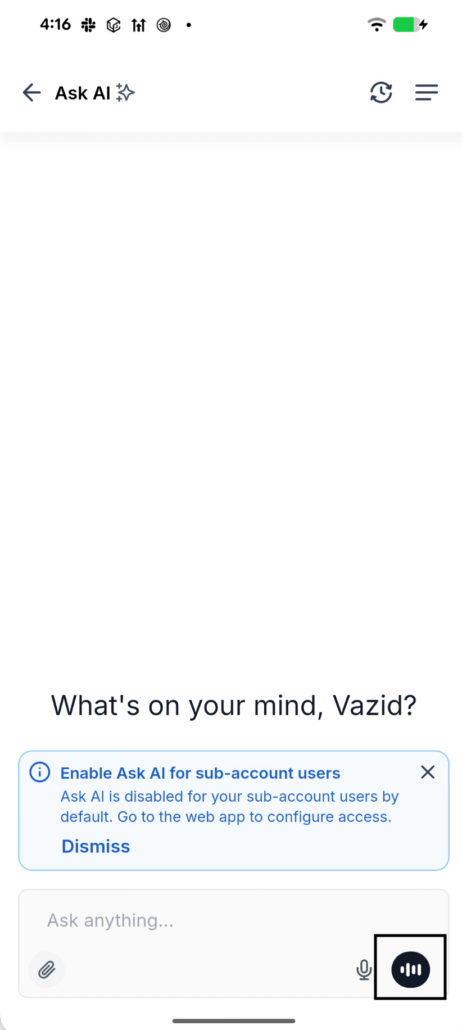
Ask AI Voice – Mobile App
Talk to Ask AI instead of typing. Tap the mic, speak, and the assistant answers out loud — it listens while it talks, so you can interrupt it mid-sentence like a real conversation.
Ask AI on mobile was typing-only. On a phone, in a car, between appointments — typing a long prompt is the slowest possible way to ask a question. Web already had voice; mobile didn’t, so the one place you’d most want to just talk was the one place you couldn’t.
Full two-way voice on Ask AI, at parity with the web experience — your speech streams up live, the assistant’s reply streams back as audio, and everything lands in the same chat you already know.
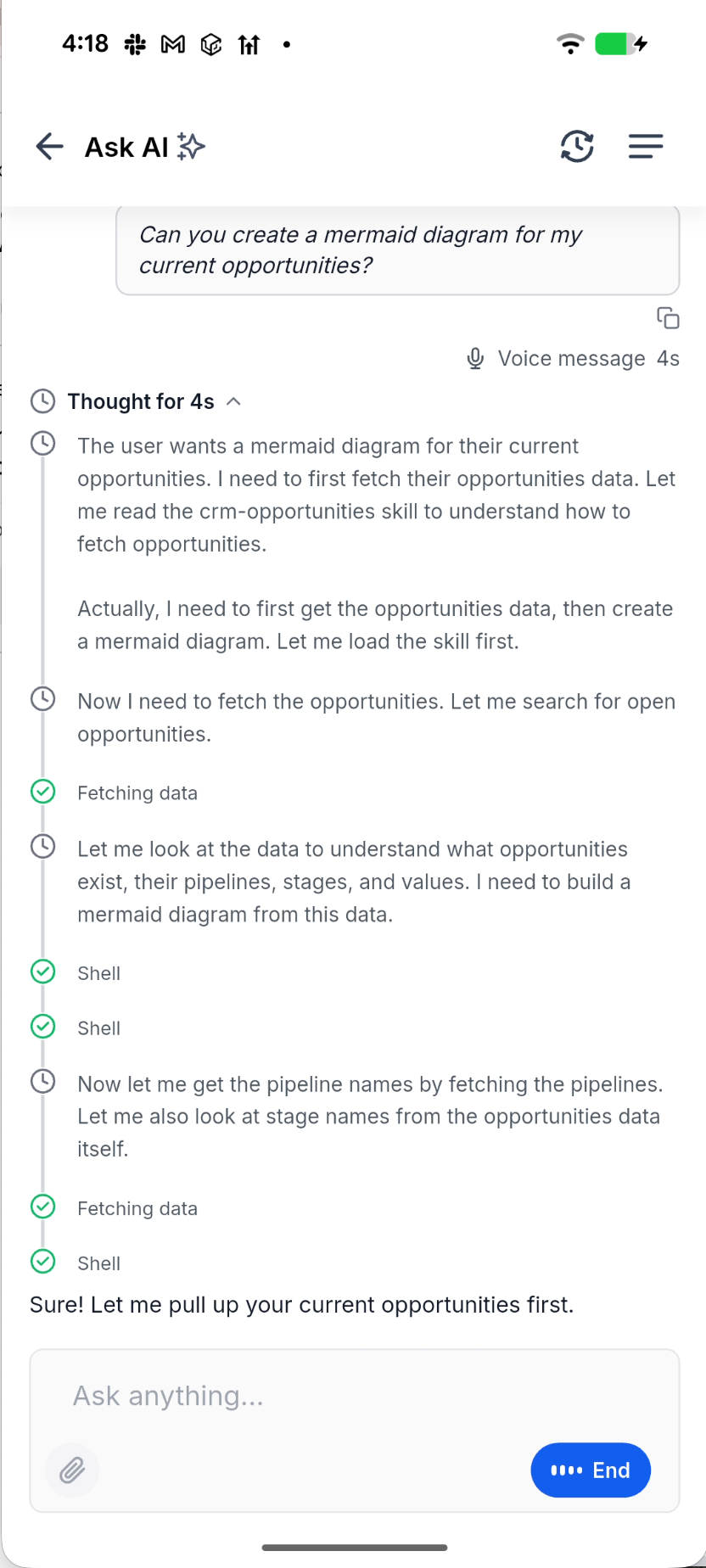
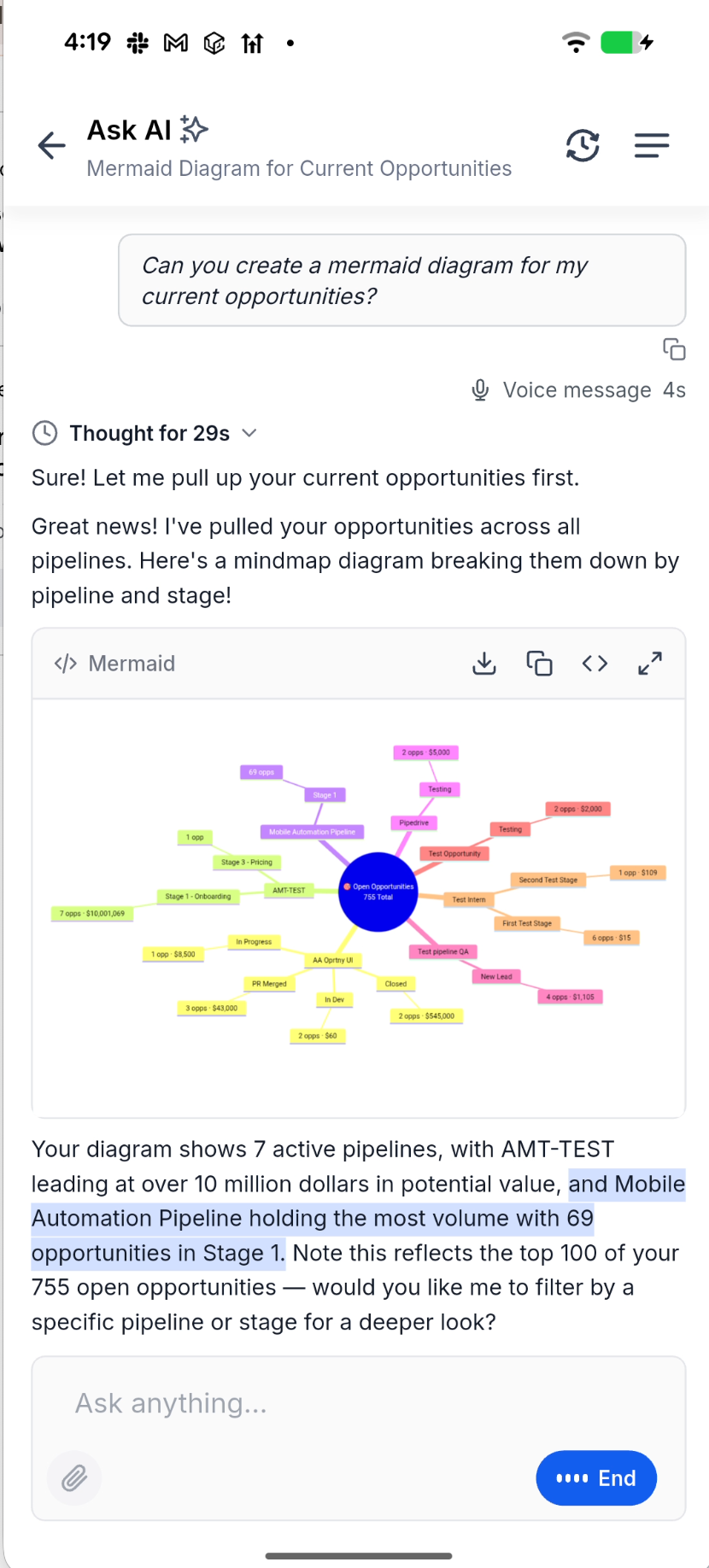
- Tap the mic and talk: your words appear as a bubble while you’re still speaking, then settle into the final transcript with a duration label.
- Hear the answer: the assistant replies out loud through your speaker or headset, with the text highlighting in time with the voice so you can read along.
- Interrupt anytime: start talking while the assistant is speaking and it stops immediately and listens to you — no waiting for it to finish.
- Answer its questions by tap: when the assistant shows a question or approval card, the mic pauses on its own, then picks back up once you’ve answered.
- Keep going through bad signal: a dropped connection shows a “reconnecting…” pill and resumes the same conversation instead of starting over.
- Minimise and come back: close the Ask AI sheet mid-conversation and the floating button shows voice is still live — tap it to jump right back in.
- Talk hands-free over a headset: AirPods and Bluetooth headsets are used automatically, with echo cancellation so the assistant never hears itself.
⭐ What you get out of it
- Ask in five seconds what used to take a paragraph of thumb-typing.
- A real back-and-forth — interrupt, redirect, follow up — instead of one-shot prompts.
- Works on the move: hands-free over a headset, with calls, Siri and backgrounding handled cleanly so nothing is left recording.
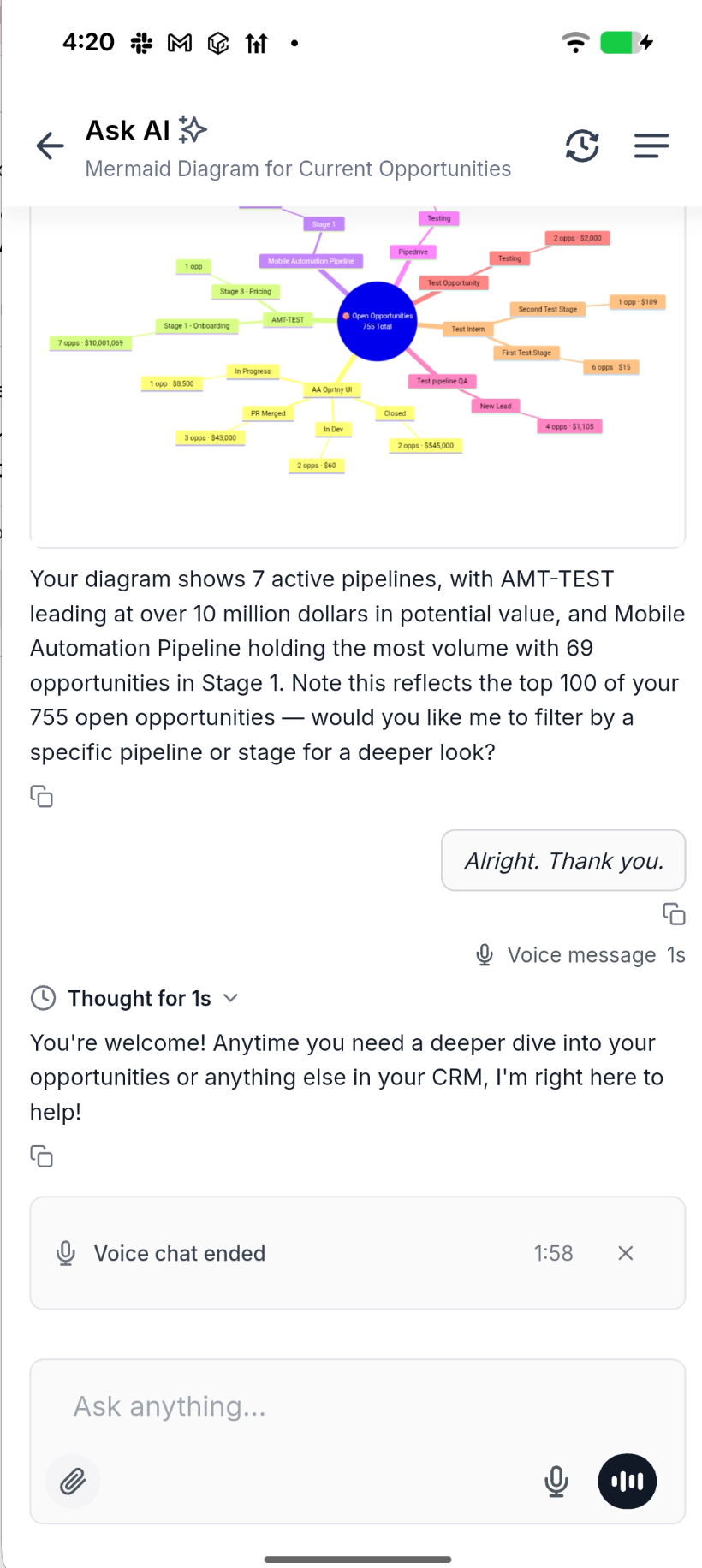
- Same conversation, same history: voice and typed messages live in one thread — switch between them whenever it suits you.
🛠️ How to get started?
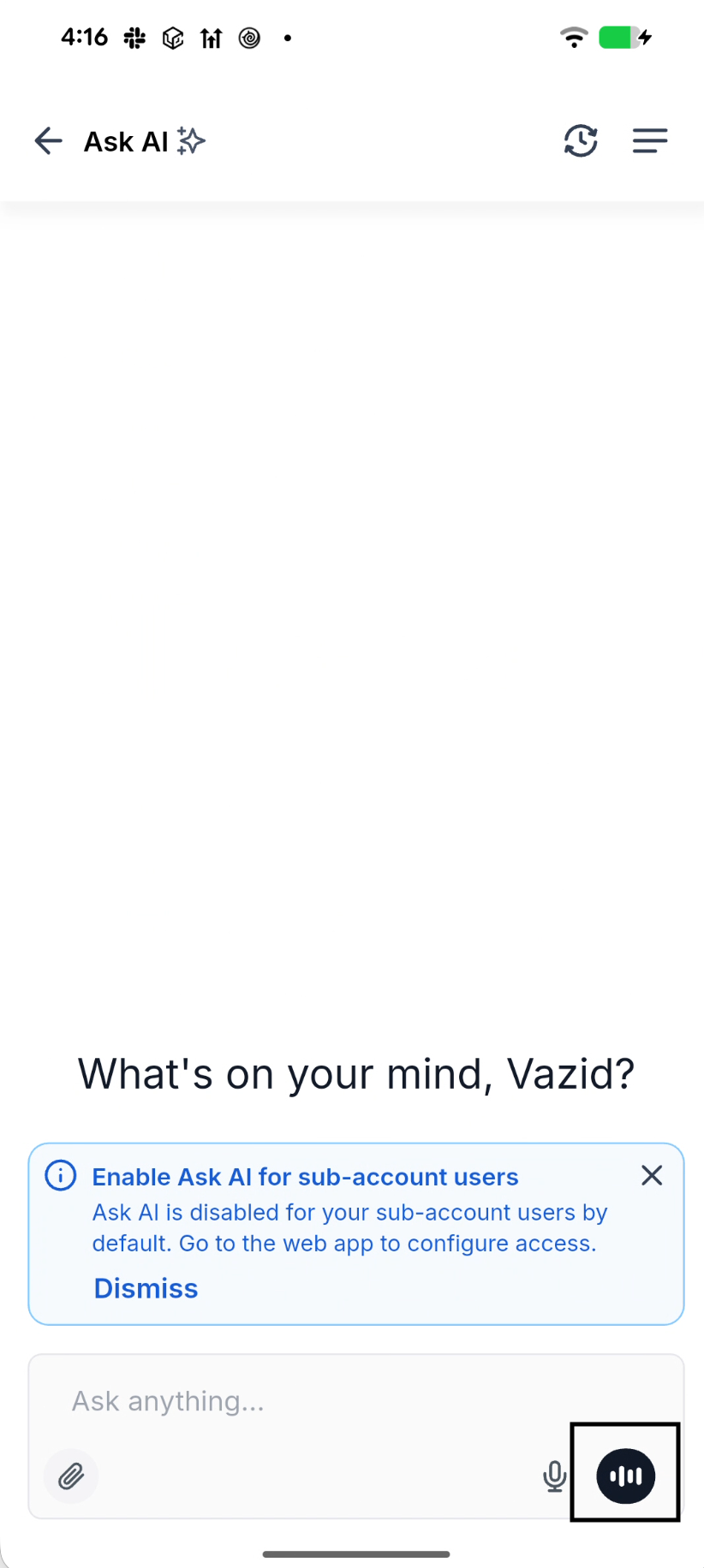
- Open Ask AI, tap the mic on the message bar, and allow microphone access the first time.
- Speak your question — watch it transcribe live, then listen to the reply.