Workflows – CC/BCC Support in Internal Email Notifications
We have enhanced the Internal Notification action within Workflows by adding cc/bcc support for emails — a feature that has been highly requested by our customers.
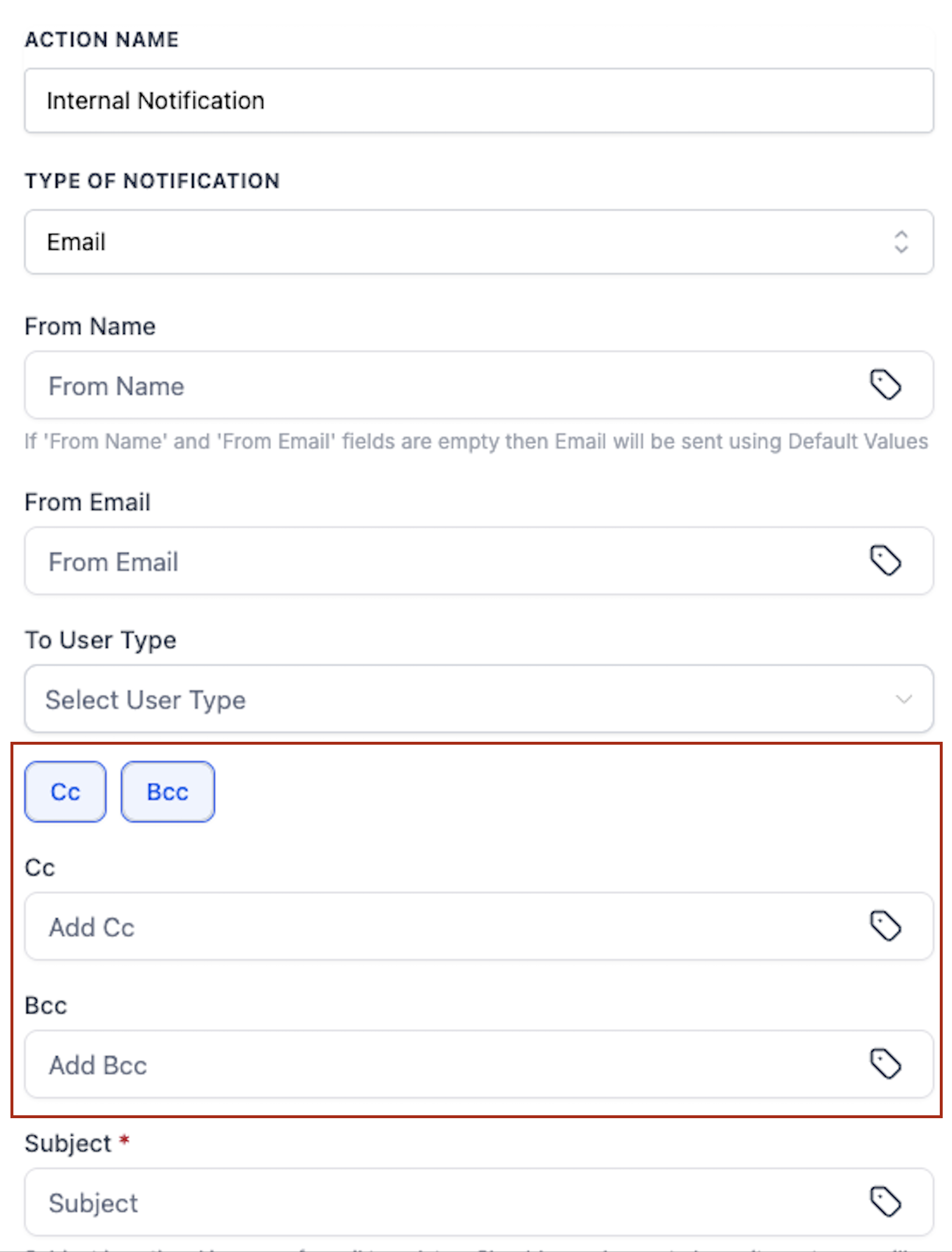
- CC/BCC in Internal Email Notifications
- Seamless Communication: You can now include cc and bcc recipients in internal email notifications, facilitating faster, more efficient, and more collaborative internal communication.
- New Availability: Previously, this functionality was only available in the Email action. Now, it is accessible in Internal Email Notifications as well.
- Steps to Add an Internal Notification Action:
- Add an Internal Notification action to your workflow.
- Select Email from the Type of Notification dropdown menu.
- Choose the appropriate User Type.
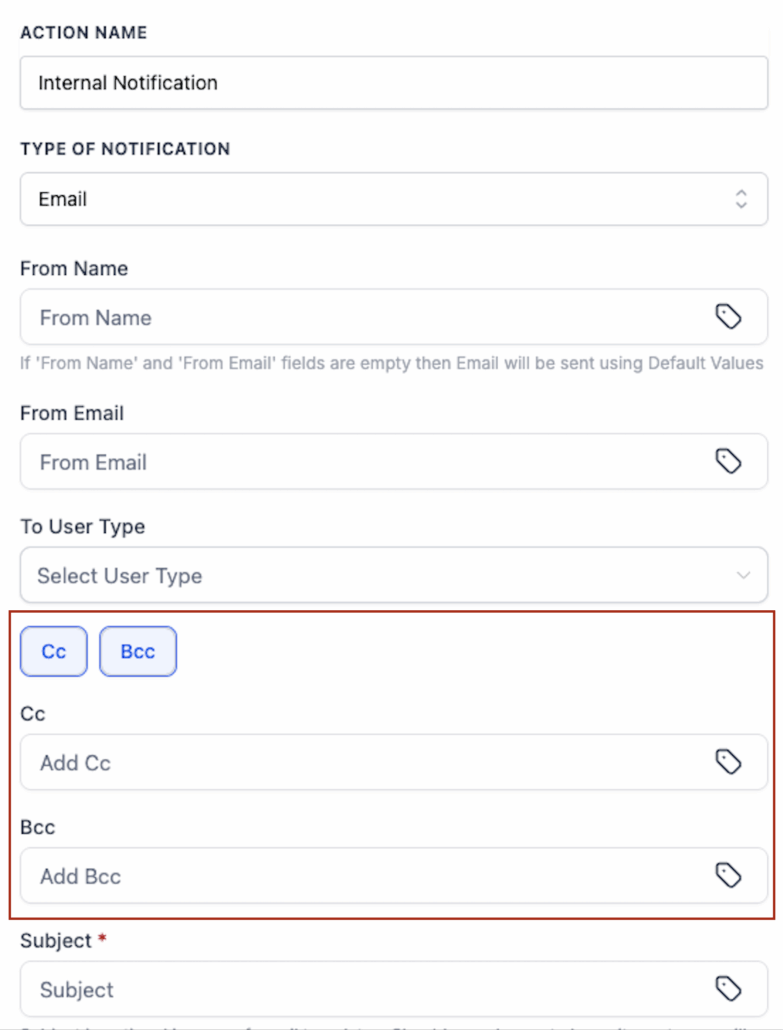
- Enter CC and/or BCC recipients in the new fields.
That’s it — your internal email notification with cc/bcc is ready to go!