
WhatsApp: Template Folders & Delivery Insights
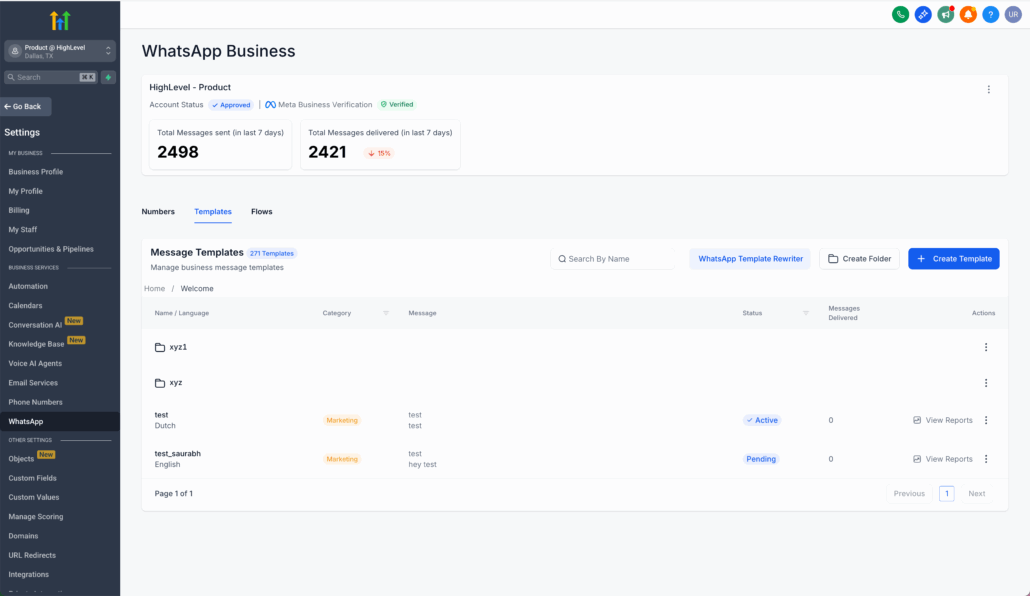
Managing WhatsApp Templates has received a significant upgrade. Say farewell to a never-ending list—now you can organise everything with folders, subfolders, and fresh delivery metrics displayed right on the main screen.
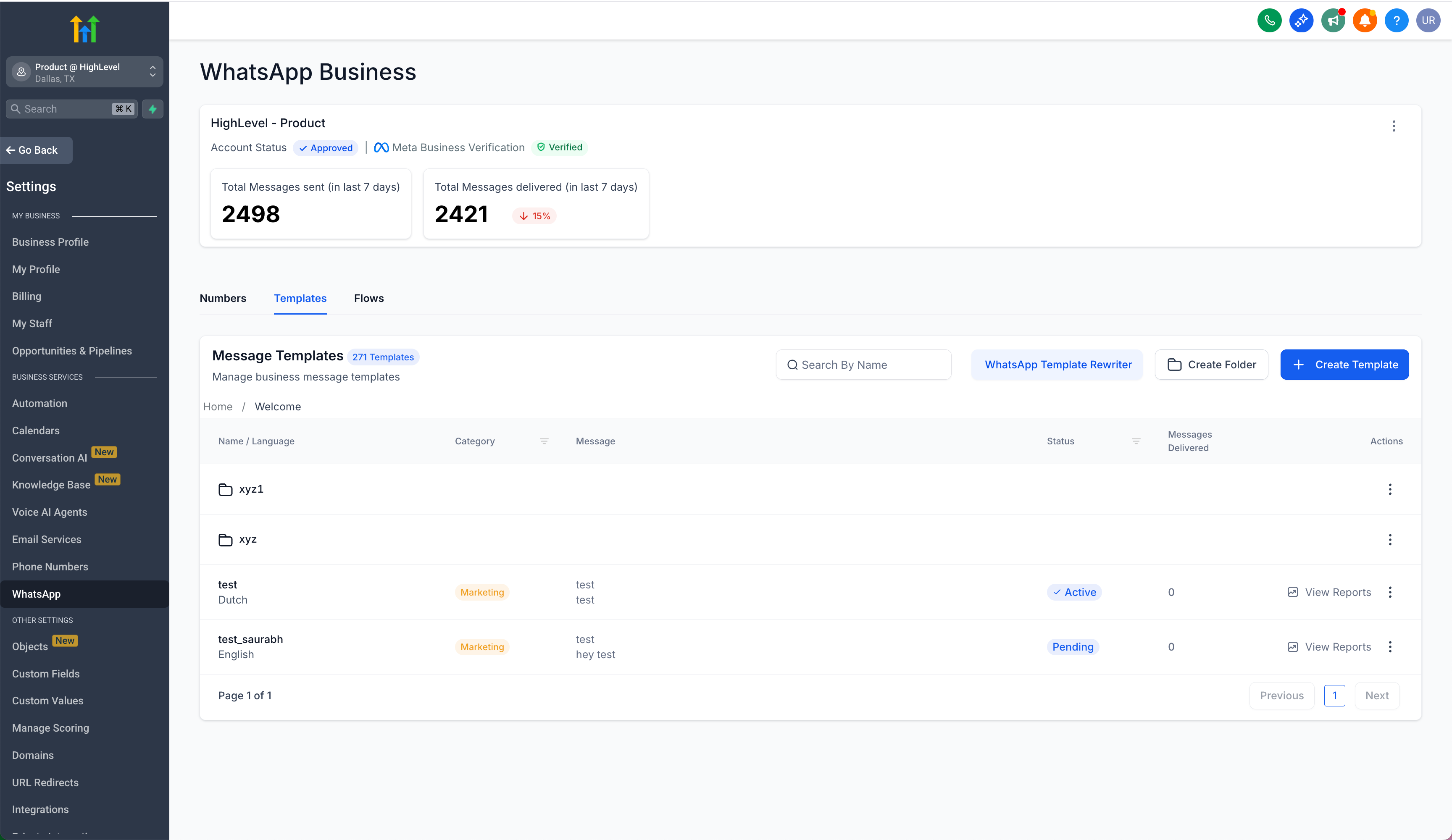
Create custom folders to arrange templates by campaign, language, or team.
Nest subfolders as deeply as required to build a structure that mirrors your workflow.
Drag or move templates (or entire folders) into position, and create new folders on the go.
Breadcrumb navigation keeps you oriented, ensuring you always know your location within the tree.
Delivery Insights—At a Glance
The Delivered Count now appears directly in the template list, eliminating the need for extra clicks to view performance.
The Weekly Delivery Trend shows how this week’s sends compare to last week, using simple percentage change indicators.
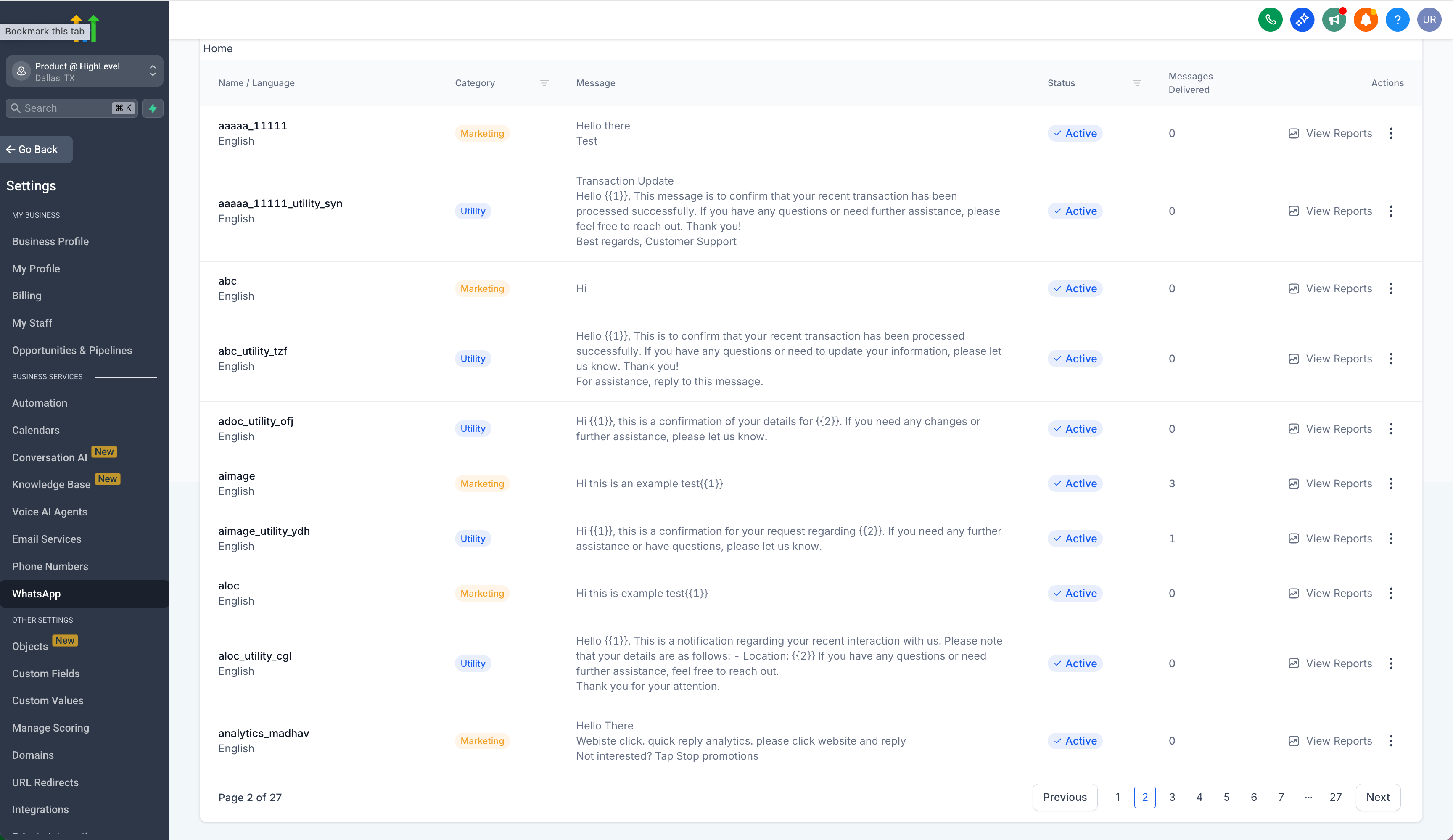
- Faster template discovery and cleaner organisation for extensive libraries.
- Instant visibility into which templates are performing well, without consulting reports.
- A smoother workflow for anyone creating, tracking, or refining WhatsApp messages.
- Start grouping your templates into folders today for a tidier workspace with immediate performance insights.