
Wait Time in Recurring Timer 🧭
Added Support for Custom Wait Time
Enhances recurring timer cycles.
This feature enables advanced scenarios, such as “Every Friday Sale,” weekly countdowns, and more flexible automation.
- Navigate to: Marketing → Countdown Timer
- Create a Recurring Timer and configure your settings.
- Set the Wait Time Duration between cycles.
- Optionally enable “Hide Timer in Wait State” for funnels.
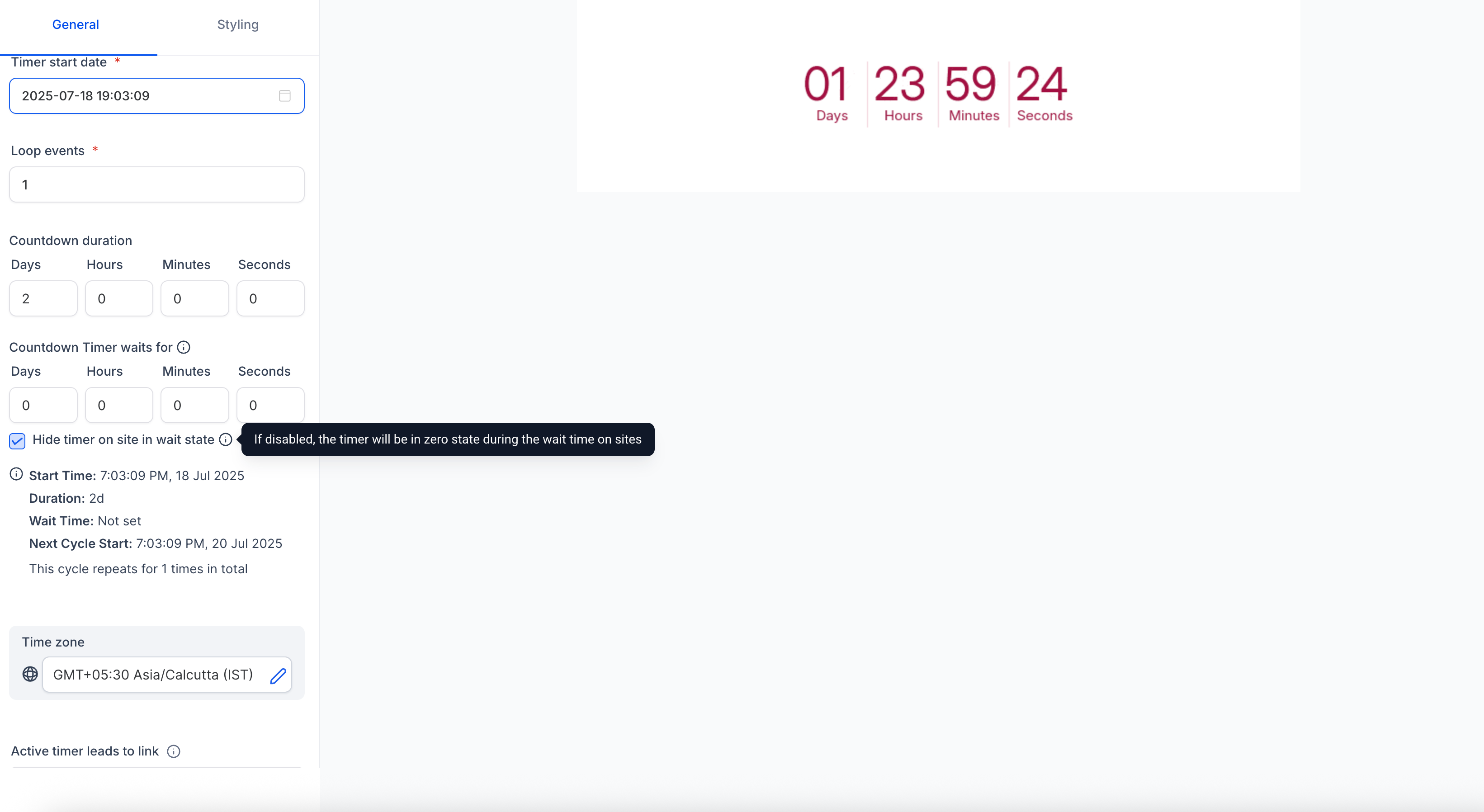
- Save and use in Funnels and Emails.
During Wait Time:
- Timer shows a zero state.
- Clicking the email link redirects to the Expiry Page.
- Timer can be hidden during the wait (if enabled).
- If the timer transitions from Active to Wait in the same session, the user remains on the page (no auto-redirect).
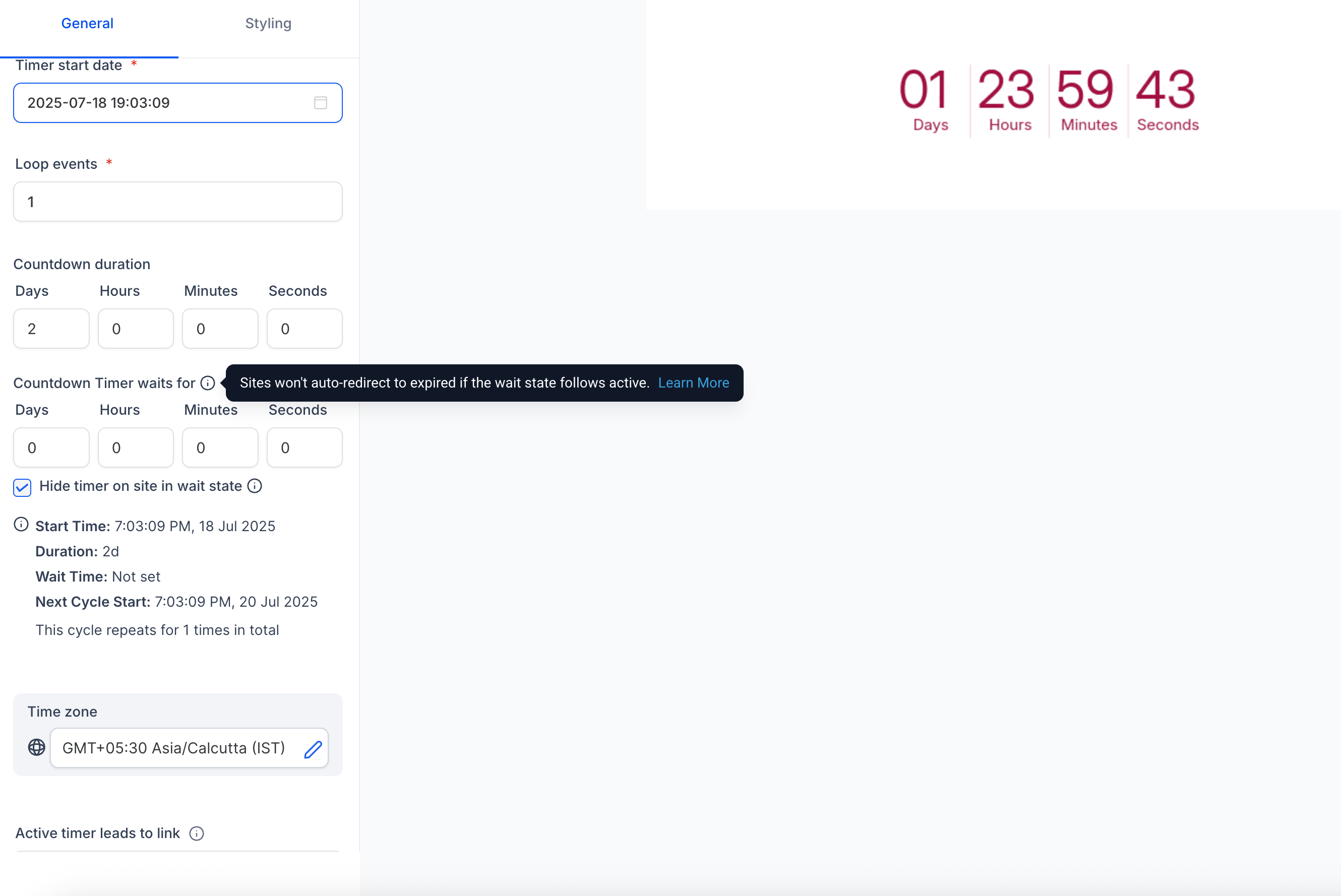
- On page refresh, the user is redirected to the Expiry Page if in a wait state.