
Wait Action – Live Chat Response Support
New Feature: “Wait for Contact Reply” under the wait action now supports
Live Chat Response
as a new option.
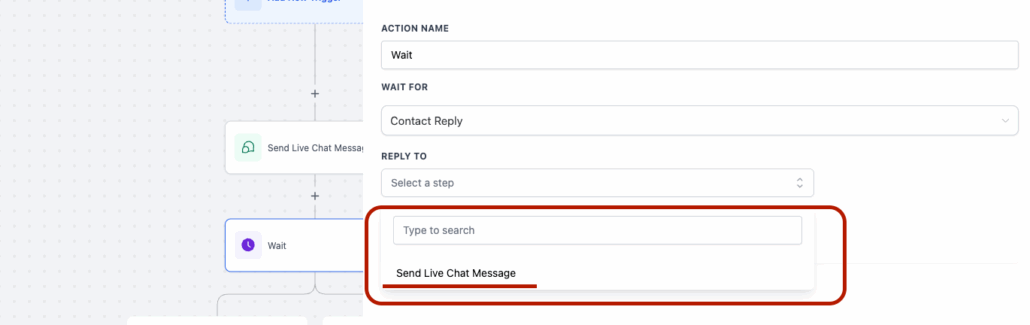
- Added the “Send Live Chat Message” option to the wait action’s reply channels.
- Workflows can now pause and wait for live chat responses, in addition to SMS, email, and other channels.
- Add a “Wait” action to your workflow.
- Select “Contact Reply” from the “Wait For” dropdown menu.
- Choose “Send Live Chat Message”.
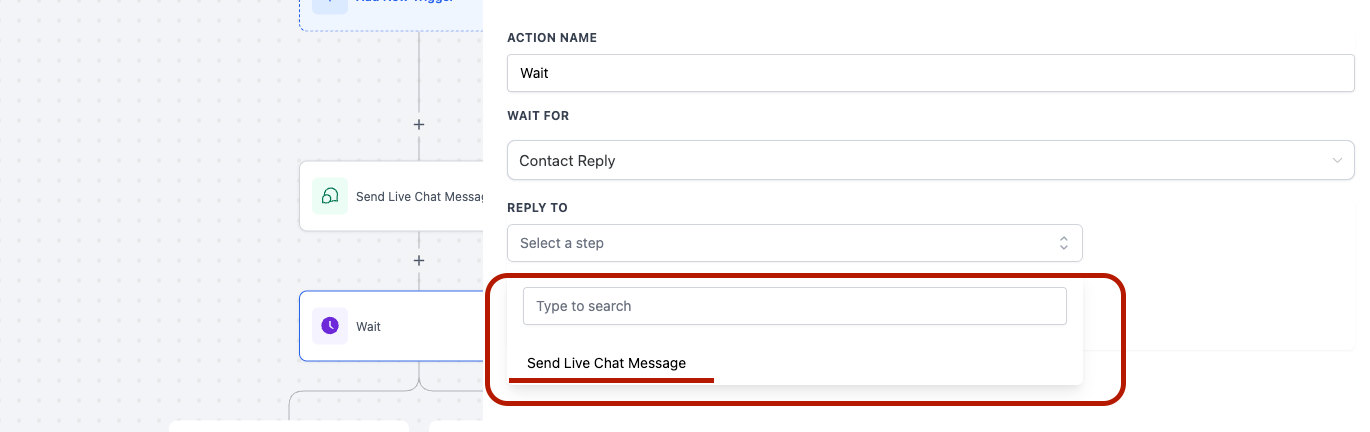
Complete channel coverage for customer engagement, enabling workflows to manage real-time live chat interactions and branch based on customer responses.