Smarter Folder Management and Streamlined Bulk QR Creation
This release introduces several enhancements designed to simplify the organisation of QR codes and streamline bulk creation workflows:
**Move QR Code to Folder**
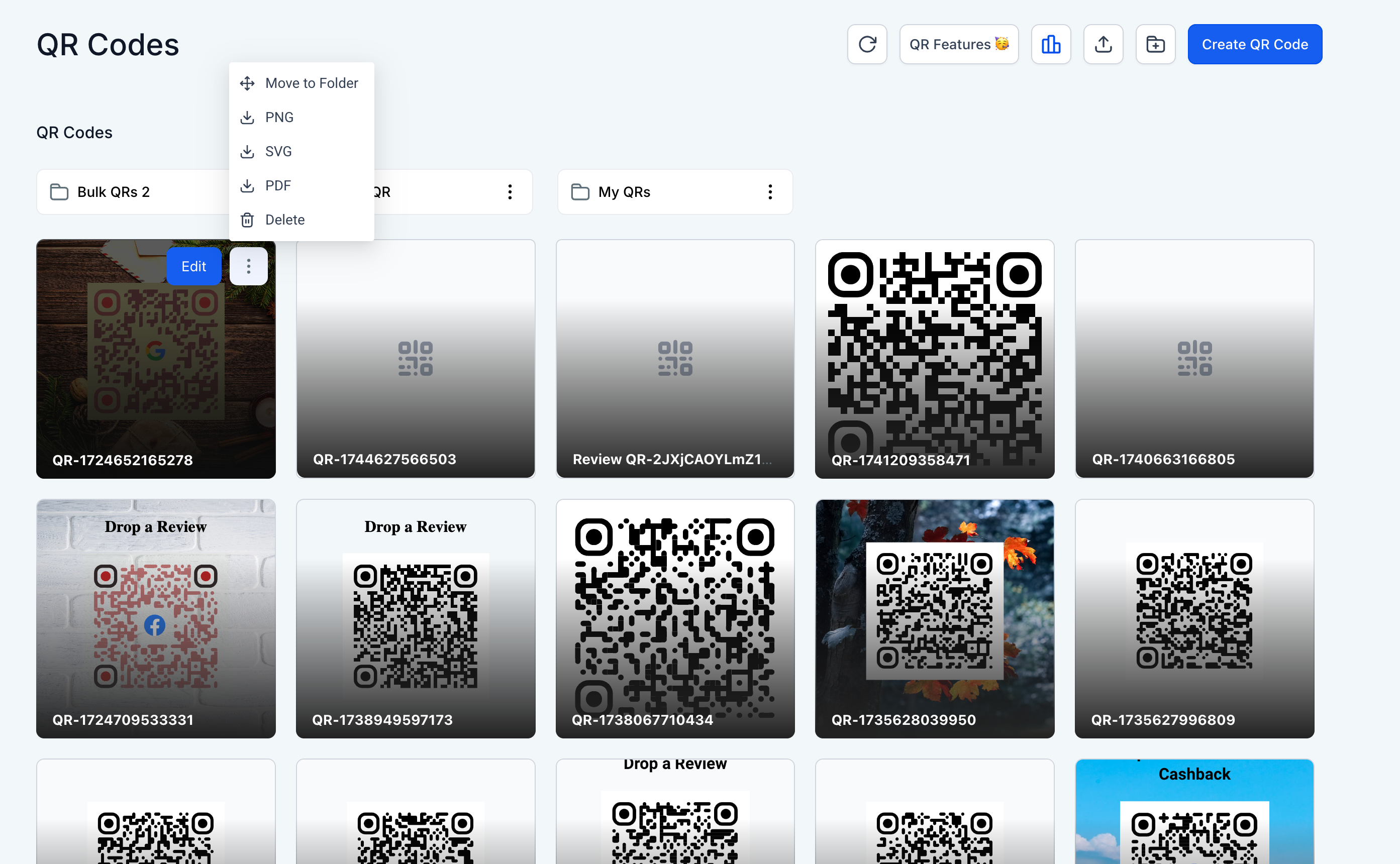
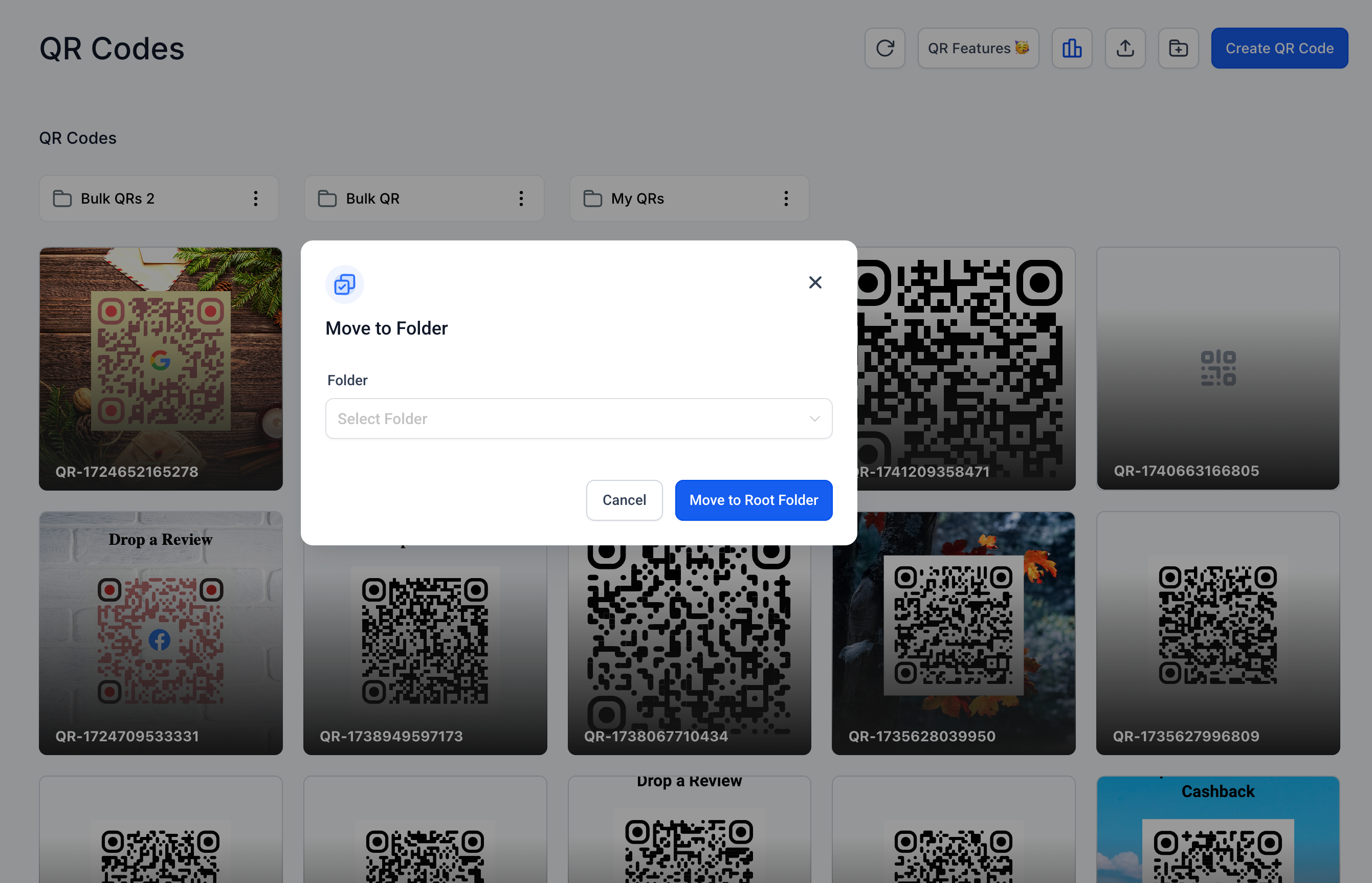
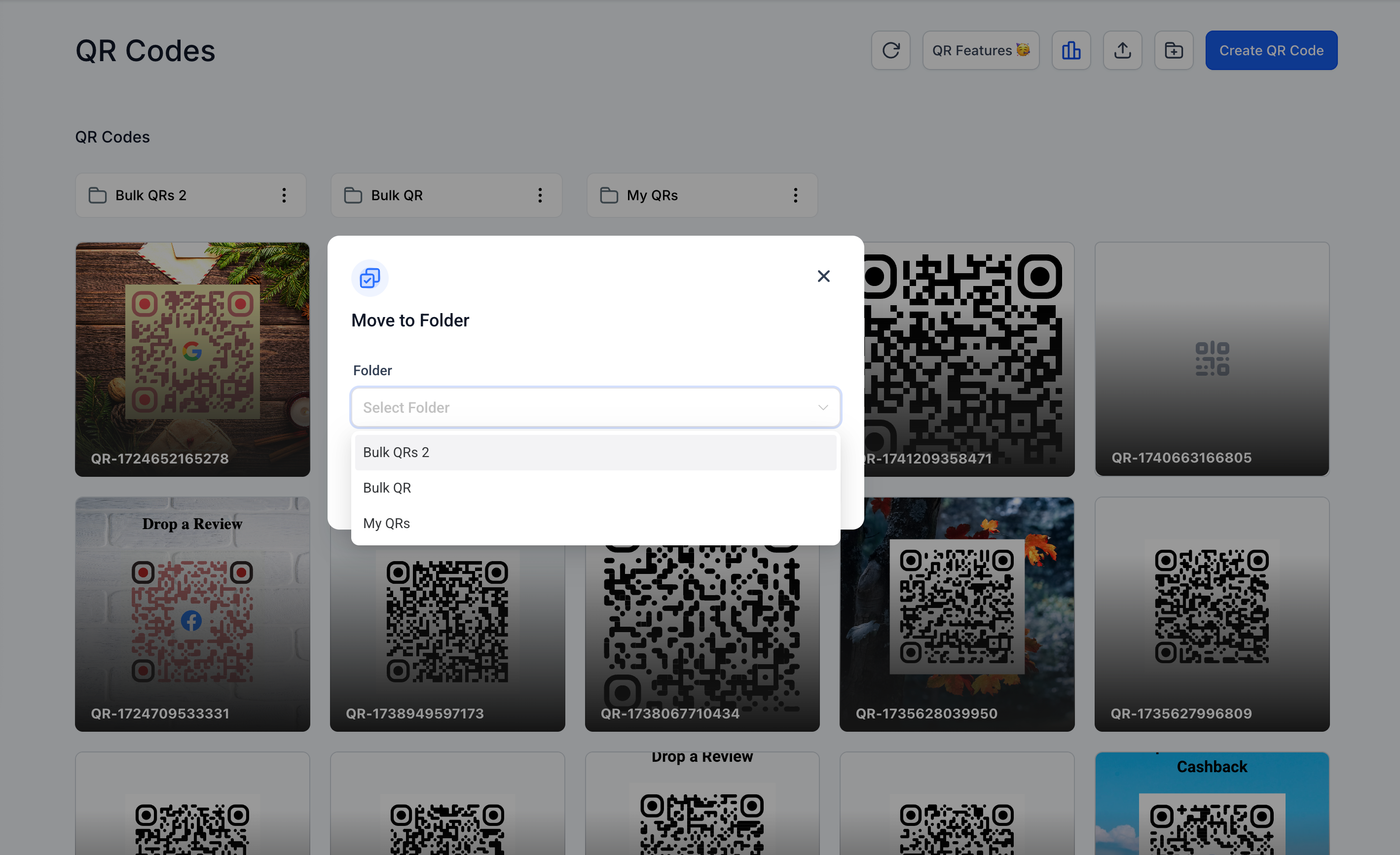
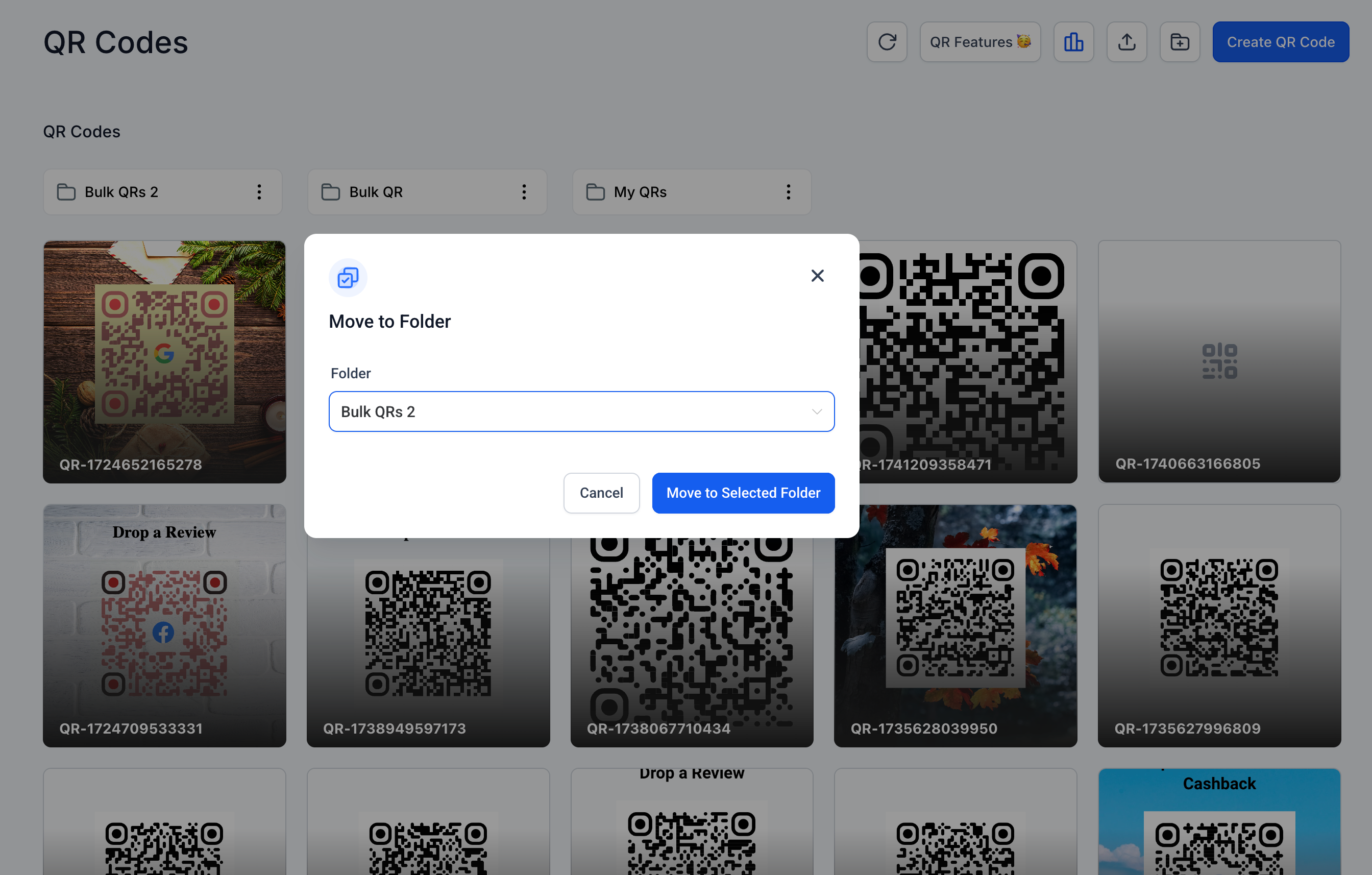
Users can now move individual QR codes to any folder directly from the grid view. This update enhances organisational flexibility without the need for bulk actions.
**Folder Selection Now Optional in Bulk Creation**
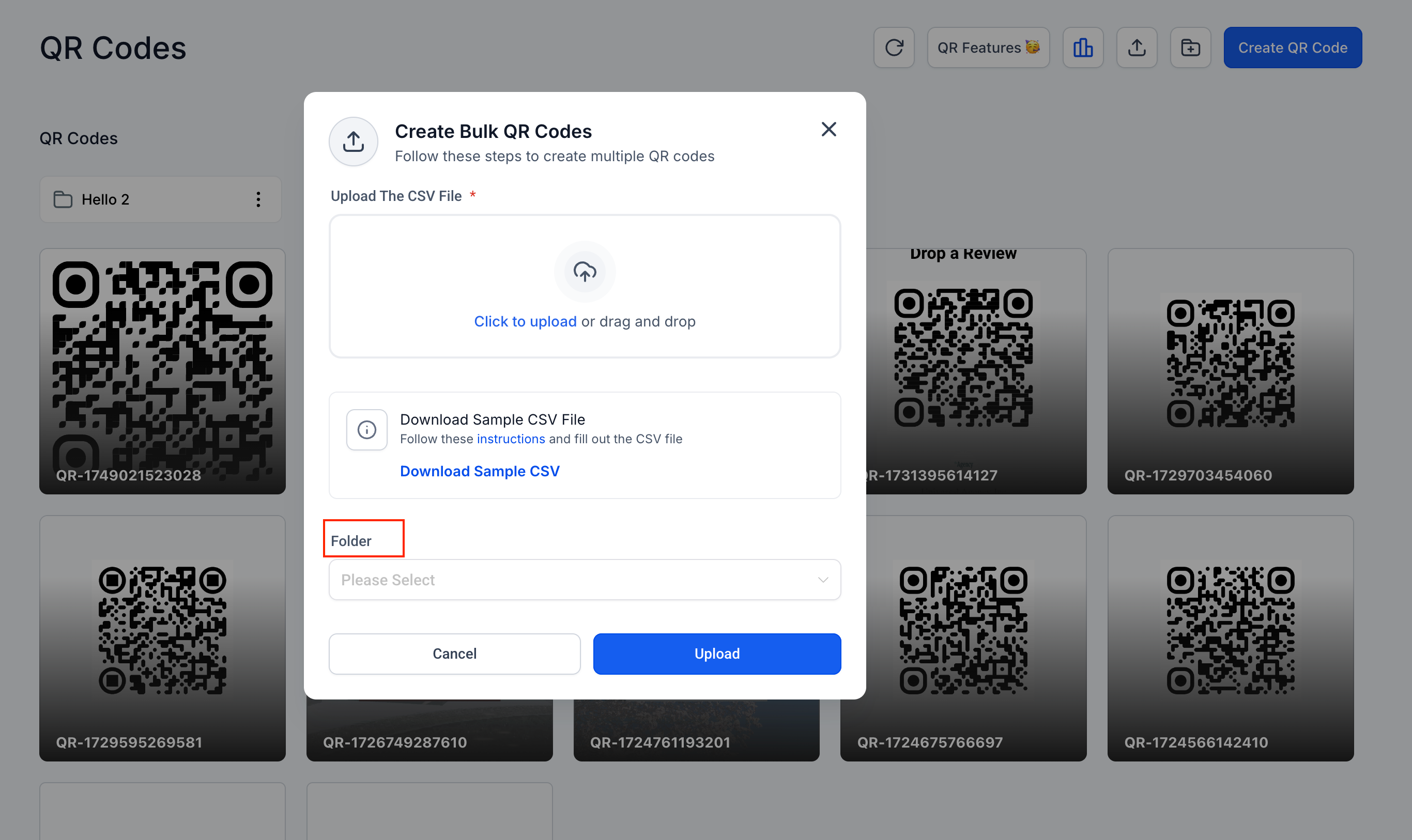
The folder field is no longer mandatory when creating QR codes in bulk. Users can proceed without selecting a folder, and the codes will default to the root directory.
**Dynamic Sample CSV Visibility**
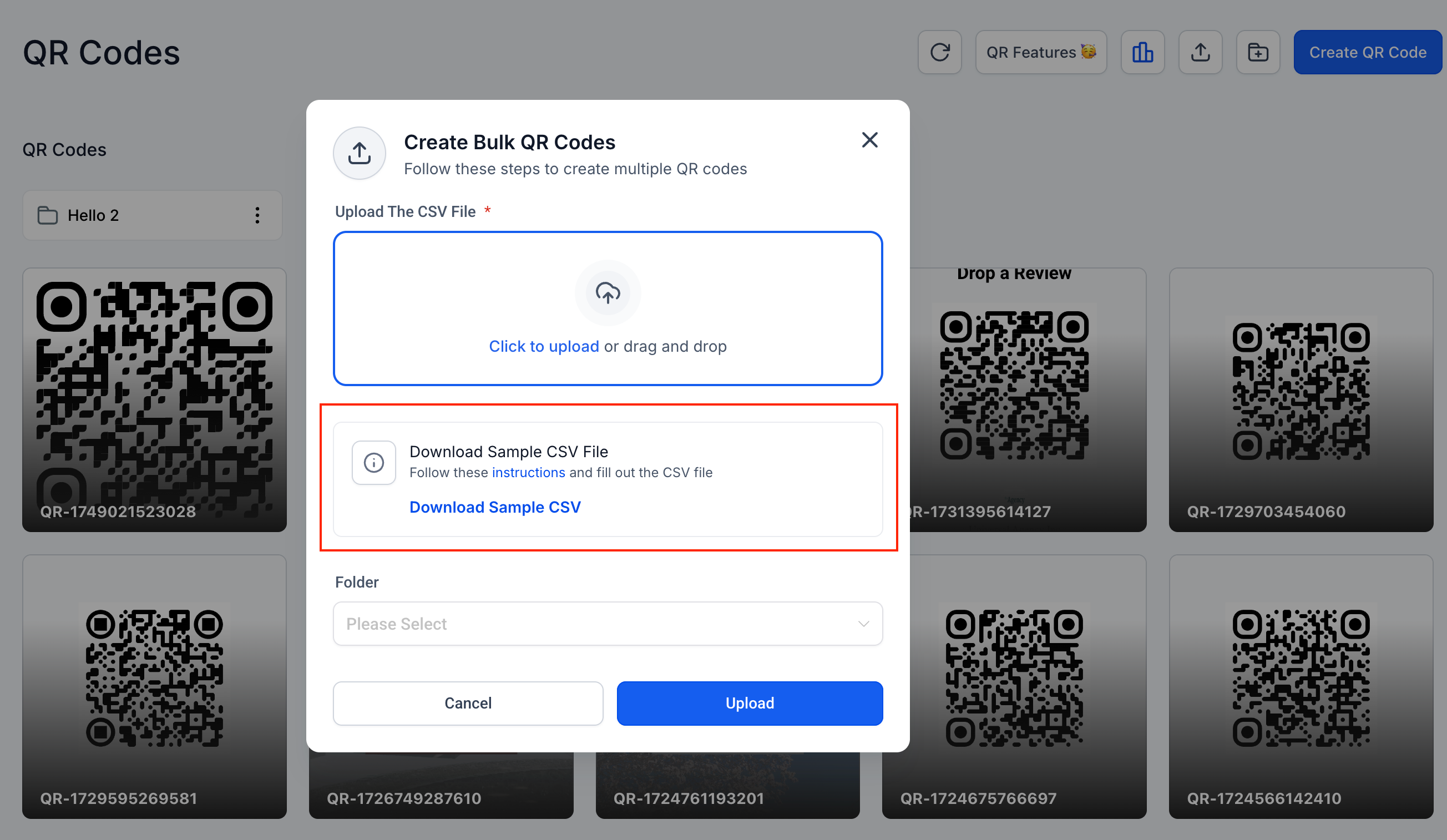
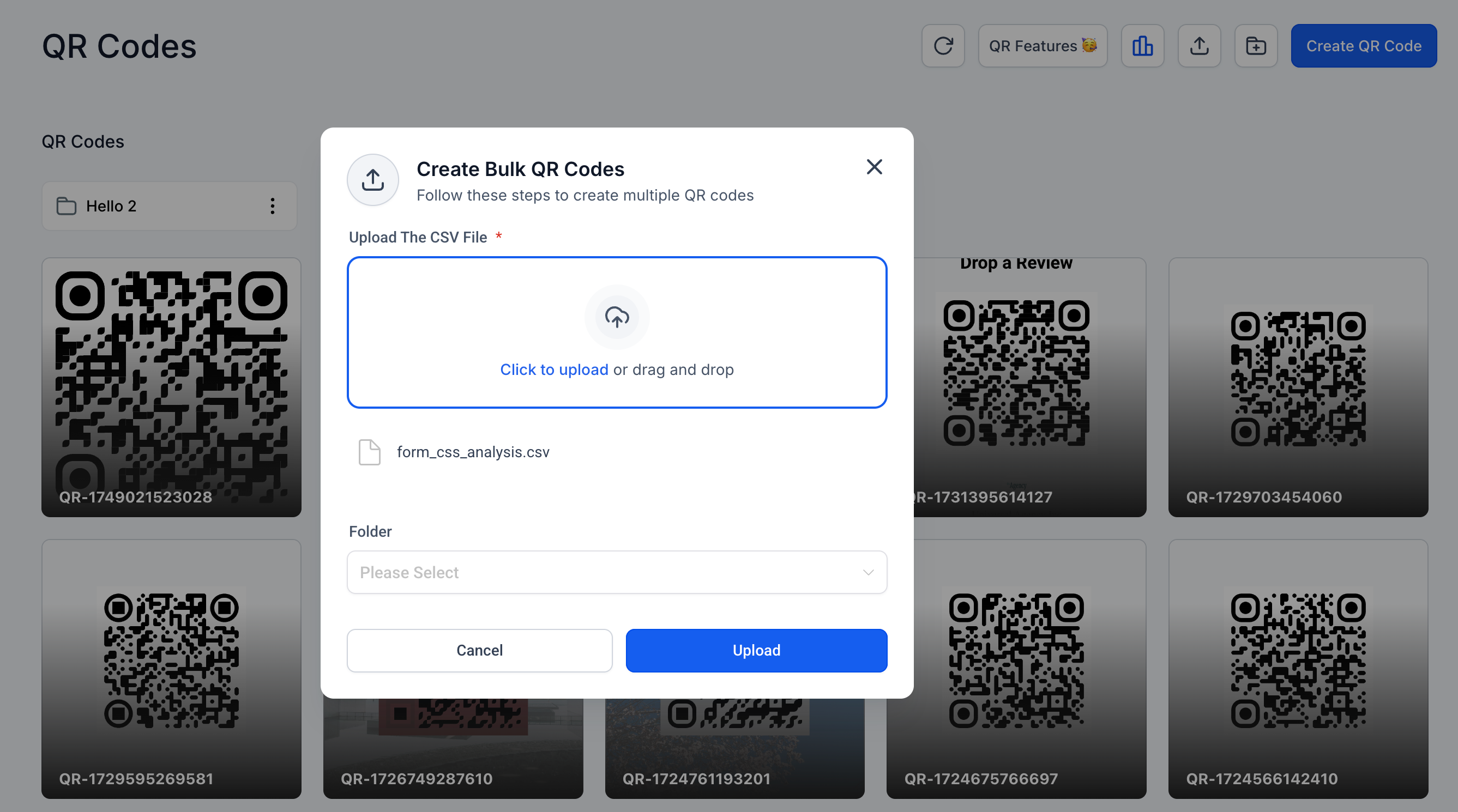
To reduce visual clutter, the “Download Sample CSV” option in the bulk upload dialog automatically disappears once a file has been uploaded.
**Moving QR Codes**
- Click the three-dot menu on any QR code tile and select “Move to Folder.”
- Choose the desired folder or move the item to the root directory.
**Bulk QR Code Creation**
- Navigate to “Create QR Code” > “Bulk.”
- Upload a CSV file to generate multiple QR codes.
- Selecting a folder is now optional. If no folder is chosen, the codes will be placed in the root directory.
**Clean Upload Interface**
- The interface initially displays a “Download Sample CSV” link.
- After a CSV is added, the link is hidden to streamline the interface.
No changes have been made to existing QR codes, analytics, or API endpoints.
A hard refresh may be necessary to load the latest interface updates.
These improvements aim to make bulk operations and folder management faster and more intuitive.