Smarter Domain Renewal Management | Clixio Changelog
We’ve introduced a more efficient way to manage the renewal of your internal domain, allowing you full control over whether to automate renewals or handle them manually.
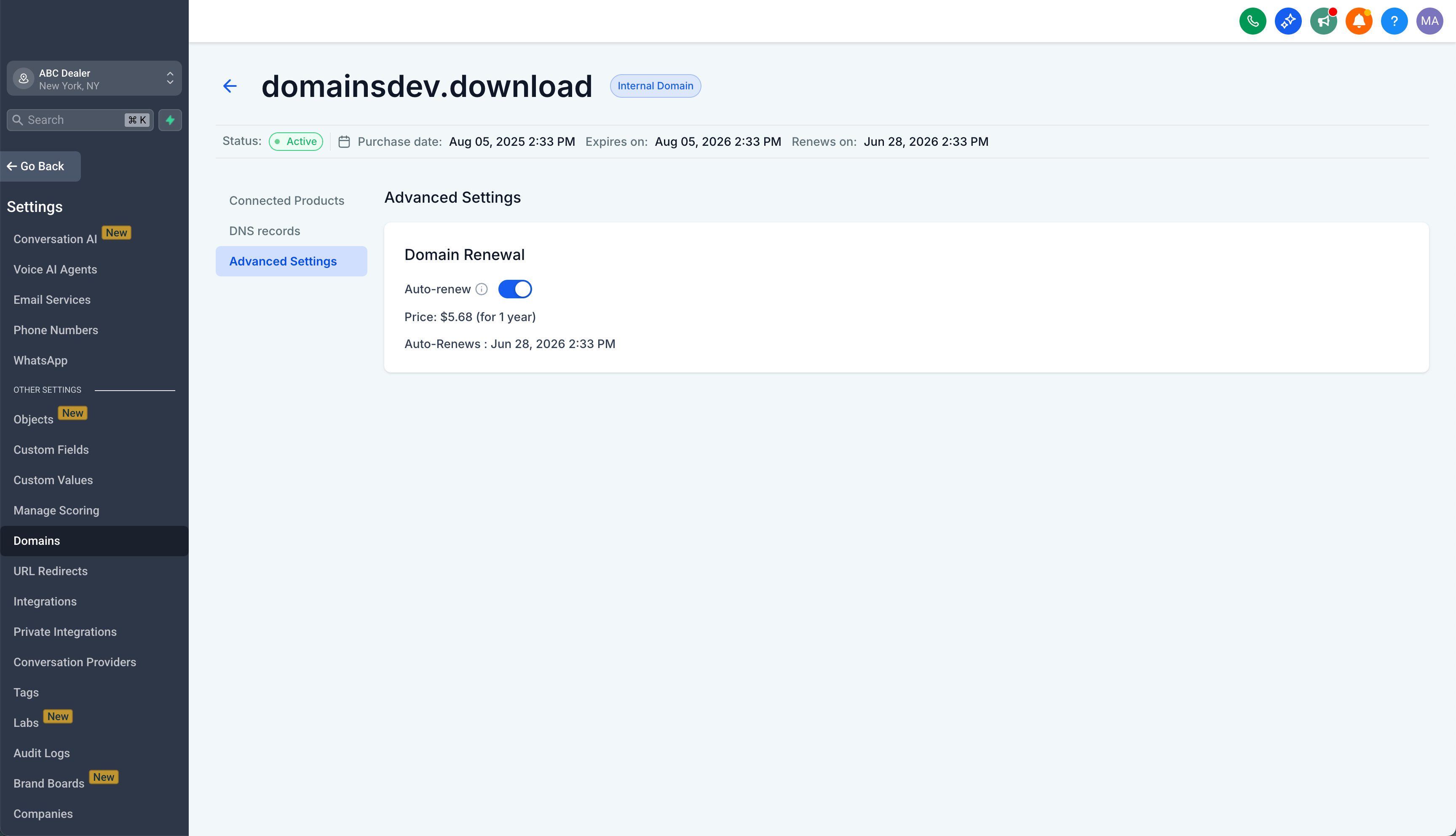
You can update your renewal settings by:
- Navigating to Sub-account settings → Domains
- Selecting your internal domain
- Clicking on Additional Settings
- Opening the Domain Renewal section
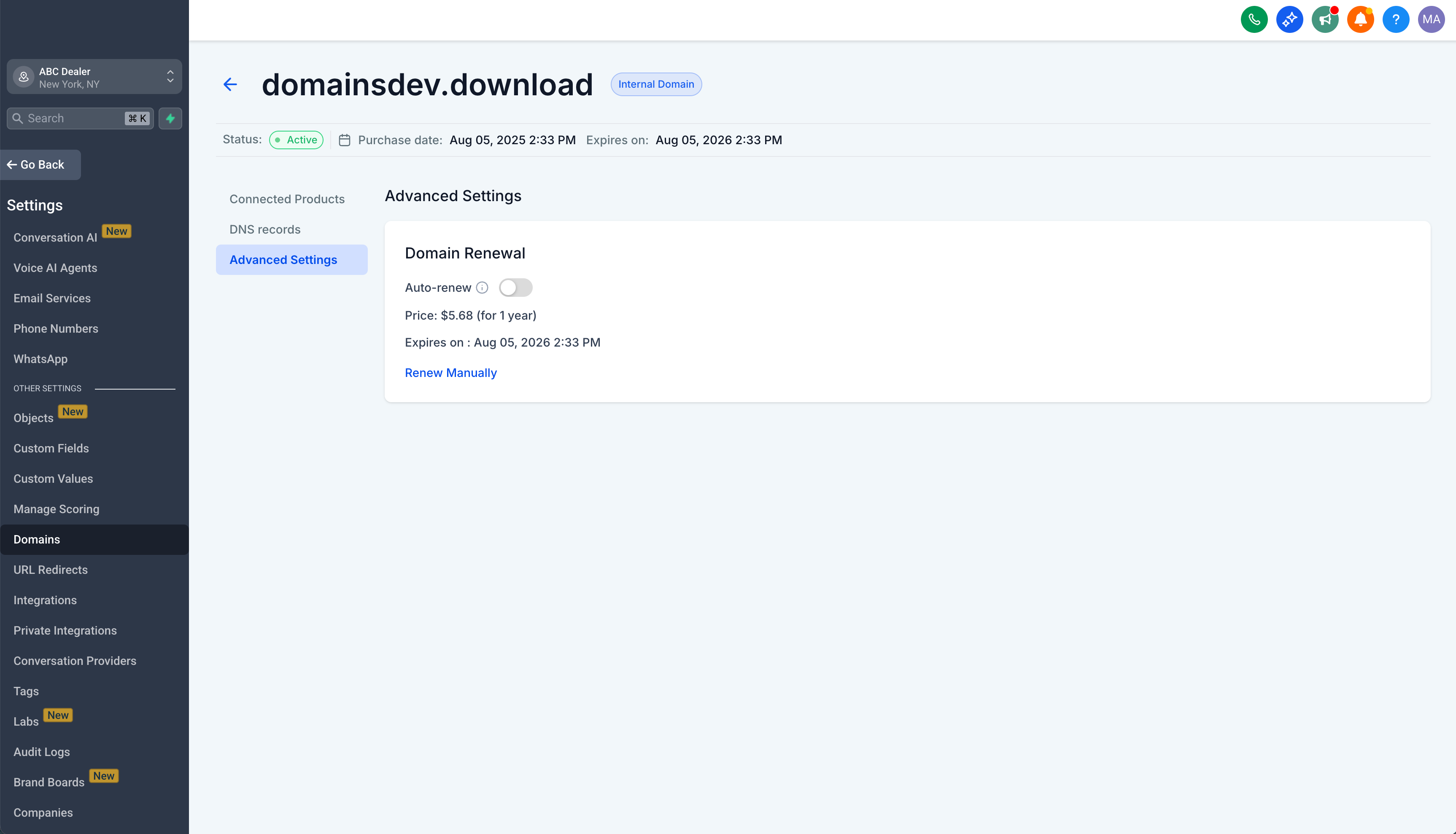
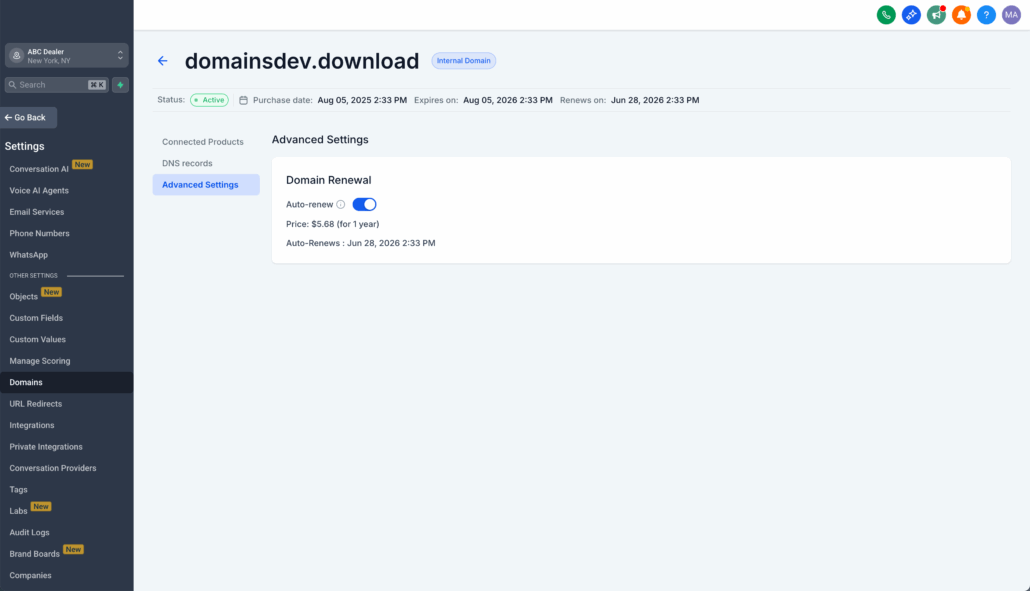
- From there, you can toggle Auto-Renew ON/OFF and check your domain’s renewal status.
- Auto-Renew Made Simple: You can turn auto-renew ON or OFF at any time before your renewal date.
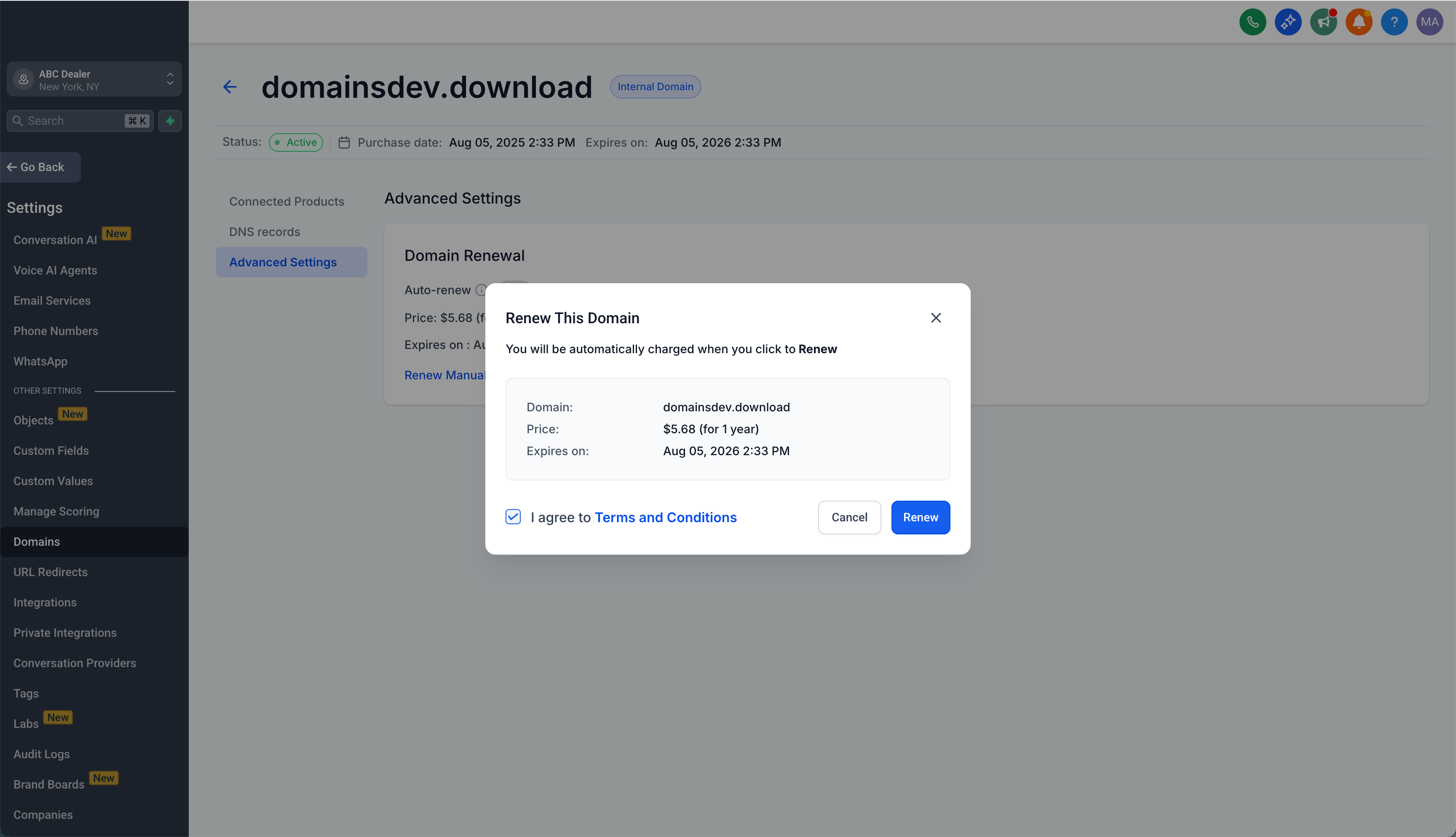
- Manual Renewal Option: If auto-renew is OFF or a renewal attempt fails, you have the option to renew manually.
- Automatic Retry: If auto-renew fails due to payment issues, we will automatically retry up to two more times.
- Clear Status & Alerts: You will receive alerts if a renewal attempt fails, along with clear next steps.
- Stay in Control – Decide how your domain is renewed.
- Never Miss a Renewal – Smart retries and a manual backup ensure you are covered.
- No Surprises – Renewal prices are always displayed before charging.
- You can switch between auto-renew and manual renewal before the renewal date.
- If multiple auto-renew attempts fail, you will be notified and can choose to renew manually until the domain expires.
- Some domain extensions may renew for more than one year, with pricing always shown upfront.