
Reach and Frequency metrics in Ad Manager statistics
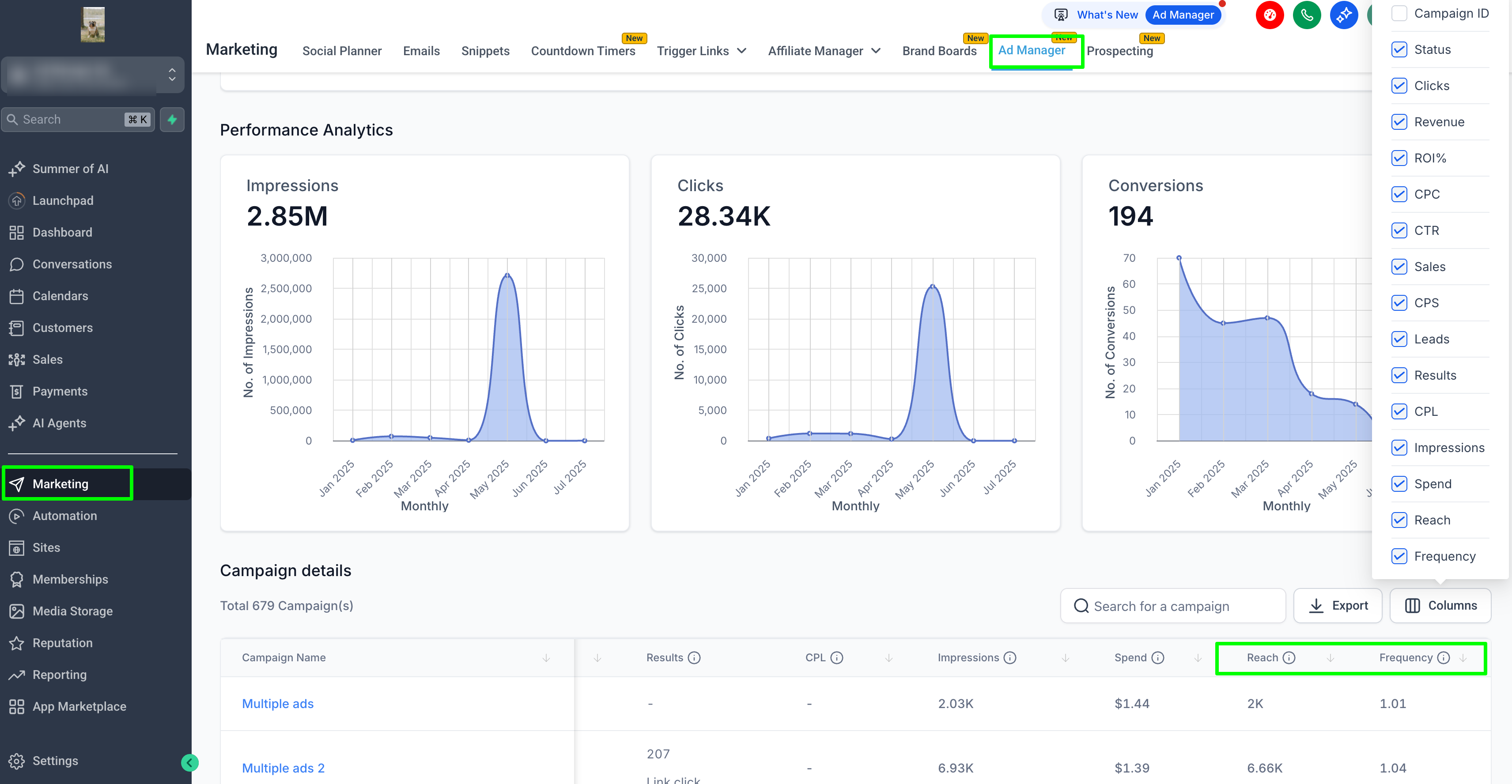
We have introduced two new metrics in the campaign performance dashboard/statistics section:
-
Reach
: This displays the number of unique users who have seen your ad at least once.
-
Frequency
: This indicates how often your ad was shown to each unique user, calculated as Impressions divided by Reach.
- Navigate to the
Statistics
screen and go to the performance listing view of campaigns.
- These metrics are now available alongside existing statistics such as Results, CPL, Spend, Impressions, Clicks, and more.
- Use the
Columns
selector at the top right of the table to enable or disable the
Reach
and
Frequency
metrics.
- Tooltips will appear on hover to assist you in understanding the data.