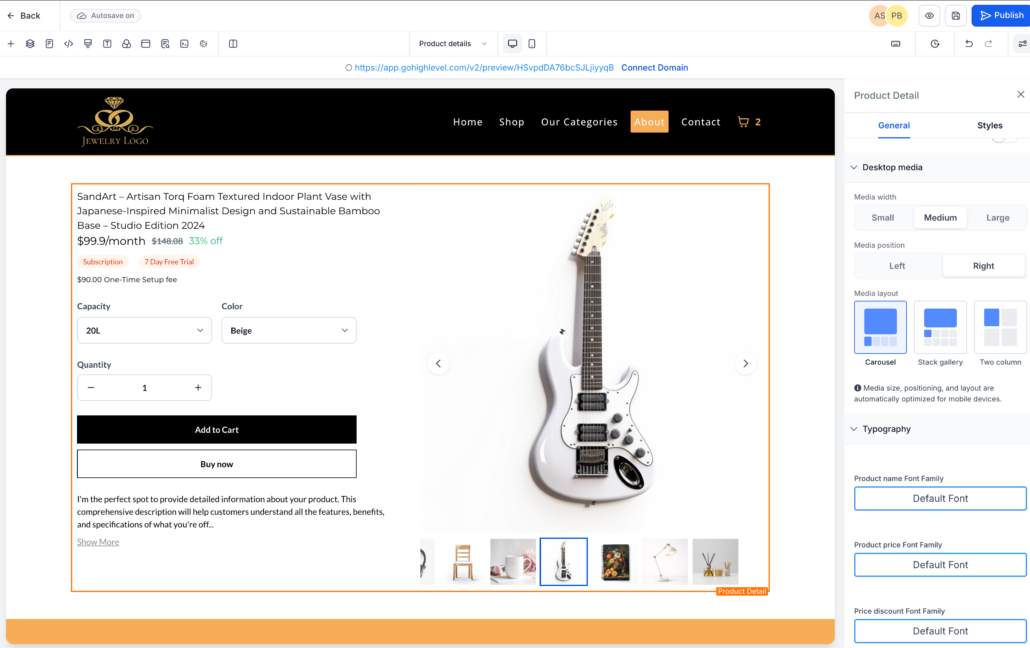
Product Details Page Customization (Desktop Media Size & Layout)
We’ve introduced new customisation options for the Product Details Page (PDP) on desktop, providing store owners with greater control over how product media and information are displayed. These updates enhance layout flexibility and assist merchants in aligning product pages with their brand design.
Directional Layout Alignment
-
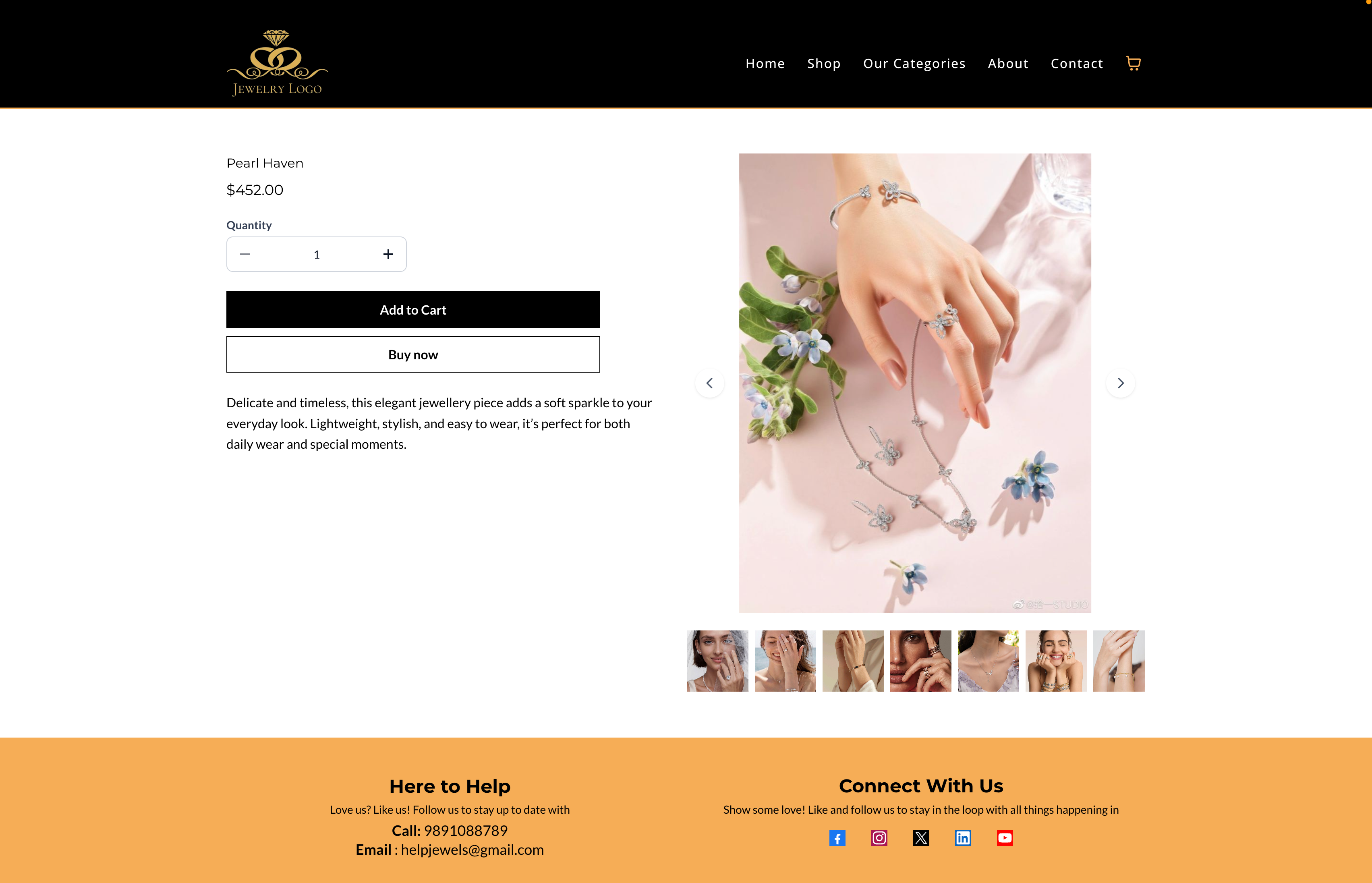
The PDP layout now follows a directional alignment instead of centre-based justification.
- The improved visual structure creates a clearer separation between product images and product information.
Custom Product Layout Positioning
-
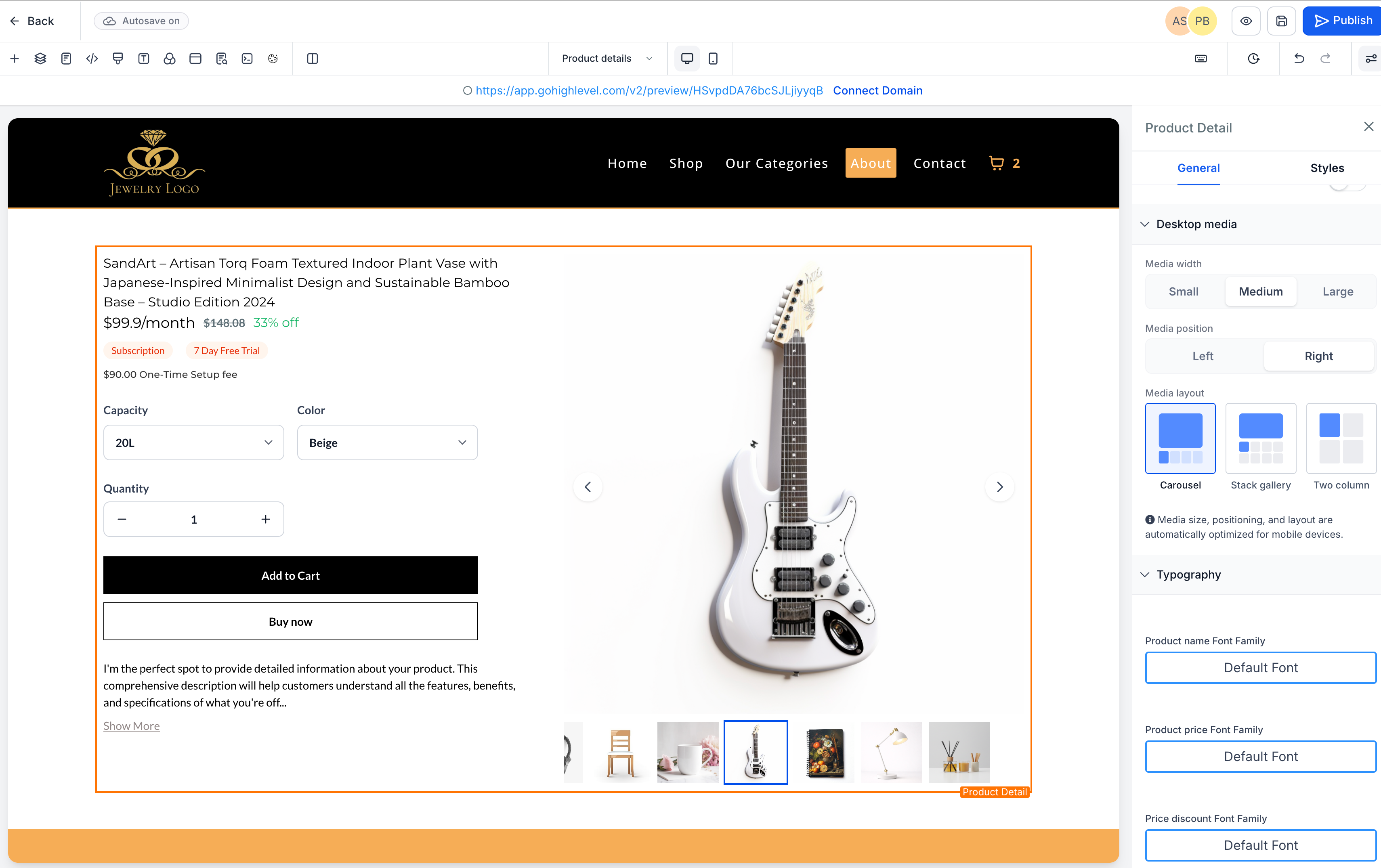
Store owners can now select the alignment of the Product Details Page layout on desktop.
- The product media section can be positioned on either the
left
or
right
relative to the product details.
Adjustable Product Image Size
-
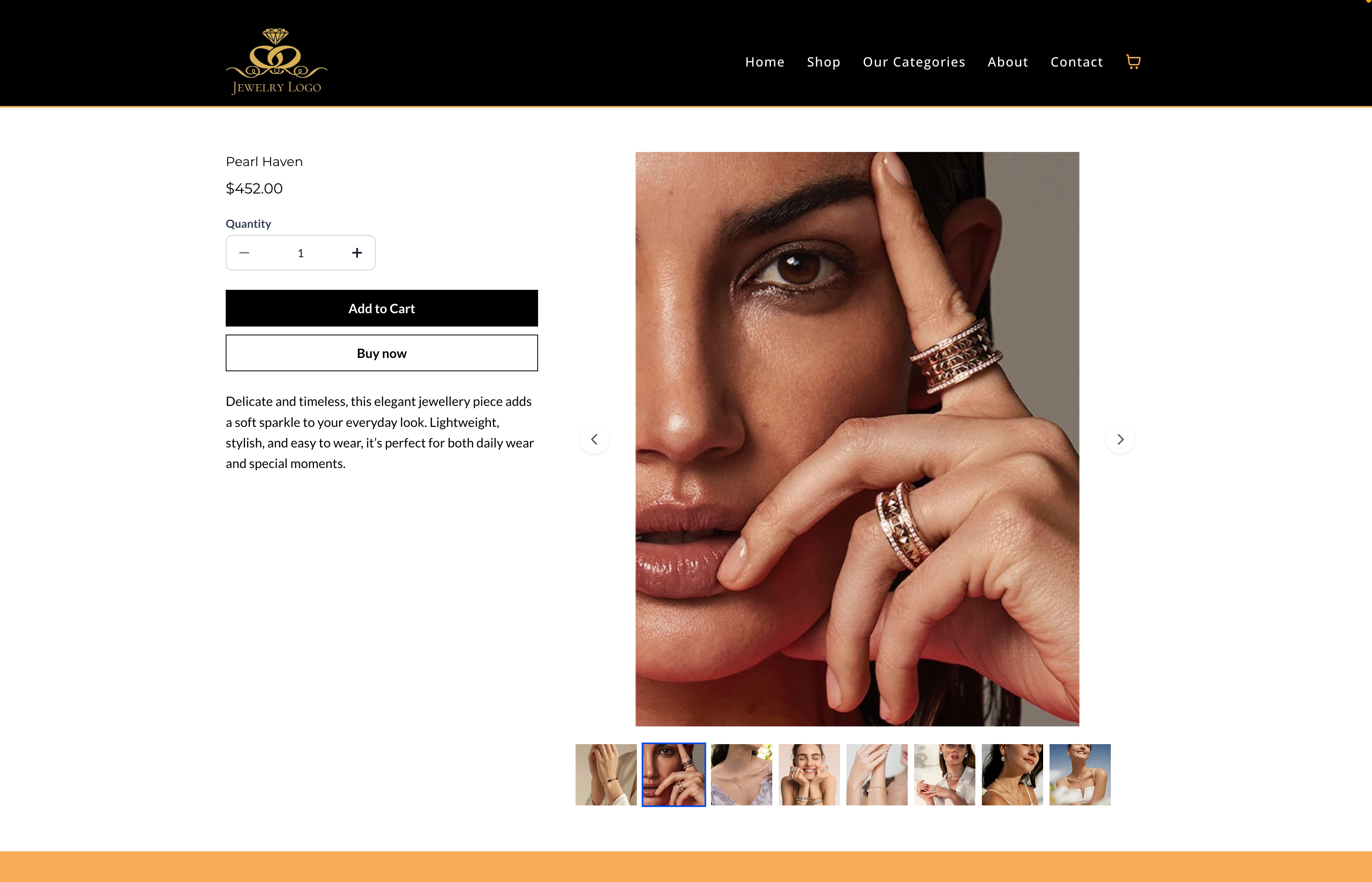
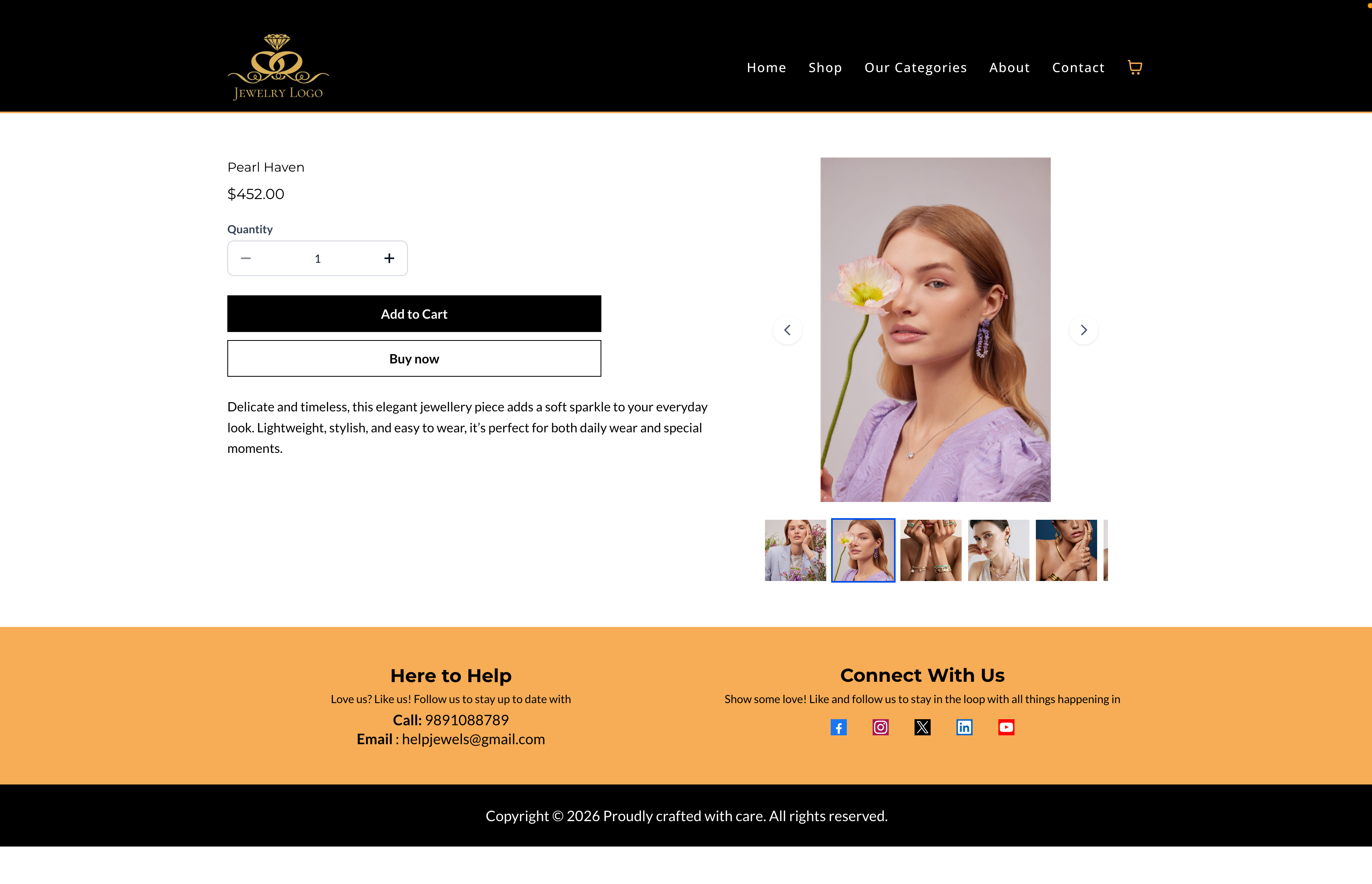
There is now an option for merchants to control the size of the product image on desktop.
- Three preset options are available:
Small, Medium, and Large
.
- These controls offer more flexibility for different store styles while maintaining responsive behaviour across devices.
To customise your Product Details Page:
- Open your
Store Builder
and edit the
Product Details Page
.
- Select the
Product Details element
in the builder.
- In the
Settings panel
, locate the
Desktop media options
.
- Choose the desired
Media position (Left or Right)
.
- Select the
Media width
— Small, Medium, or Large.
- Save and publish the page to apply the changes.
- The customisation settings currently apply to
desktop layouts
.
- On mobile and tablet devices, the layout automatically stacks vertically for optimal responsiveness.
- Image scaling maintains safe boundaries to prevent distortion when using larger sizes.