Notion Actions & Triggers in with Automations
You can now connect Notion directly to Clixio workflows — no Zapier or n8n required!
Triggers:
- New Database Item
- Updated Database Item
- Updated Page
Actions:
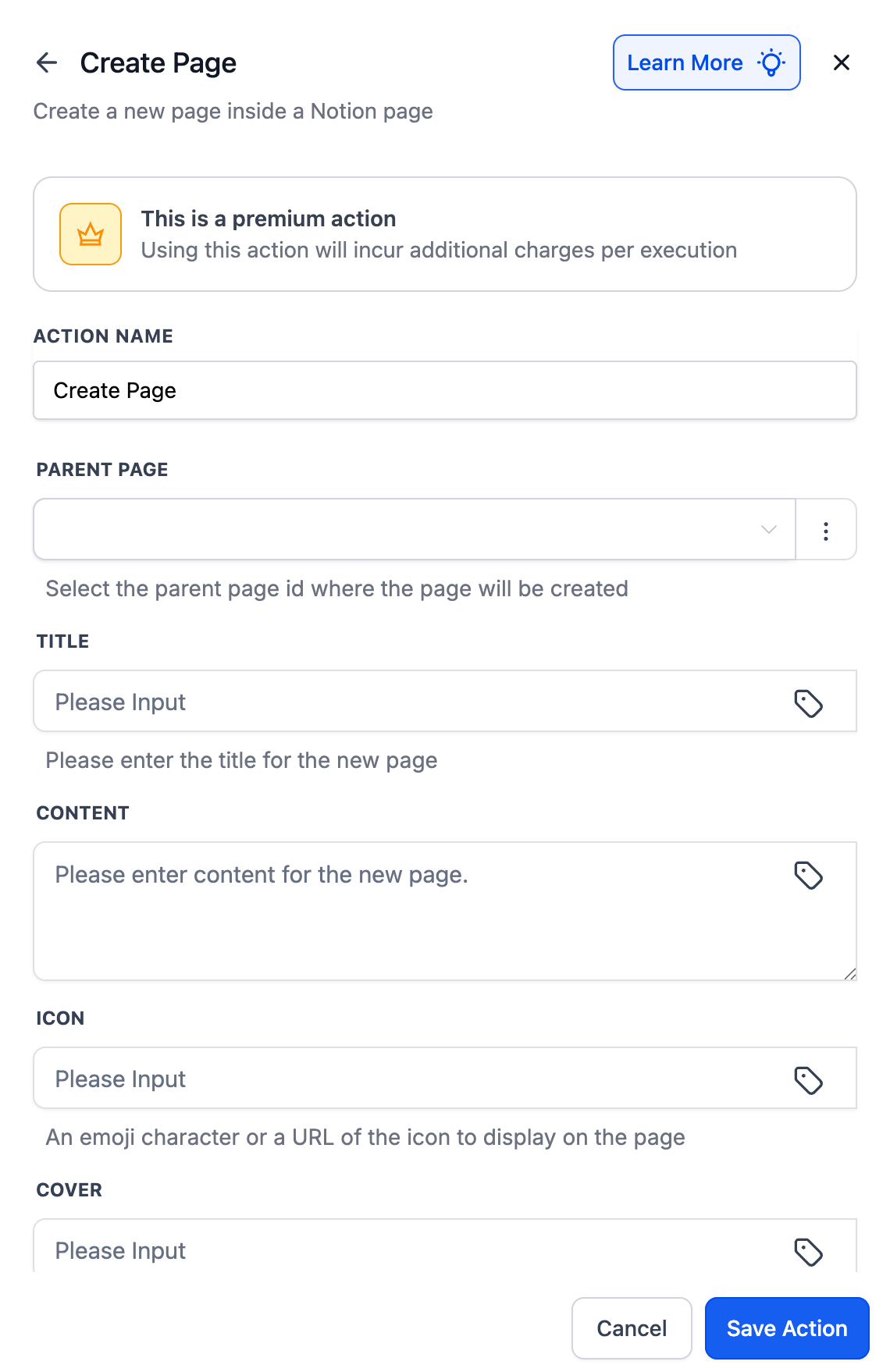
- Create Page / Database Item
- Update Database Item
- Add Content to Page
- Add Comment
- Archive / Restore Database Item
- Retrieve Page, Block Children, Database
- Get Page Comments
- Find Page / Database Item
- Find or Create Database Item / Comment
Notion triggers operate on a 5-minute polling cycle, with Clixio checking for updates every few minutes.
- Capture client data or form submissions directly into Notion.
- Build dynamic knowledge bases, proposals, and project wikis.
- Reduce manual updates and eliminate the need for third-party automation tools.
- Onboarding forms → Notion client DB
- Consultations → Logged in Notion
- Won deals → Auto-generated proposals
- Go to Workflows and search for Notion actions/triggers.
- If your Notion account is already connected, fields will appear for setup.
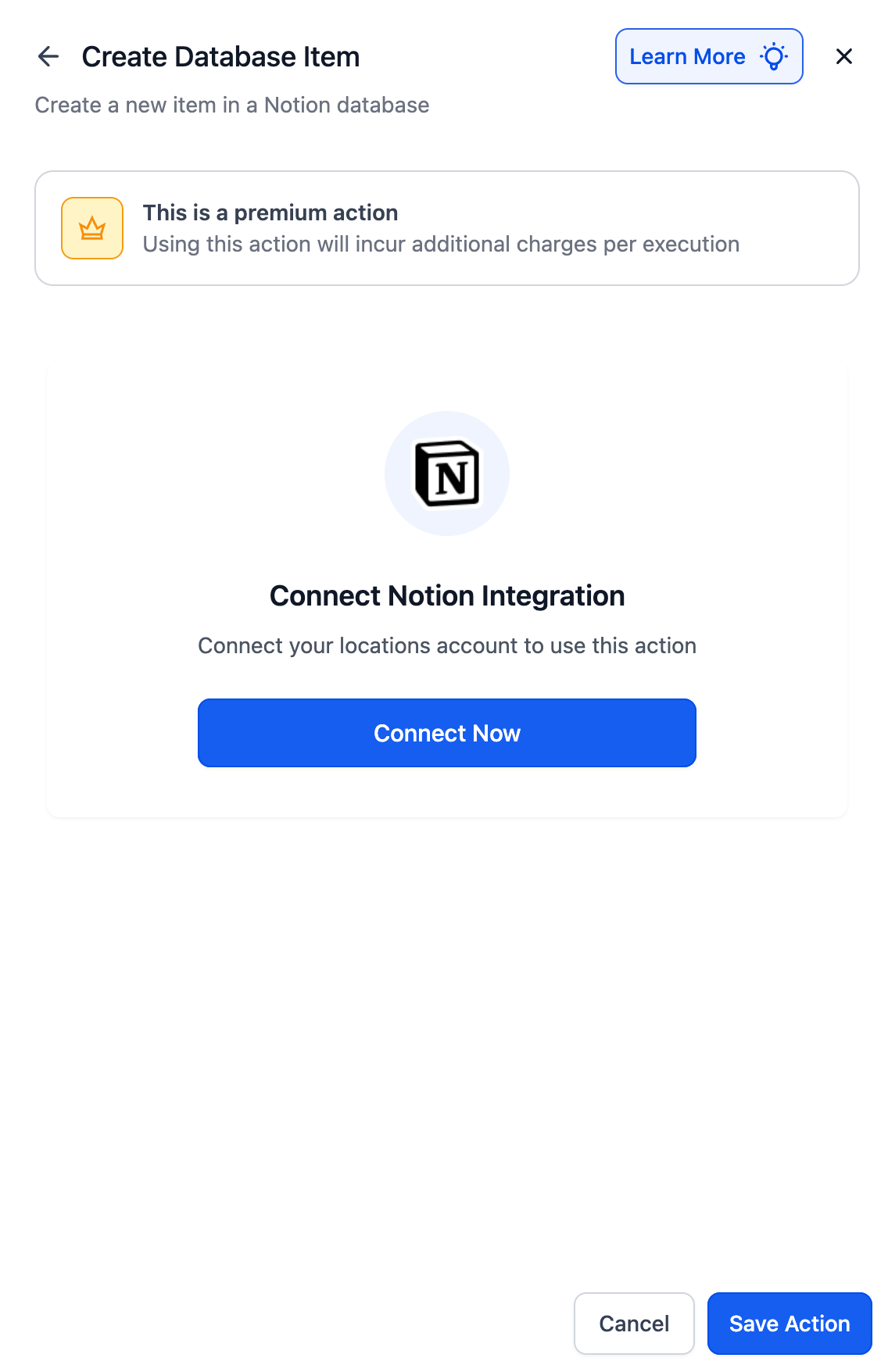
- If not, click Connect Now and complete the OAuth flow.
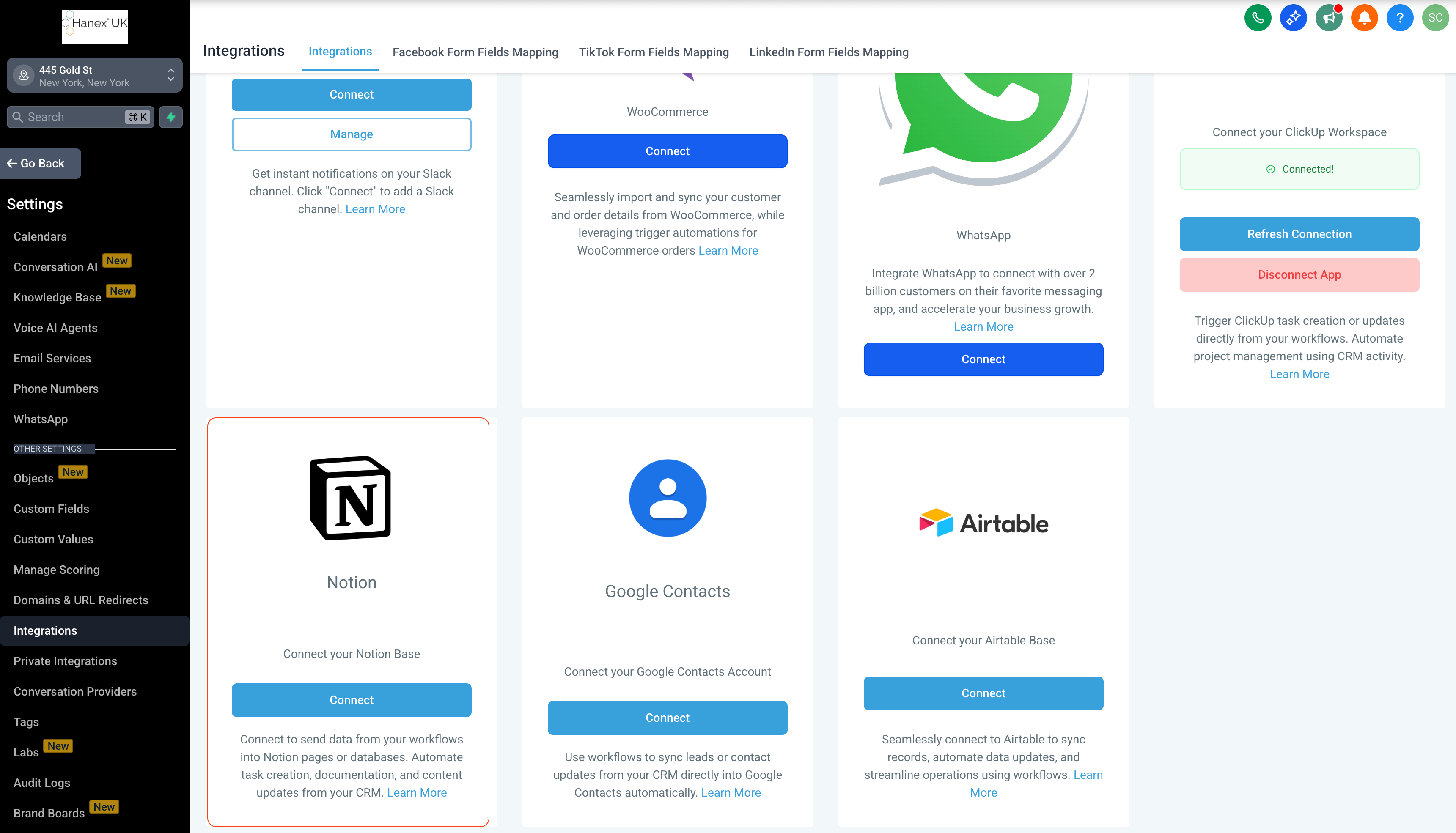
- Alternatively, go to Settings → Integrations → Notion and connect your workspace.