
Notes for Workflows..!! | Clixio Changelog
What’s New?
We’re thrilled to introduce one of the highly anticipated features for workflows: Notes. With this update, users can add and track important information for each workflow.
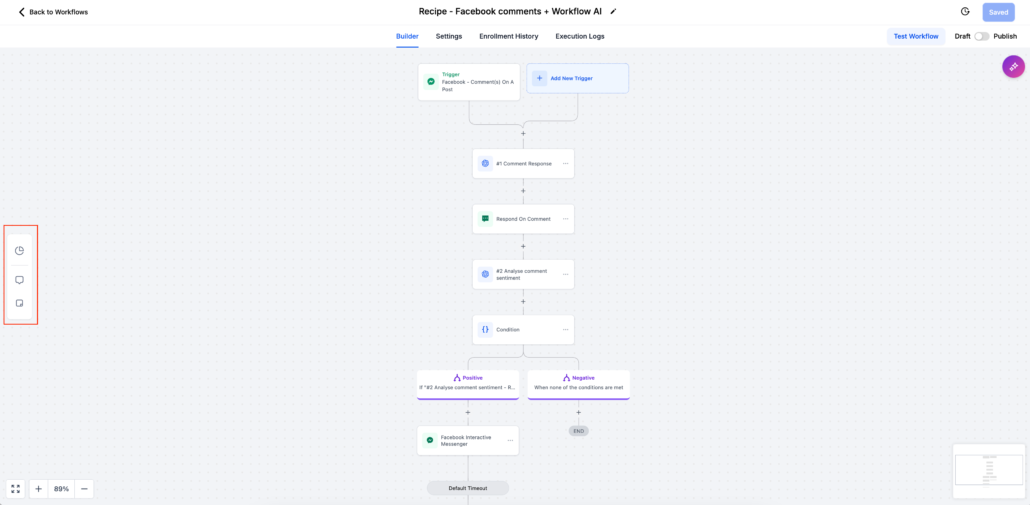
All New Sidebar
- Workflow Level Notes
- Sticky Notes
- Action Level Notes
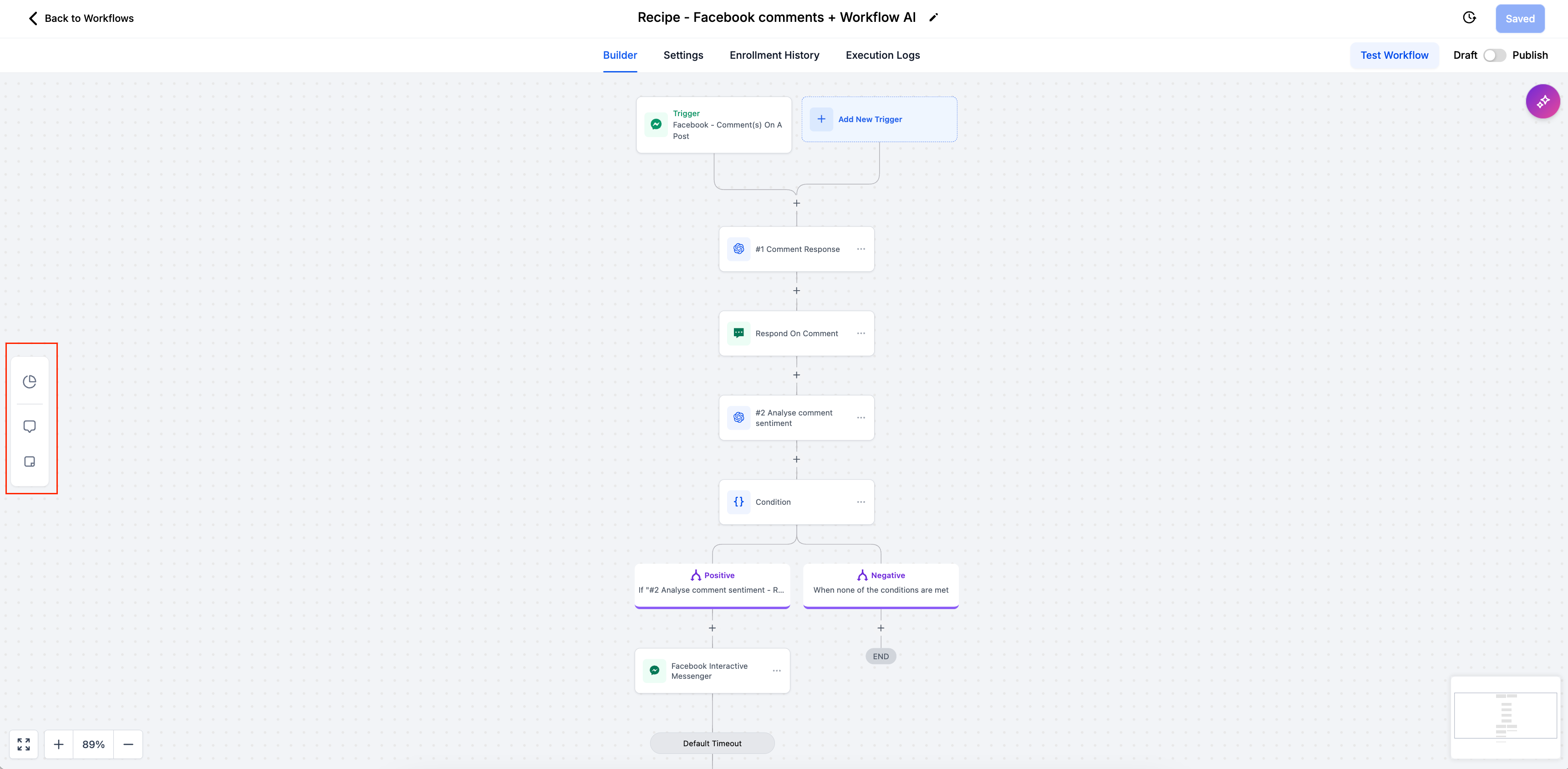
Easier Navigation
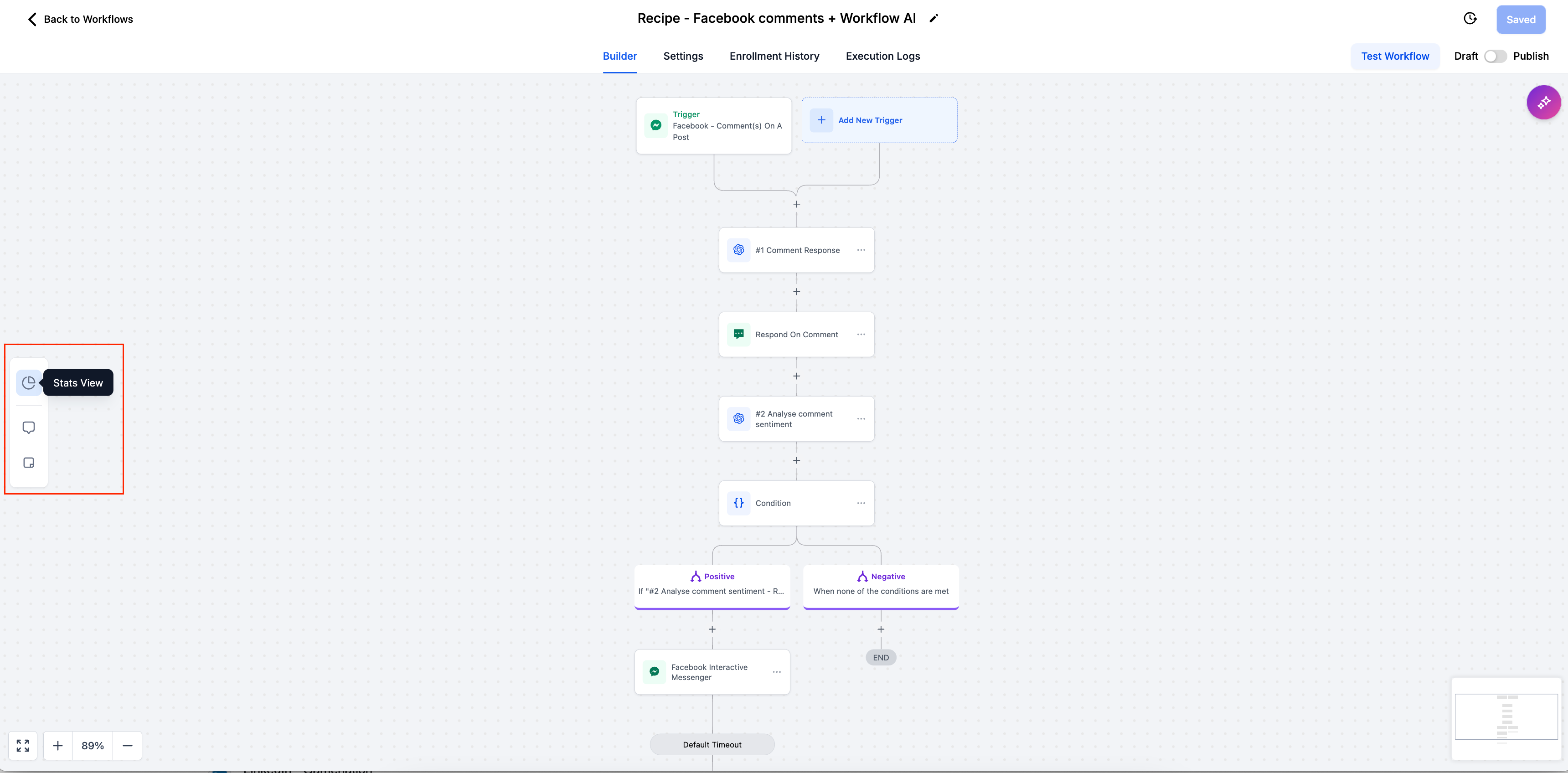
- The Stats View is now located in the sidebar alongside the new Notes and Sticky Notes options.
- Toggle Capability: By clicking the Stats View icon, you can activate or deactivate this view. When active, the icon will highlight, indicating the feature is enabled.
Who can add Notes
- Admins can now add Notes for a specific workflow.
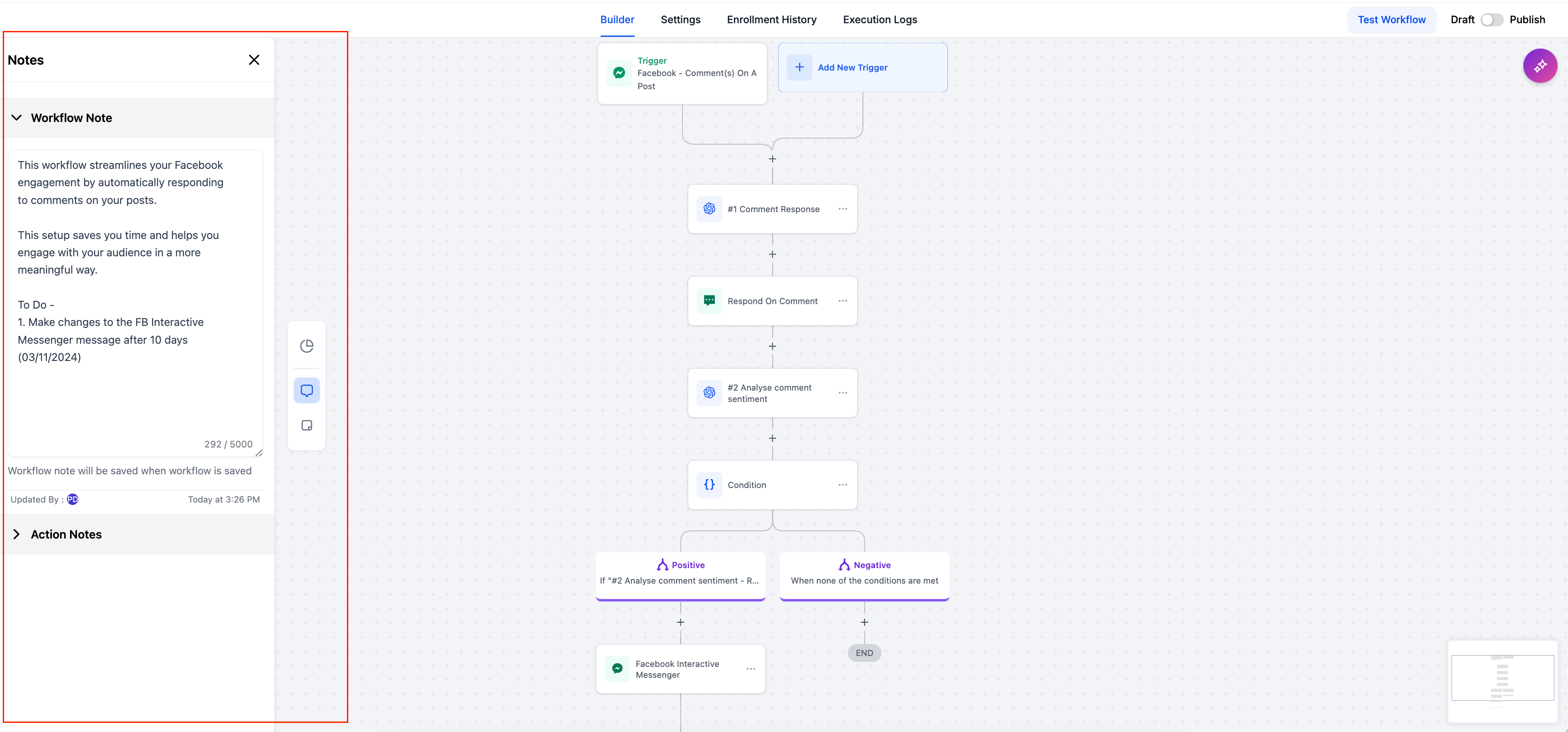
- How to use: On clicking the "Notes" icon, users can add the Notes. The notes will be visible to all users.
- Saving the Notes: The Notes will get saved when the Workflow is Saved.
- Tracking: Workflow notes include Created by / Edited by and Created on / Edited on information, so users can track who made changes and when they were made.
Customisation Options
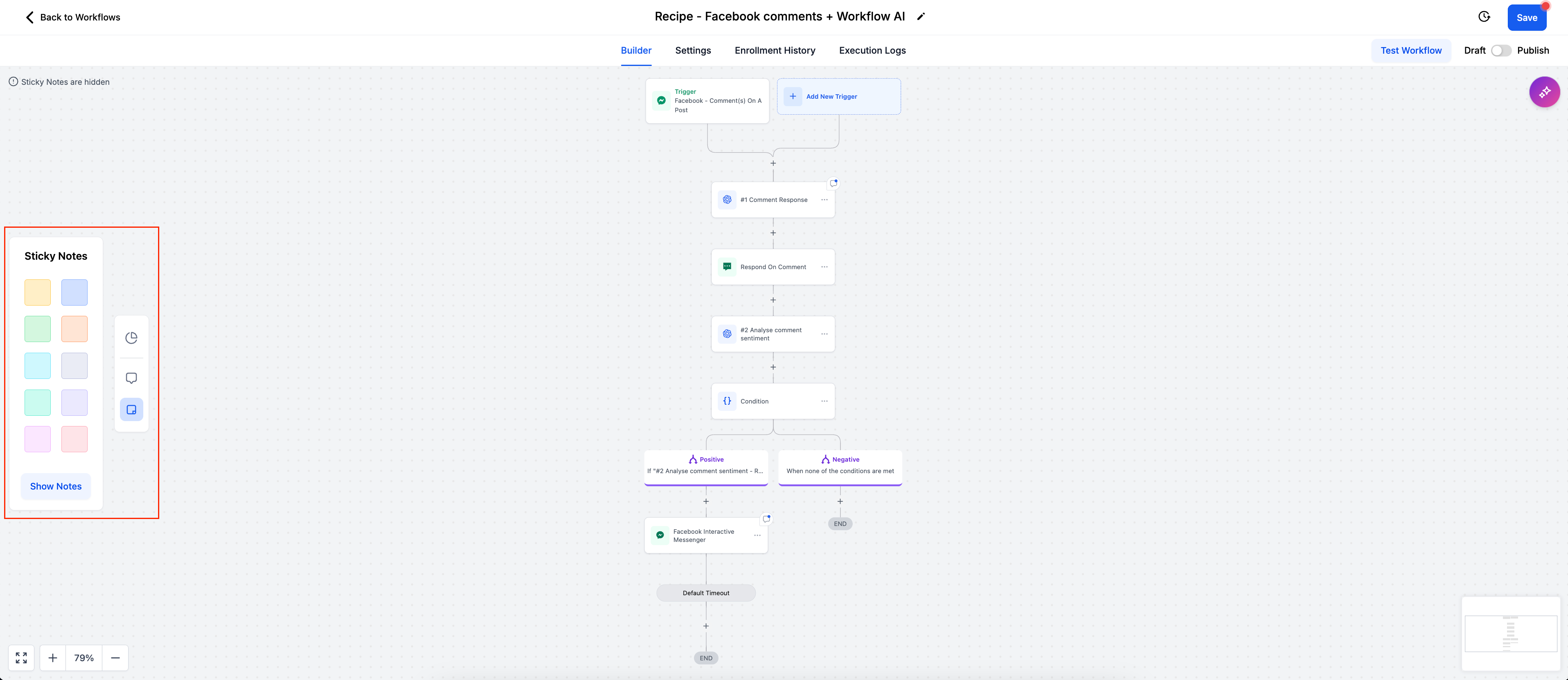
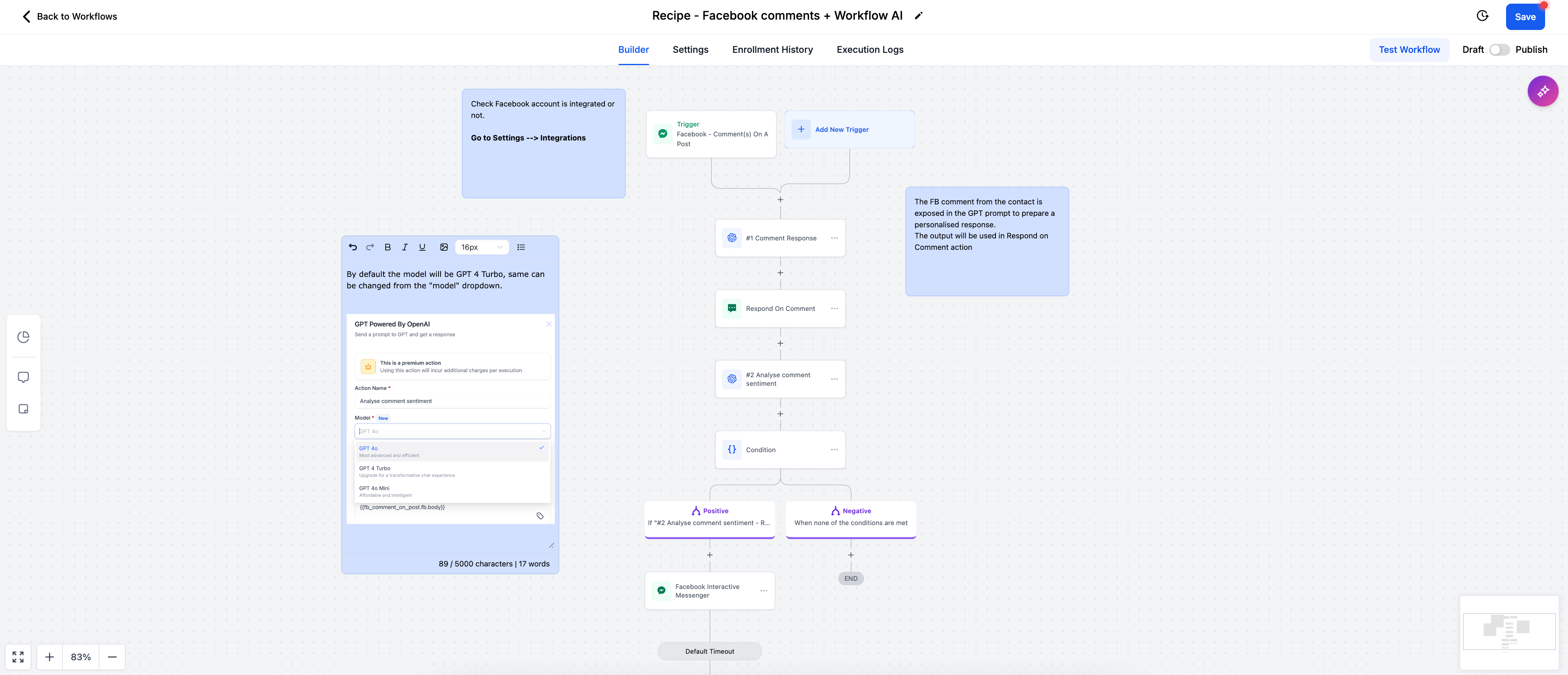
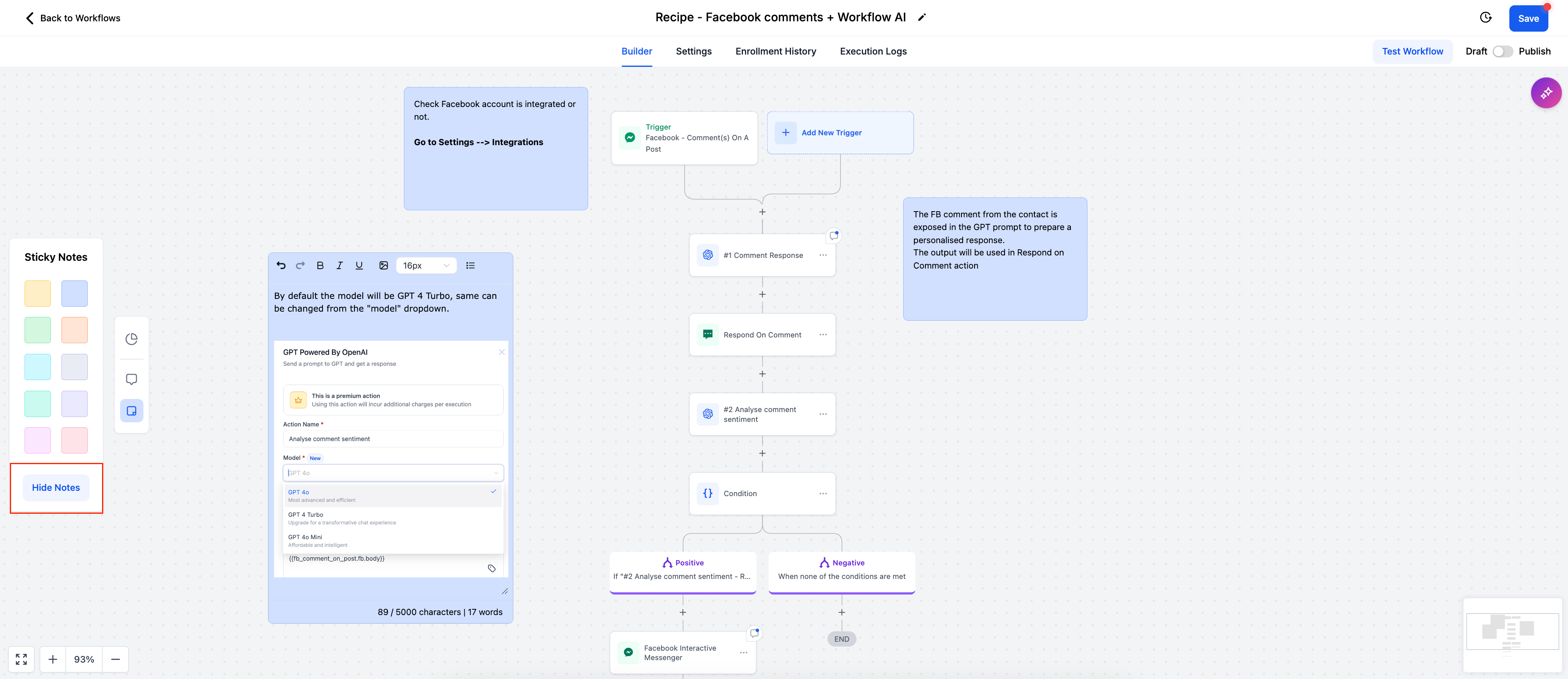
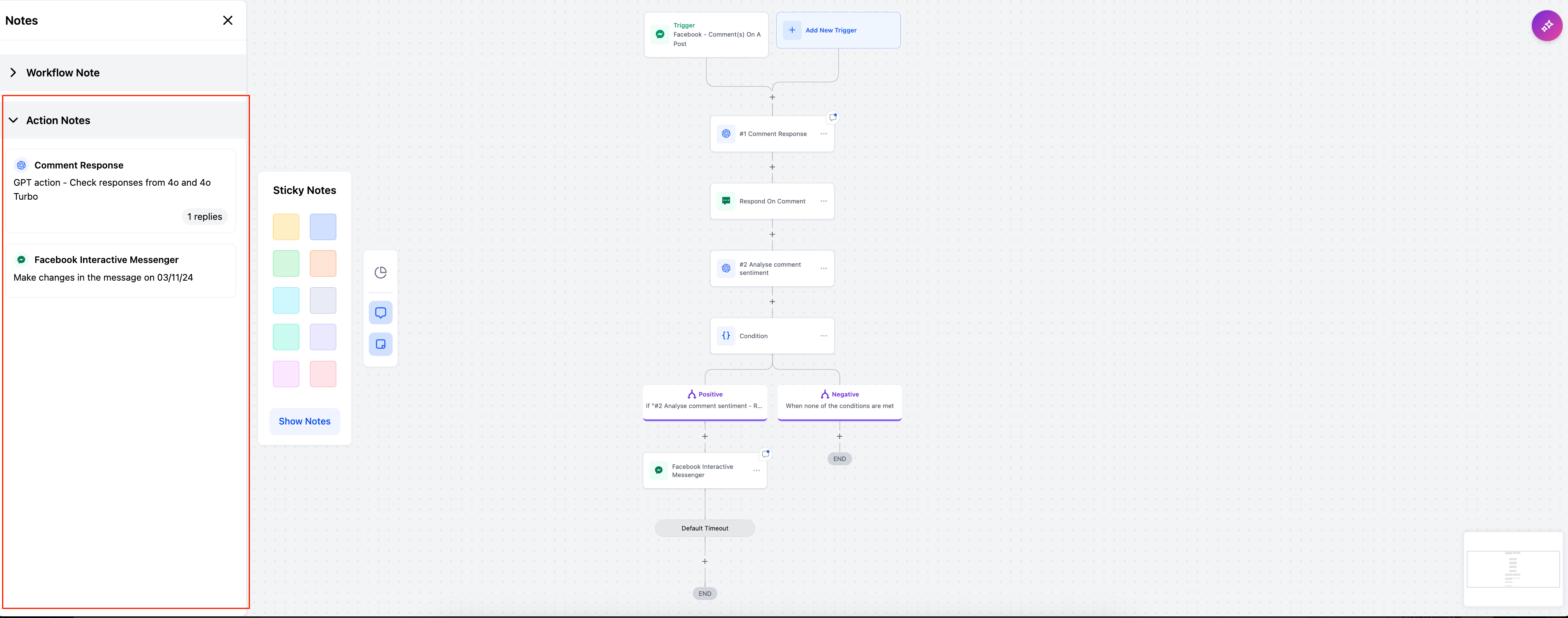
- Click the "Sticky Notes" icon to create sticky notes with a choice of colours, helping you differentiate between various notes and categories.
- Rich Text Editor: Rich Text Editor is available in the notes allowing you to format text.
- Attach Images: You can add images to the sticky notes.
- Visibility Controls: Users can toggle the visibility of these notes by clicking on the "Hide Notes" button, giving them control over whether the notes are always visible or only when needed.
Action Level Notes (Formerly known as Comments)
How It Works
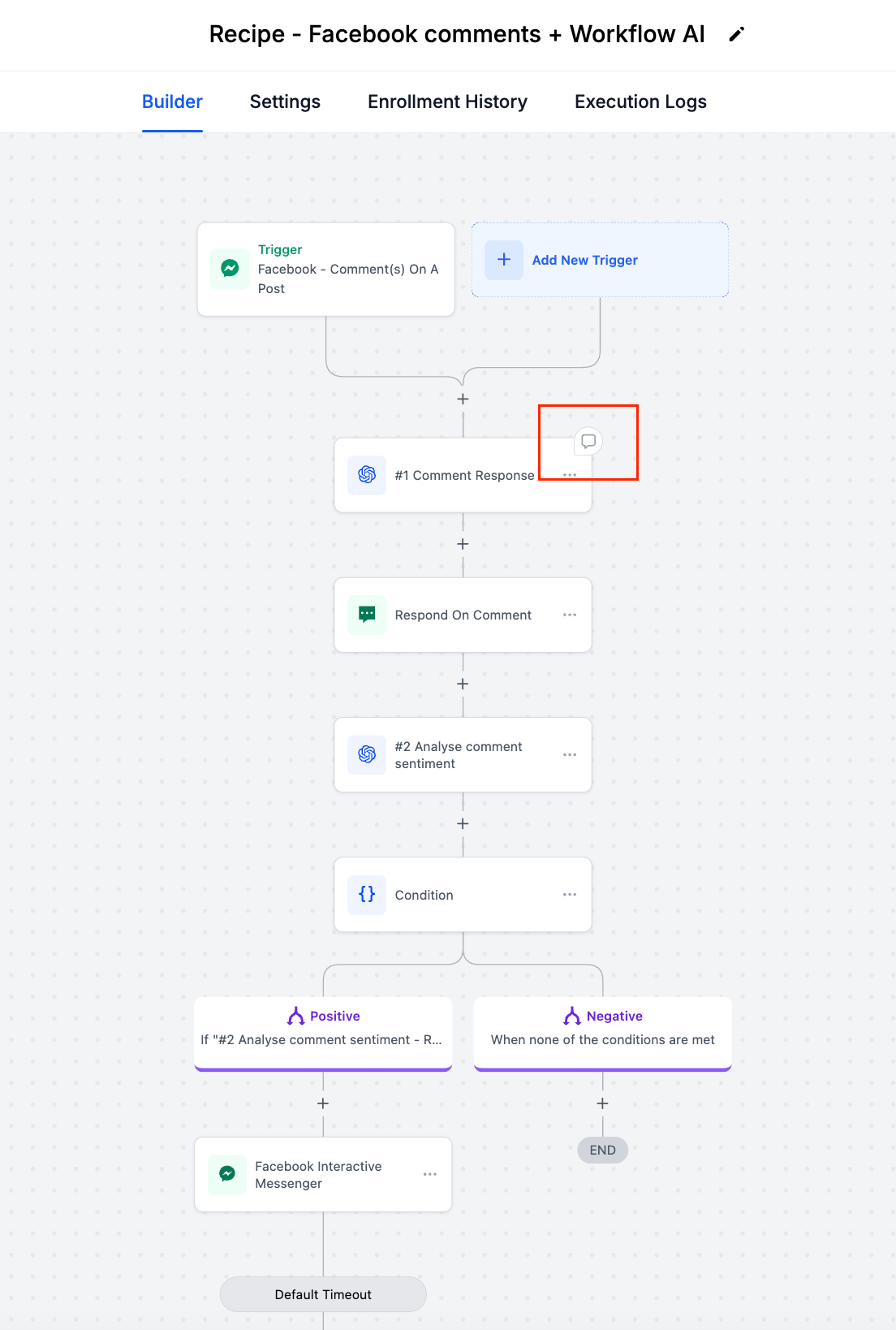
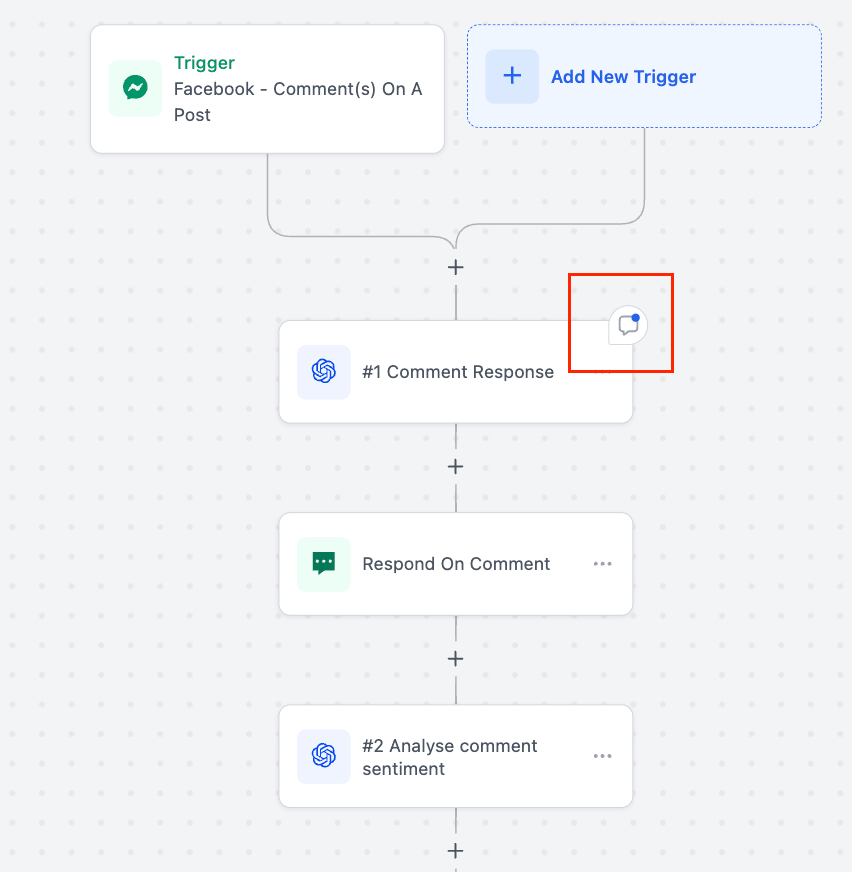
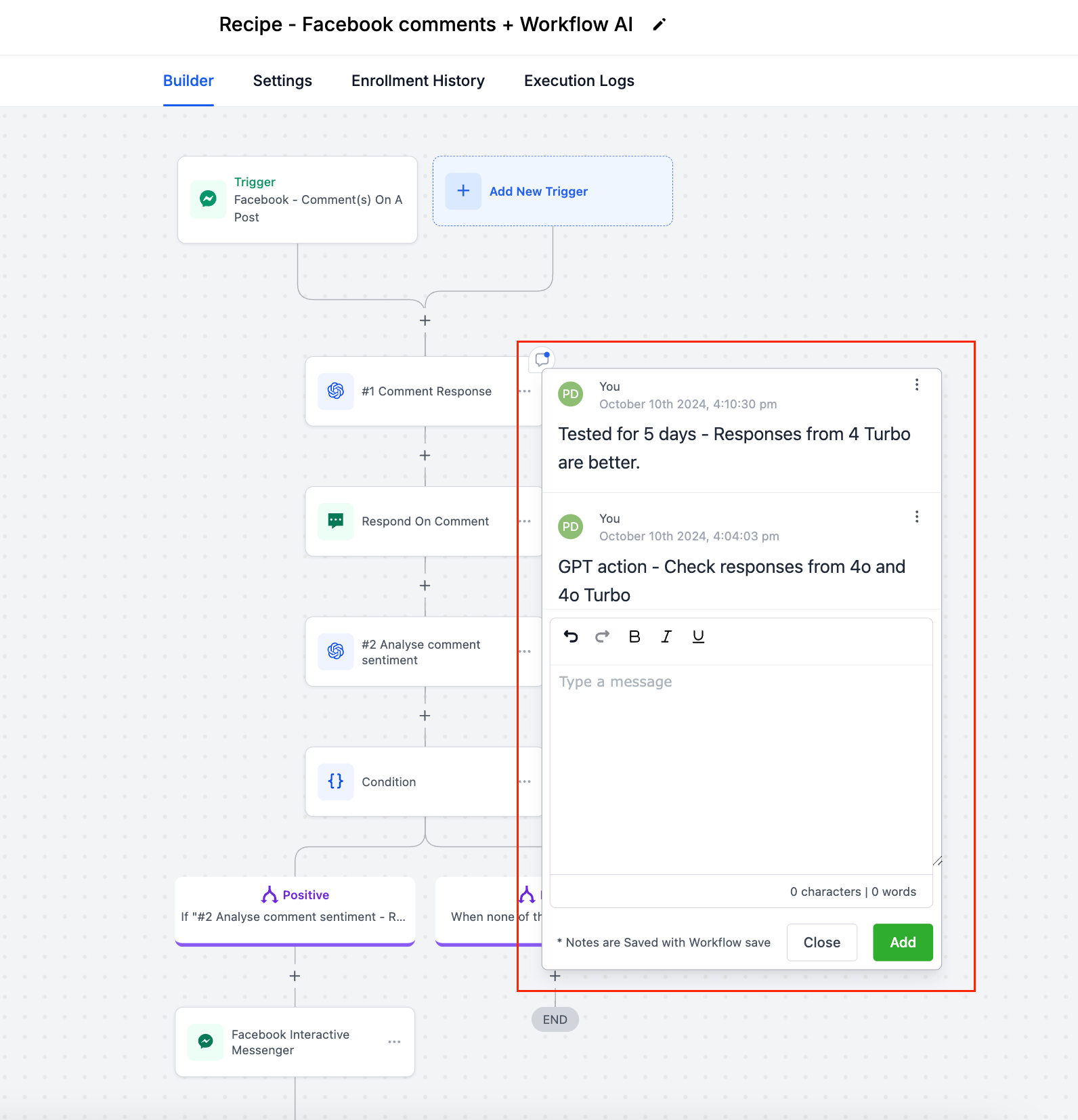
- When a user hovers over an action, they’ll see the notes icon in the top-right corner. By clicking it, they can add action-specific notes that others can view and build upon.
- Visibility: The icon will appear permanently if the note is added to an action.
- History: Each note maintains a history of additions, making it easy for teams to track discussions, updates, and feedback on specific actions within a workflow.
- Centralized Notes View: All Action-Level Notes are also available in the primary Notes section, allowing users to see and search through all notes in one place.

Use Workflow-Level Notes for high-level descriptions, objectives, and context, ensuring everyone understands the purpose of each workflow.
- Utilise Sticky Notes to create colour-coded task lists and visual reminders for team members, making it easier to track workflow progress.
- Sticky Notes can guide sub-account users step-by-step through each action and trigger, making it ideal for training and onboarding new users.
- Attach Action-Level Notes for instructions, feedback, or background context related to each specific action, ensuring clarity and enhancing team collaboration.