New Rich Text Element Now Available – Funnels and Websites!
The new Rich Text Element is now live in the Builder, providing you with advanced formatting control directly within the editor, without the need for custom code or workarounds.
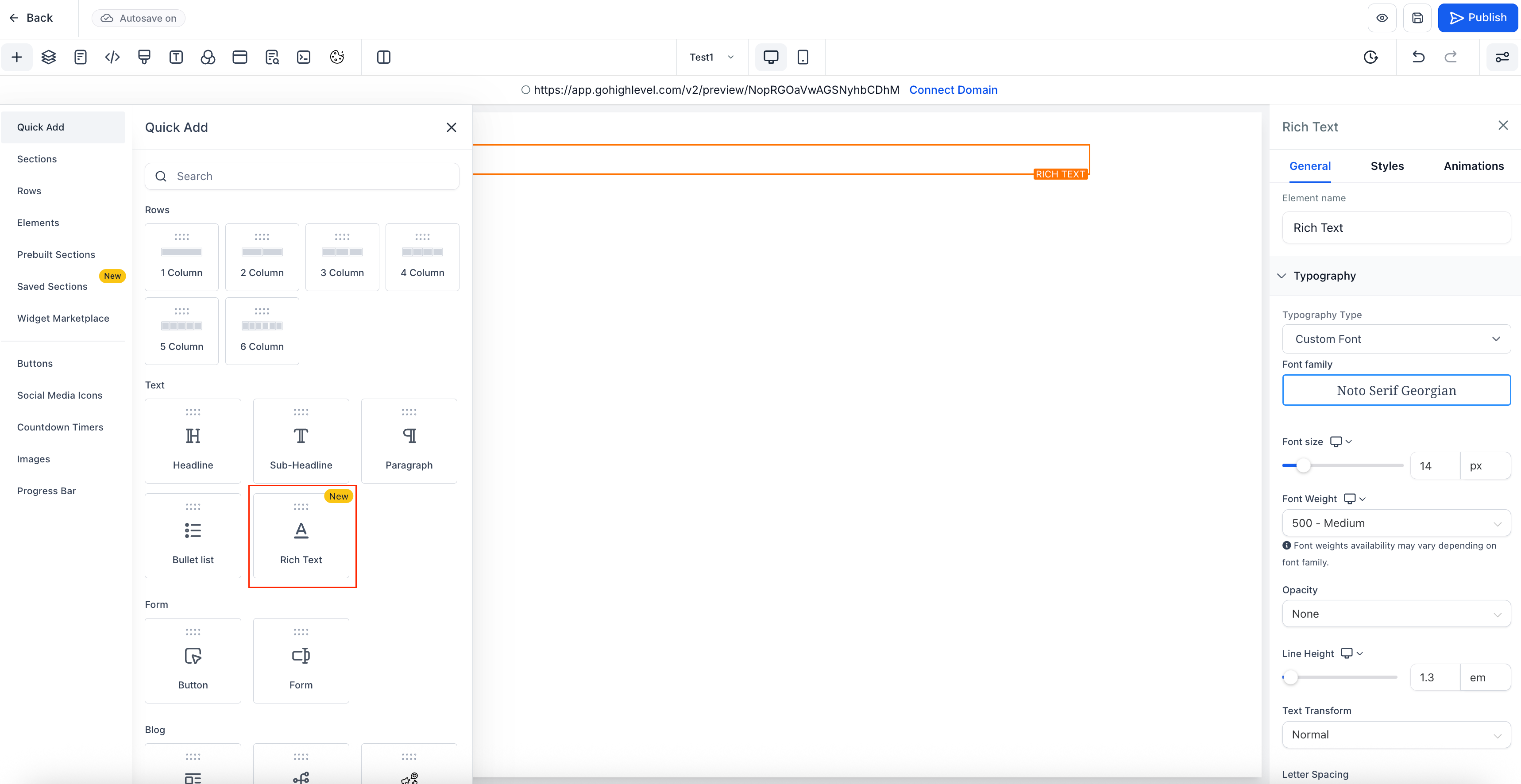
- Open your funnel builder and navigate to the Quick Add → Text section. Drag the “Rich Text” element onto your page.
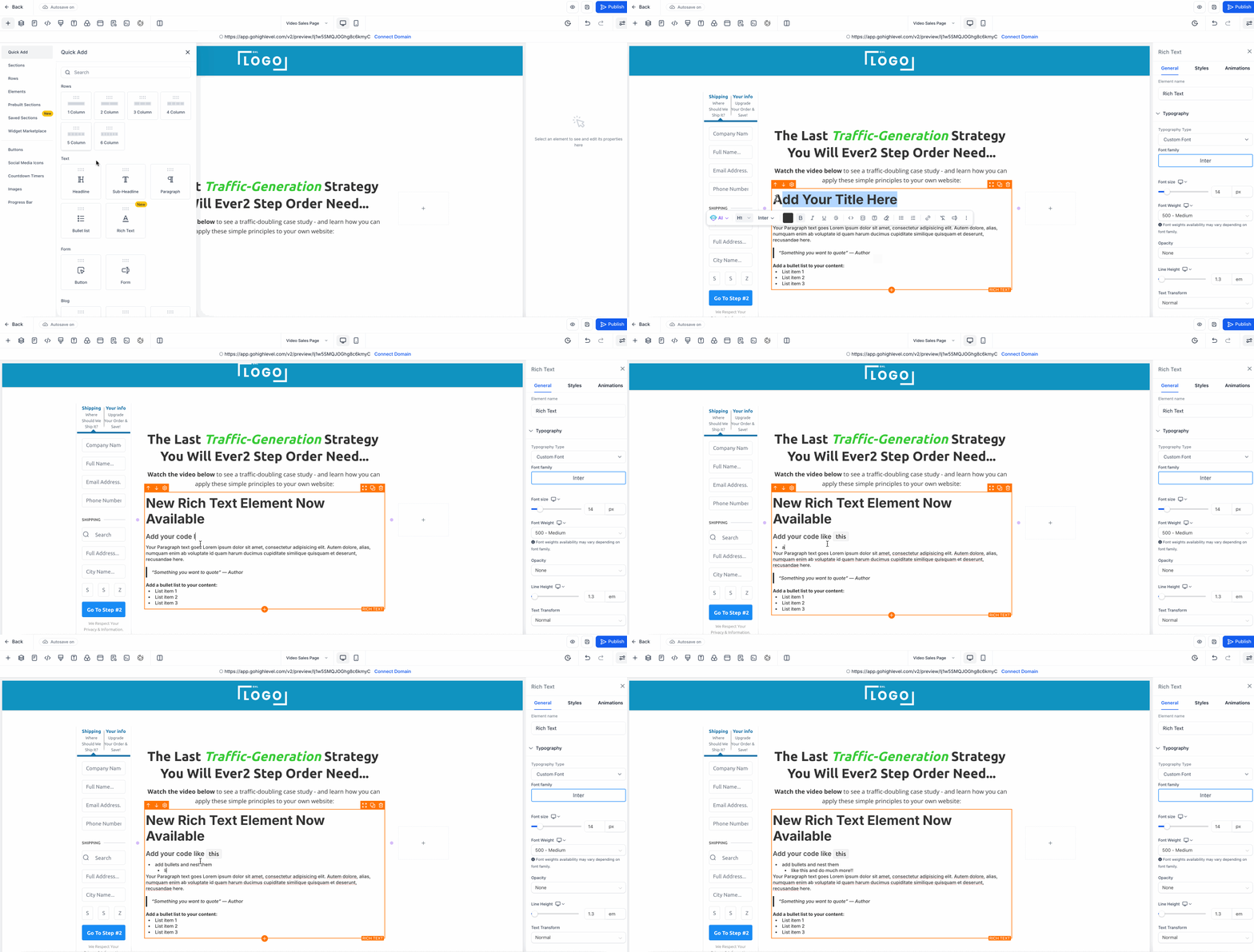
- Start typing – it functions just like a standard text editor, complete with built-in shortcuts and additional styling options.
Change Paragraph to Headings
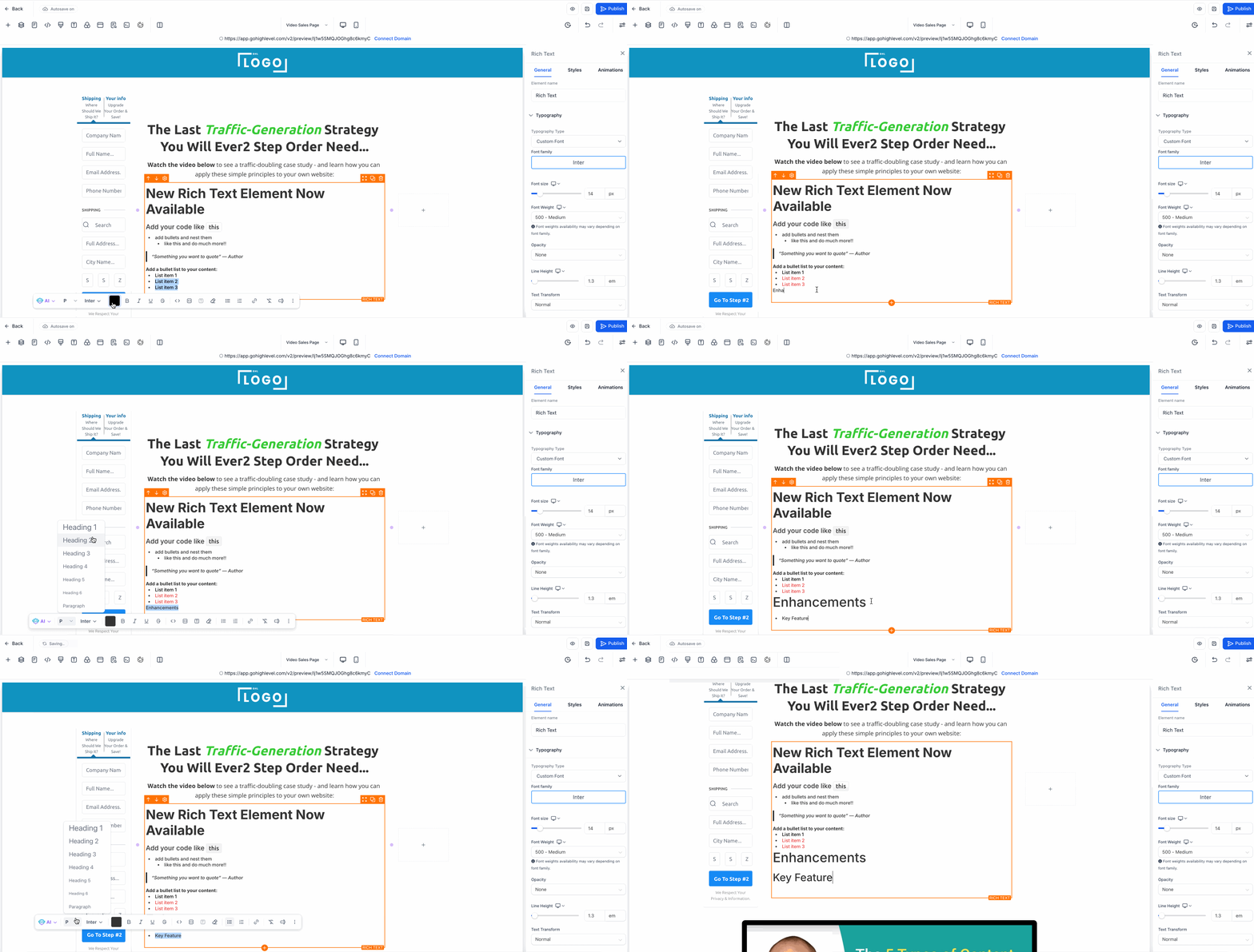
- Switch easily between paragraph and heading styles from the block editor or sidebar.
- Add block quotes by typing >
- Incorporate inline code using backticks (`)
- Create full code blocks with triple backticks ()
- Generate bullet lists with disc, circle, or square icons.
- Create numbered lists in formats such as 1, A, i, etc.
- Nest items within lists.
- Utilise the colour picker to apply multiple highlight colours.
- Access the same styling sidebar as the Paragraph element.
Enhances page creation with more built-in text tools.
Ensures your content aligns better with your brand identity.
Avoids the need for HTML blocks or third-party tools.