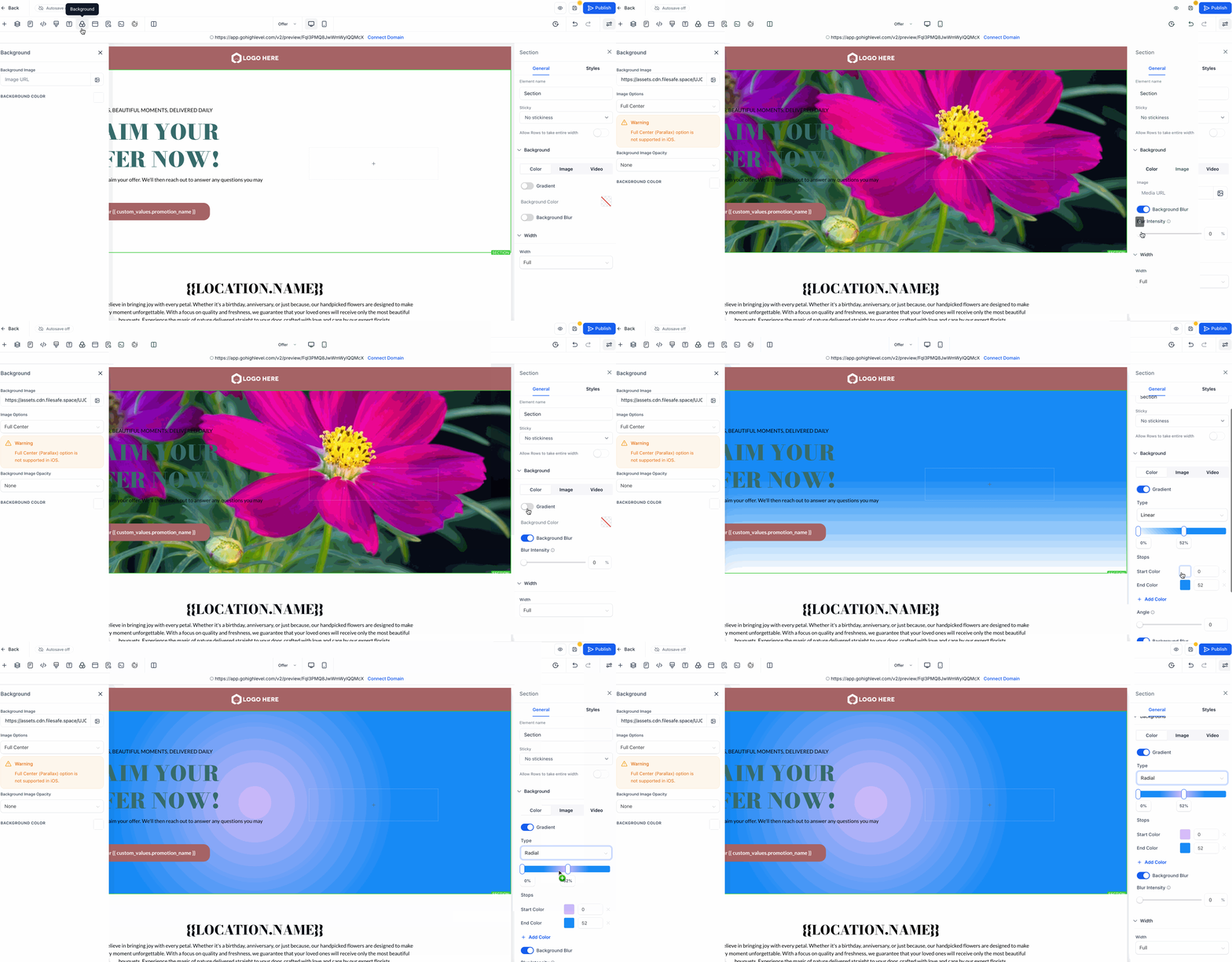
New: Gradient & Blur Backgrounds in Page Builder!
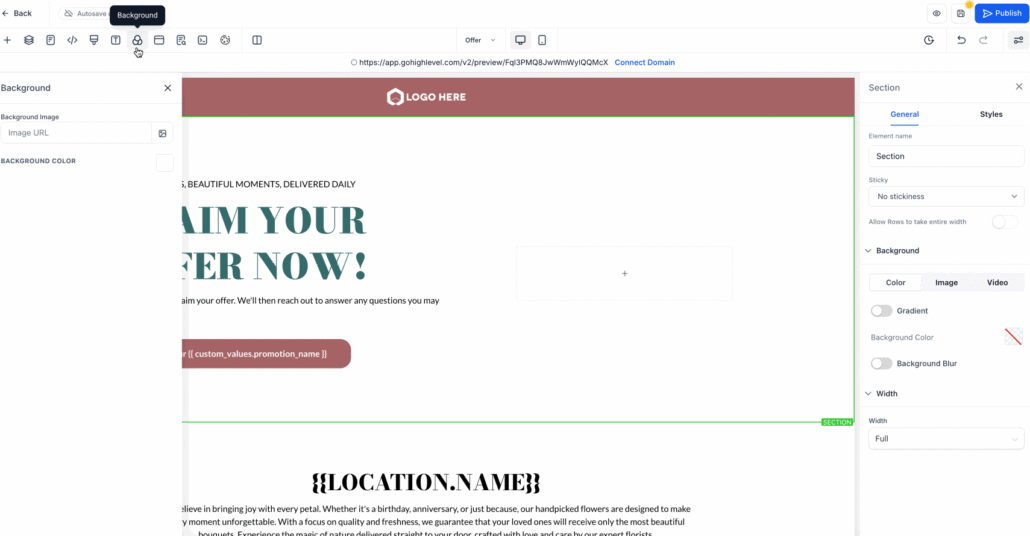
You can now add gradient backgrounds and blur effects to your Sections, Rows, and Columns in the Page Builder. The background settings have been reorganised into a cleaner tab view, making it easier to switch between Colour, Image, and Video options.
-
Multi-colour gradients: Create gradients with up to 10 colours for smooth, dynamic backgrounds.
-
3 gradient styles: Select from Linear, Radial, and Angular for different design aesthetics.
-
Adjustable blur effect: Add depth with a blur toggle and intensity levels you can control.
-
Cleaner background tabs: Background options are now neatly organised into Colour, Image, and Video tabs for easier editing.
- Navigate to Page Builder → Background Settings in the right-hand sidebar.
- Select Gradient to create multi-colour backgrounds with smooth blends.
- Utilise the Blur toggle to soften the background
(great with semi-transparent colours).
- Easily switch between Colour, Image, and Video tabs for a streamlined editing experience.
This update provides you with more creative control over page design, enabling you to create modern, eye-catching layouts with less effort. Whether you desire a subtle blur for depth or vibrant gradients for impact, you now have the flexibility integrated directly into the editor.
- Existing background images and videos function as before.
- Gradients support multiple colours, while blur works best with semi-transparent backgrounds.
- No previous settings are affected; this adds new creative options without disrupting your current designs.
Please Note – The demo GIF below is for quick reference only. Due to platform limitations, the resolution may appear lower than the actual feature. Within the Page Builder, the colours are sharp and smooth.