
New Course Creation Experience — A Complete UI Transformation of Courses Builder
We’ve completely redesigned the Course Creation Module — bringing the entire experience together under a new UI system while ensuring faster, cleaner, and more consistent performance 🚀
To get started, go to Settings → Labs and toggle on “Courses Studio 2.0 — A New Course Creation Experience.”
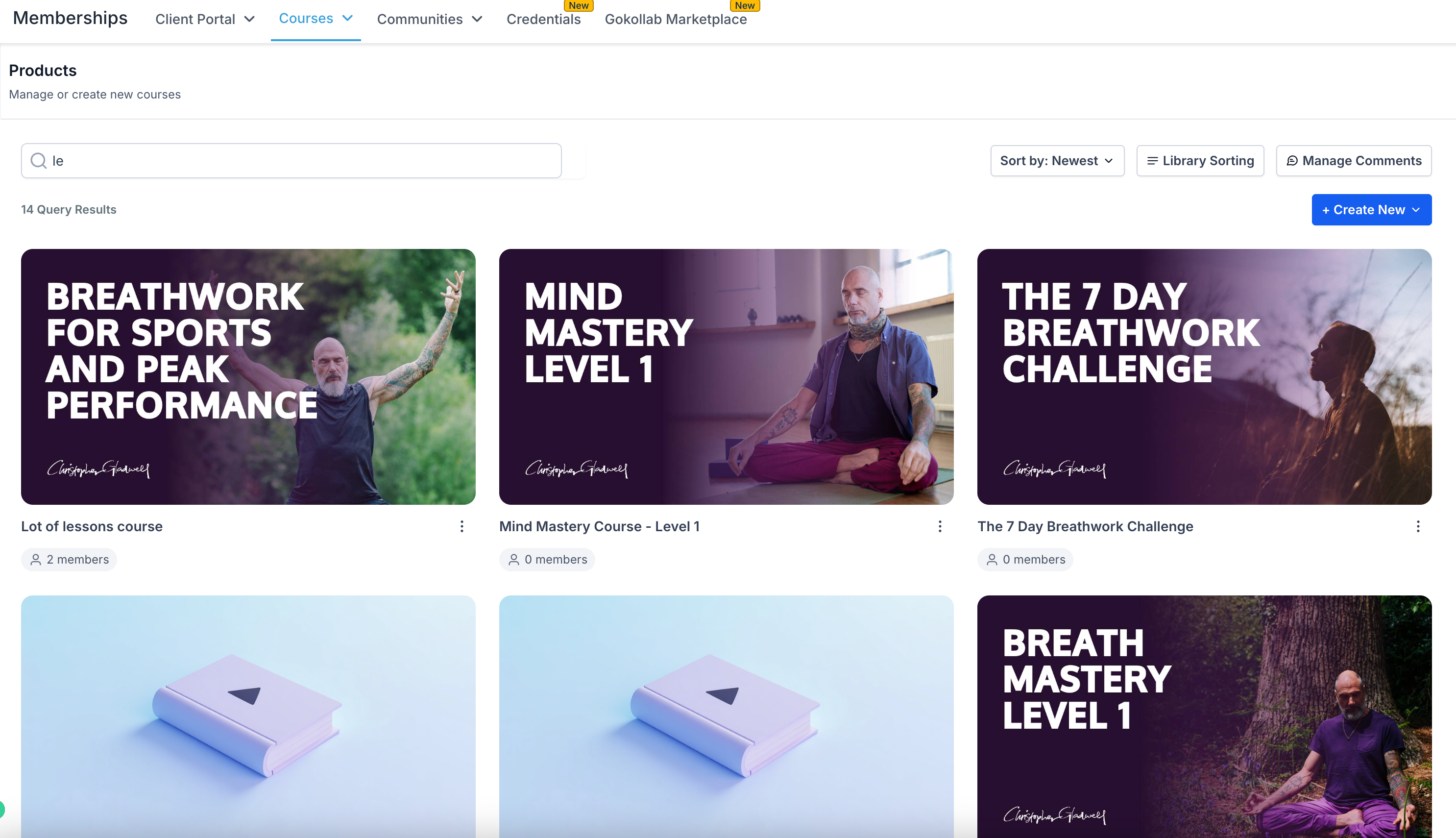
Modernised UI:
Modern visuals, unified buttons, modals, and forms.
No More iFrames:
Native Module Federation = smoother navigation.
Smarter Performance:
10× faster load times with caching, lazy loading, and state optimisation.
Consistent Design Tokens:
Colours, spacing, and typography perfectly aligned.
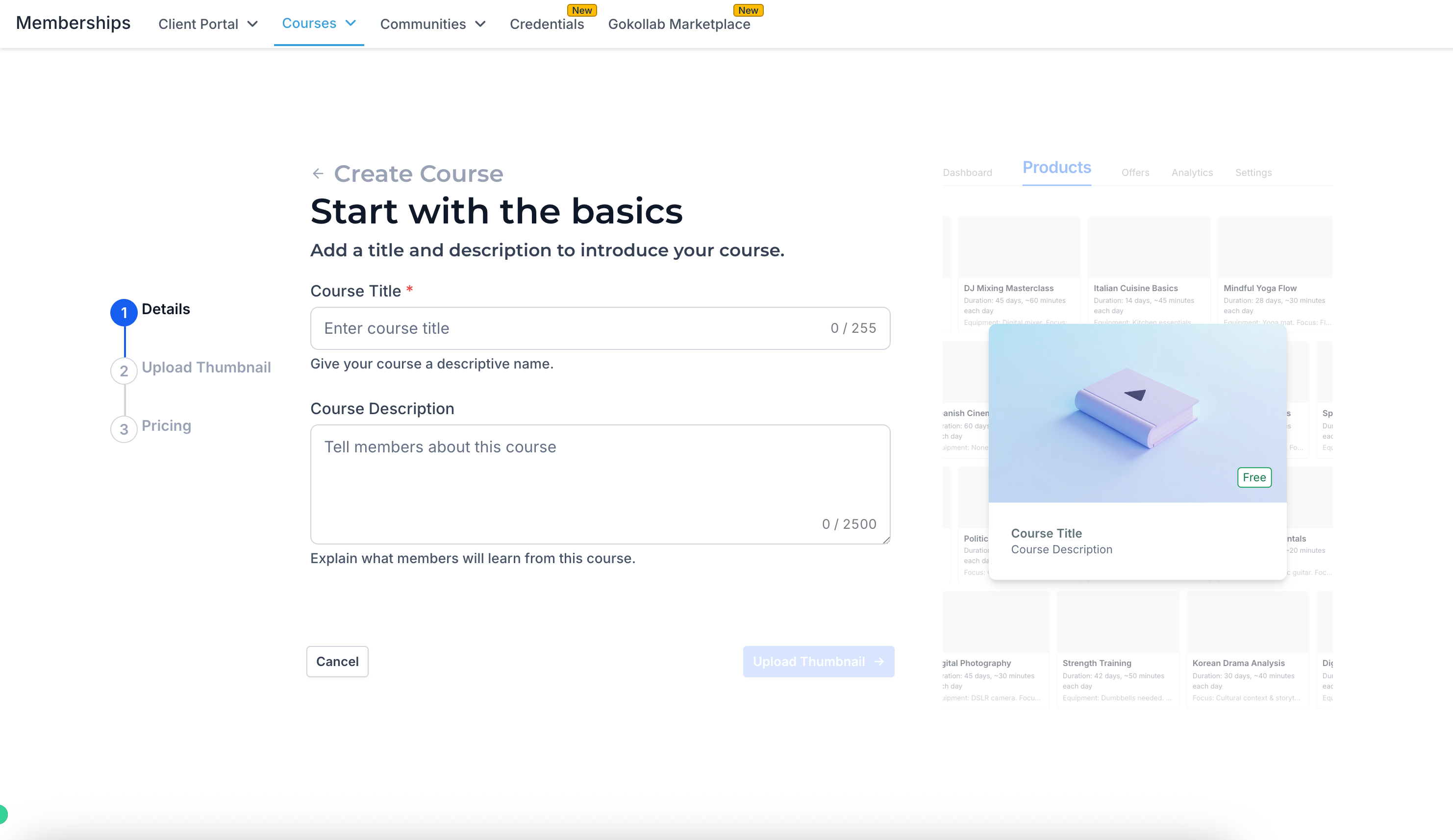
🧭 New Course Creation Wizard
- Build a course in
3 simple steps
— fill in details, upload a thumbnail, and create an offer.
- See your
live preview
as you go.
- Automatically generates sample lessons, modules, and certificates.
- Supports all pricing types — Free, One-Time, or Subscription.
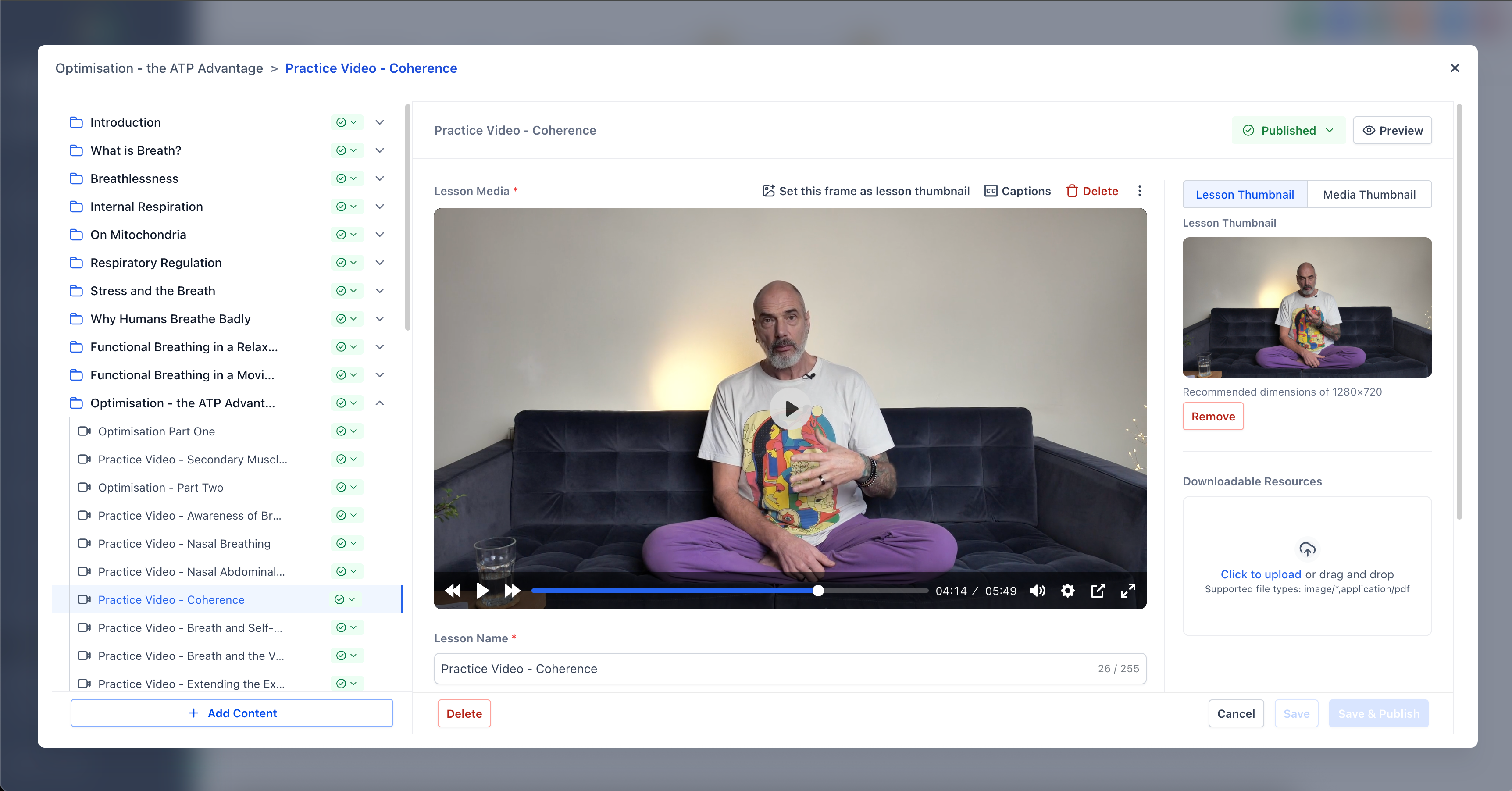
🖥️ The Big Editor Window
- Full-screen, distraction-free editing experience.
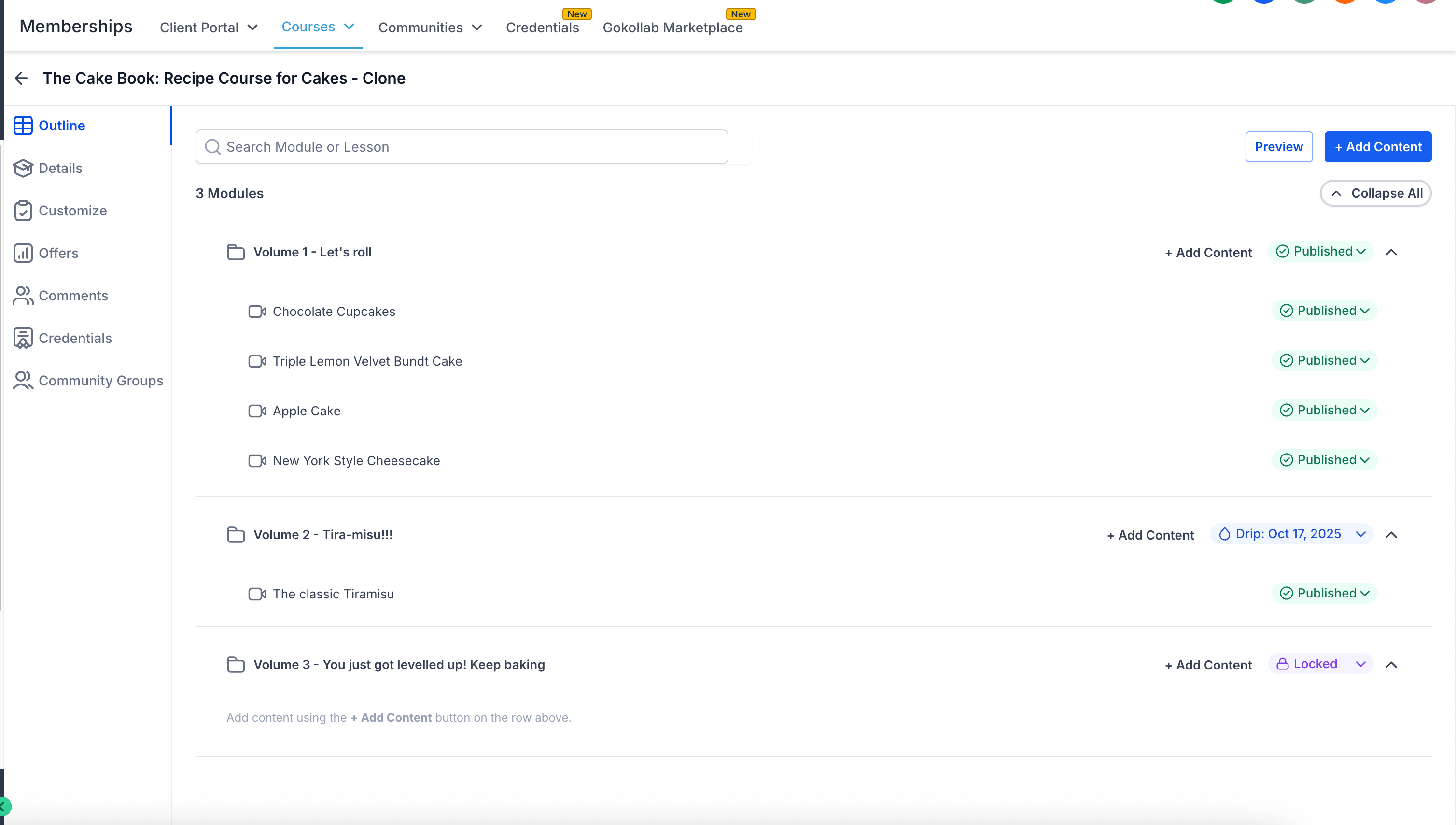
- Course Map + Editor side-by-side.
- Click, drag, and edit instantly — no page switching.
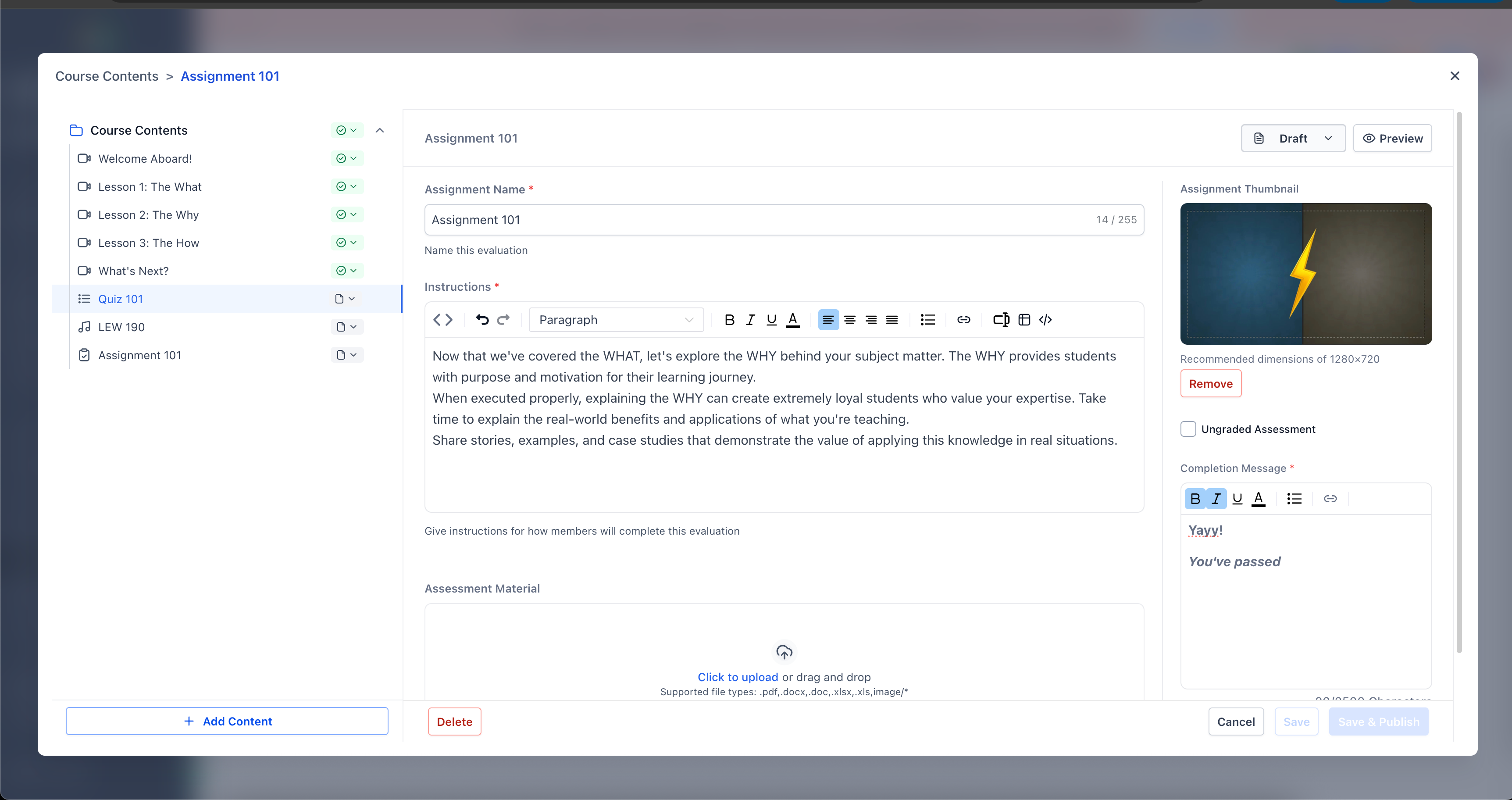
- All major pages now load in under 1 second ⚡
This isn’t merely a facelift — it represents a complete modernisation of the Courses Builder, delivering unparalleled speed, consistency, and usability.
“From architecture to aesthetics, every element reflects our commitment to performance, consistency, and user satisfaction.”