
Invoices, Estimates Workflows: SMS/Email control In Send Invoice/Estimate Action
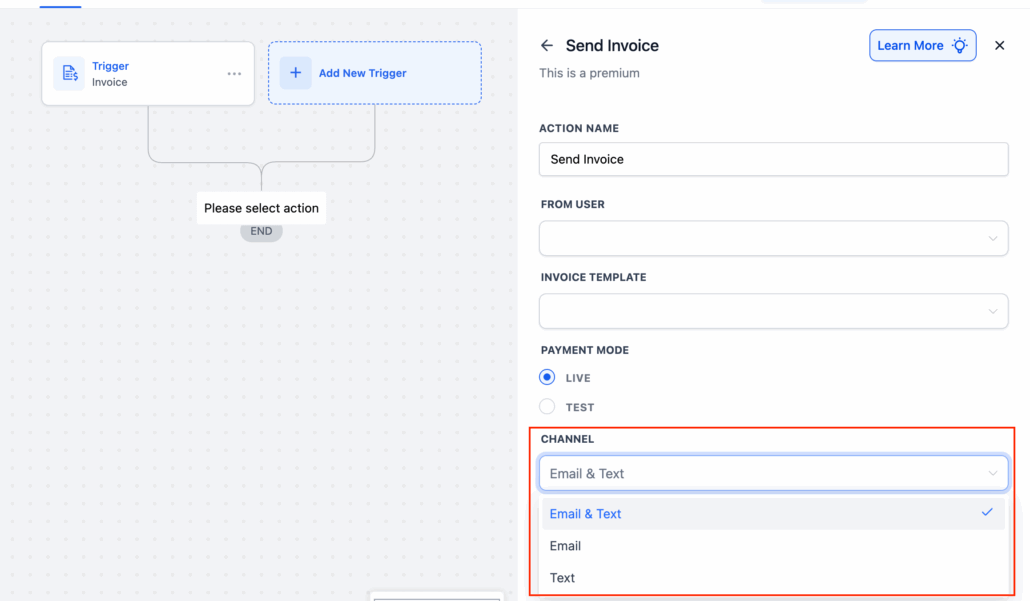
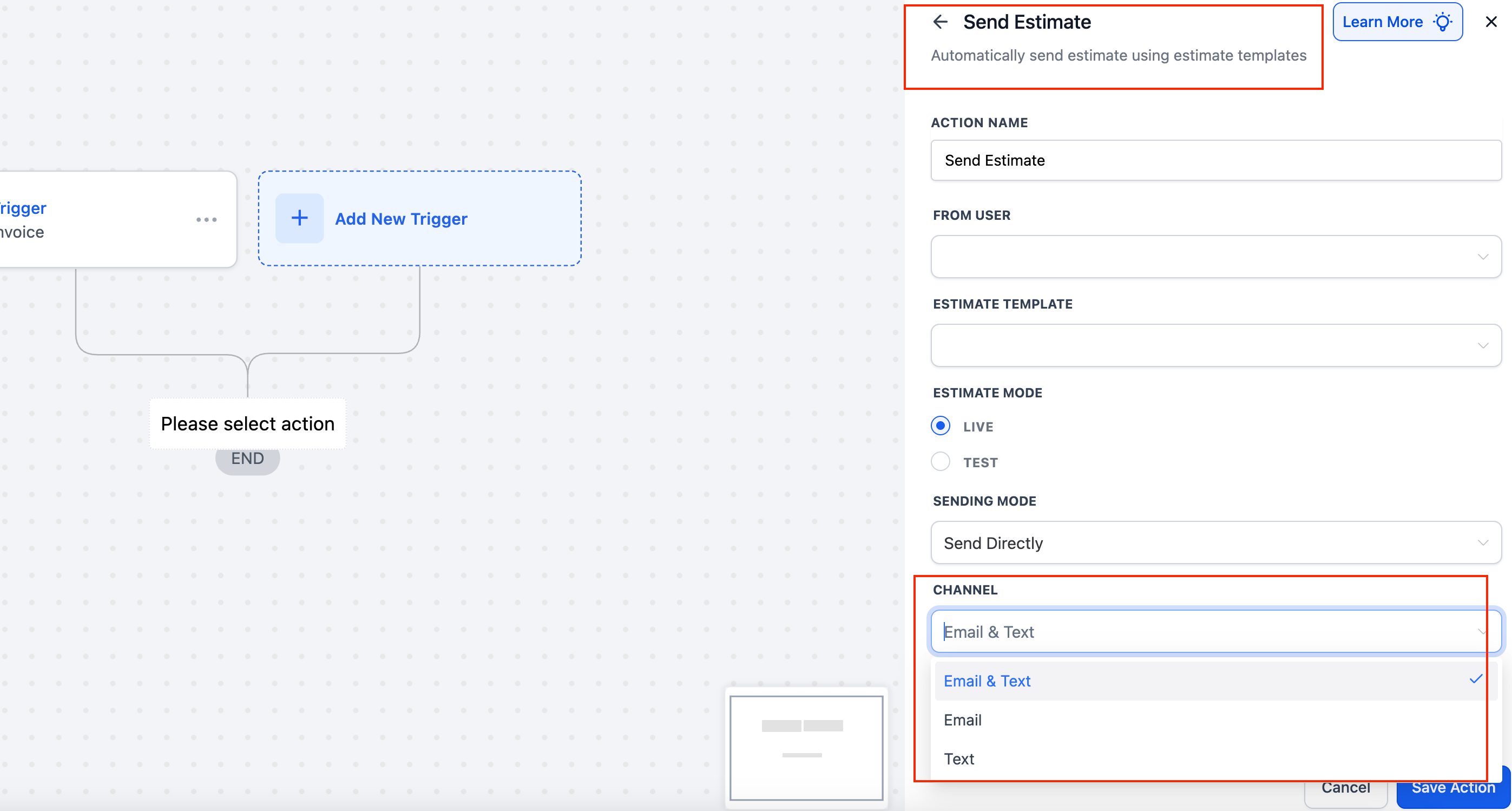
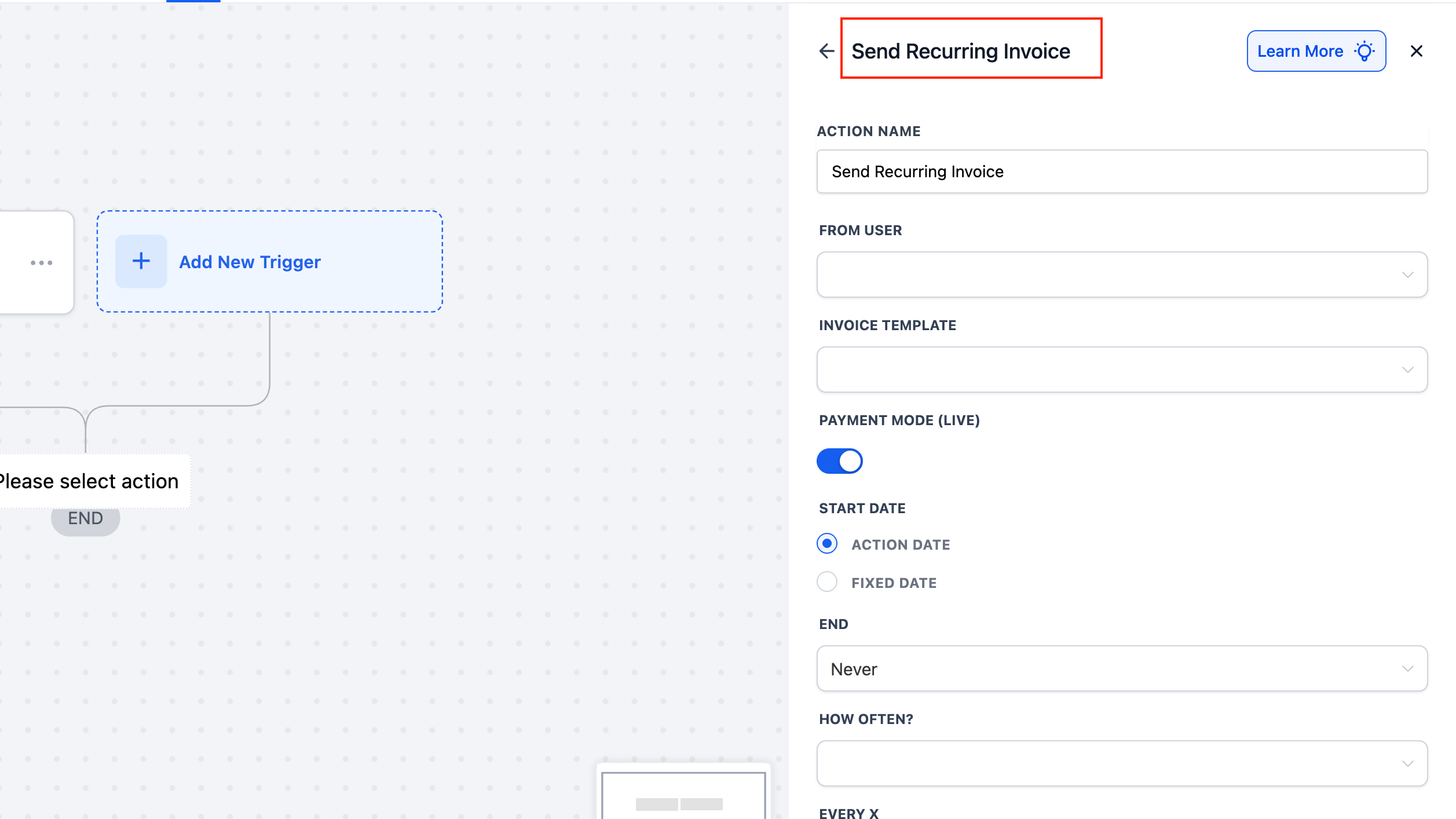
- Send Invoice, Send Estimate, and Send Recurring Invoice actions now feature a Channel dropdown.
- Select from Email, Text, or Email & Text for each action—eliminating the need for separate steps or duplicate actions.
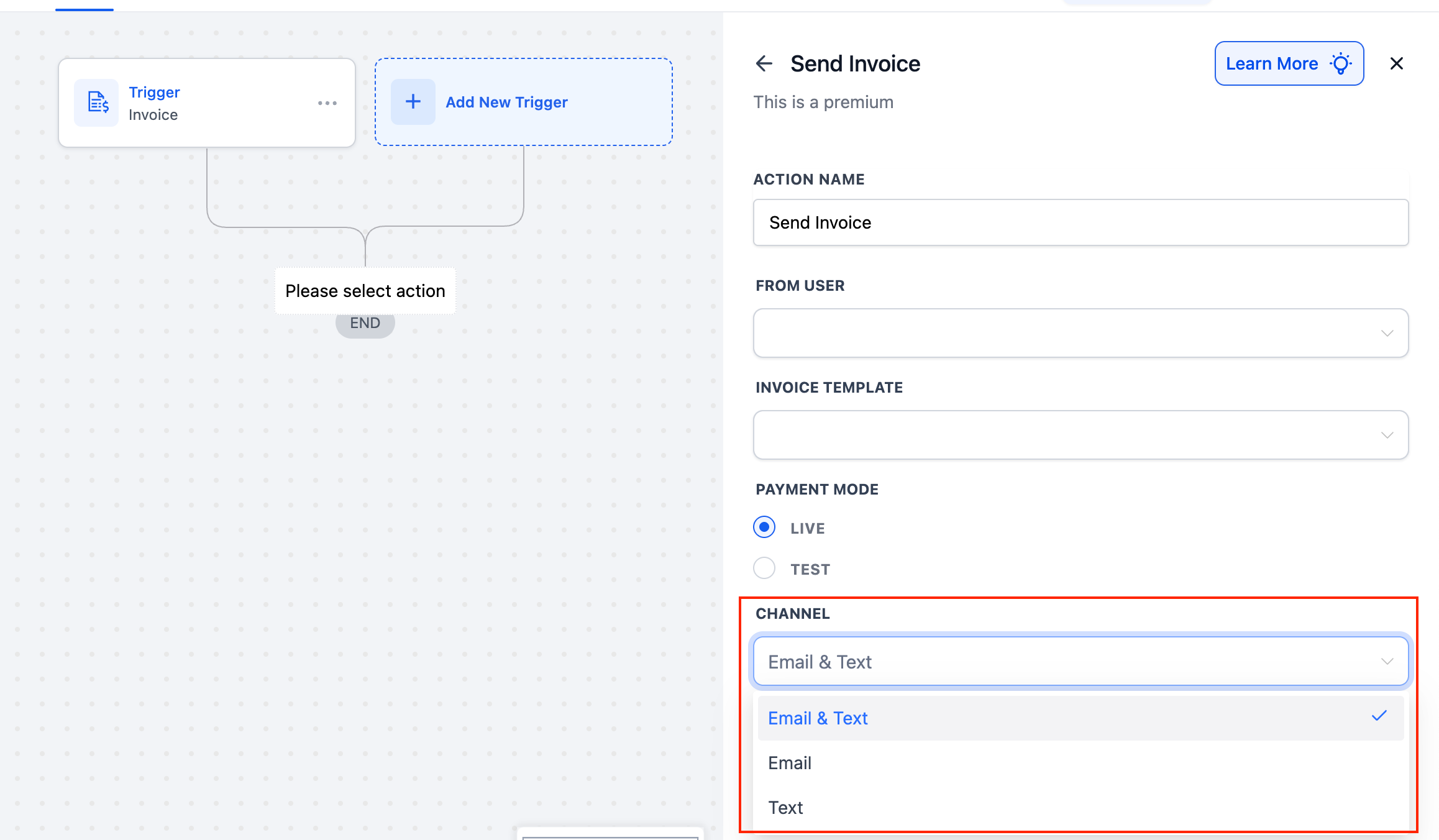
- Open your Workflow in the Automation Builder and add (or edit) a Send Invoice, Send Estimate, or Send Recurring Invoice action. Scroll down to the Channel field highlighted below:
- Email & Text (default) – send via both channels
- Email – send only via email
- Text – send only via SMS
- Save Action and Publish your workflow.
By doing this, your workflows can precisely target the right communication channel without additional branches or workarounds.