Introducing Traffic Source Analytics | Clixio Changelog
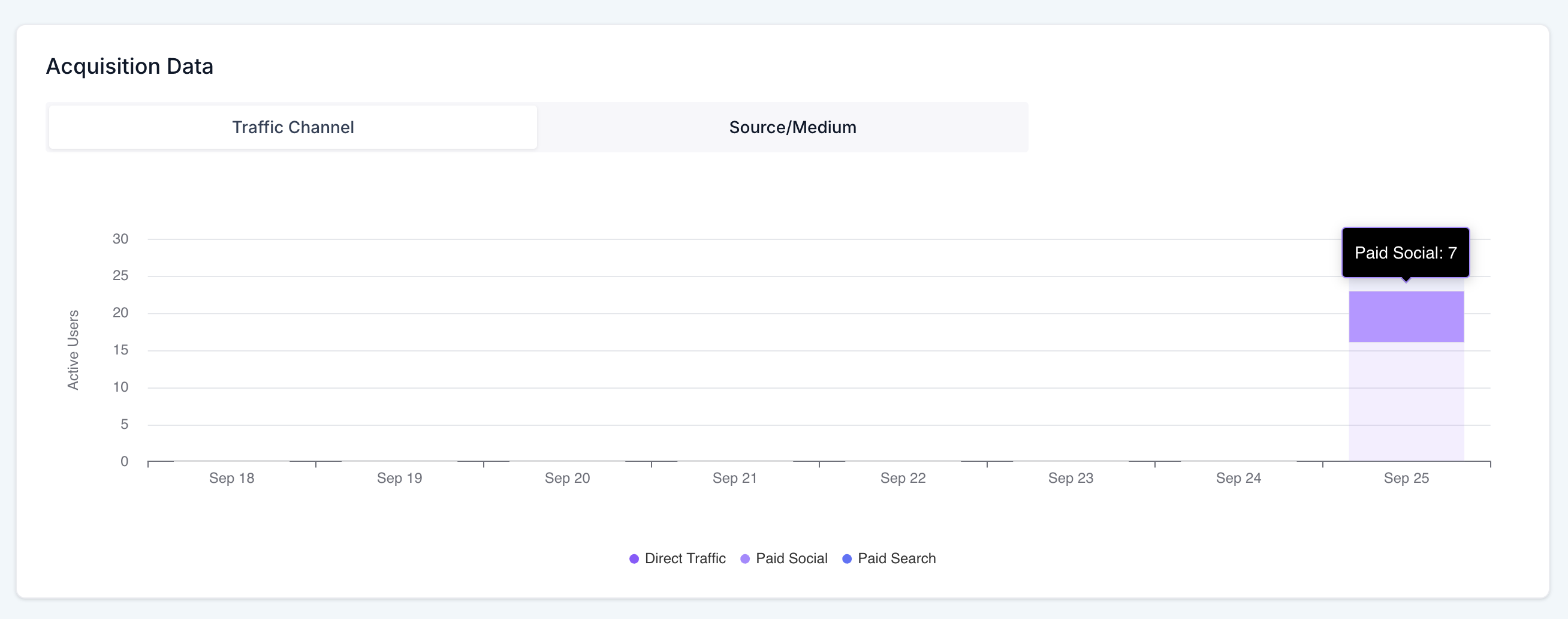
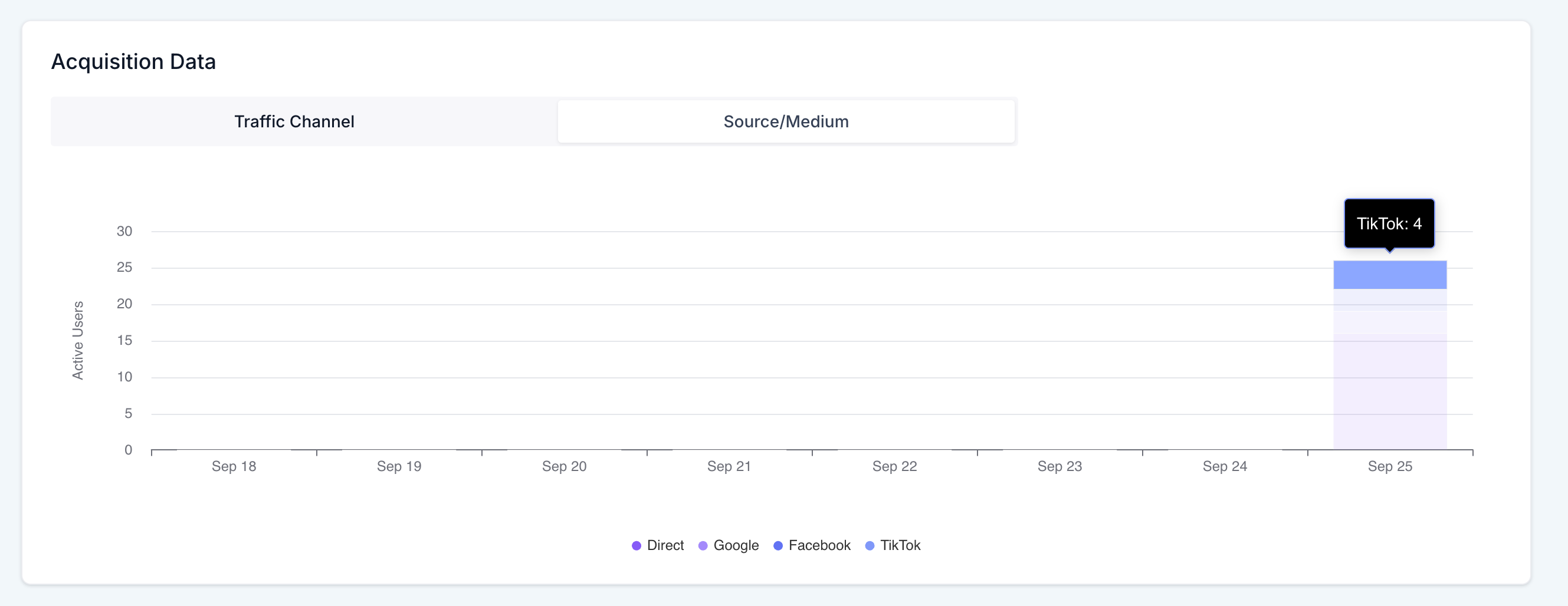
See where your visitors come from at a glance – compare Paid vs Organic, track trends over time, and delve into specific days or channels.
- Navigate to Analytics → Traffic Source Analytics.
- Select your date range.
- Hover over the bars to view per-channel counts.
- Click a bar to explore that particular day.
- Utilise channel filters to concentrate on Paid, Organic, Direct, Referral, or Other.
📈 Why This Feature Matters
-
Attribute performance: Understand which channels deliver results to optimise spending.
-
Spot trends quickly: A daily view highlights growth, declines, and seasonality.
-
Align teams: Clear, shared visuals for marketers and owners to collaborate on decisions.