Improved Search in Page Builder!
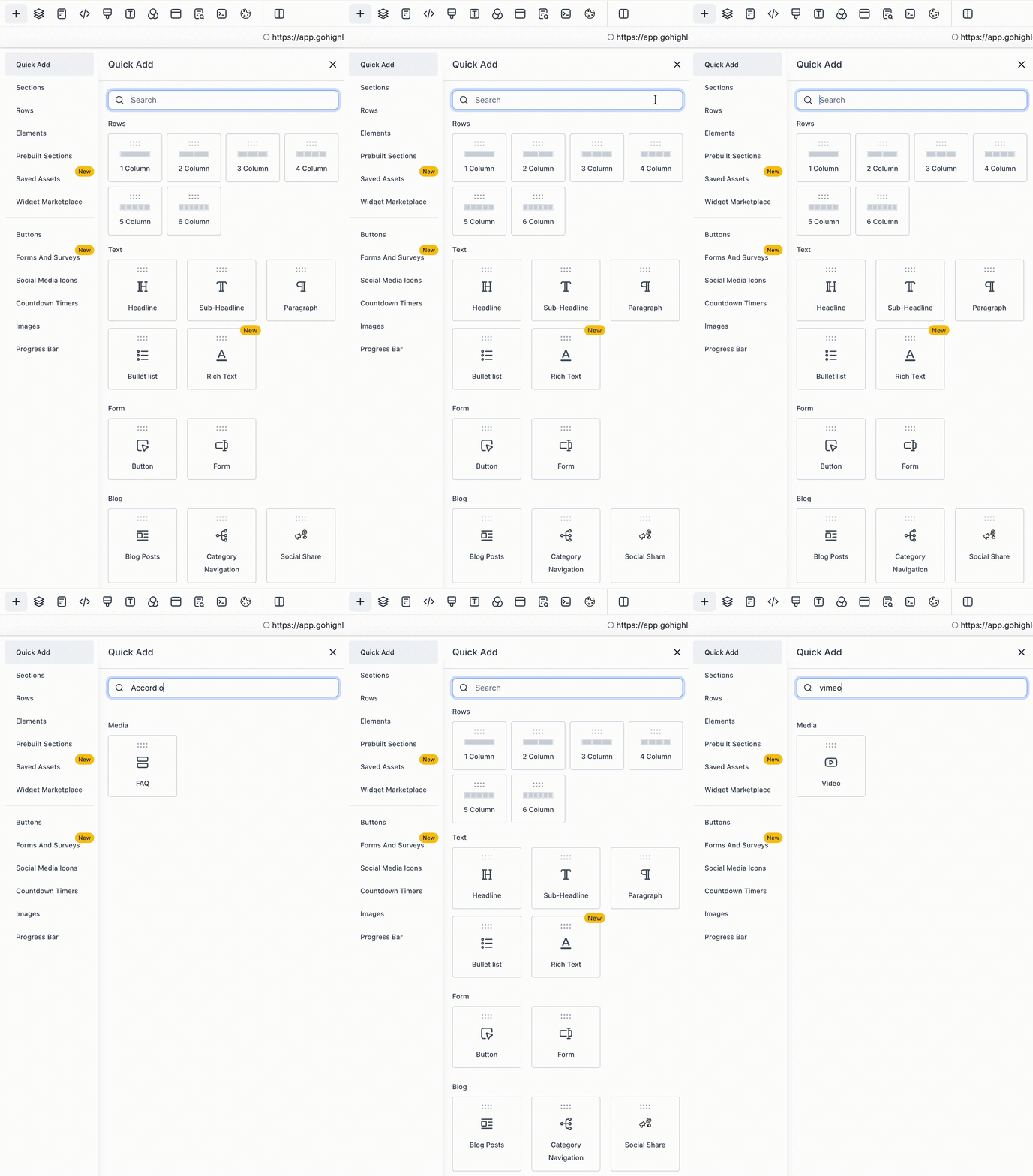
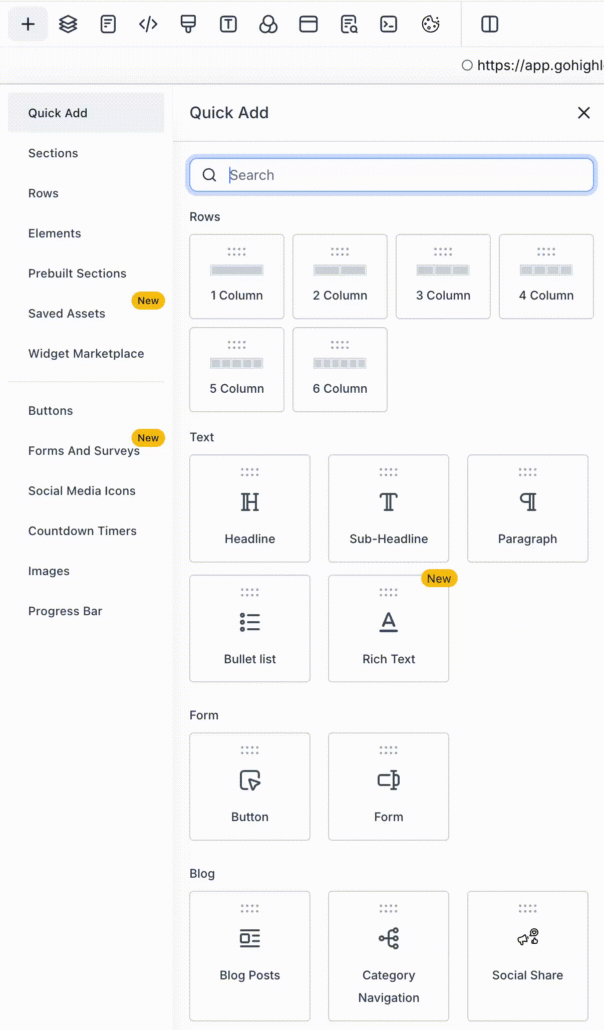
The Quick Add Search in Page Builder is now smarter and more intuitive. You can find elements using common or related keywords, making it easier to locate what you need without knowing the exact name of the element.
The search now recognises multiple keywords for each element. For example:
- Typing “subscribe” or “newsletter” will display the Form element.
- Typing “headline” will reveal the Heading element.
- Typing “thank you” or “receipt” will show the Order Confirmation element.
- Searching for “carousel”, “slider”, or “image slideshow” will bring up the Image Slider.
This enhancement makes the Quick Add experience faster and more user-friendly. You can now build pages more efficiently without the need to memorise specific element names.