
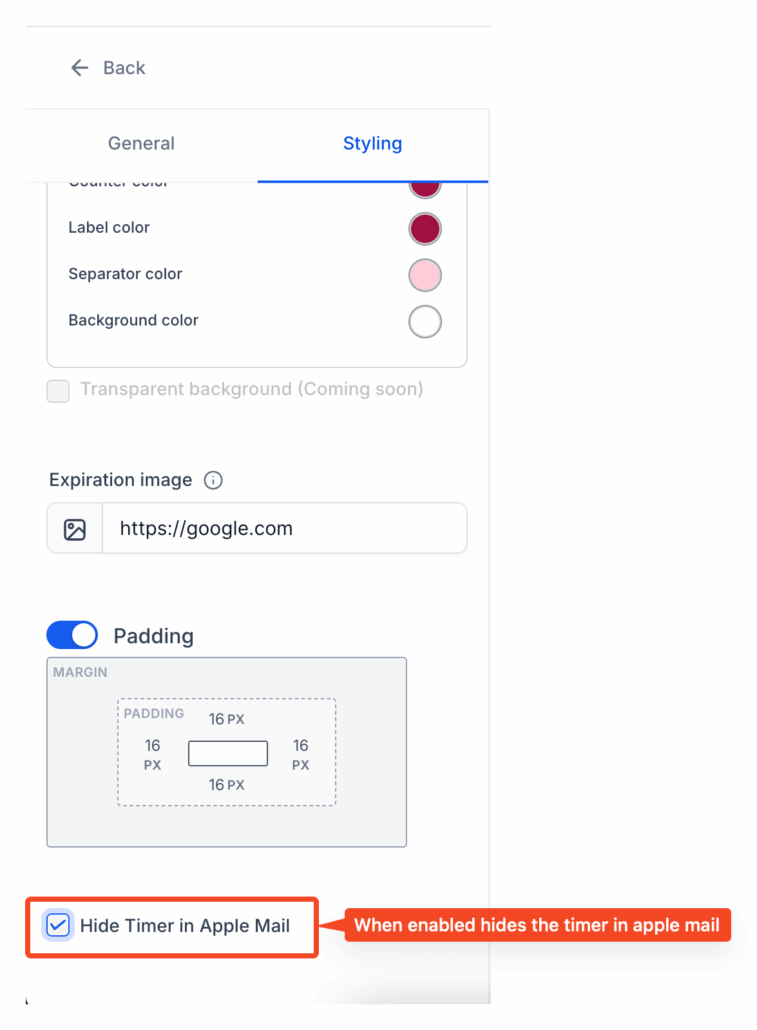
Hide Countdown Timers in Apple Mail
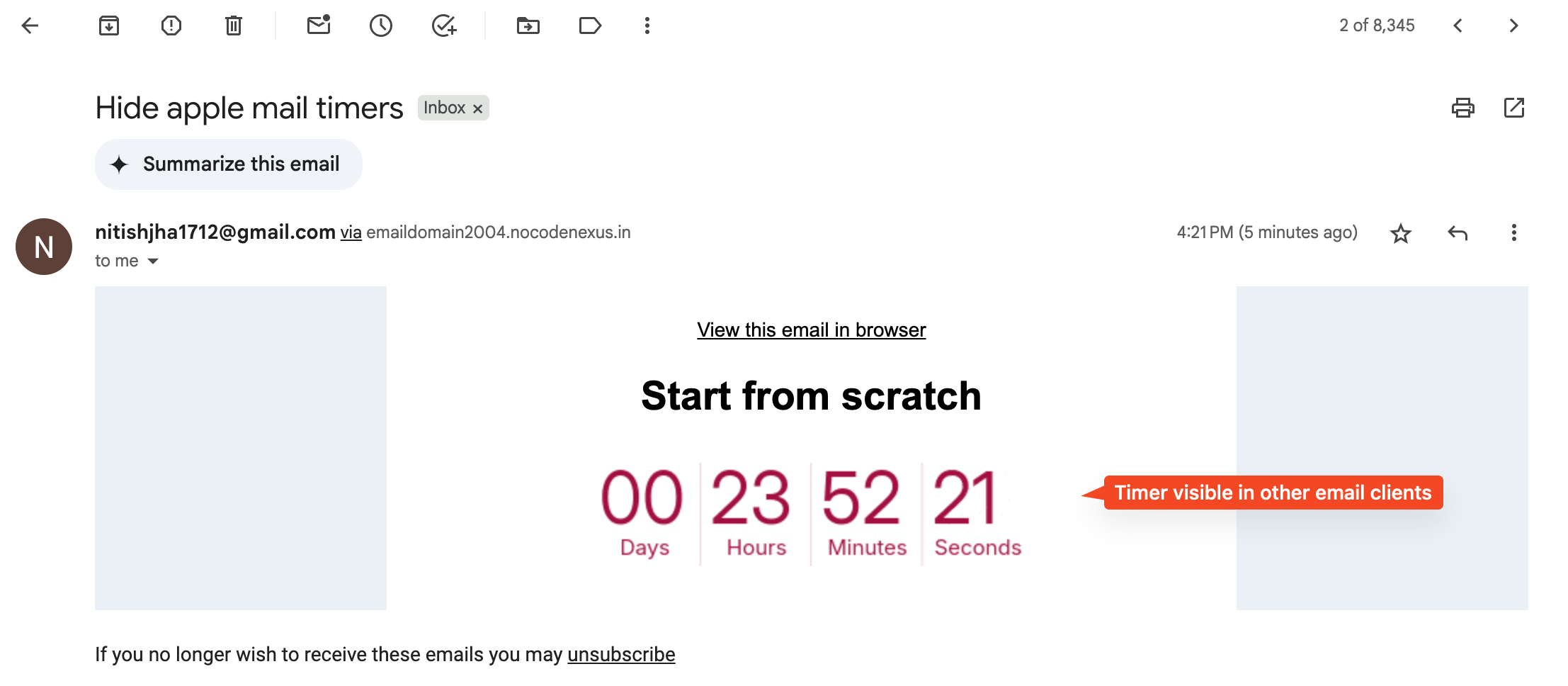
For contacts using Apple Mail on iOS 15 and above, countdown timers were being pre-cached, resulting in inaccurate countdowns when the email was opened.
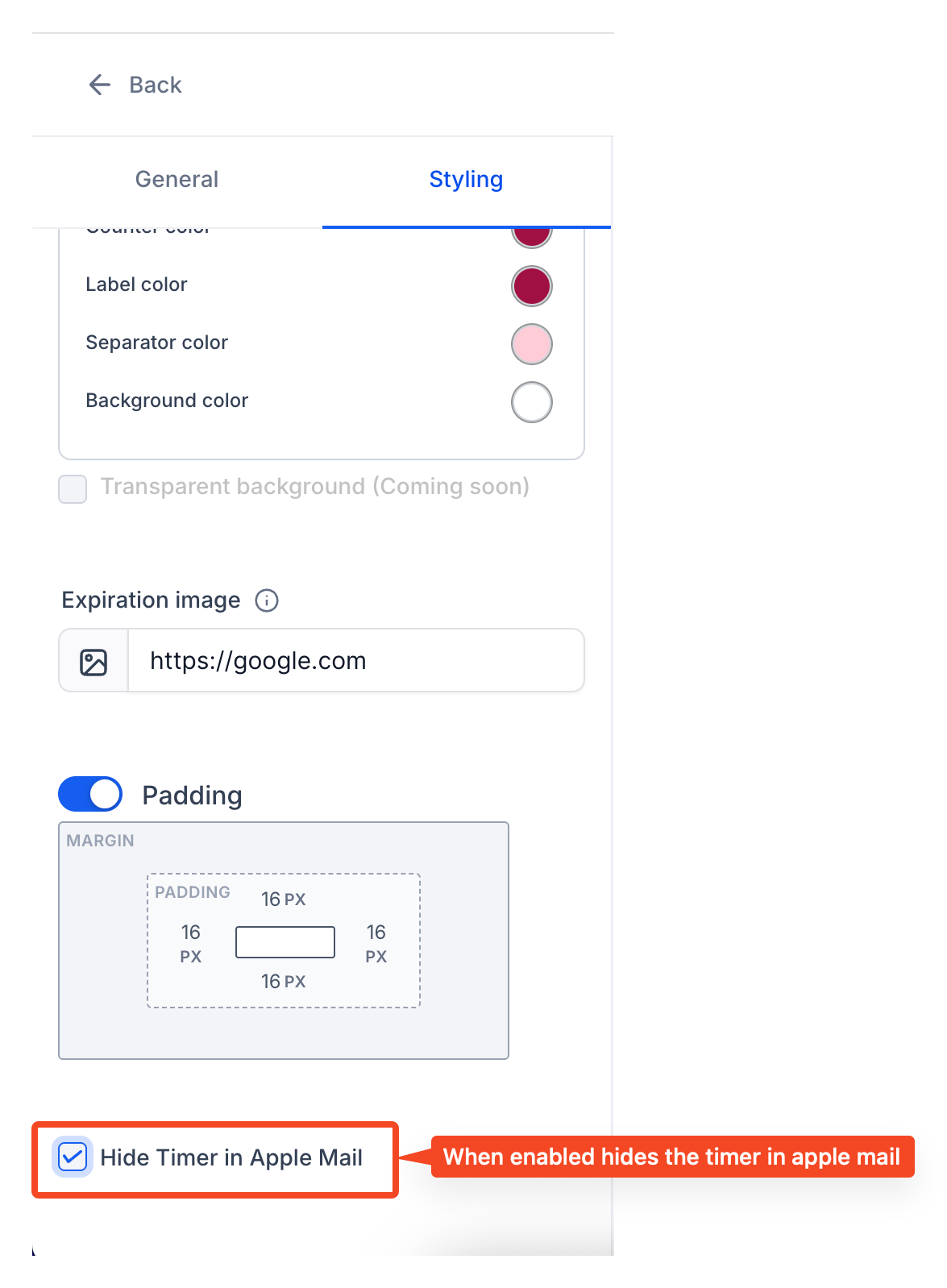
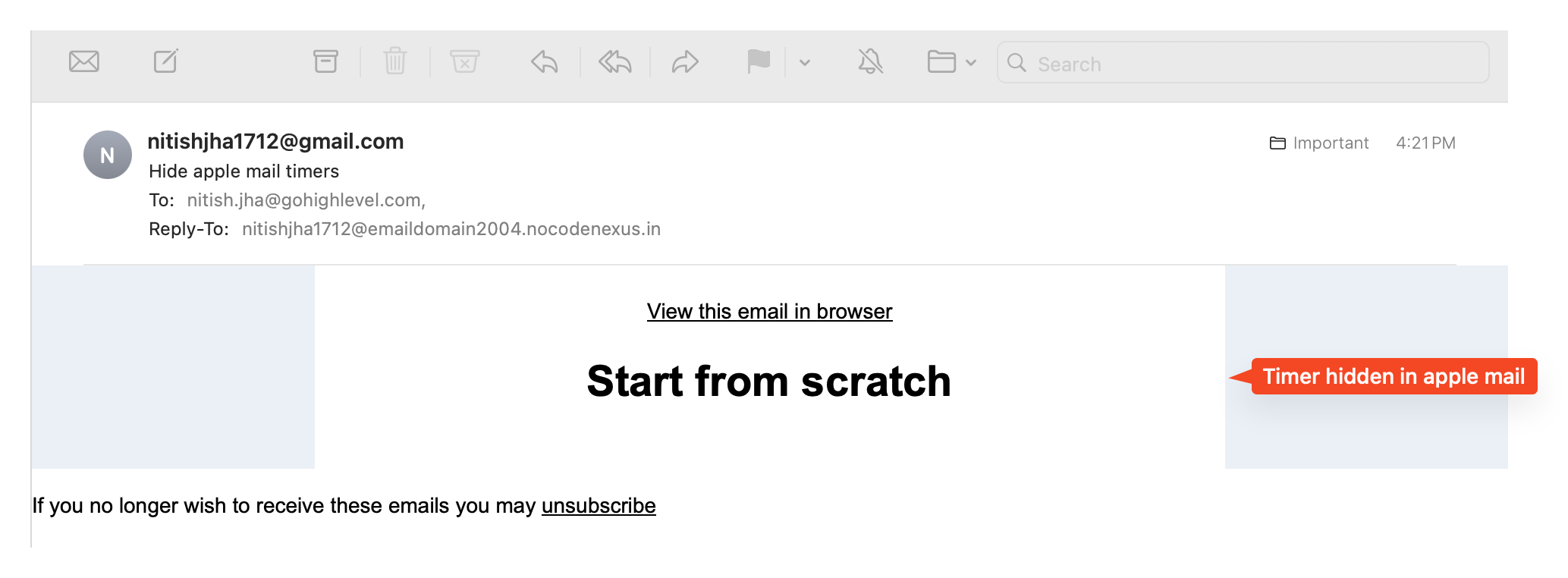
You can now hide timers for Apple Mail users to prevent displaying incorrect countdowns. Simply enable a checkbox in the timer settings.
**Steps to Hide Timers for Apple Mail Users:**
- Navigate to Marketing → Countdown Timer
- In Timer Styling Settings, tick the “Hide for Apple users” option
**Using the Timer in Emails:**
- Utilise the timer in any email as usual
To ensure proper redirection, regardless of the device or email client, always use the dynamic link in a button.