Enhanced Button Styling Experience | Clixio Changelog
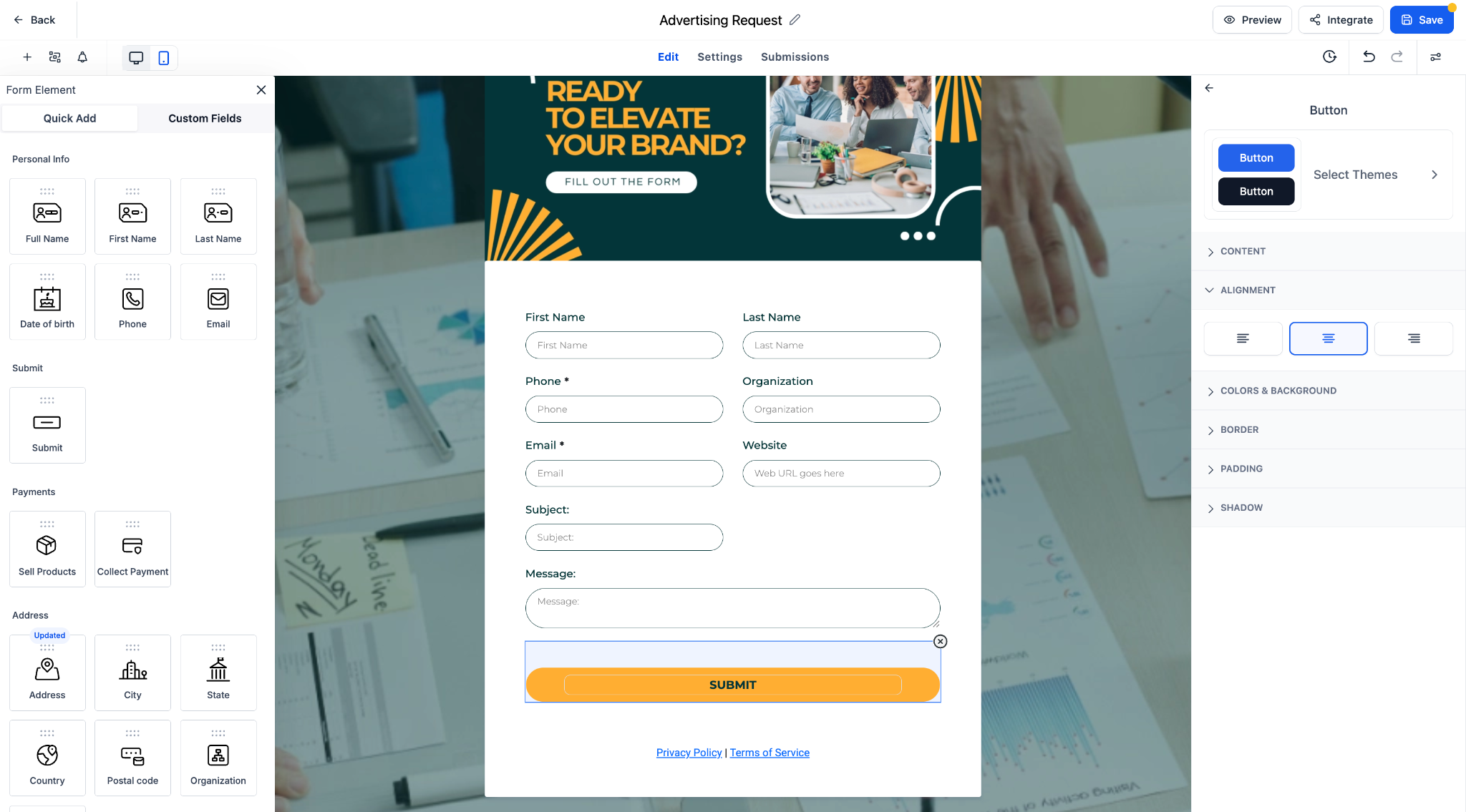
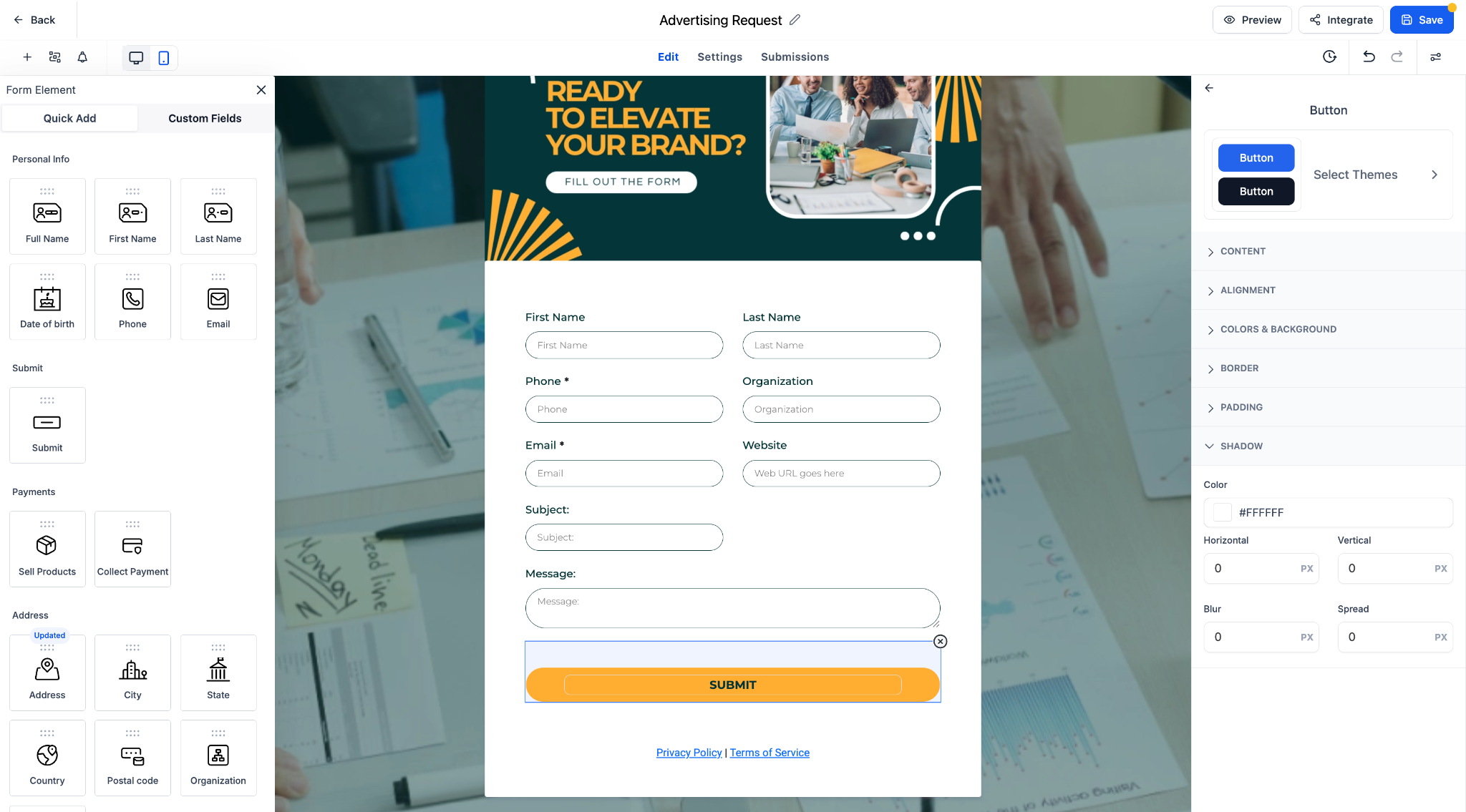
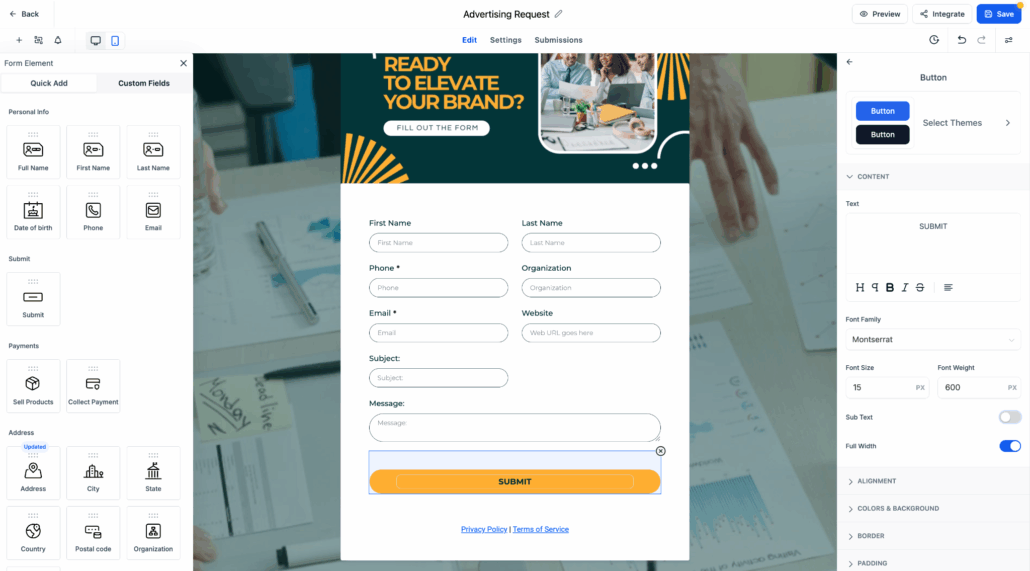
We’ve revamped the button editing panel to deliver a cleaner interface and introduced powerful new customisation features, including a full theme gallery to enhance your form design.
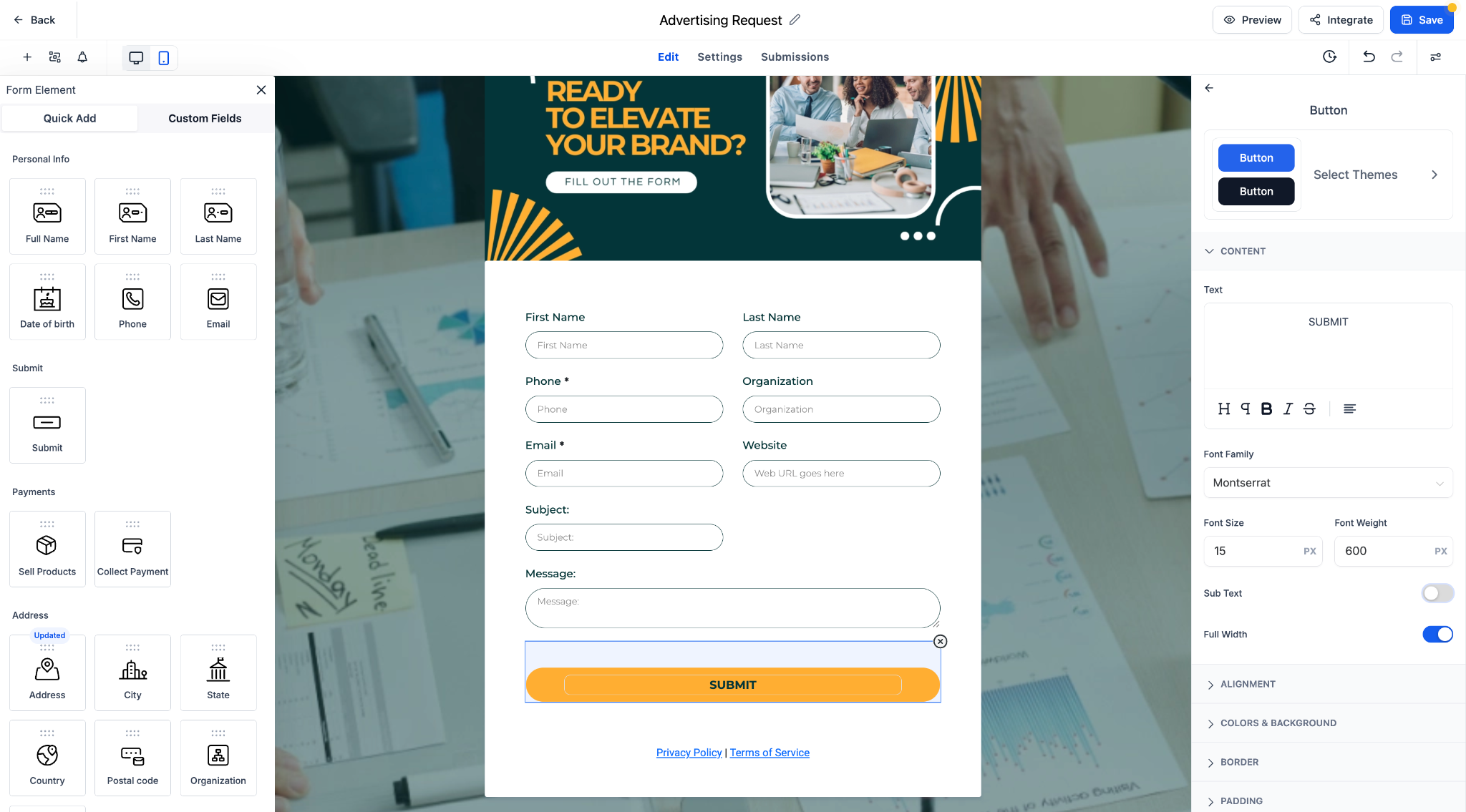
Redesigned Button Editing Panel:
A structured, user-friendly layout for easier styling and quicker navigation.
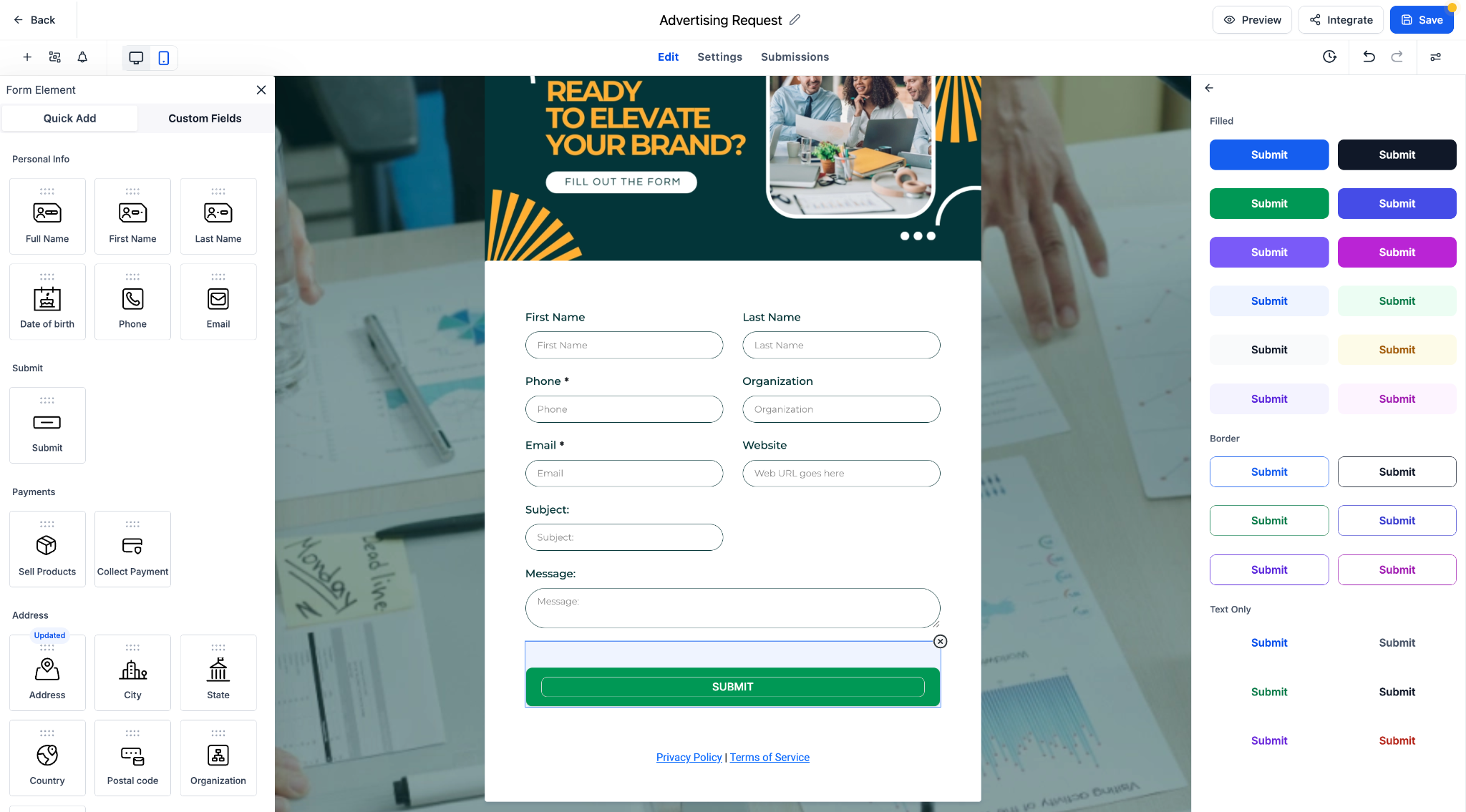
New Theme Selector:
Choose from a curated selection of button themes, including Filled, Border, and Text Only options.
Live Preview:
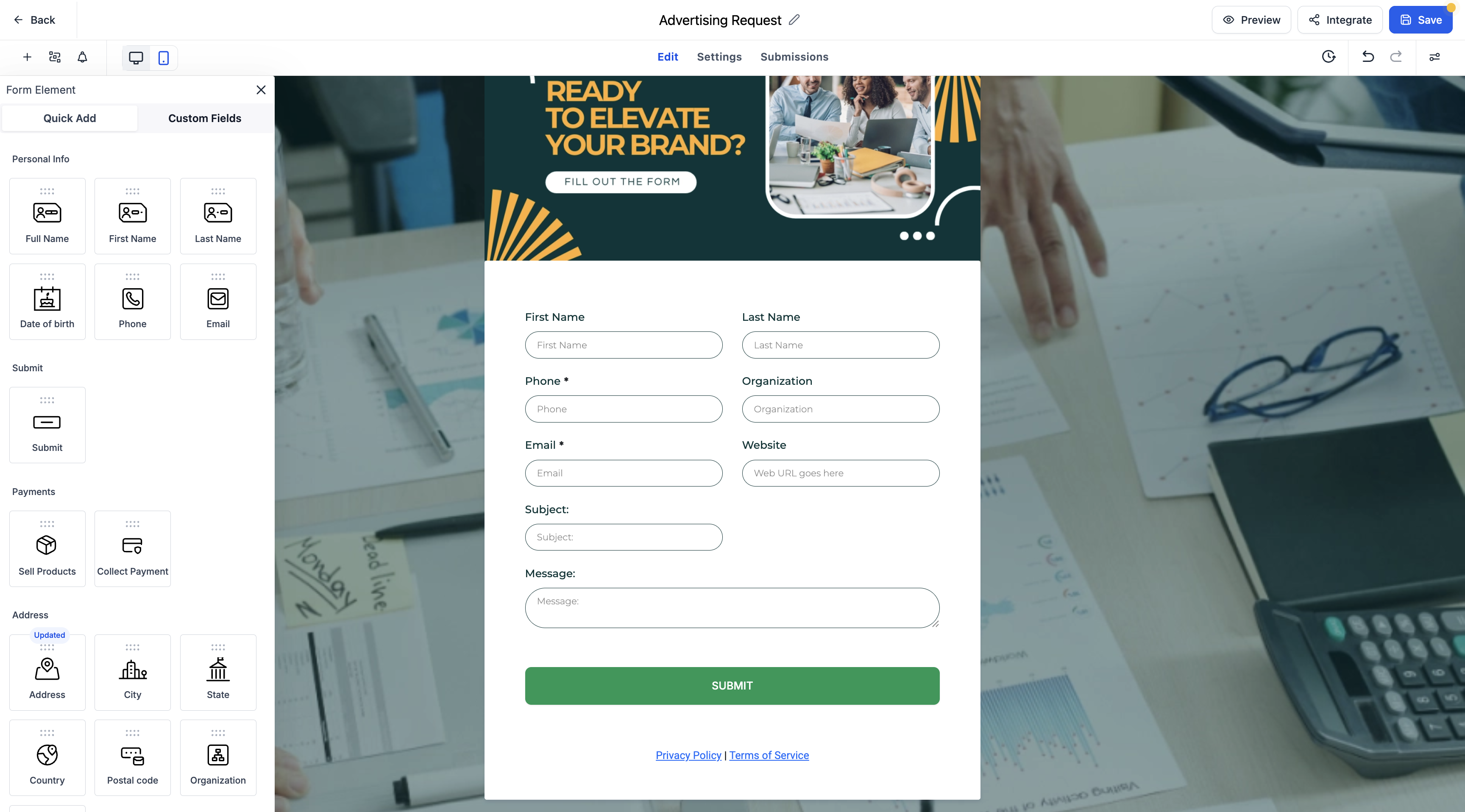
Instantly see how each theme and style change will appear in your form.
Grouped Styling Options:
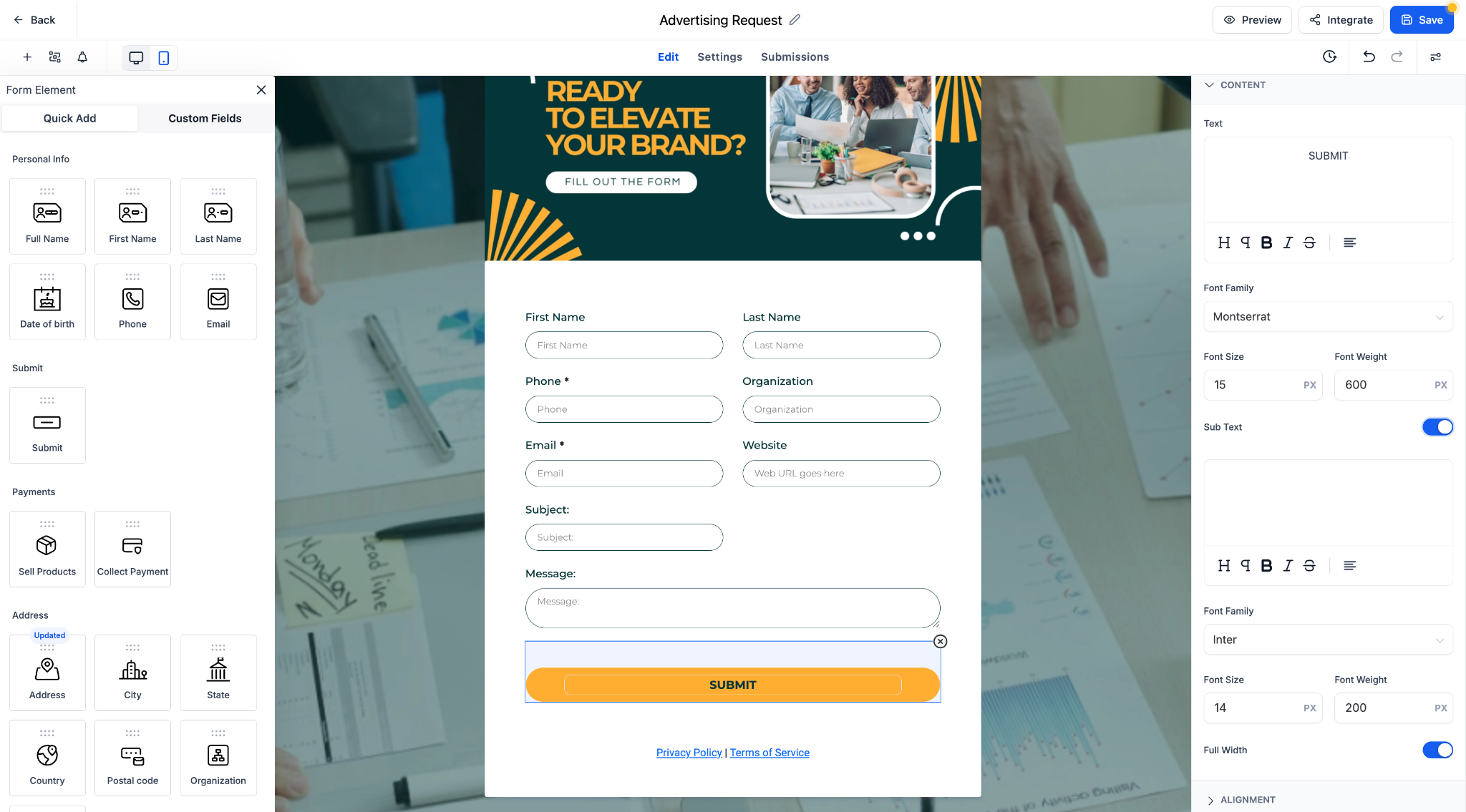
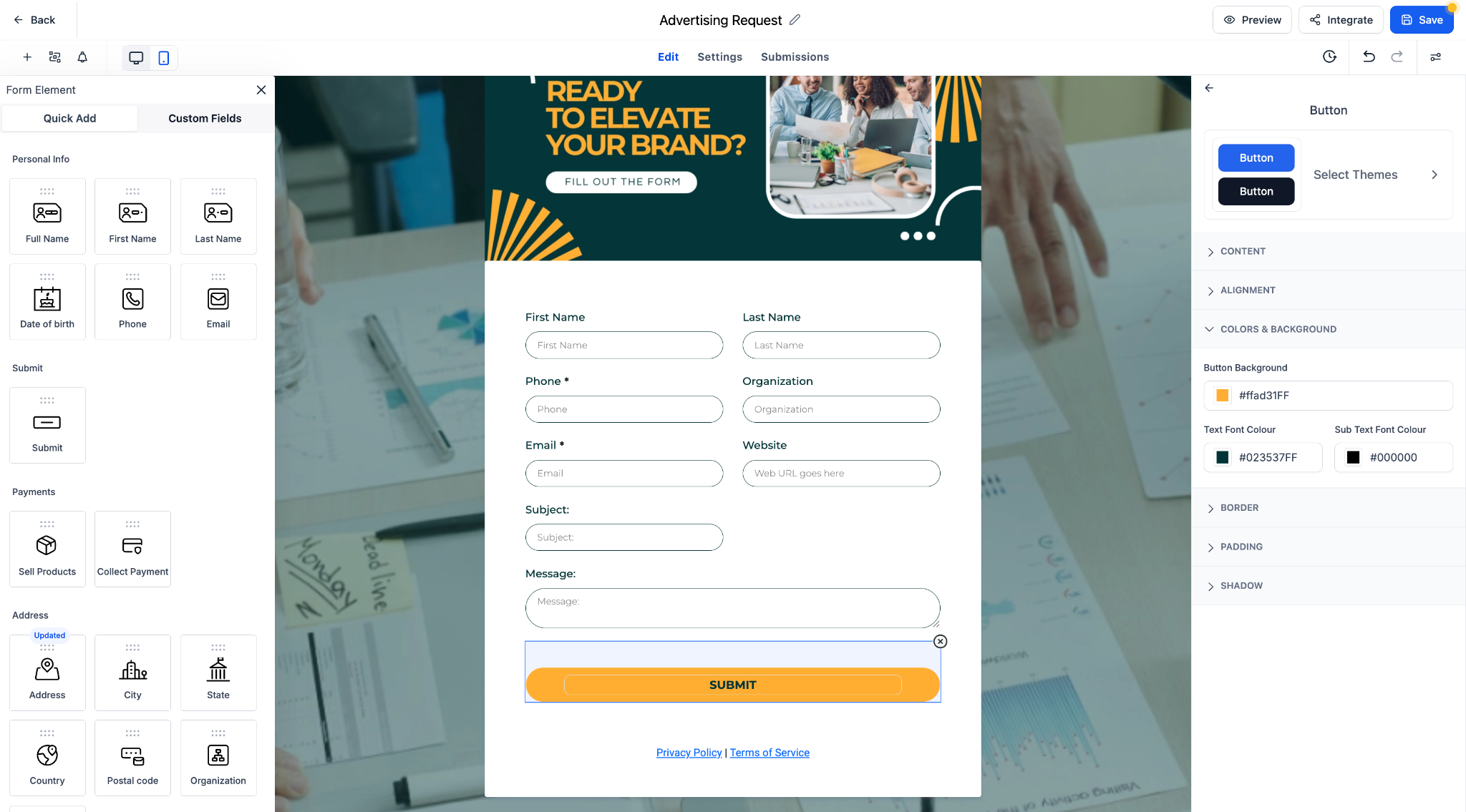
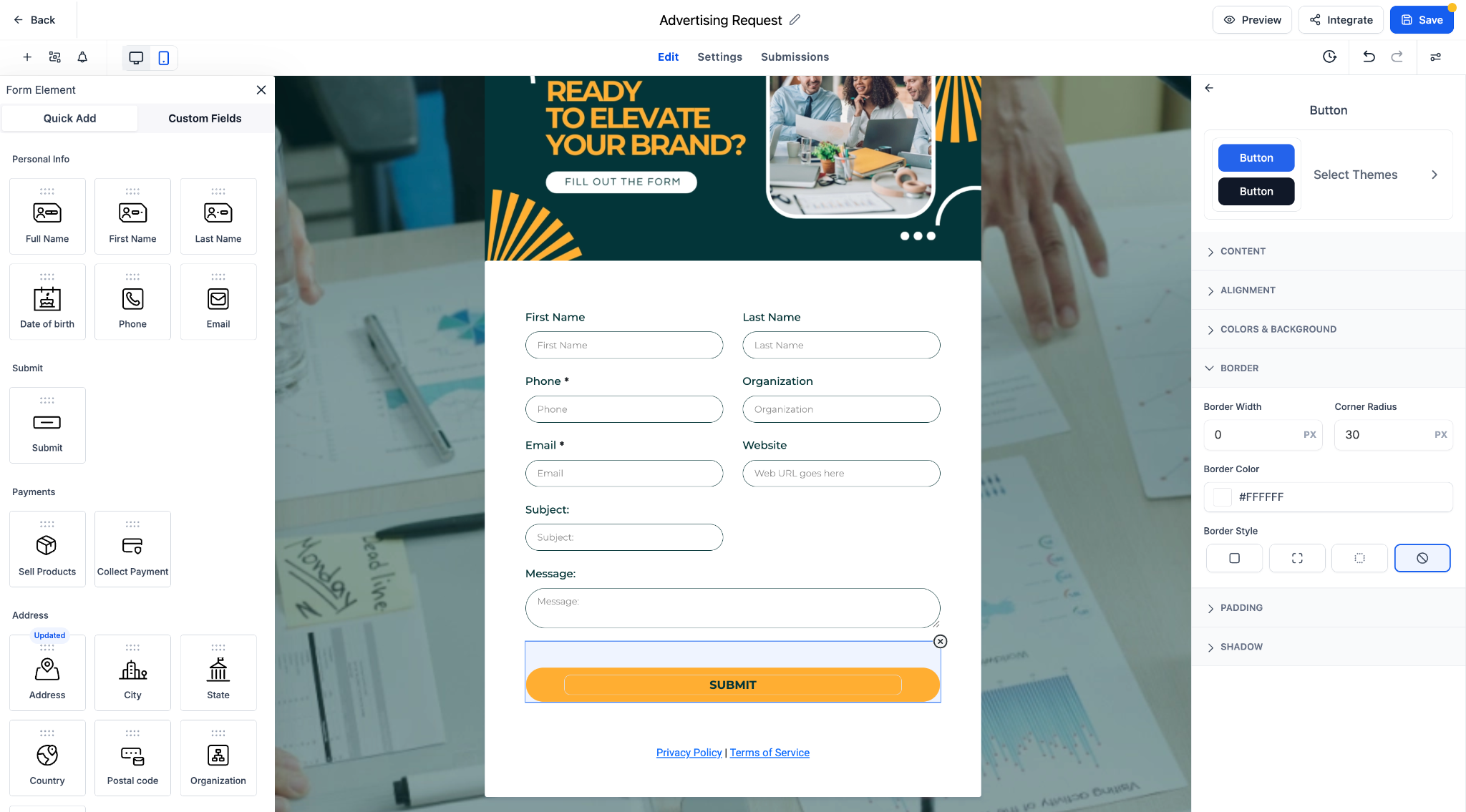
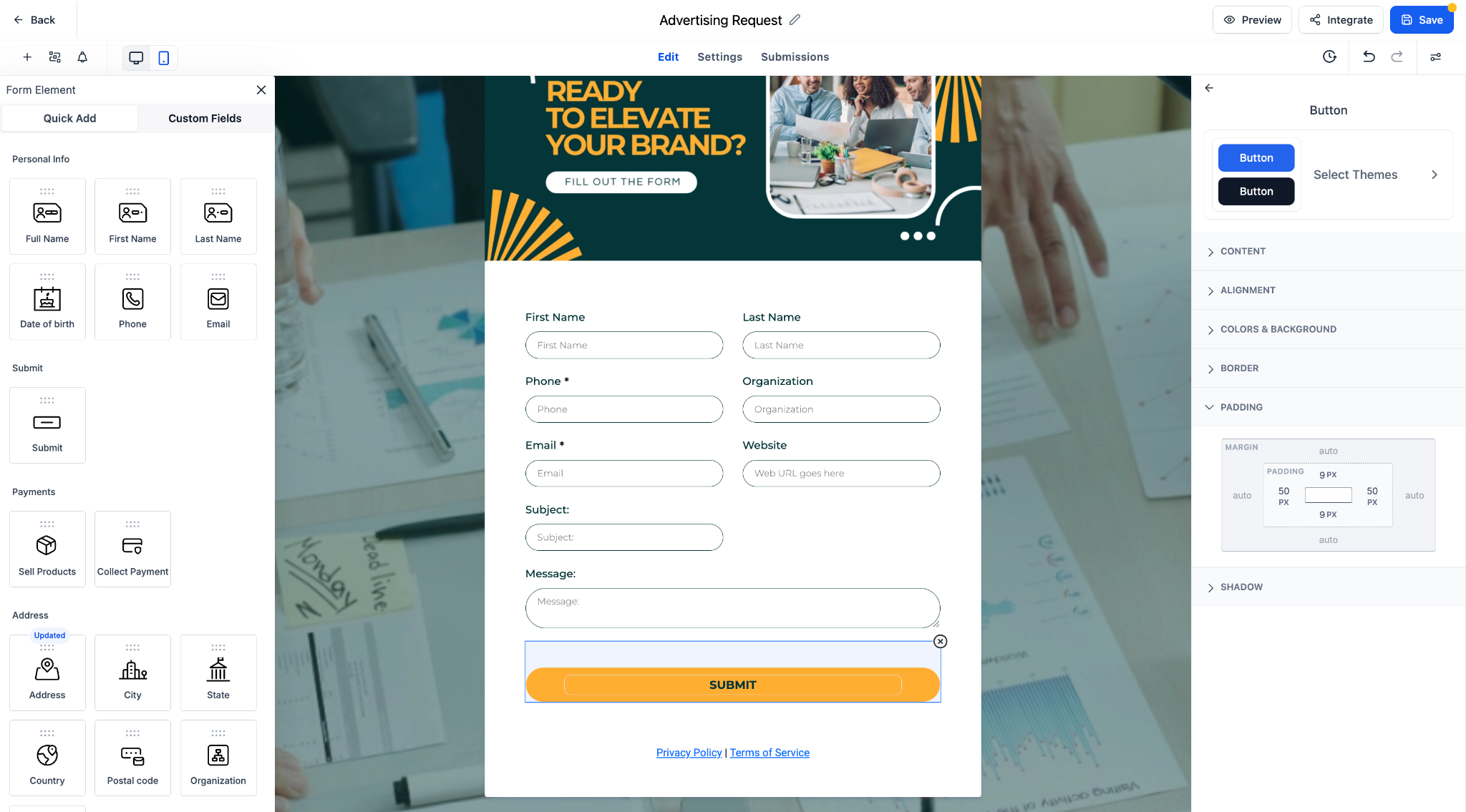
Controls for font, colour, alignment, border, padding, and shadow are now logically organised into collapsible sections.
- Faster editing with clearly organised style categories.
- One-click theme application from a diverse collection of button styles.
- Support for custom fonts, font weights, and responsive design elements.
- Full-width toggle and corner radius controls for more flexible layouts.
- Select any form button to open the styling panel.
- Edit text, layout, and appearance using the updated panel sections.
- Click “Select Themes” to browse and apply pre-built button styles.
- Customise further with font, spacing, and shadow controls.
- All previous customisation options are preserved and now easier to access.
- Themes serve as a starting point and can be fully tailored to your design needs.
- Ideal for boosting form engagement and maintaining brand consistency.
Let me know if you’d like this version in a markdown format or formatted for another platform.