
Email Statistics Dashboard Updates 🚀
- Made Statistics the new default
landing page
in Email Marketing.
- Introduced a
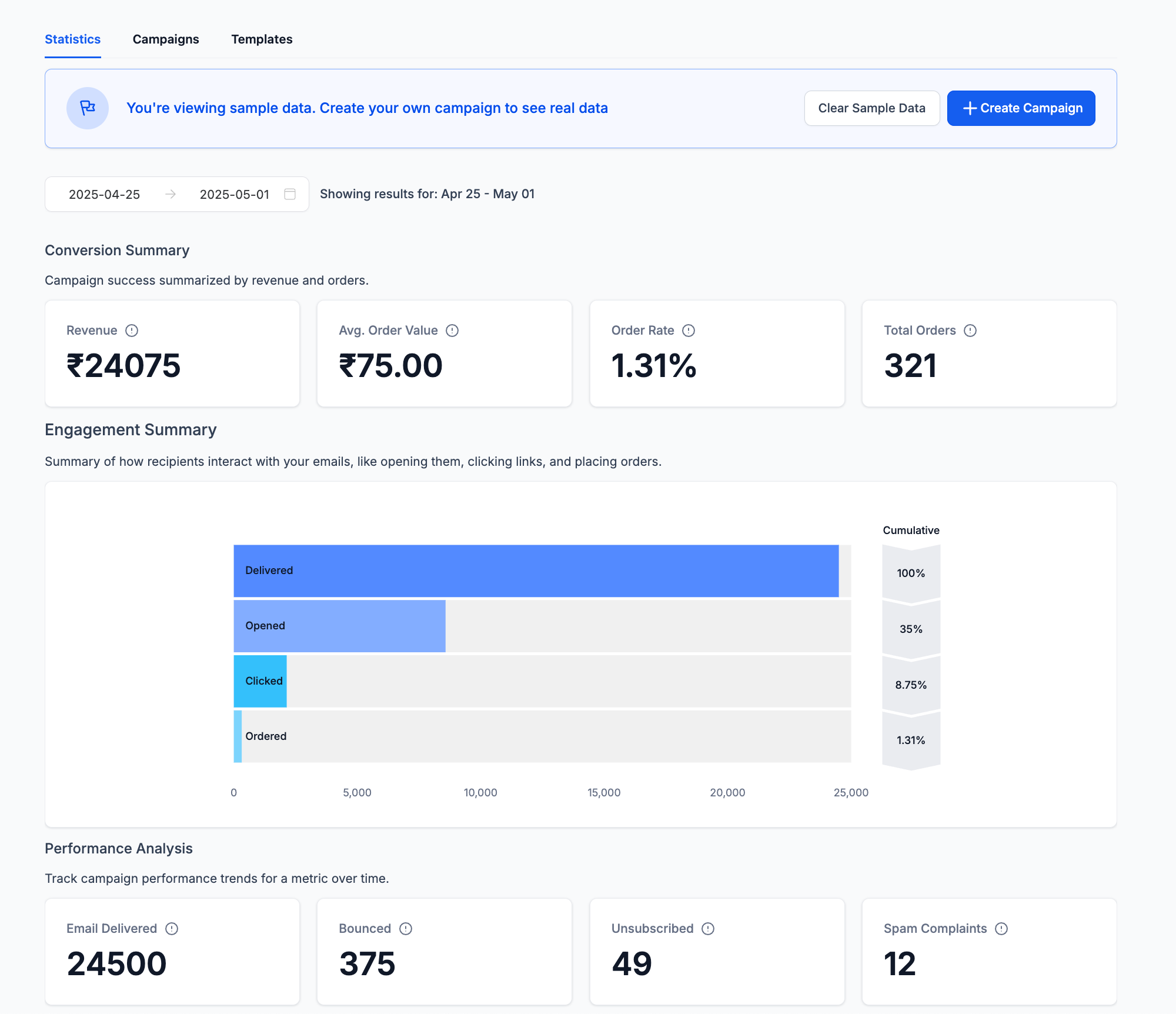
dummy data view
so new users can explore without sending a campaign.
- Added
UI indicators
to clearly show when you’re viewing dummy data.
- Once you send your first campaign, the page will automatically display real statistics by default.
- Instant overview of campaign statistics for new users
- Preview widgets using sample data
- Easy demos without sending real campaigns
👷♂️
How to check it
- Go to Email Marketing
- You’ll land on the Statistics page.
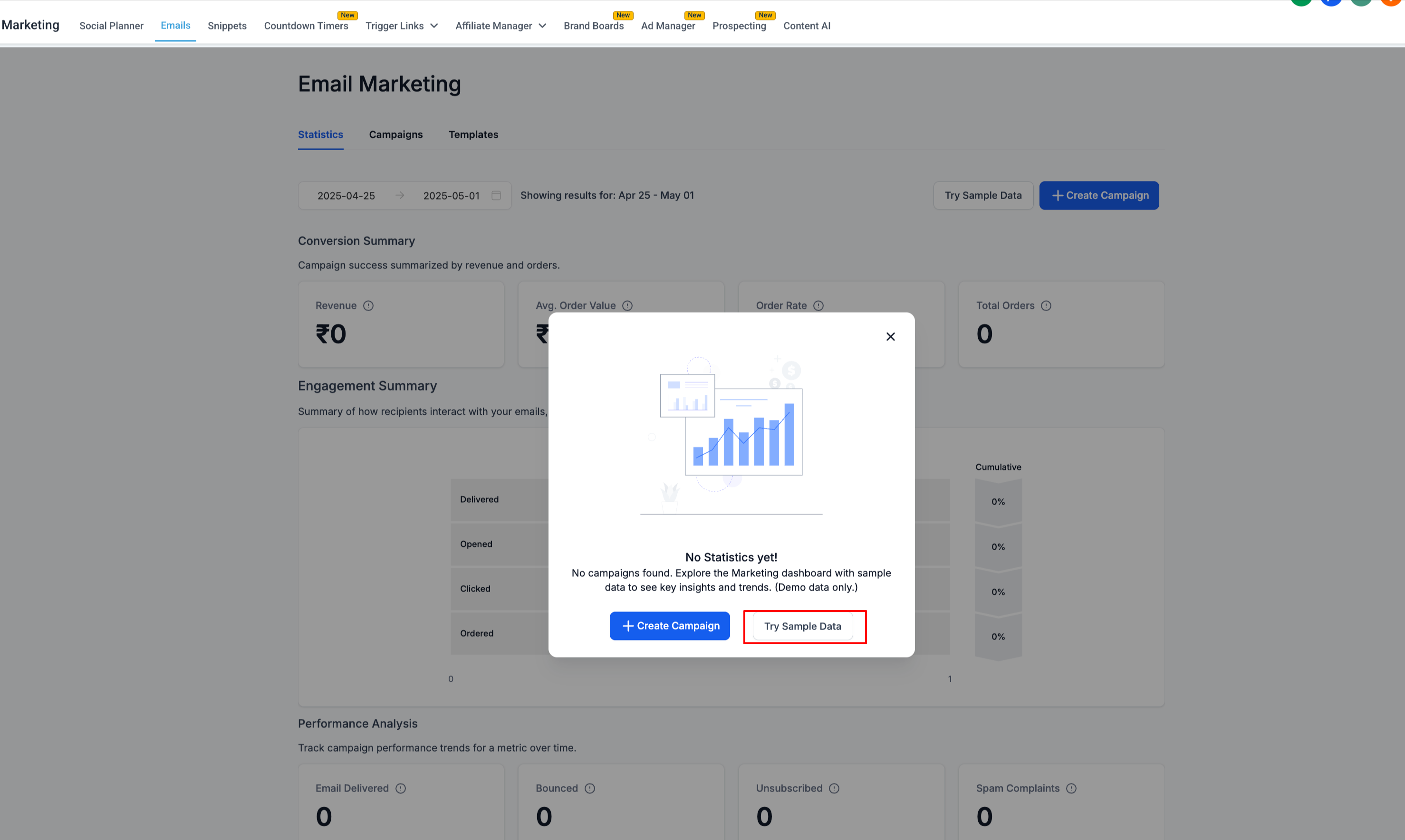
- If you’re new, you’ll see a prompt to view with dummy data.
- Click “View with Dummy Data” to preview the full statistics.
- After you send your first campaign, the page will automatically show live statistics.