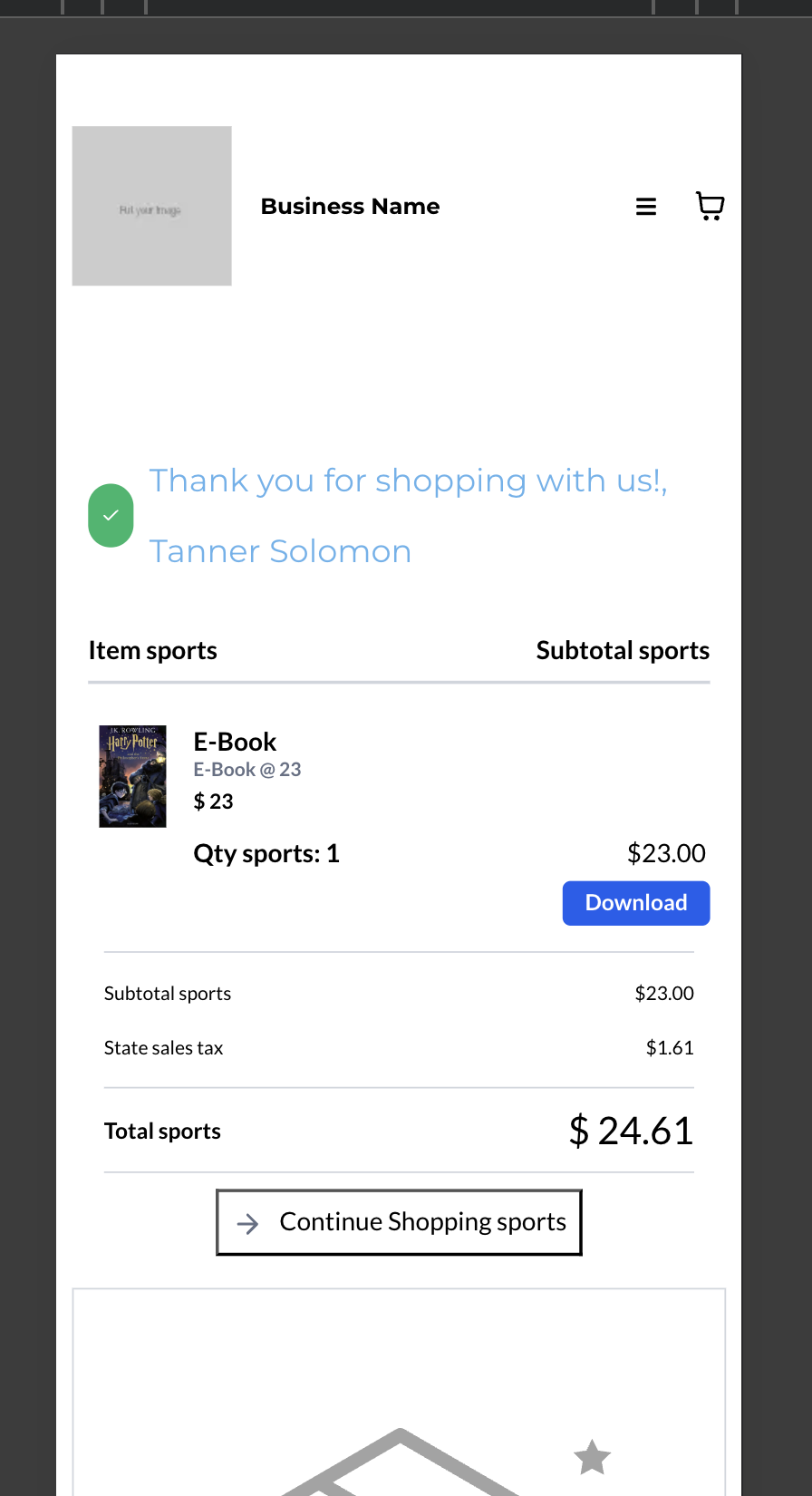
Download Button for Digital Products on Thank You Page in Ecommerce Stores
What’s New?
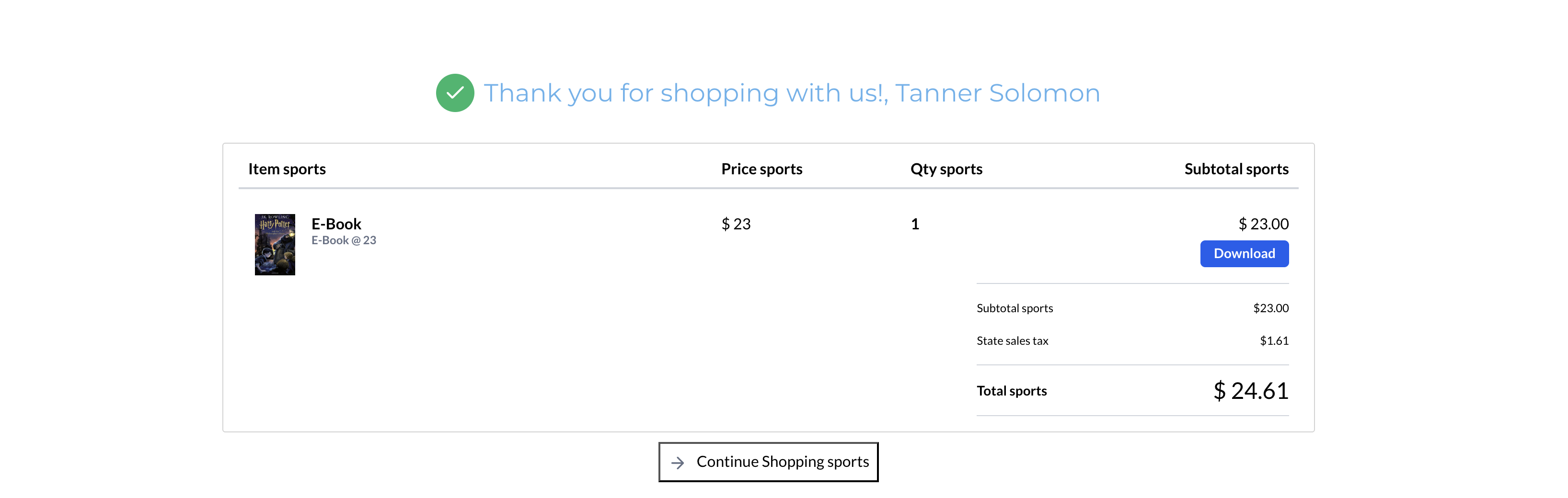
We are excited to announce that store owners can now enable a Download button for digital products directly on the Thank You page. This enhancement allows customers to easily access and download their digital purchases immediately after completing an order.
How to Use It?
- Navigate to
Stores > Select Store > Edit Thank You Page
- Select the Thank You page element.
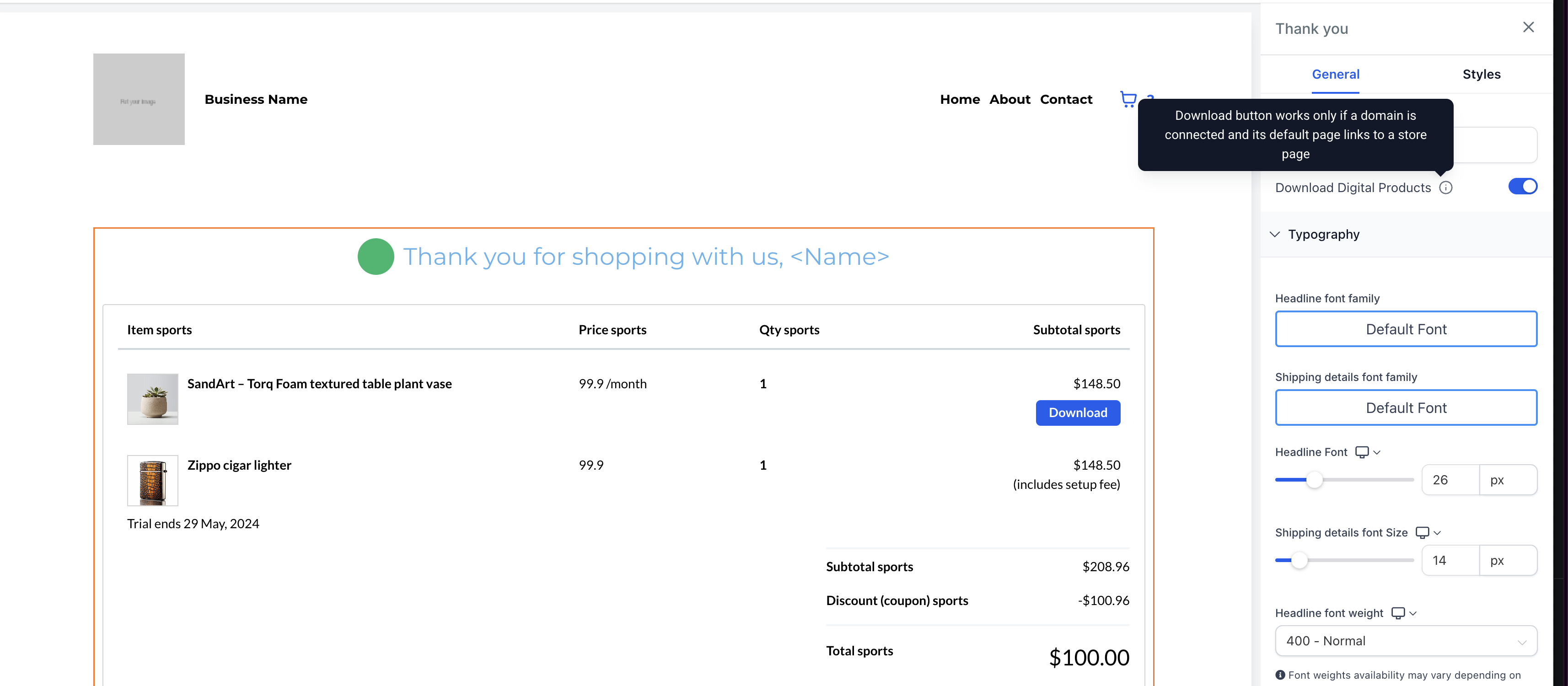
- In the right-side panel, enable the
“Download Digital Products” toggle
.
- Customise the Download button’s text and colours as desired.
- Save and publish your changes.
Important Notes
- A connected domain is required, and its default page must link to a store page.
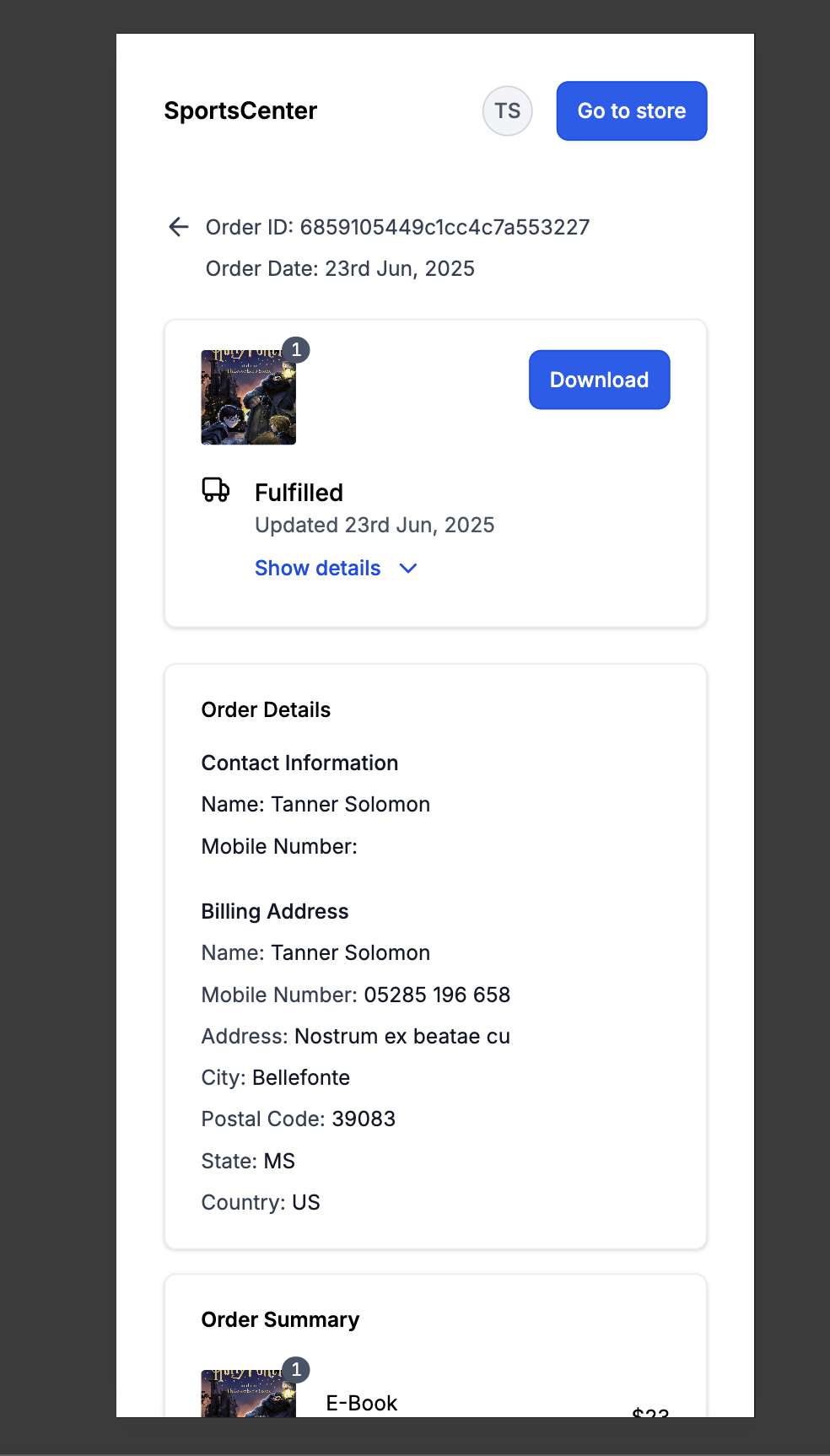
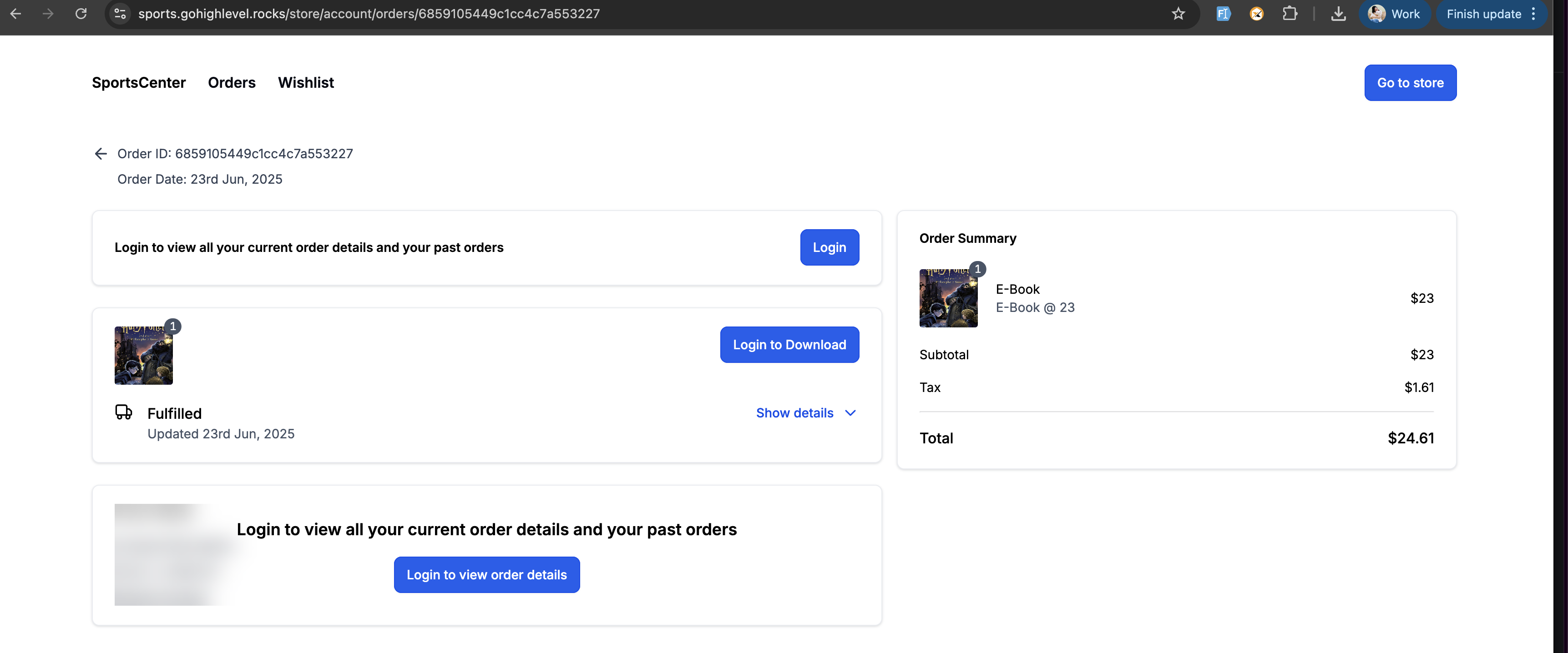
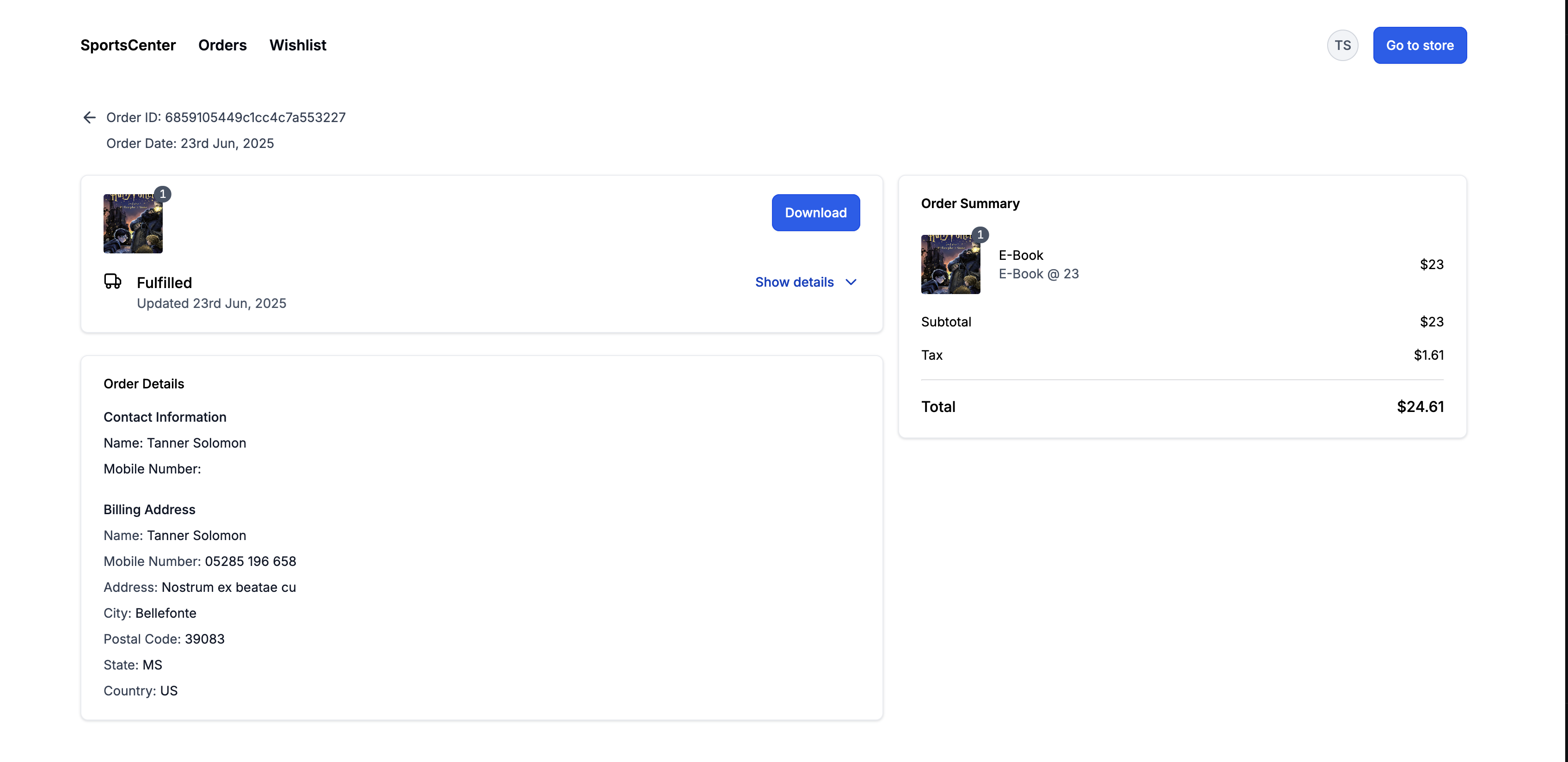
- Download buttons will appear for all digital products and redirect to the Customer Access Centre.
- If the requirements are not met, the Download button will not display at checkout.
Images
Builder Customisation:
User Preview:
Download Button Redirects To:
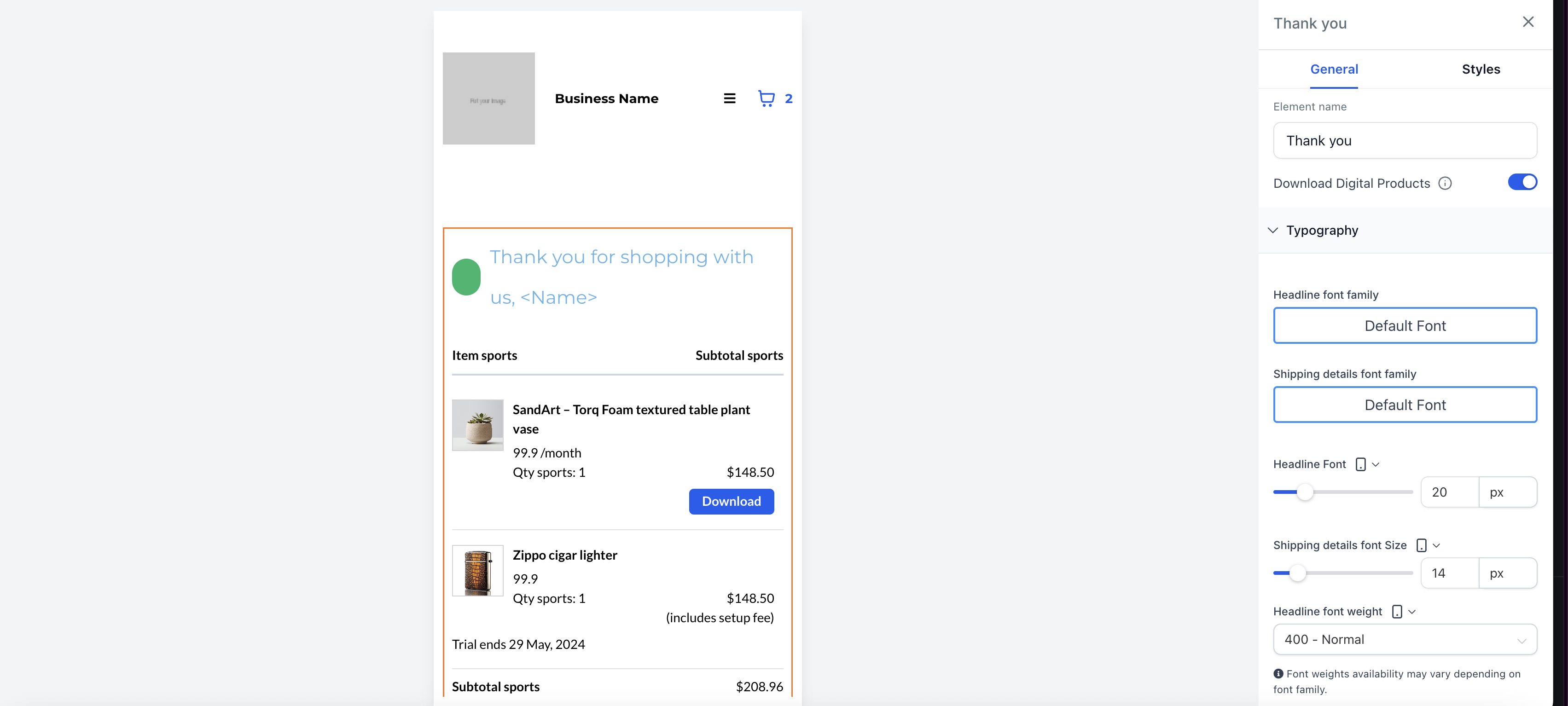
Mobile View: