Dialer: Auto-minimize, Pin & Drag
16th March 2026
Dialer: Auto-Minimise, Pin & Drag
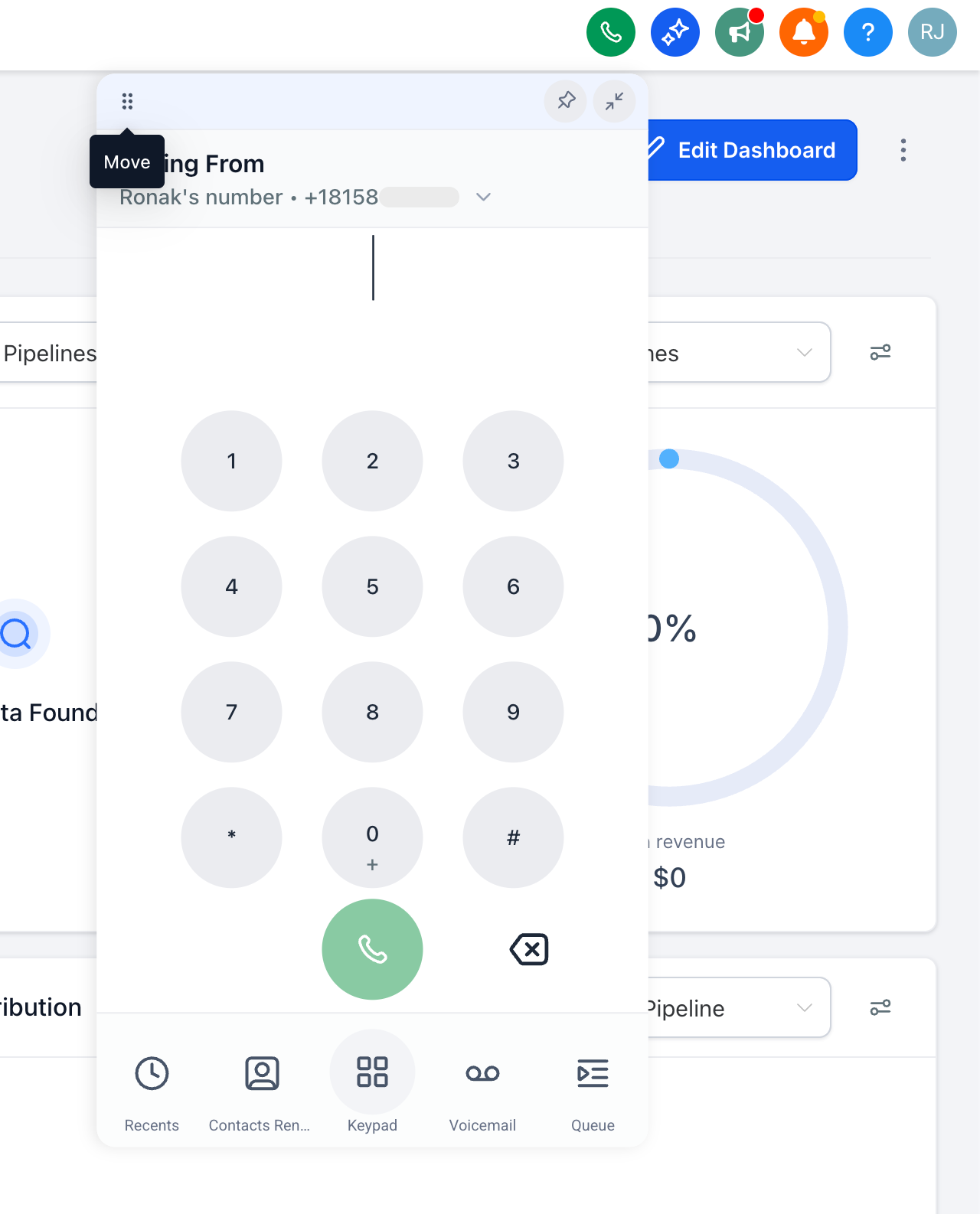
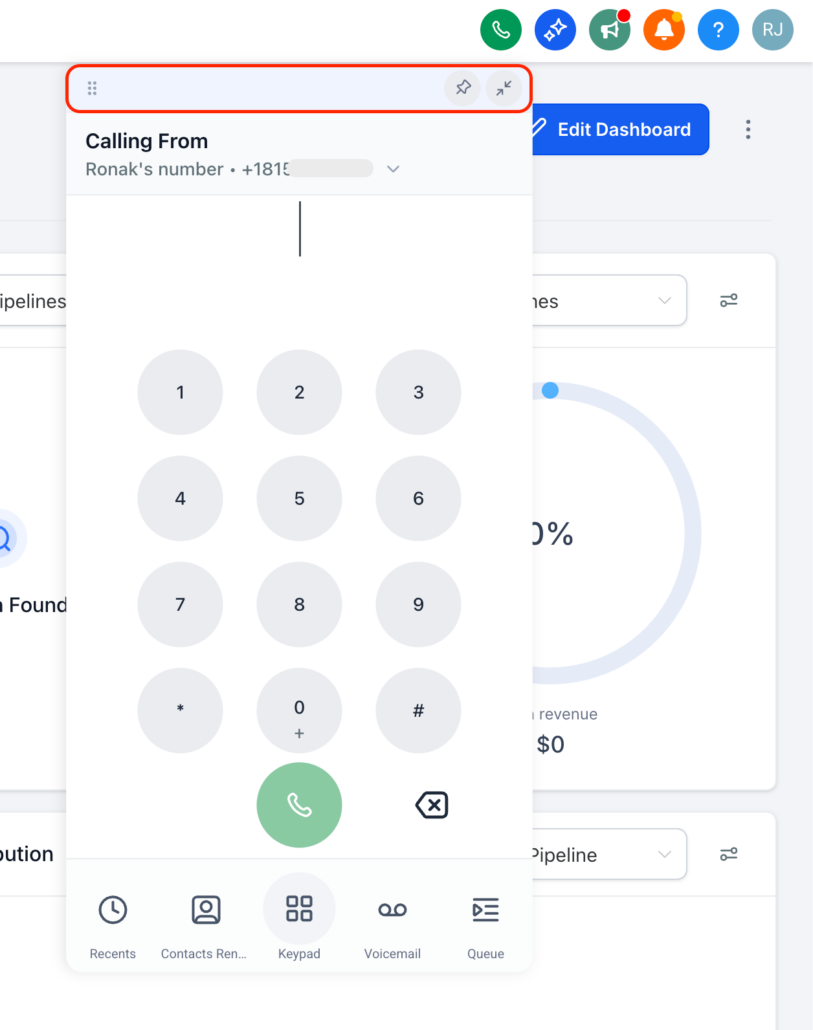
- The dialer now automatically minimises when you click anywhere outside of it. This allows you to quickly check contact details or pipeline information without the need to manually close the dialer.
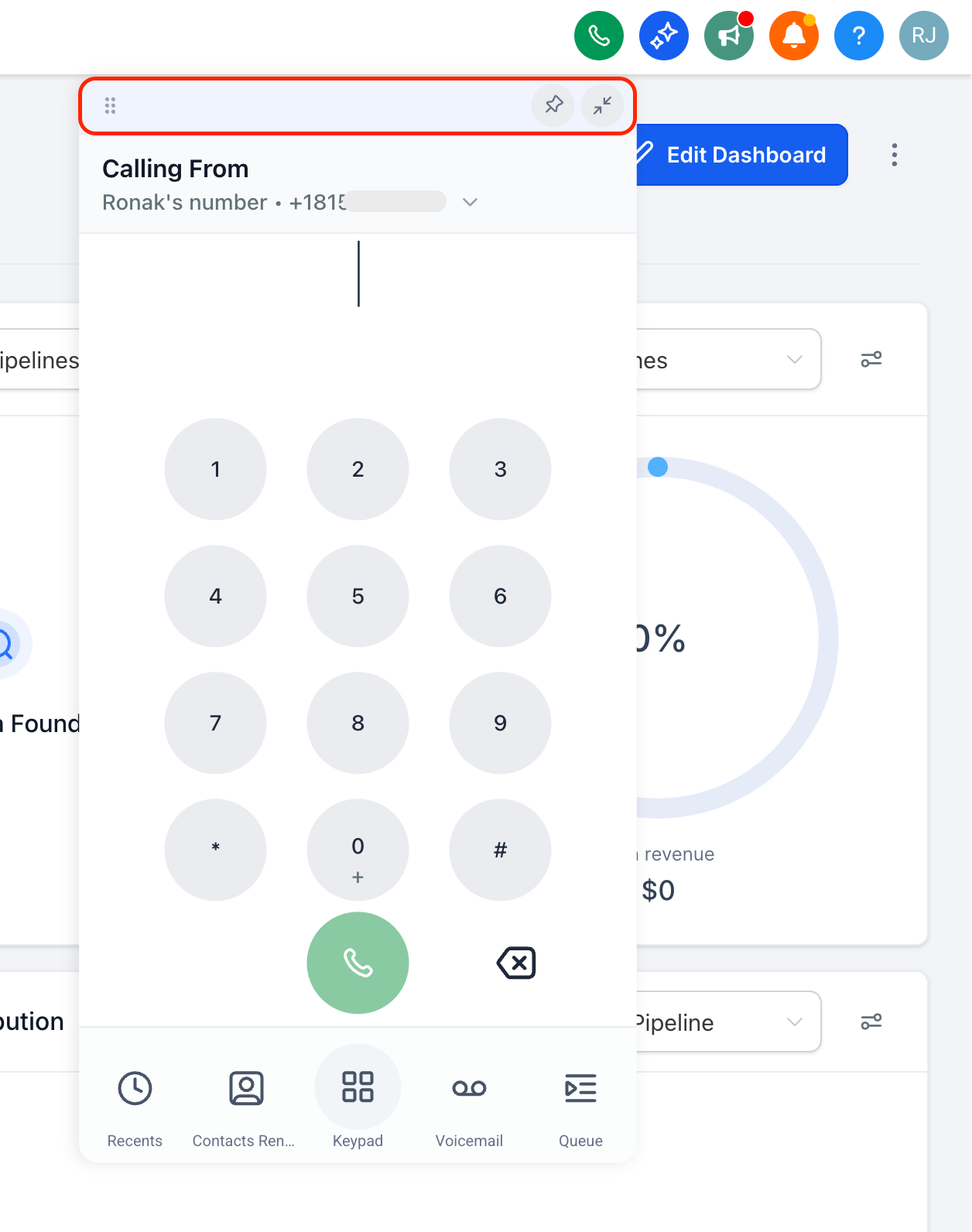
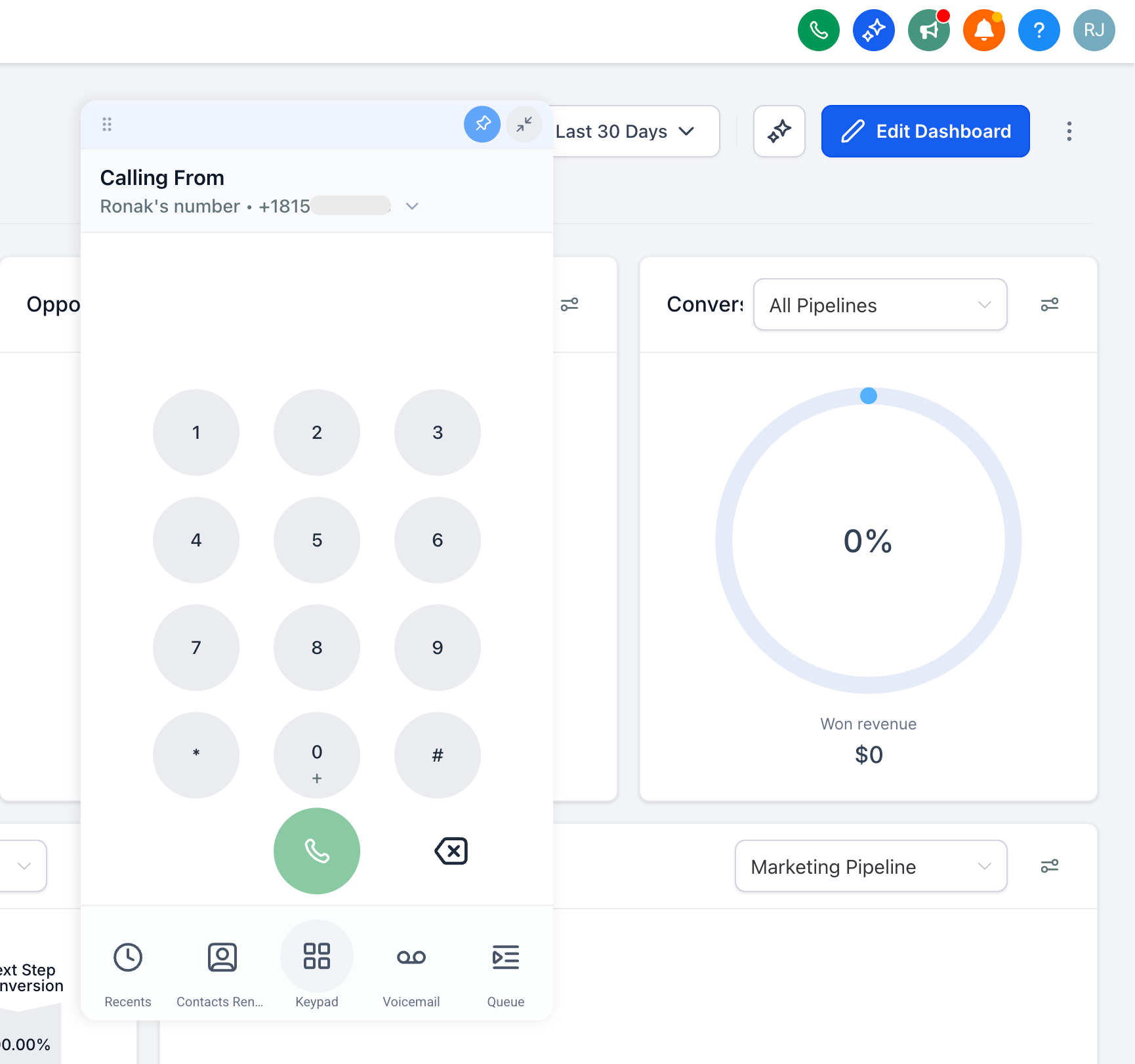
- If you’d like it to remain open, simply click the pin icon to lock the dialer in place. It will stay open until you choose to unpin it or minimise it manually.
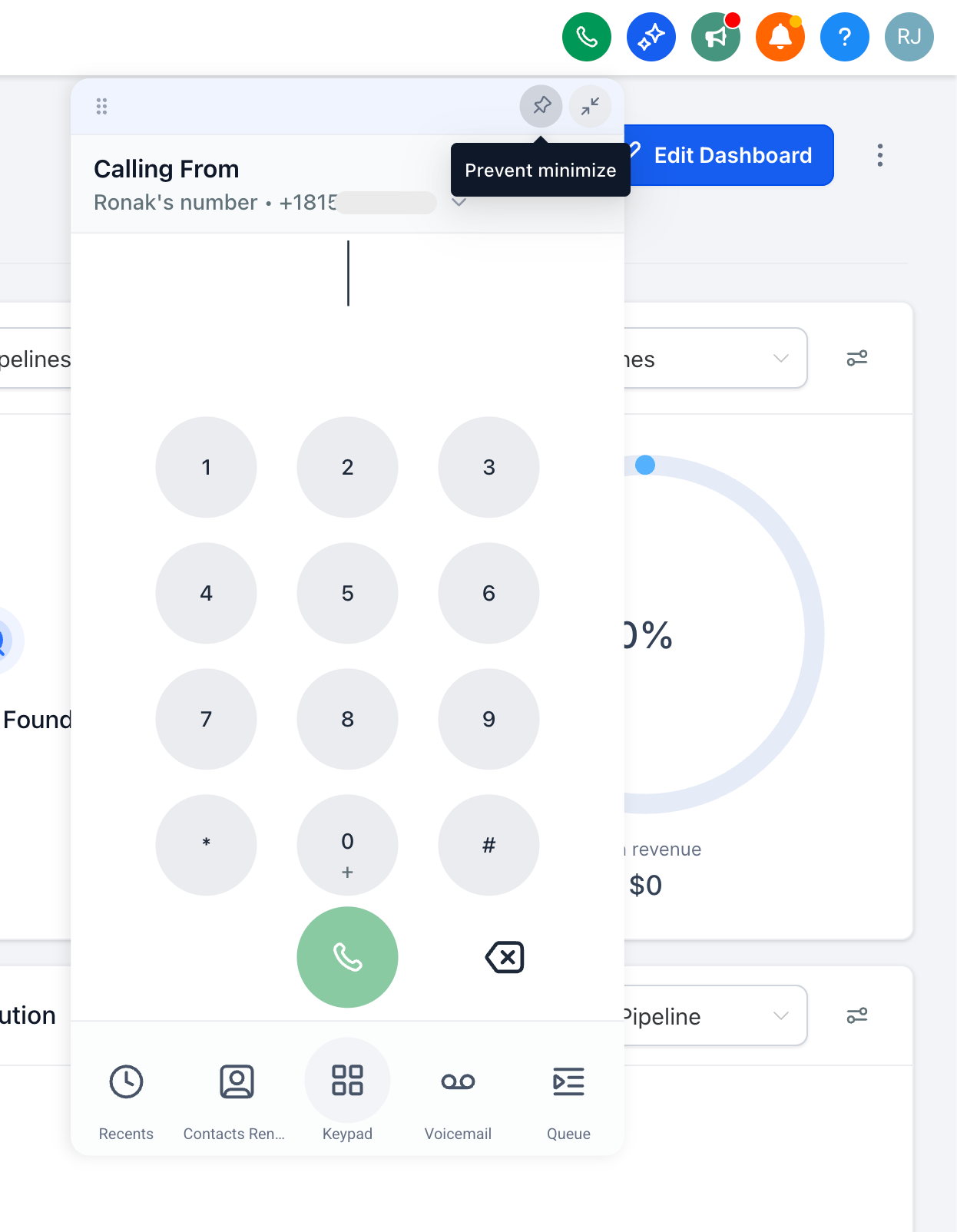
- You can also drag the dialer to any position on the screen. If it is pinned, it will remember its position and reopen exactly where you left it.