
Clone WhatsApp Templates | Clixio Changelog
Creating New WhatsApp Templates Just Got Faster
You can now clone any existing template, retaining all of its content, and adjust only what you need—no more rewriting from scratch.
One-Click Clone – Duplicate any approved template in seconds.
Preserve Everything – Variables, media, buttons, and formatting all carry over.
Quick Edits – Open the cloned copy, update the text or media, and submit—done.
How to Clone a Template
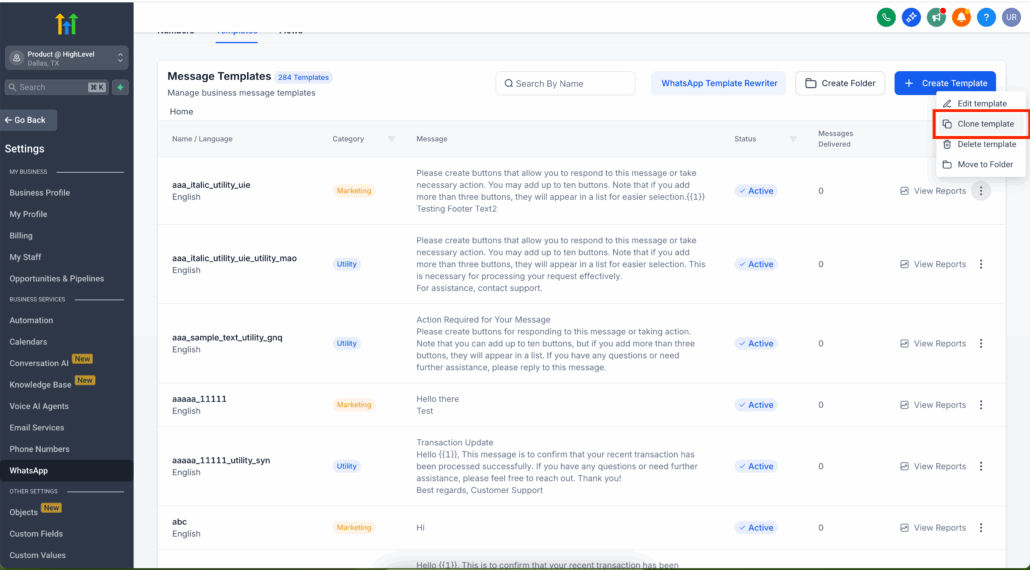
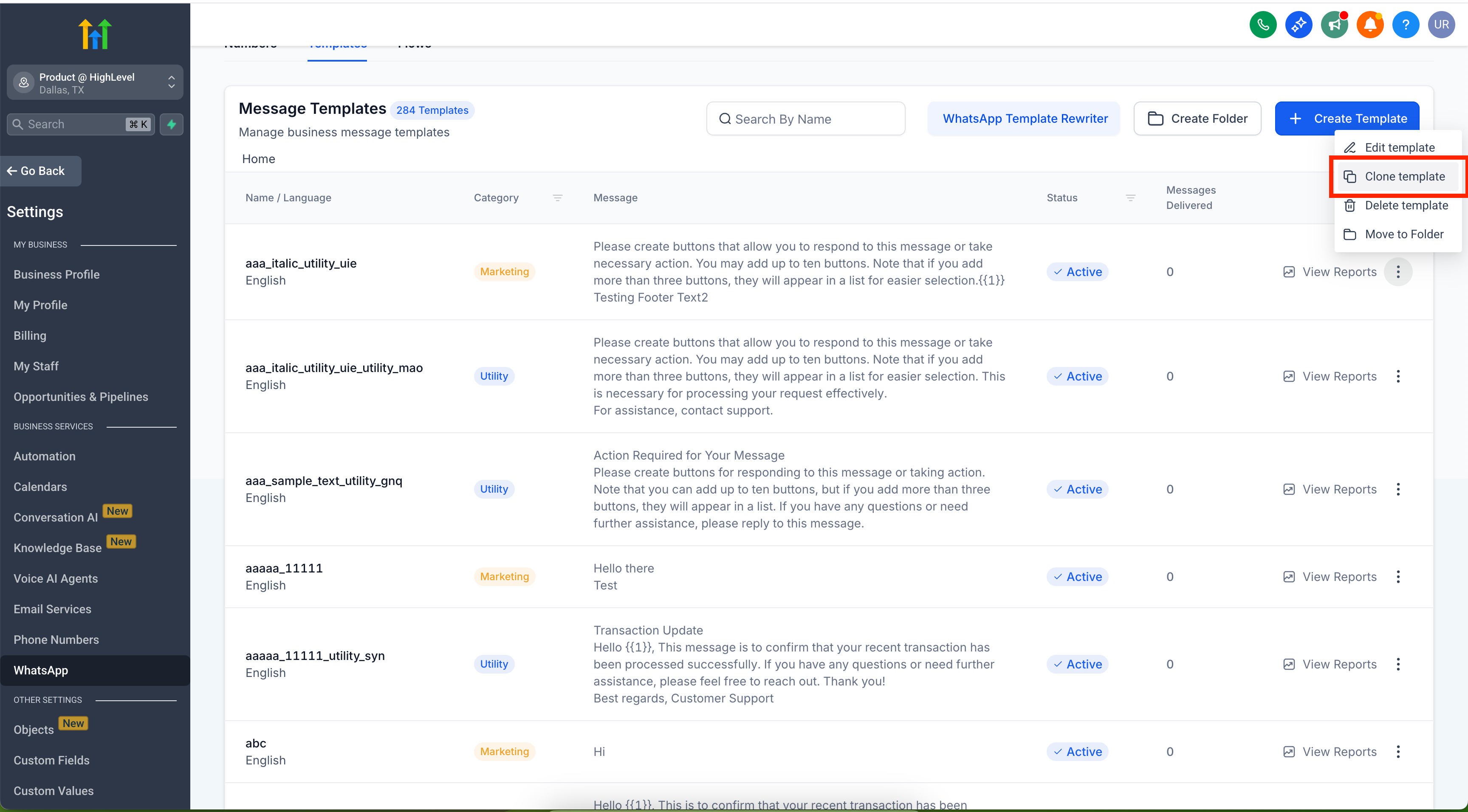
Navigate to Settings → WhatsApp → Templates.
Locate the template you wish to copy.
Click the three-dot menu (…) and select Clone Template.
Give the copy a new name, make your changes, and save.
Save Time – Avoid repetitive setup when you need similar templates.
Reduce Errors – Start from a reliable template instead of rebuilding.
Scale Campaigns – Quickly create localised or variant copies for A/B tests.
Start cloning your WhatsApp templates today and streamline your messaging workflow.