Businesses Can Now Set a Default Currency
What’s New?
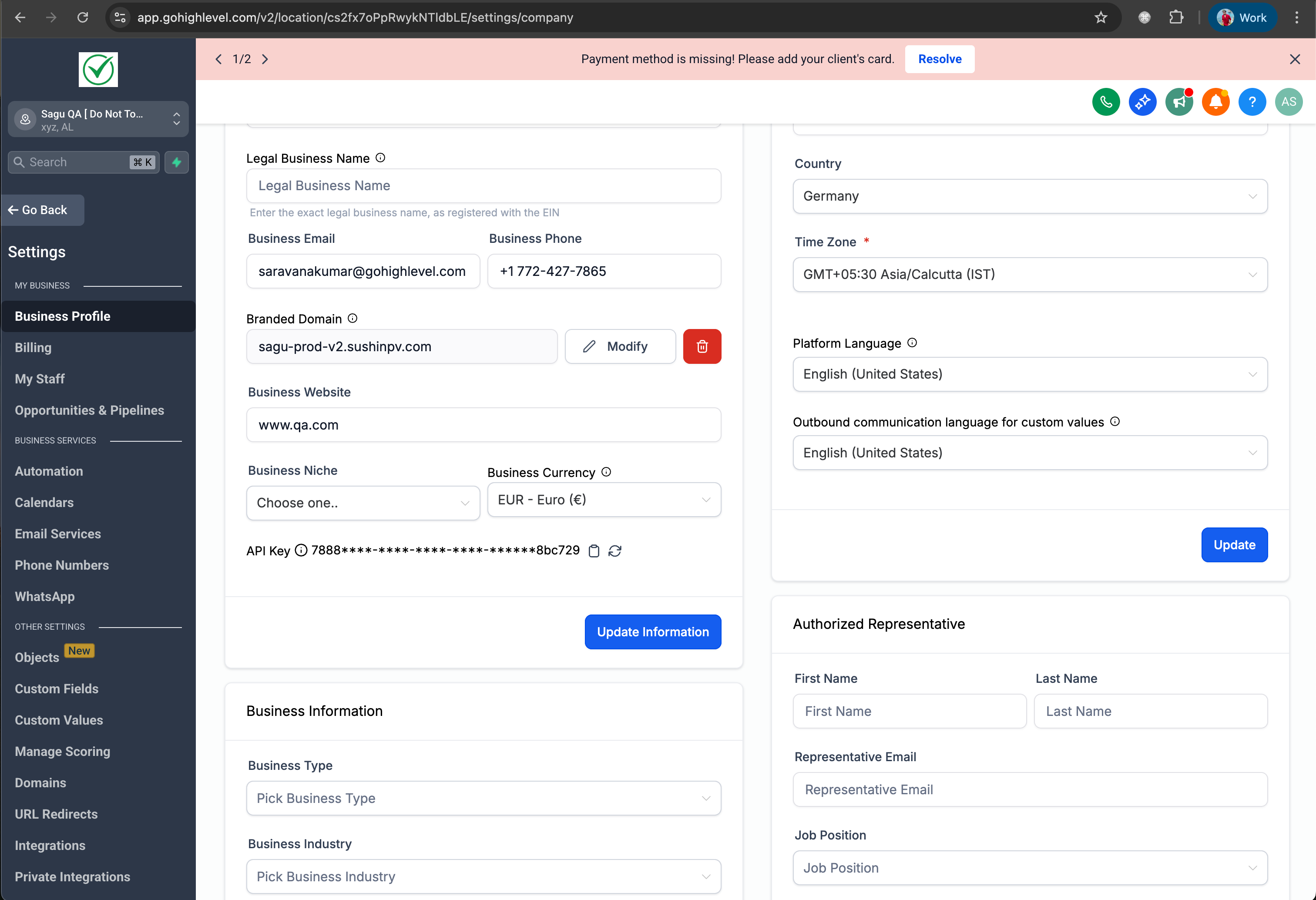
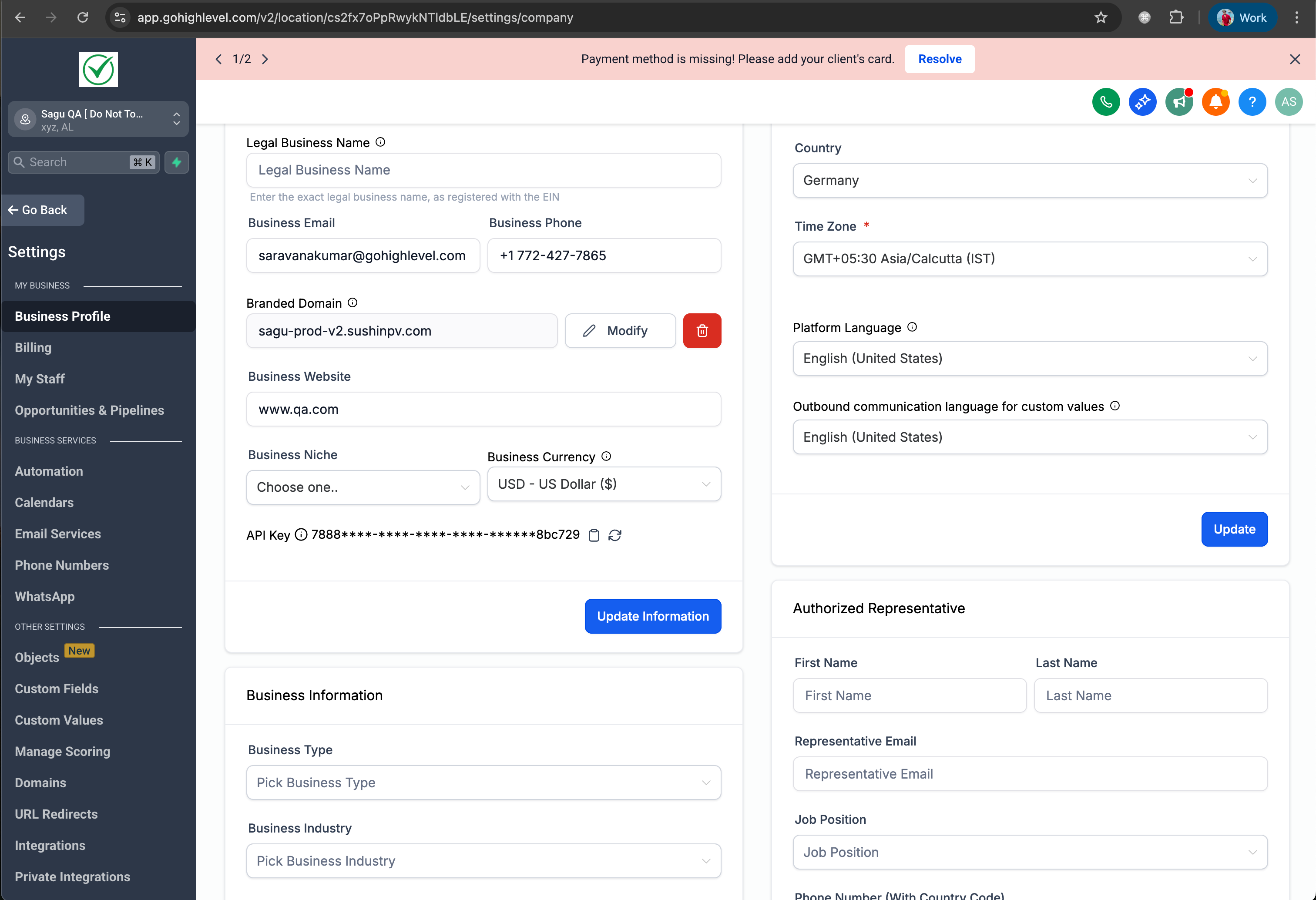
- Businesses can now select their preferred currency directly from their Profile Settings. Once chosen, this currency will be set as the default for the sub-account.
- If no currency is explicitly specified, the system will continue to operate as it currently does—using the currency determined by the business’s country.
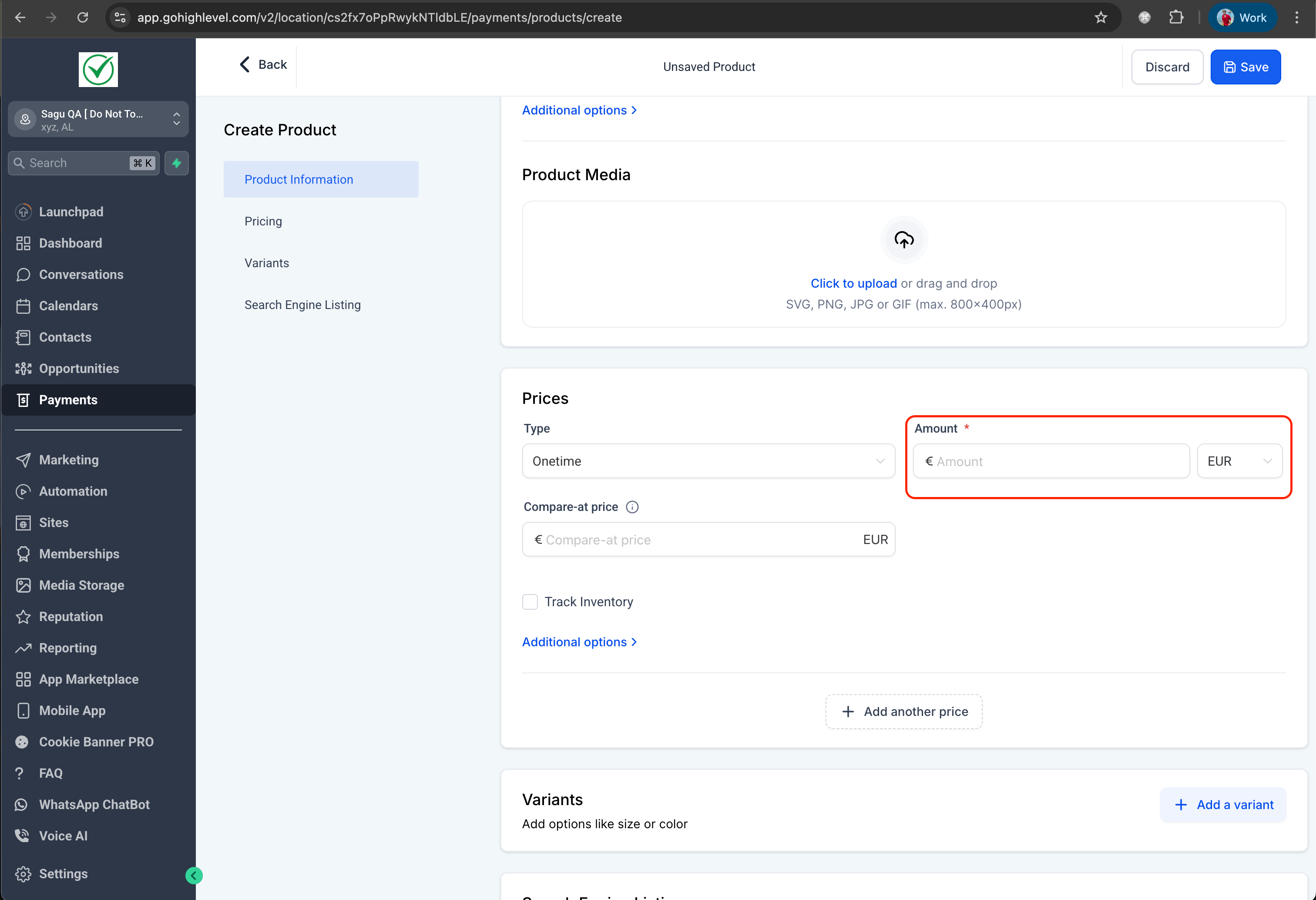
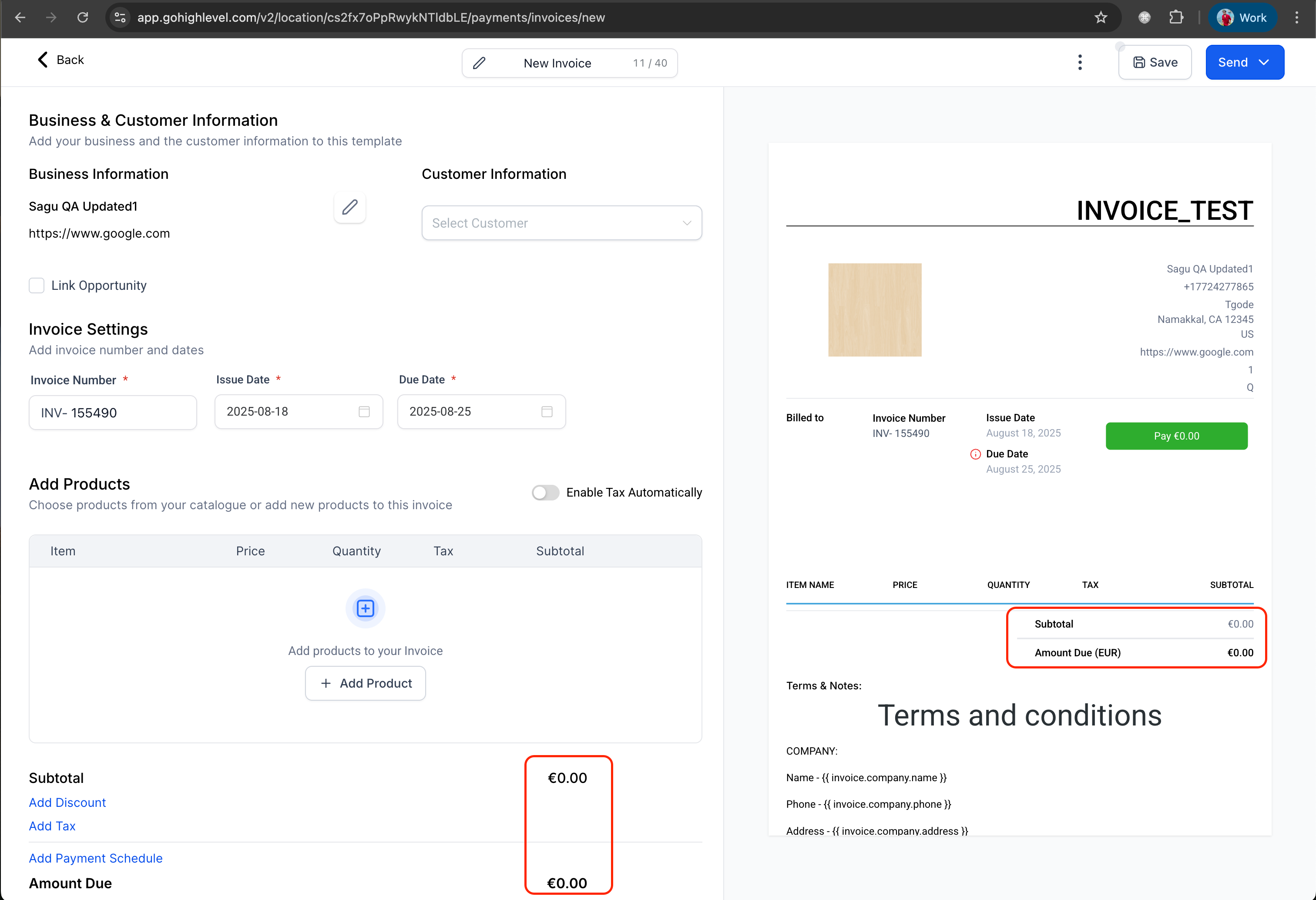
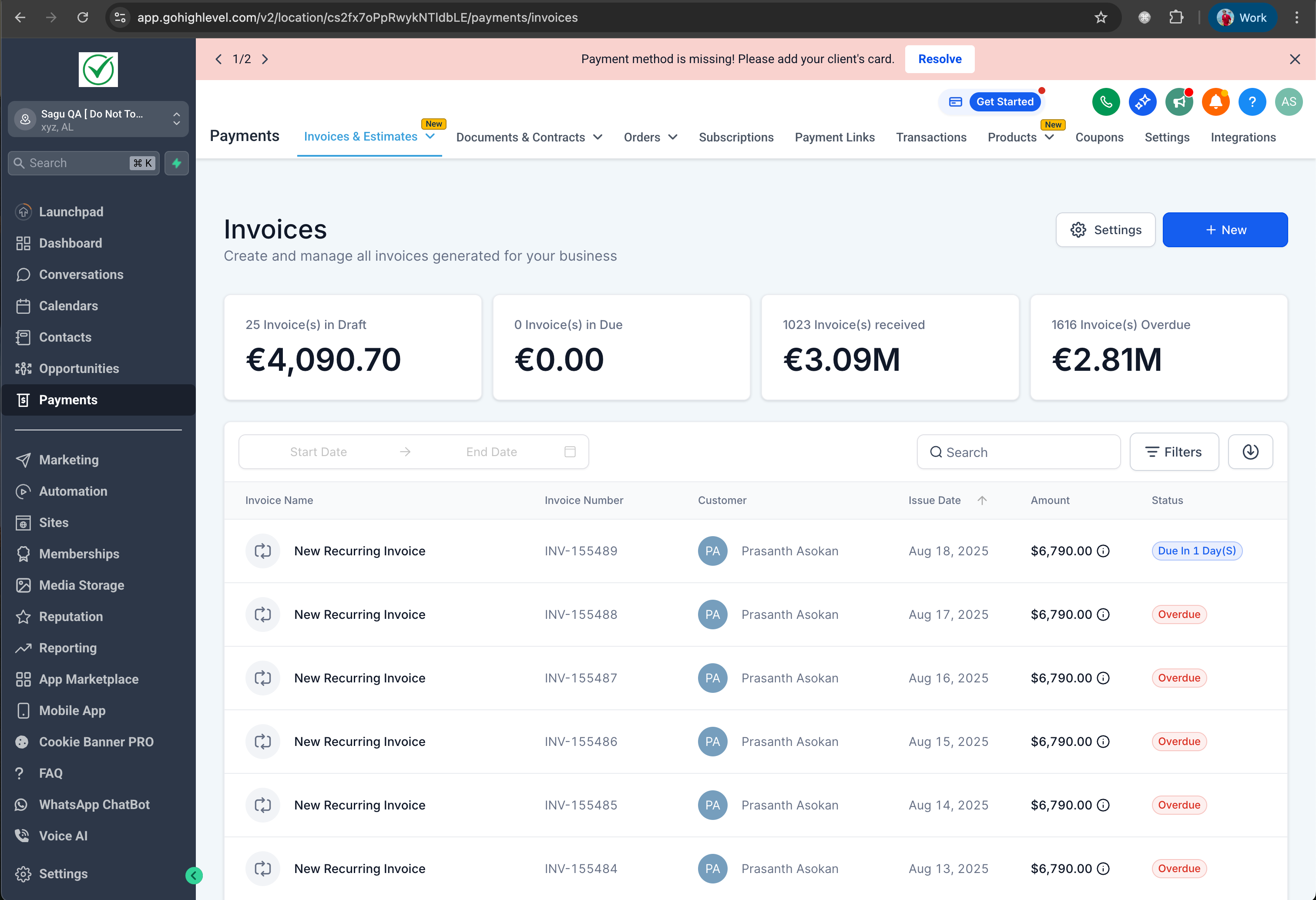
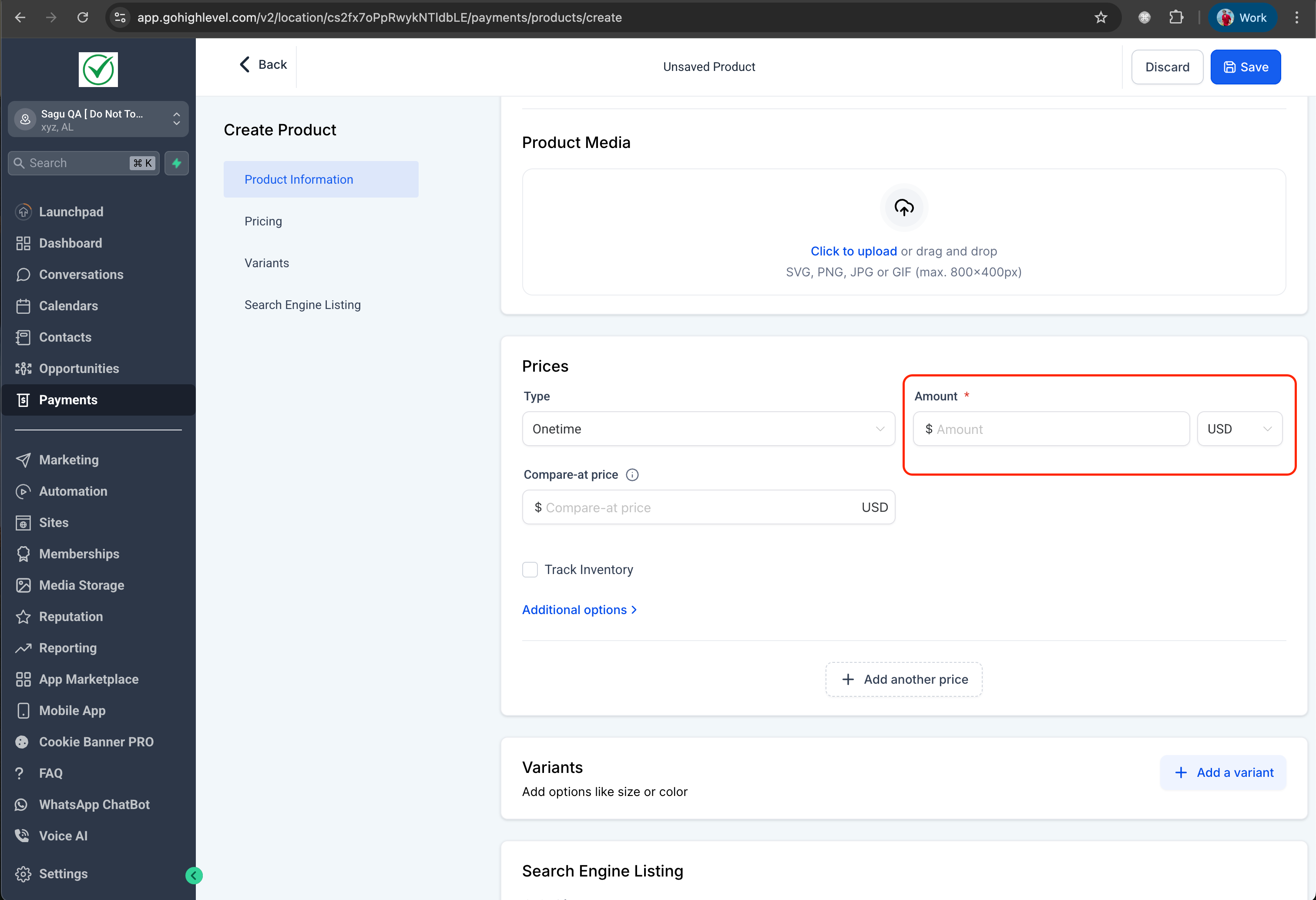
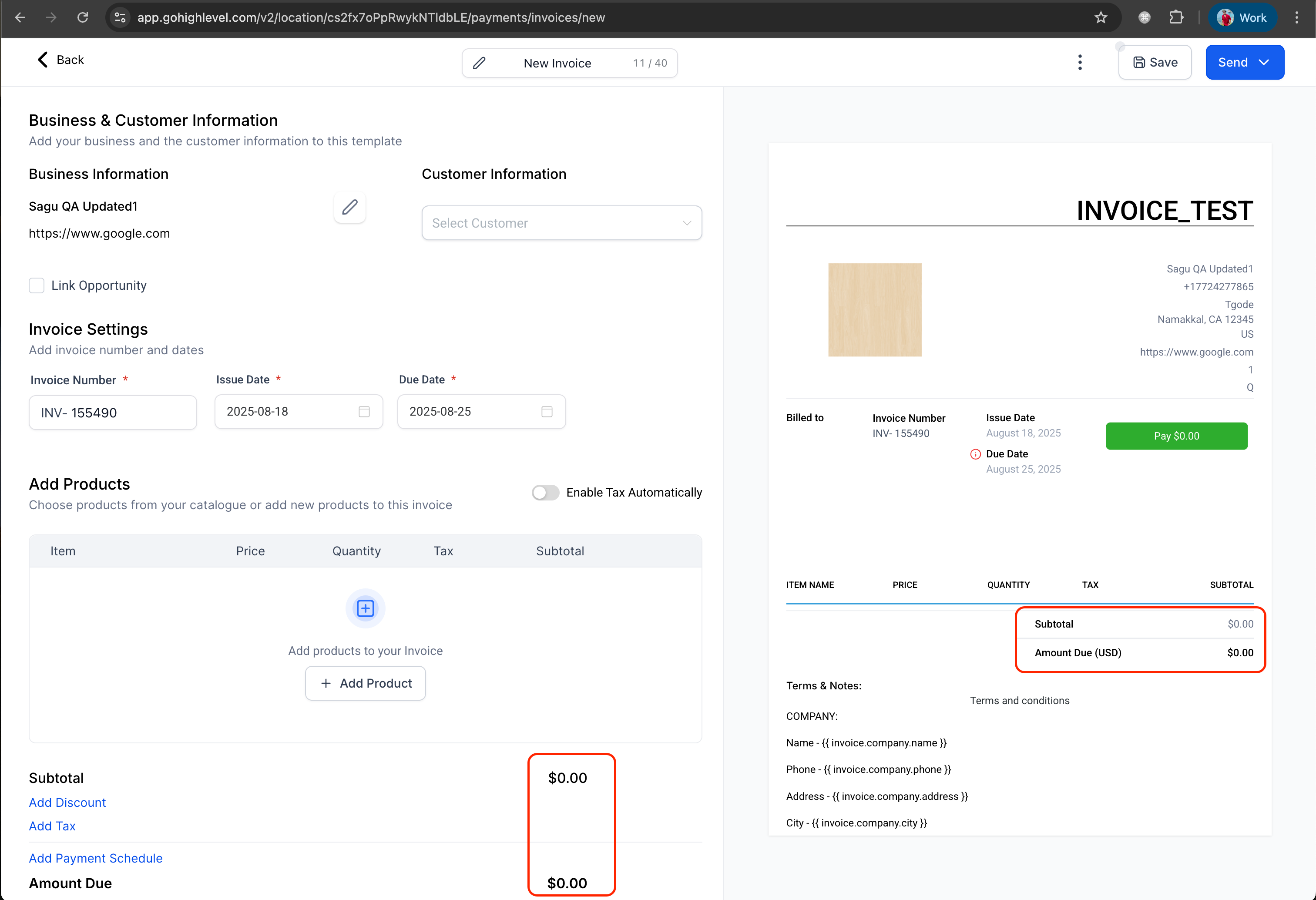
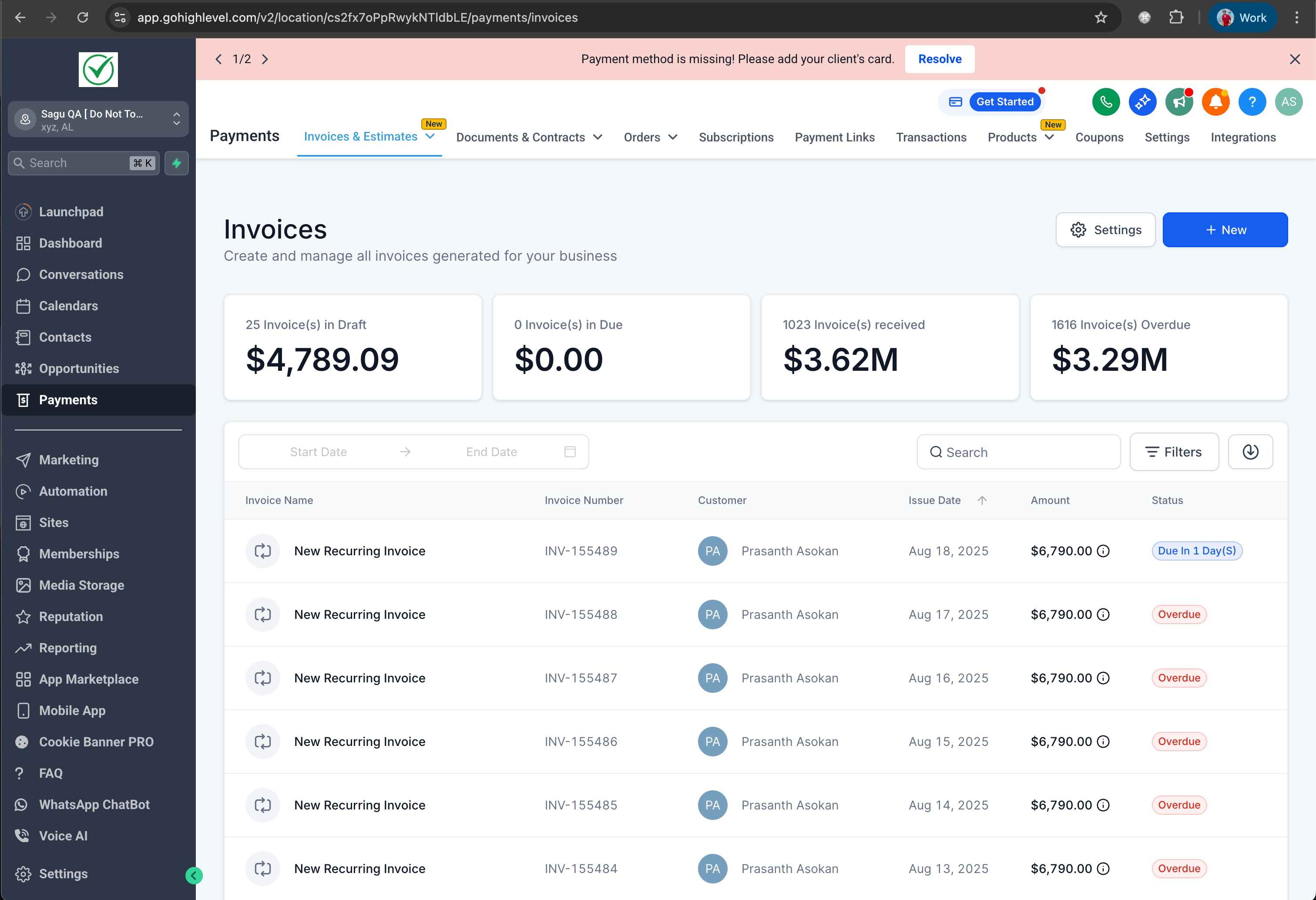
The default currency will automatically be displayed across all payment-related pages and processes, including (but not limited to):
- Product creation and editing
- Coupon setup
- Charge Now process
- Other checkout configurations where currency is shown by default
Where applicable, you can still change the currency during configuration or checkout—just as you can currently.
What’s Next?
- The relevant currency will be visible on the non-payment-related pending pages on the platform.
Where Can I Find This?
- Navigate to Settings → Business Profile → Currency to set your default currency.
- Once configured, it will automatically appear in payment-related sections within your sub-account.
Visuals:
USD Example:
EURO (Pound) Example: