Bulk Rebilling Setup for Multiple Accounts
Managing Rebilling Made Easier! You can now configure rebilling services and markups for multiple sub-accounts simultaneously—directly from the Accounts list.
- Select any number of sub-accounts and apply:
(1) Your preferred payment provider
(2) A consistent set of markup values
- Rebilling setup is applied in one go—no more repetitive clicks!
- Go to the Accounts page.
- Select sub-accounts and choose Bulk Actions → Set Rebilling.
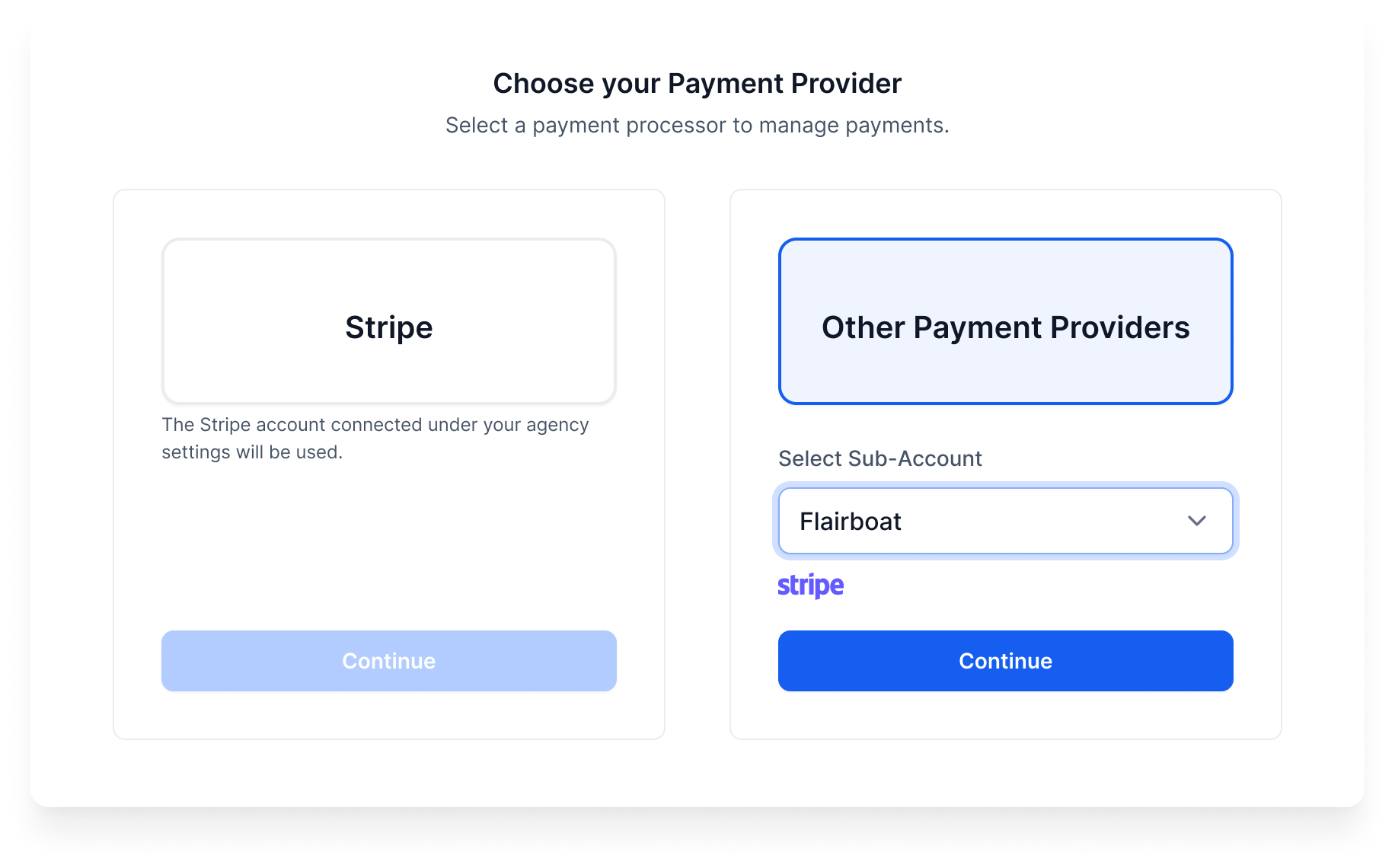
- Choose your payment provider.
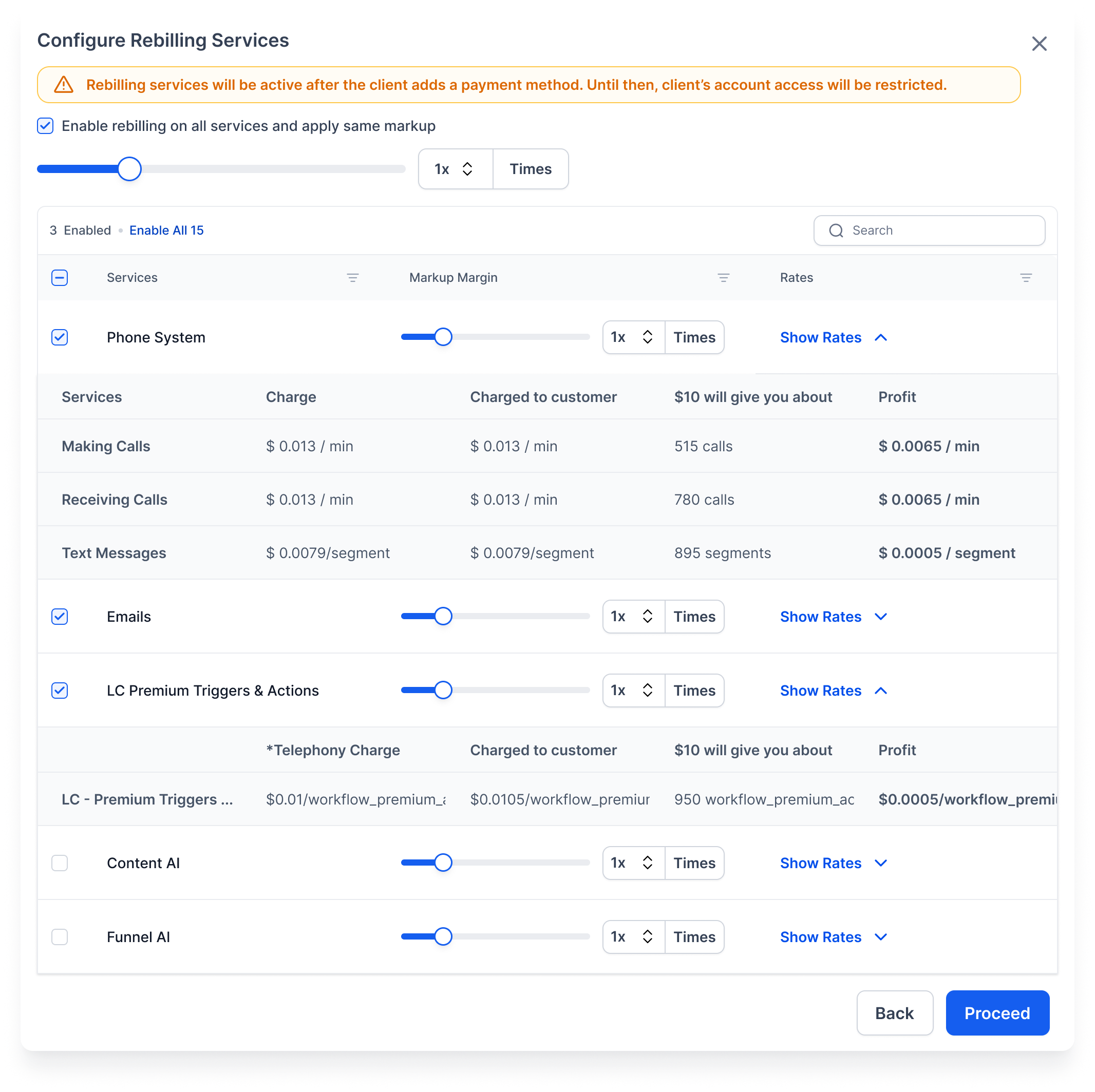
- Configure and apply markup rates for services.
- Click Proceed — and you’re done!
- If a sub-account already has a card, rebilling starts immediately.
- If not, a profile will be created, and rebilling will commence after the card is added.
💡 Why You’ll Love It
Save time, maintain consistency, and monetise faster—this is especially beneficial for growing agencies managing extensive sub-account portfolios.