
Bulk Actions, QR Code Renaming & Copy Link Shortcut
Your QR Code management experience has just received a significant upgrade! We’ve introduced bulk actions, inline renaming, and a new method for quickly copying links — all available on the QR Codes List Page. Efficiency meets convenience. ⚡
1. Bulk Actions on QR Codes
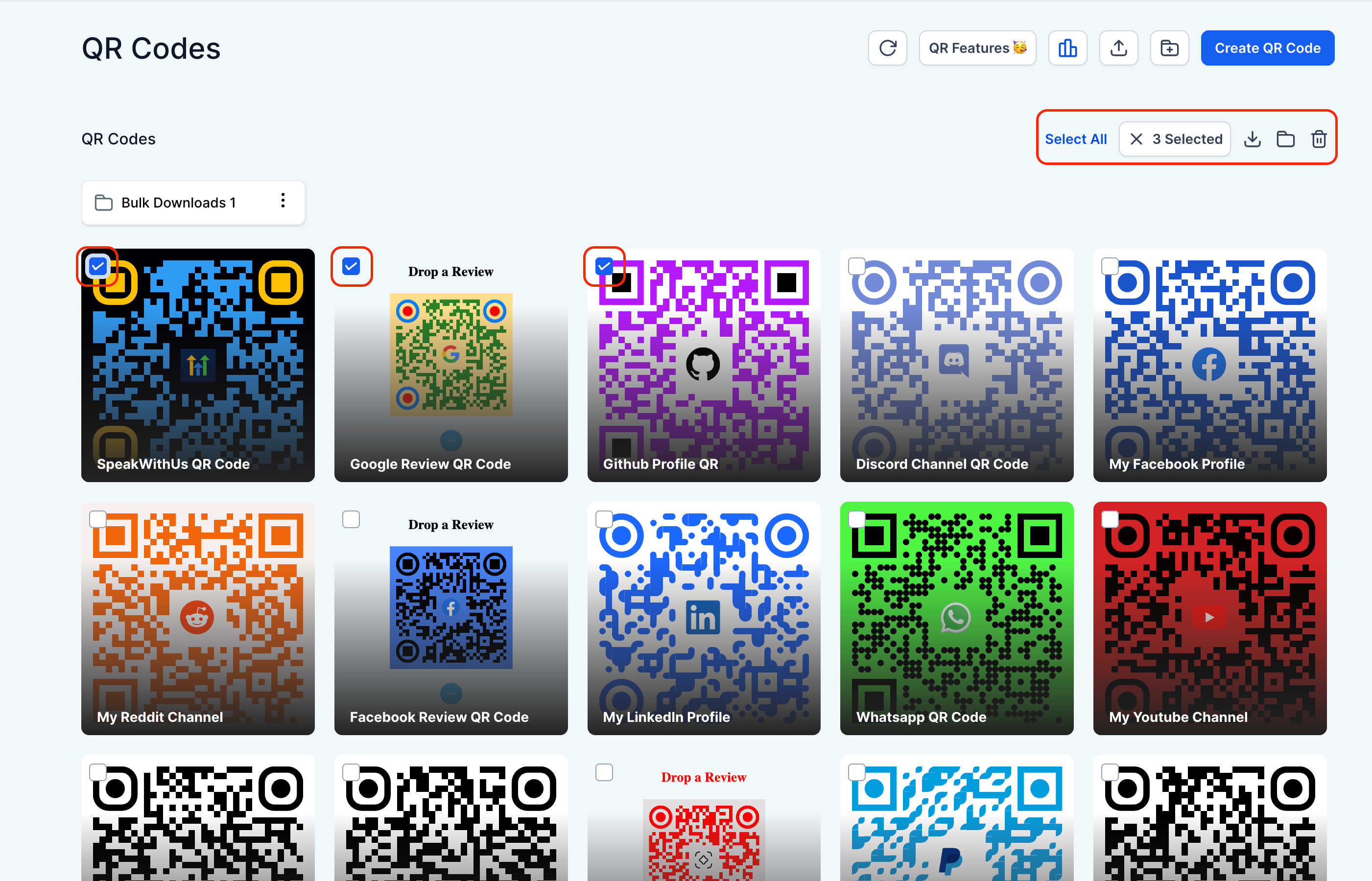
Select multiple or all QR Codes to carry out the following actions:
- 🗂️ Move them into folders
- 🗑️ Delete in one go
- 📥 Download selected codes (see more details below 👇)
2. Smart Download Handling
- QR Codes are zipped asynchronously in the background and triggered for download from the frontend
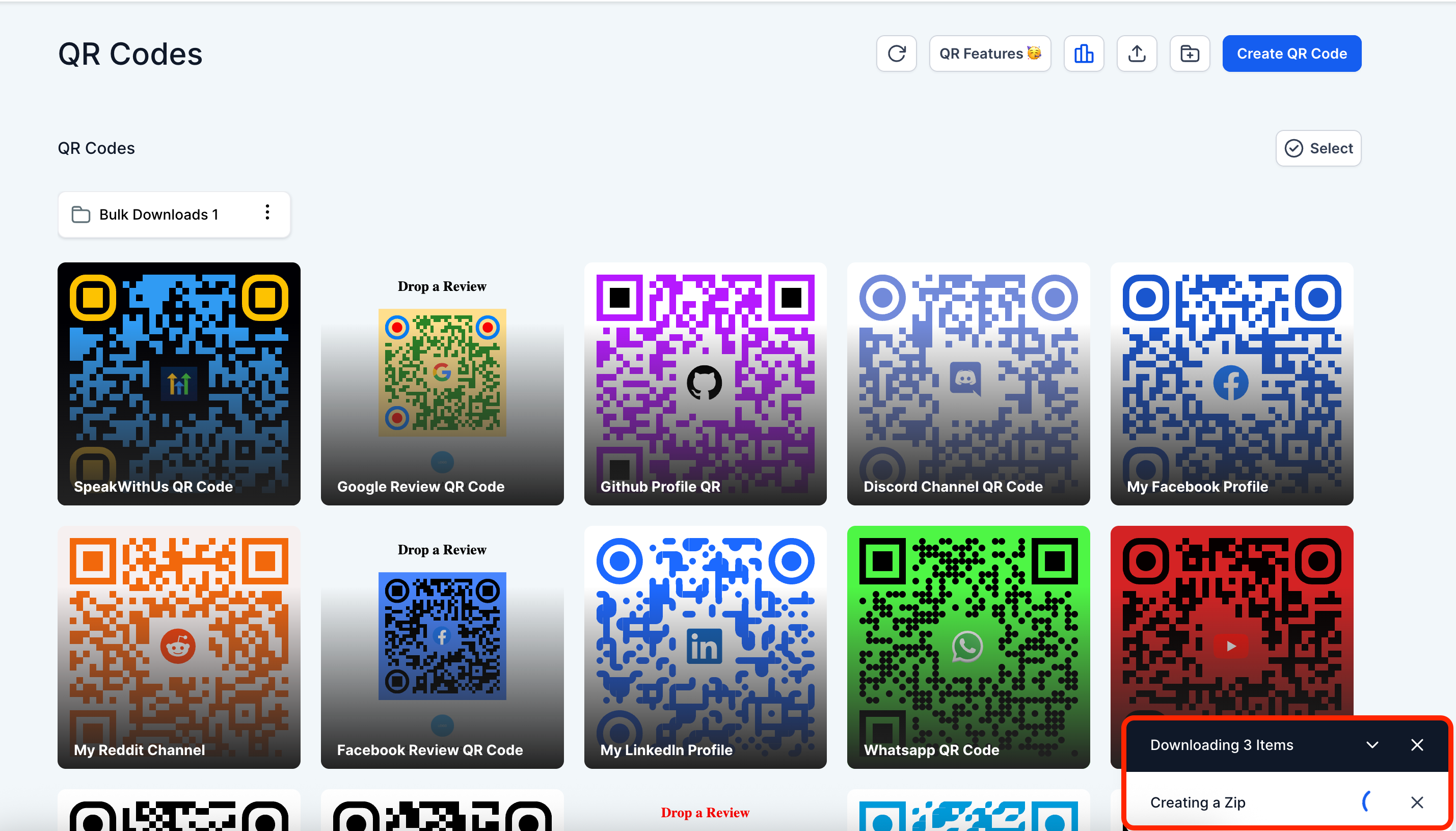
- If any older QR Codes are missing the requested format, we’ll automatically display available download formats for each.
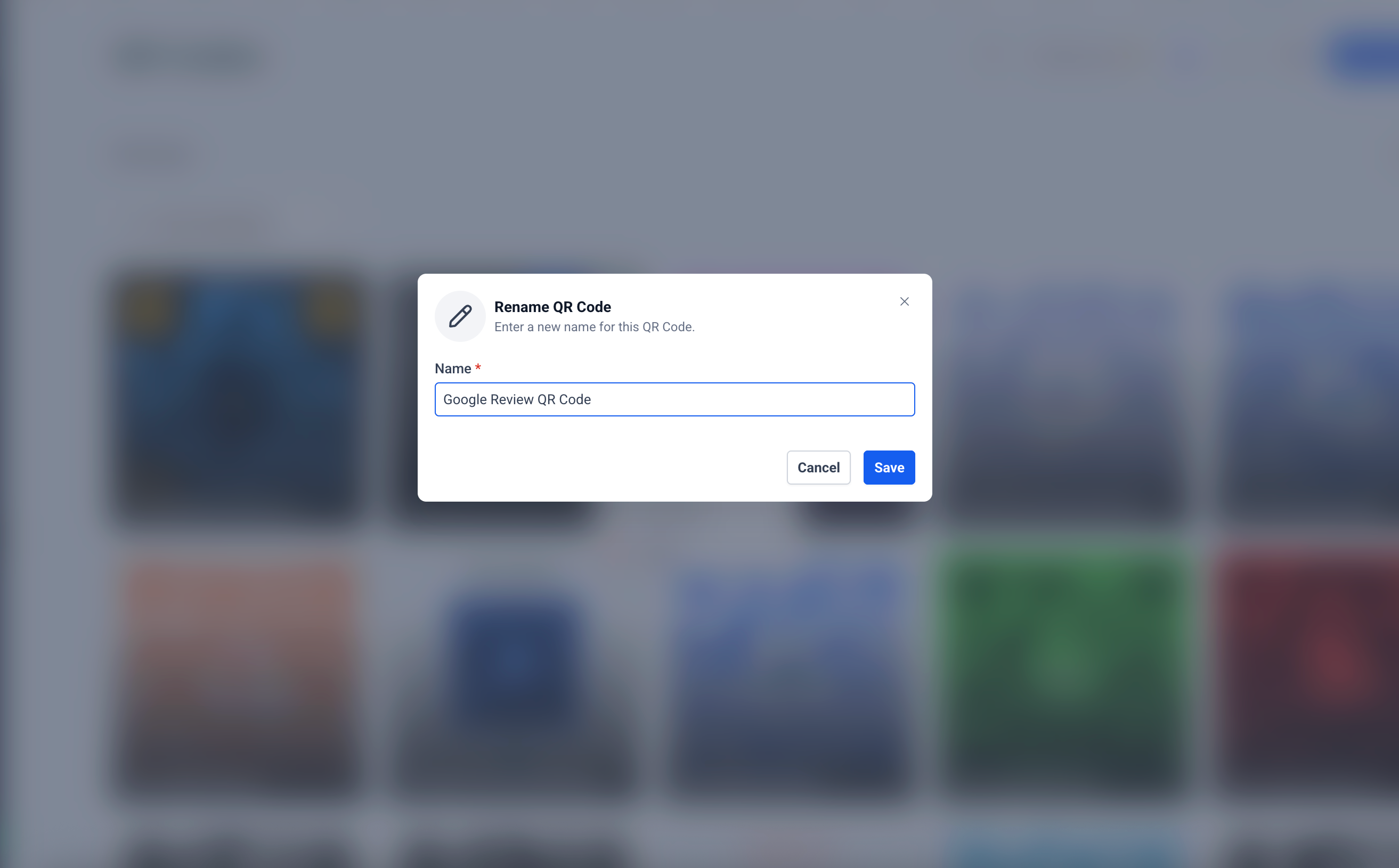
3. ✍️ Rename QR Codes
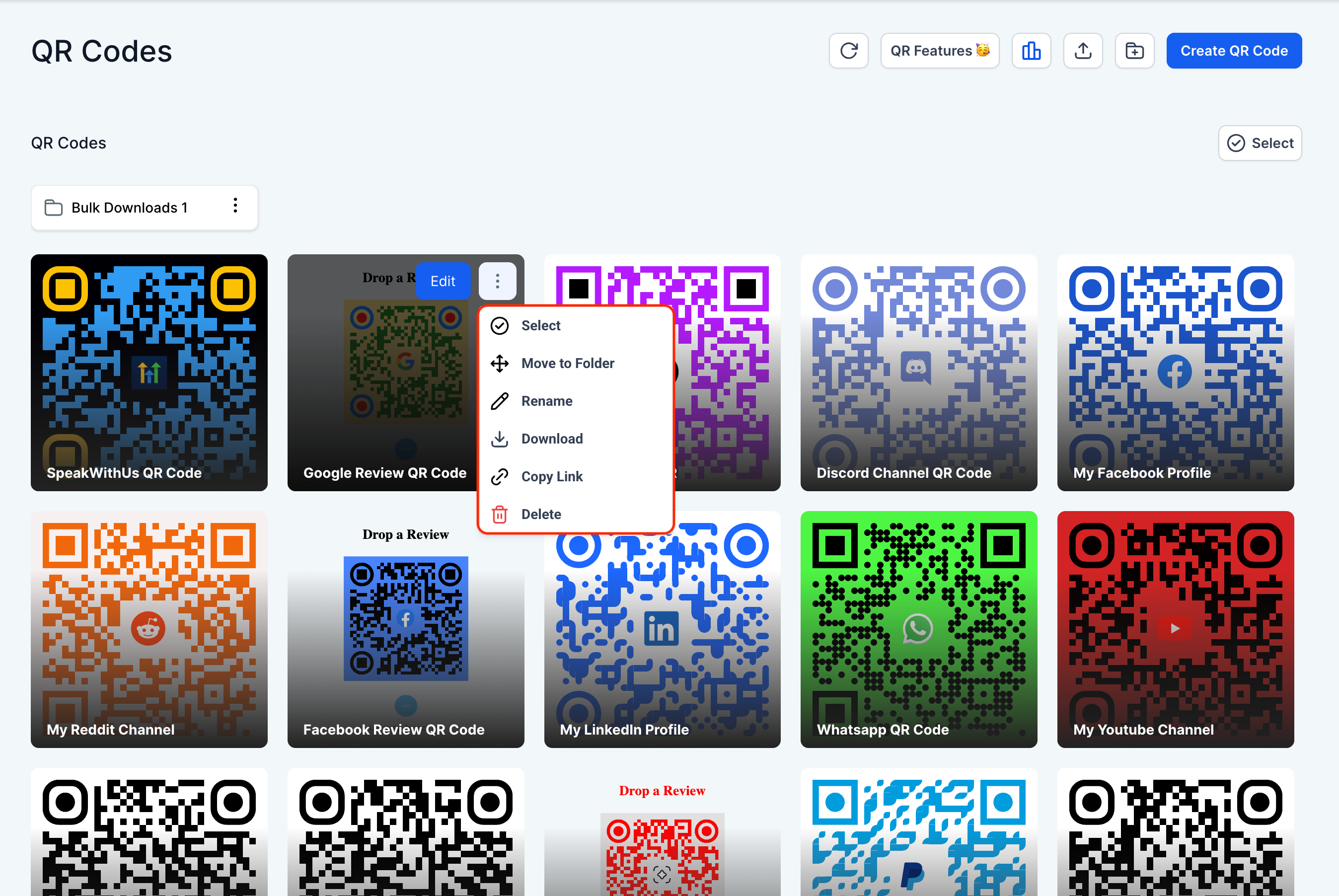
Rename any QR Code directly from the list page without needing to navigate elsewhere. Simply click, edit, and save.
4. 🔗 Copy QR Code Link Instantly
No more unnecessary clicks! You can now copy a QR Code’s link directly from the list view.
- Navigate to the QR Codes List Page
- Use checkboxes to select one or more QR Codes
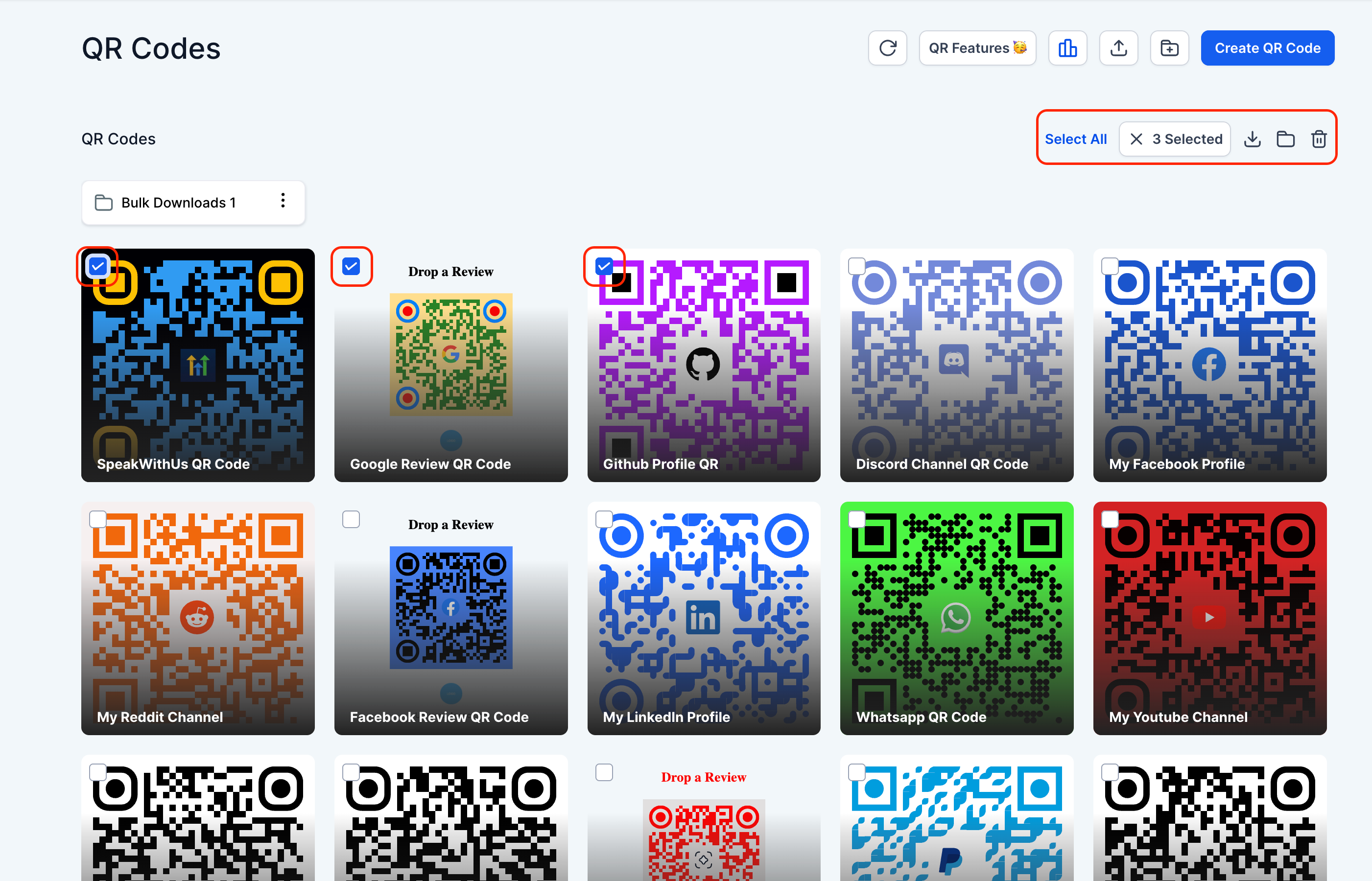
- Select a bulk action from the top bar:
- Move to folder
- Delete
- Download
- If a QR Code’s requested format isn’t available, you’ll be presented with alternative formats to choose from.
- To rename a QR Code:
- Click the rename icon next to it.
- Edit the name and hit save.
- To copy a QR Code’s link, click the new “Copy Link” button on the card.