Airtable – New Actions & Triggers in Workflows
You can now connect Airtable directly to your workflows—making it easy to create, update, and sync records without the need for webhooks.
Triggers (from Airtable → Clixio):
- New Record – Triggers when a new record is added to a table.
- Updated Record – Triggers when an existing record is updated.
Actions (from Clixio → Airtable):
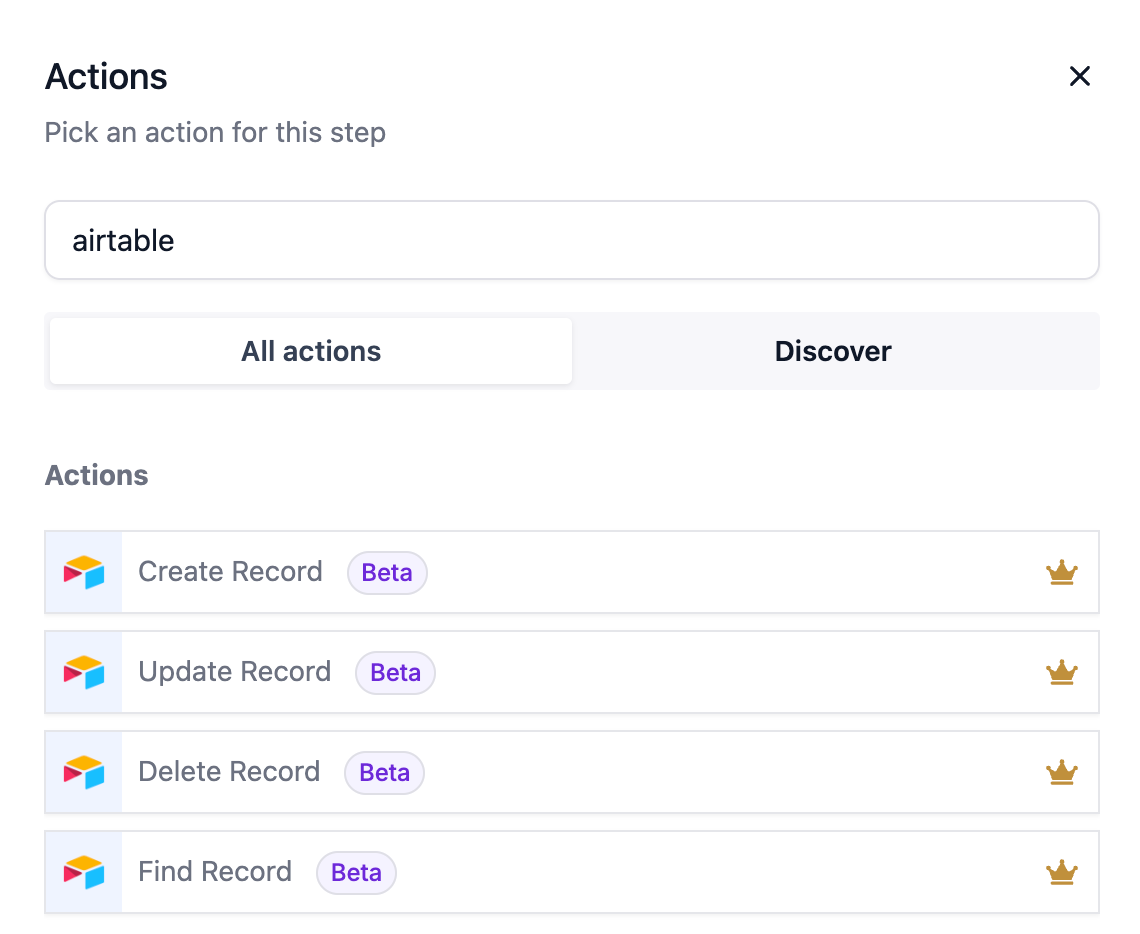
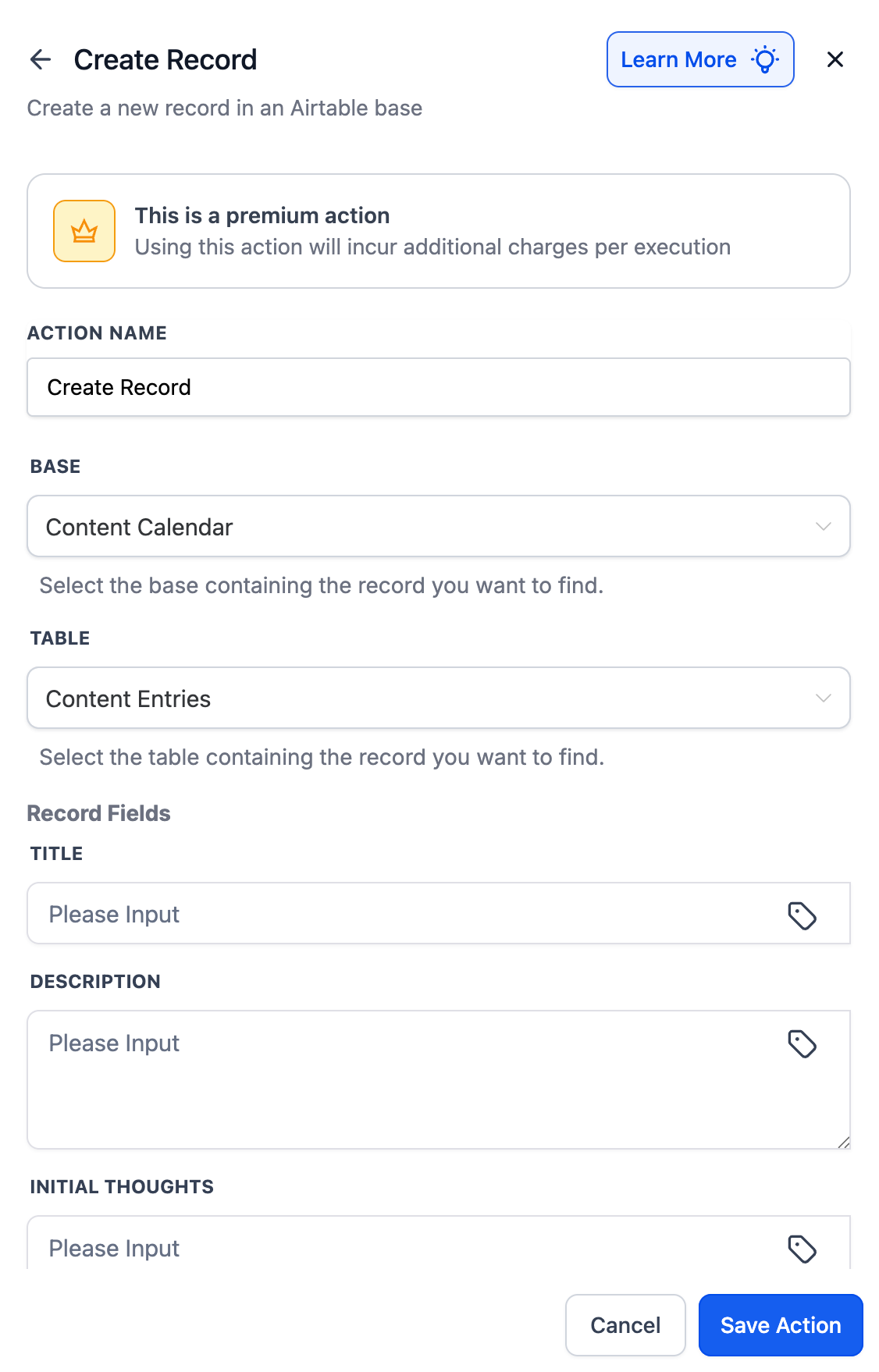
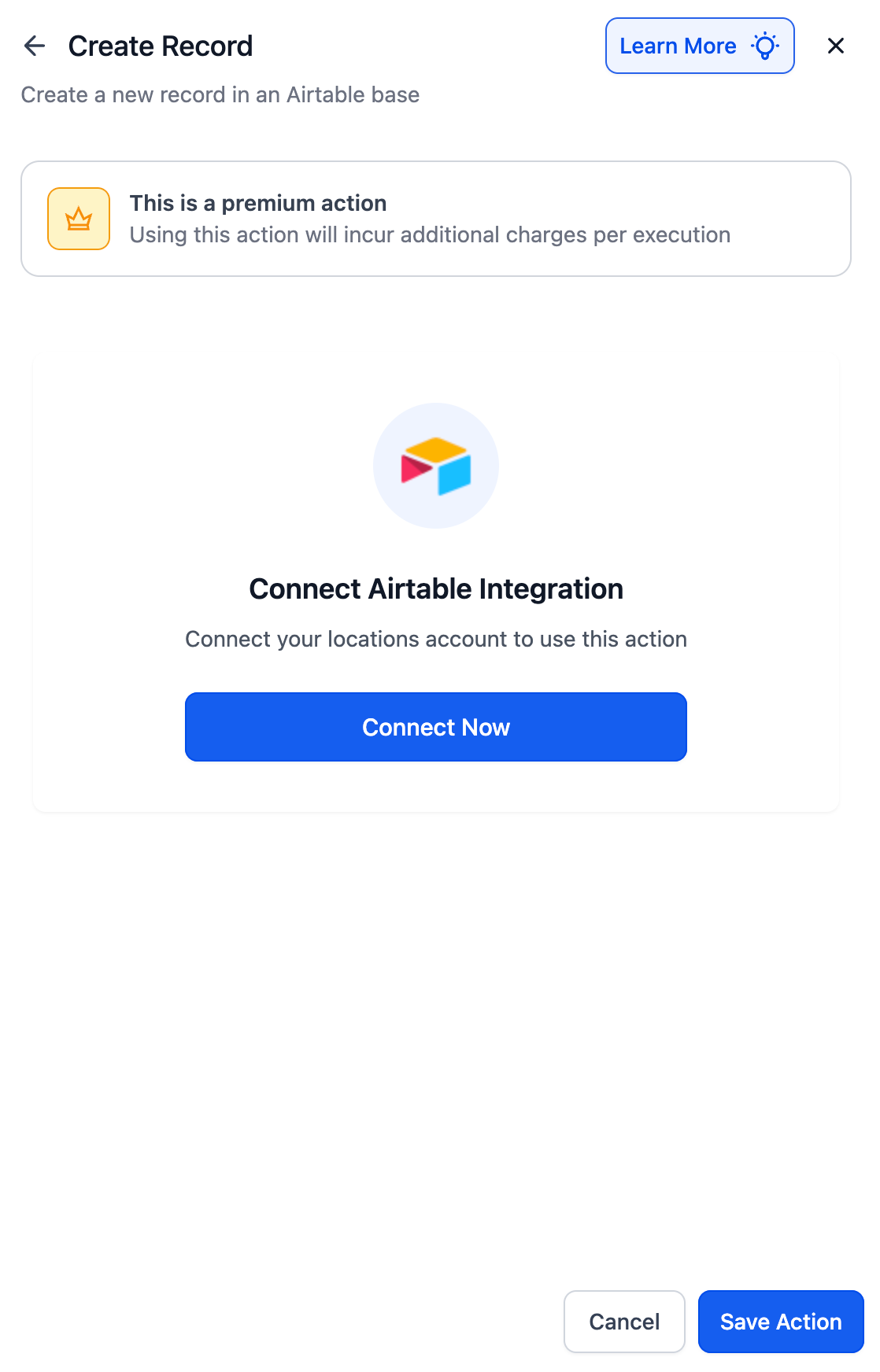
- Create Record – Adds a new row in an Airtable table.
- Update Record – Modifies fields of an existing record.
- Find Record – Searches for a record by ID, email, or other criteria.
- Delete Record – Removes a record from Airtable.
This provides agencies with a native way to:
- Keep Airtable synced with Clixio leads, contacts, and campaigns.
- Automate project and client data updates without the need for third-party tools.
Internal Notifications
- When a new record is created in Airtable, Clixio sends an internal email or Slack notification to the project manager.
Lead Syncing
- When a Facebook Lead Ad is submitted, Clixio checks Airtable.
- If the lead exists, the record is updated.
- If not, a new record is created.
AI Content Generation
- When a new “Content Brief” record is added to Airtable, Clixio sends it to GPT for caption generation.
- A new ClickUp task is automatically created with the AI output.
- In Workflows, search for “Airtable.”
- Select a trigger or action → click Connect Now.
- Log in using your Airtable API key or OAuth.
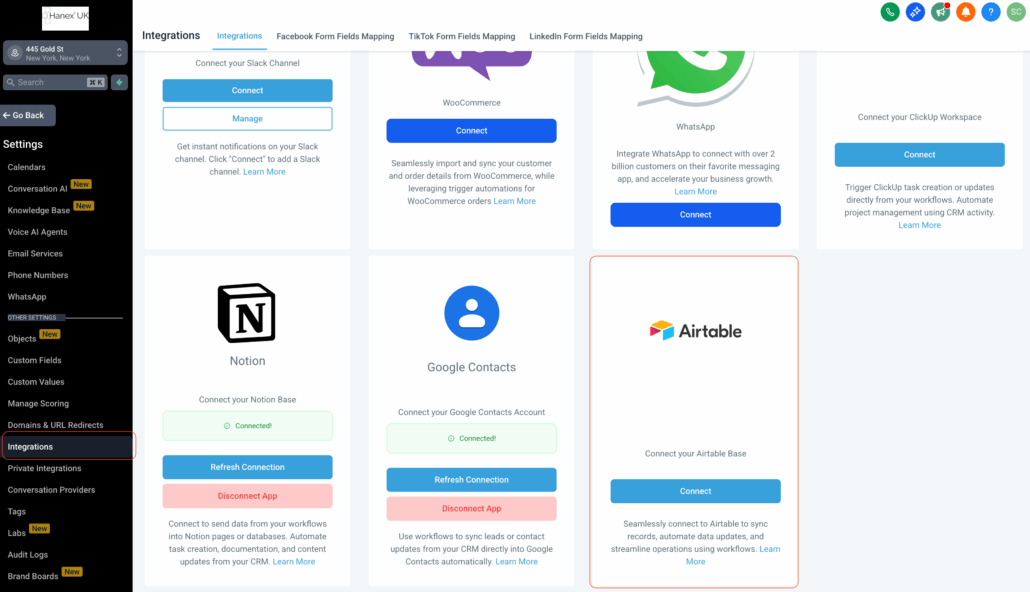
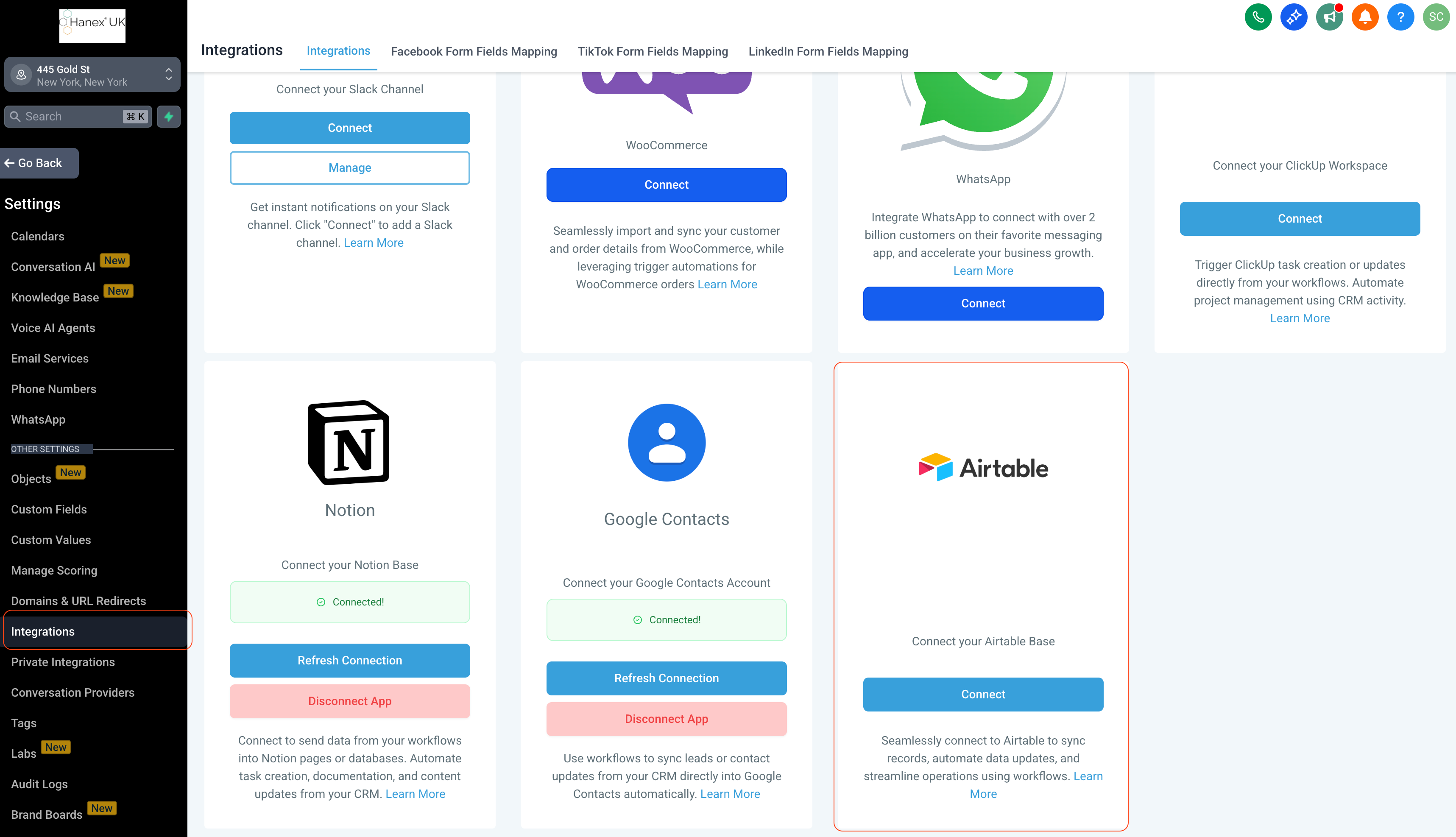
- Alternatively, connect first via Settings → Integrations → Airtable.
- Polling Interval: Airtable triggers check for new or updated records every 5 minutes.
- Works with free Airtable accounts, though advanced Airtable features such as larger limits and complex workspaces may require paid plans.