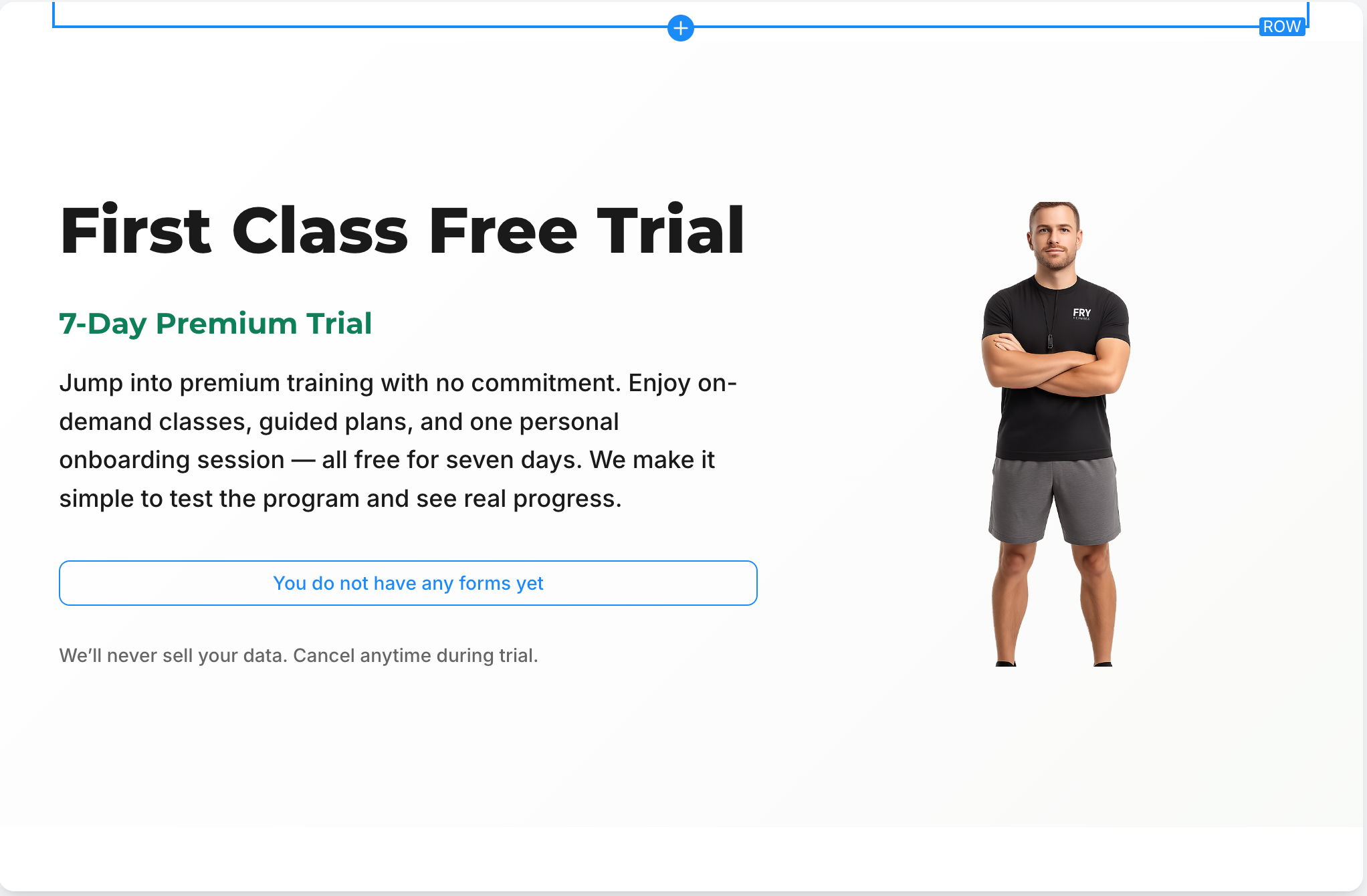
AI Page Revision – Visual Reference Enhancement
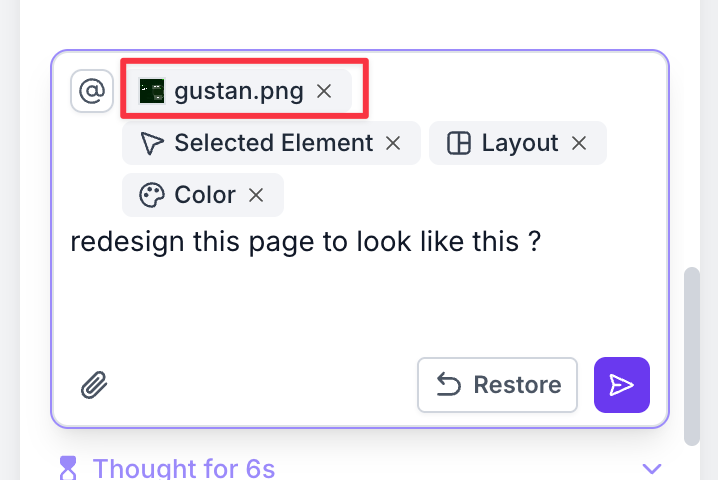
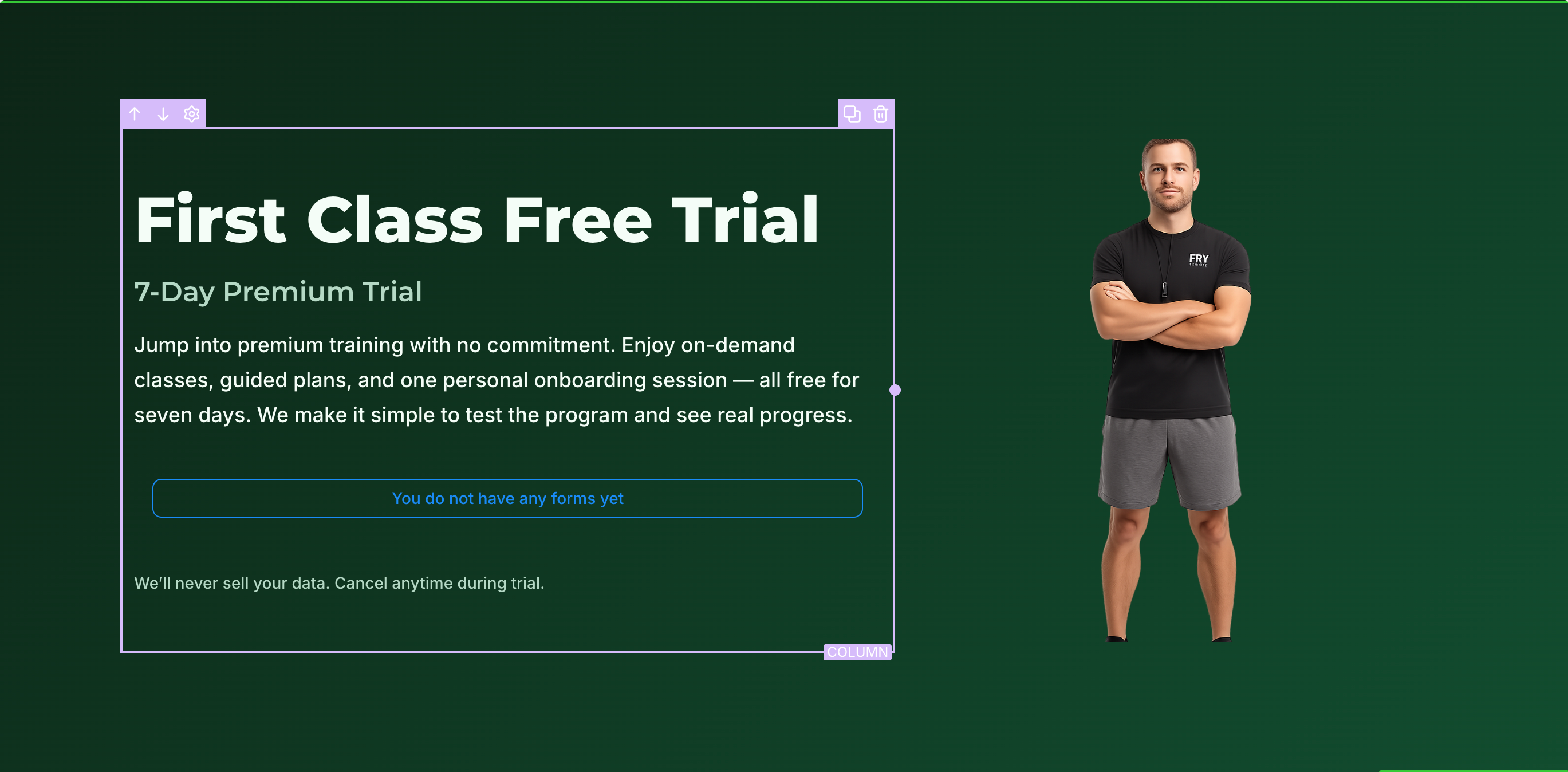
We have enhanced the AI Page Revision feature to allow users to attach images directly within Chat Mode. This capability enables you to visually communicate design preferences, which helps the AI to better understand and implement styling or layout changes.
- Attach screenshots, mockups, or design references when requesting revisions.
- The AI analyses visual elements to understand colour schemes, layout structures, and design aesthetics.
Smarter Theme and Layout Revisions
- Recognises preferred colour palettes and styling cues.
- Detects section arrangements and layout patterns.
- Interprets overall design principles from uploaded references.
- Works directly within the existing revision workflow.
- Upload image references when modifying layouts or themes.
- Automatically reverts to text-only processing when no image is attached.
- Communicate design ideas visually instead of relying on lengthy descriptions.
- Reduce miscommunication and achieve faster, more accurate revisions.
- Combine text instructions and image references for greater precision.
- Streamline design iterations with a more intuitive workflow.
This enhancement bridges the gap between text instructions and visual intent, making the AI Page Revision process quicker, clearer, and more in line with your creative direction.