AI Knowledge Base now supports tables as data source
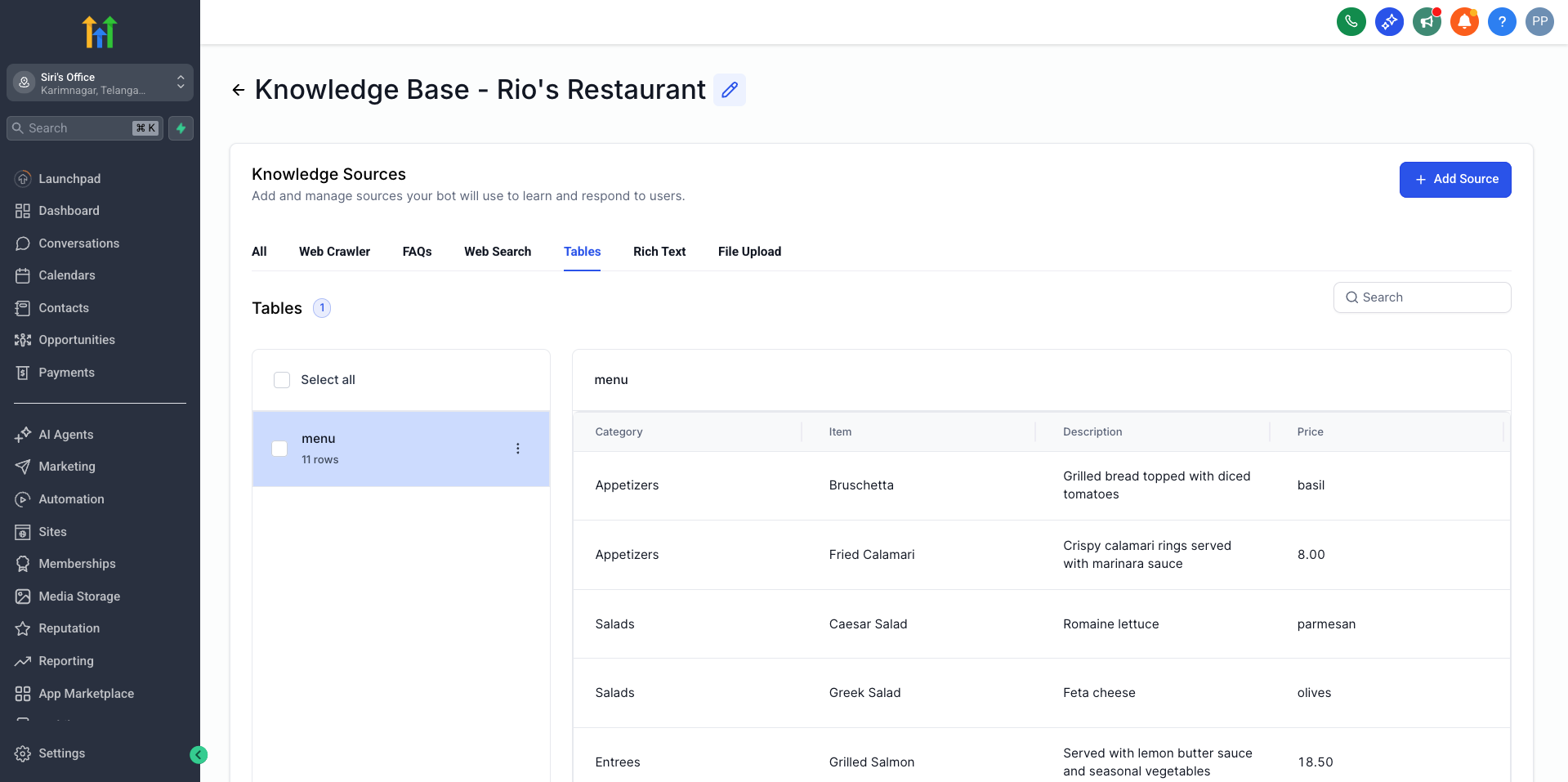
Your Knowledge Base just got smarter! You can now upload structured data from CSV and Excel files, allowing your agents to search and retrieve information from tables using natural language queries.
CSV & Excel File Upload
Import structured data directly into your Knowledge Base from CSV (.csv) and Excel (.xlsx) files. This feature is ideal for customer lists, product catalogs, transaction data, and more.
Intelligent Semantic Search
Query your table data using natural language. You can ask questions like “Find billing-related entries” or “Show customer records from healthcare” to receive relevant results powered by AI vector embeddings.
Automatic Schema Detection
The system automatically identifies column types (string, number, date, boolean) with over 80% accuracy, extracts sample values, and determines potential key columns—no manual configuration is necessary.
Paginated Data Access
View and retrieve your table data with full pagination support. Browse up to 100 rows per page and navigate through your entire dataset seamlessly.
Flexible Column Configuration
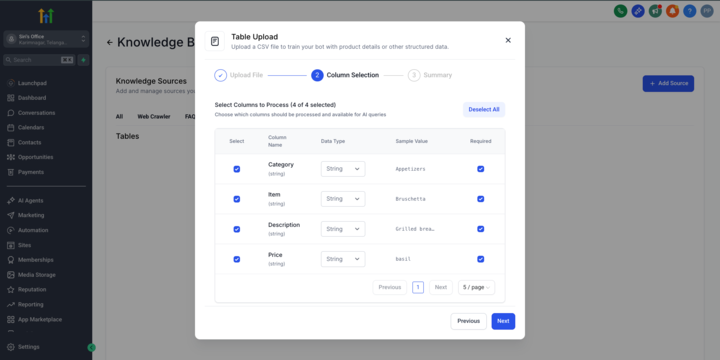
Select which columns are searchable or mandatory, customise display names, and control how your data is indexed and queried to optimise search results.
Unlock structured data in your Knowledge Base
– Customer lists, transactions, inventories, and more become searchable.
Natural language queries on table data
– No need for complex database queries; just ask in plain English.
Scale to 30,000 rows per location
– Easily manage substantial datasets across multiple table files.
Improve agent accuracy
– Provide your AI agents with access to precise, structured information alongside unstructured content.
Automatic processing
– Background workers handle parsing, schema detection, and indexing without interrupting uploads.
Location → Knowledge Base → Table Data → Upload File
- Upload your CSV or Excel file (max 10MB, up to 20 columns)
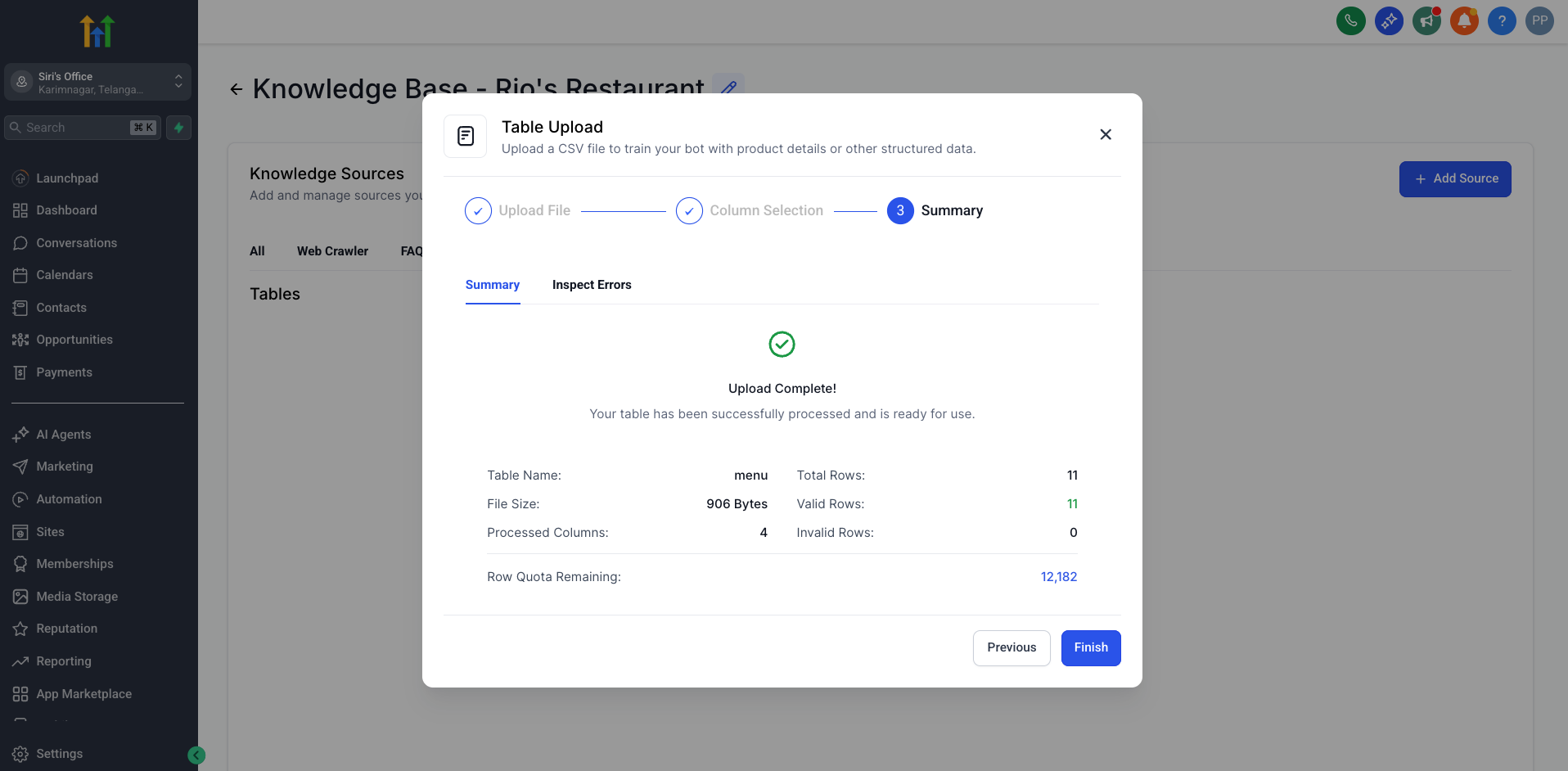
- Review the automatically detected schema and column types
- (Optional) Configure which columns are searchable or mandatory
- Start querying your data using natural language once processing is complete
-
File Size: Max 10MB per file
-
Rows: Up to 30,000 rows per location (across all table files)
-
Columns: Max 20 columns per file
-
Formats: CSV (.csv), Excel (.xlsx)
-
Processing: Large files may take a few minutes to process in the background