
Advanced Builder UX Upgrades: Stats Mode, Sticky Notes, Workflow Comments & Quick Actions
Gain a quick overview of your workflow’s performance with a streamlined user interface. It’s perfect for quick checks during build reviews or post-publication audits.
Access all your workflow statistics in a refreshed interface.
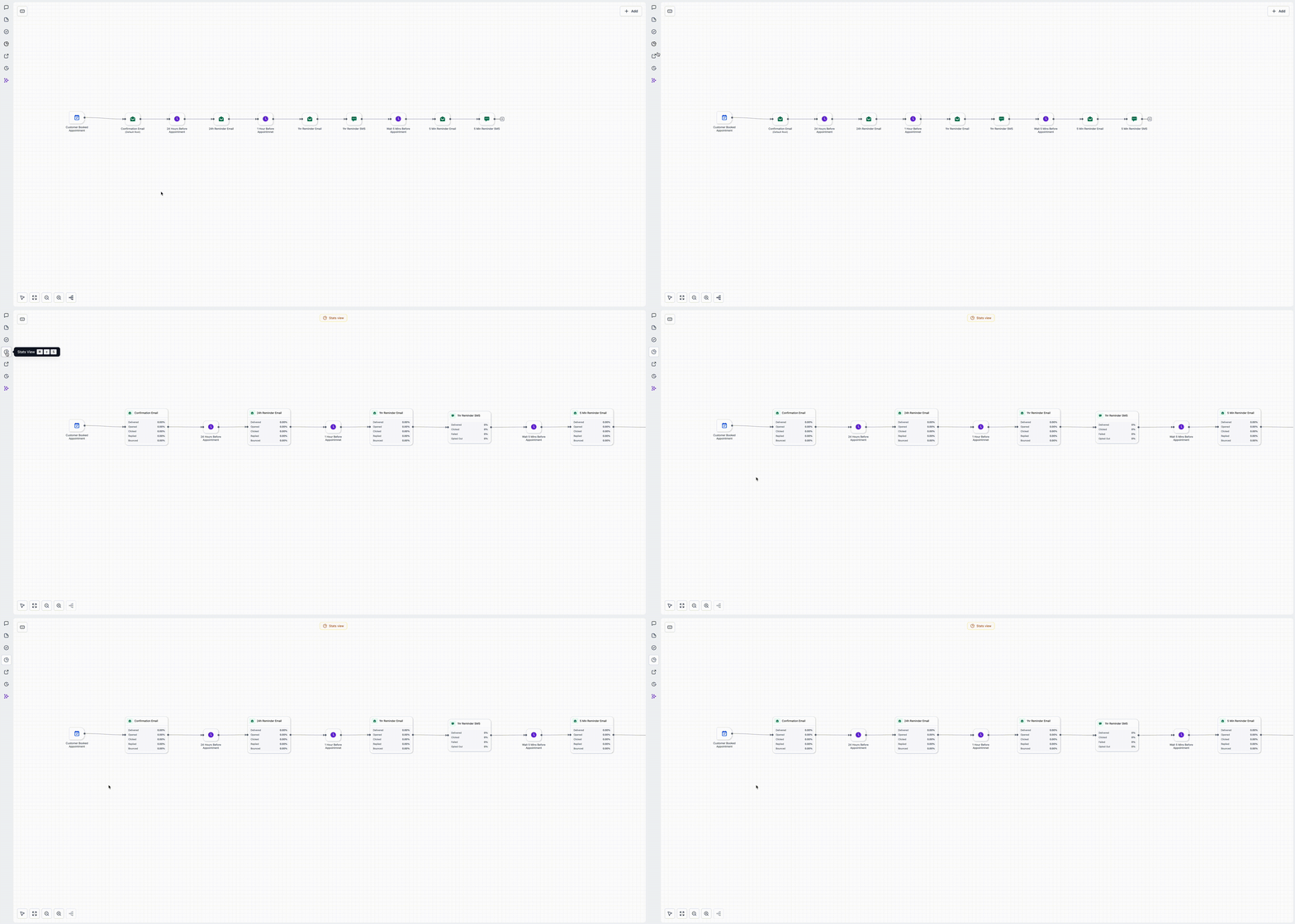
- Open your workflow.
- Switch to the Stats section in the sidebar to view the updated layout.
- Review the metrics, then return to the Builder to make adjustments.
Sticky notes now support images/logos, colours, and richer formatting—ideal for collaboration and hand-offs.
- **Workflow Branding:** Add a logo or icon to the canvas.
- **Colour Coding:** Highlight branches by purpose or priority.
- **Information Handover:** Include setup notes, caveats, or testing pointers.
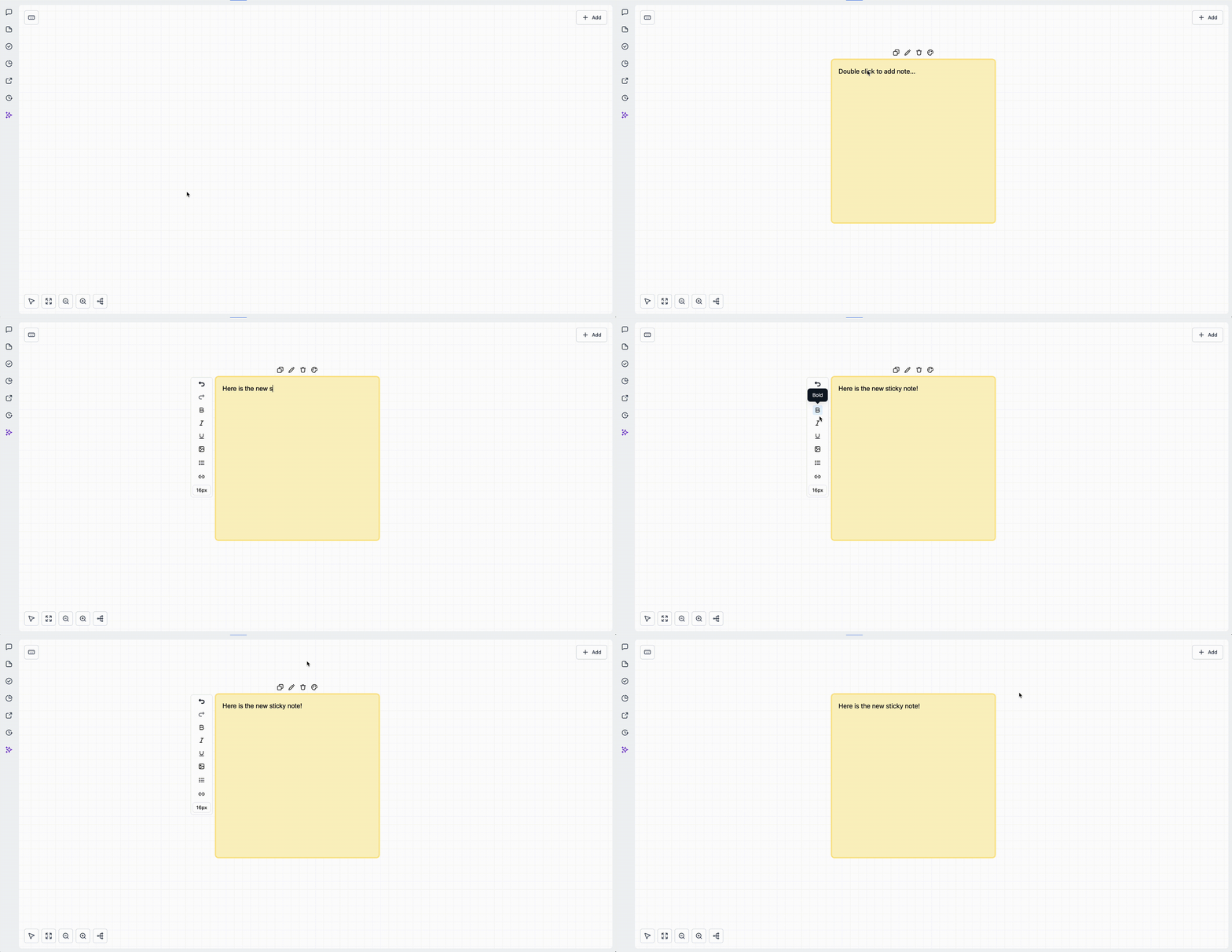
- Click the Sticky Note option from the left toolbar.
- Choose a colour, add text, and optionally embed an image or link.
- Resize or reposition to label branches or sections.
**Workflow Comments (Action-Level Notes + Notes Sidebar)**
Attach comments to specific actions so collaborators can see the relevant context. Review everything conveniently in the Notes sidebar.
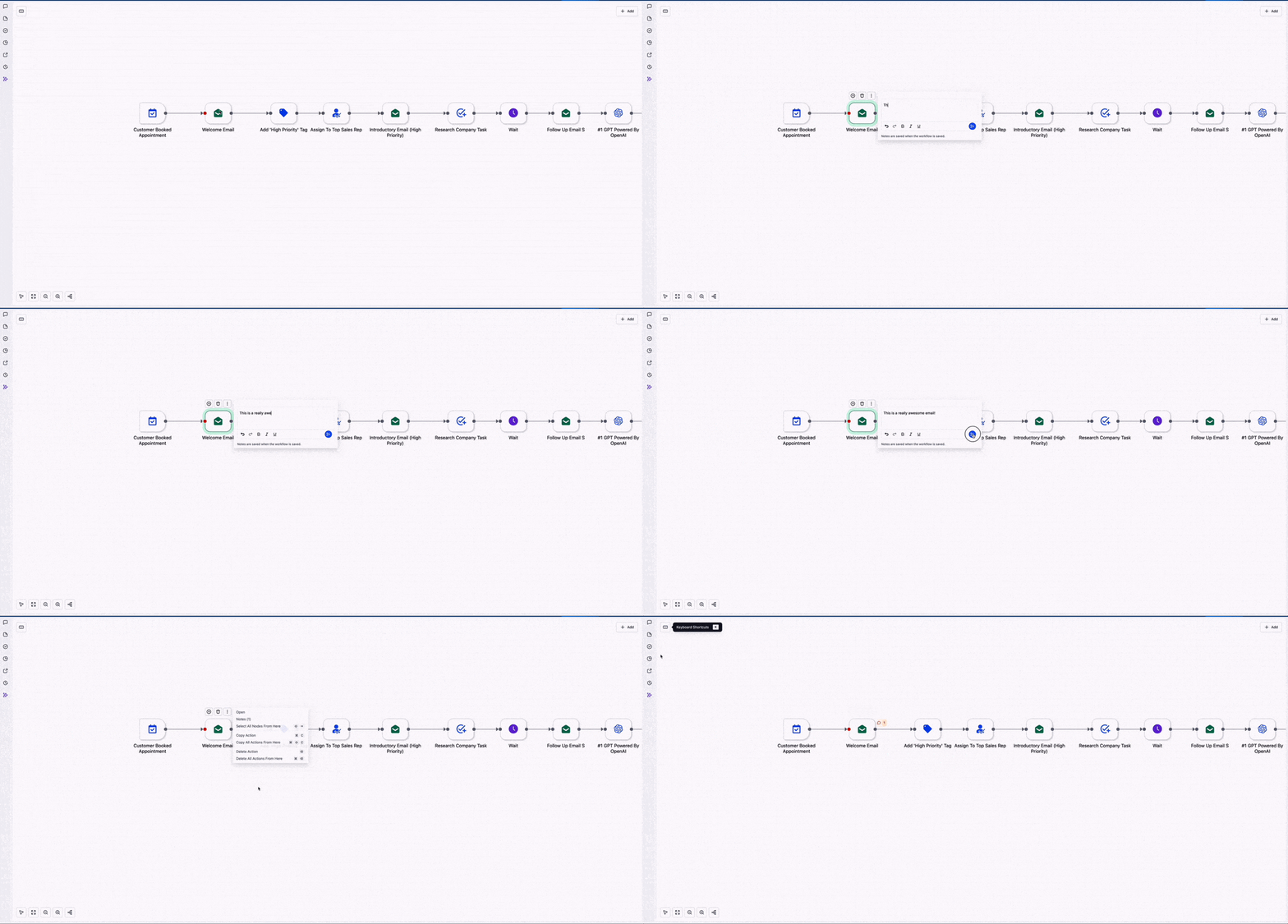
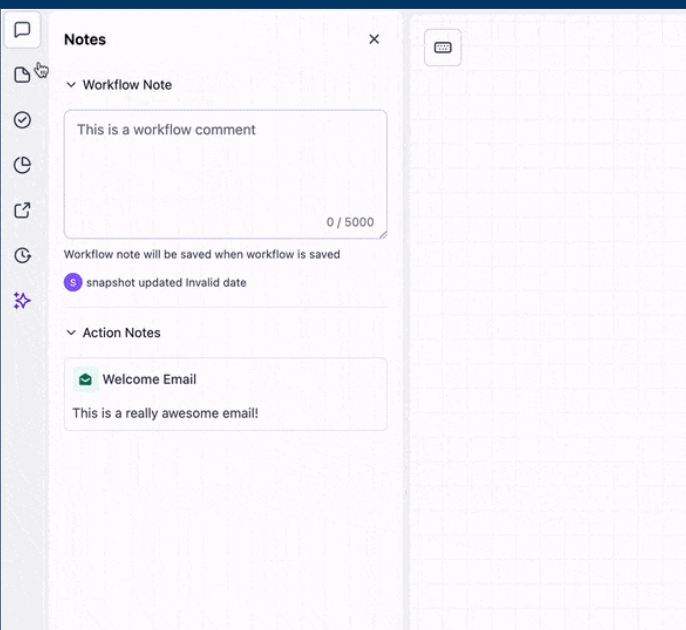
- Select an action, then add a comment.
- Open the Notes sidebar to browse all comments within the workflow.
- Resolve or update as you make revisions.
**Right-Click Quick Actions (Glassmorphism UI)**
Right-click anywhere on the canvas or on an action to open a sleek menu for common edits—fewer clicks for a smoother workflow.
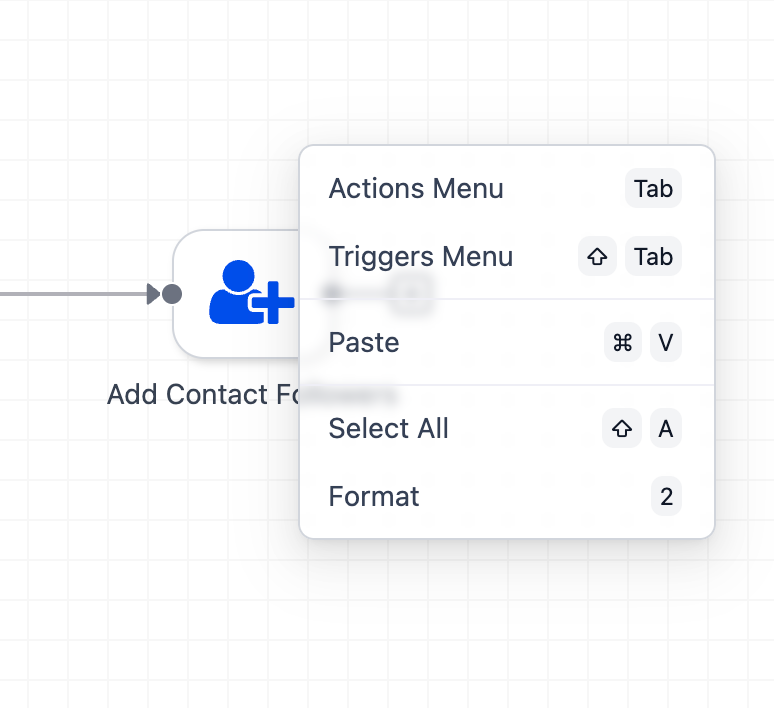
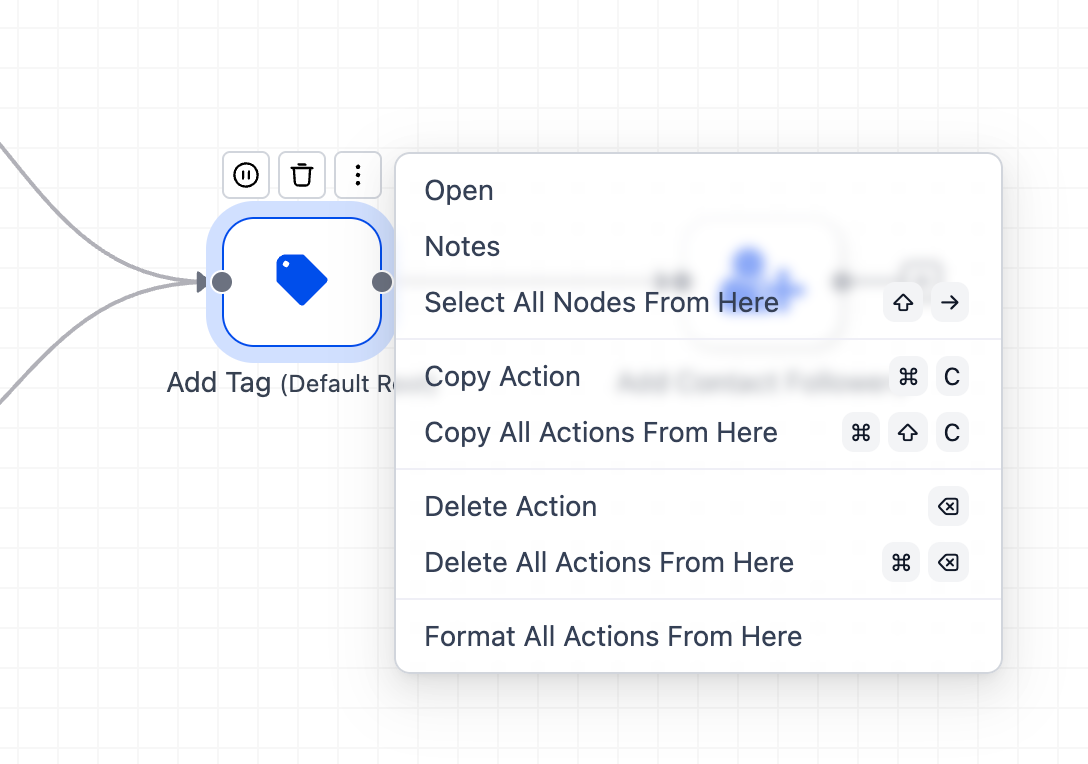
- Right-click the canvas or a node to reveal available options.
- Combine with keyboard shortcuts for maximum efficiency.