
Ad Manager: Image assets for Google Ad Campaigns
👀What’s New?
You can now add image assets to your Google Search Ad campaigns. These images will appear alongside your text ads across various Google surfaces such as Search, Display, and YouTube, helping to capture attention and enhance click-through rates.
👷How It Works:
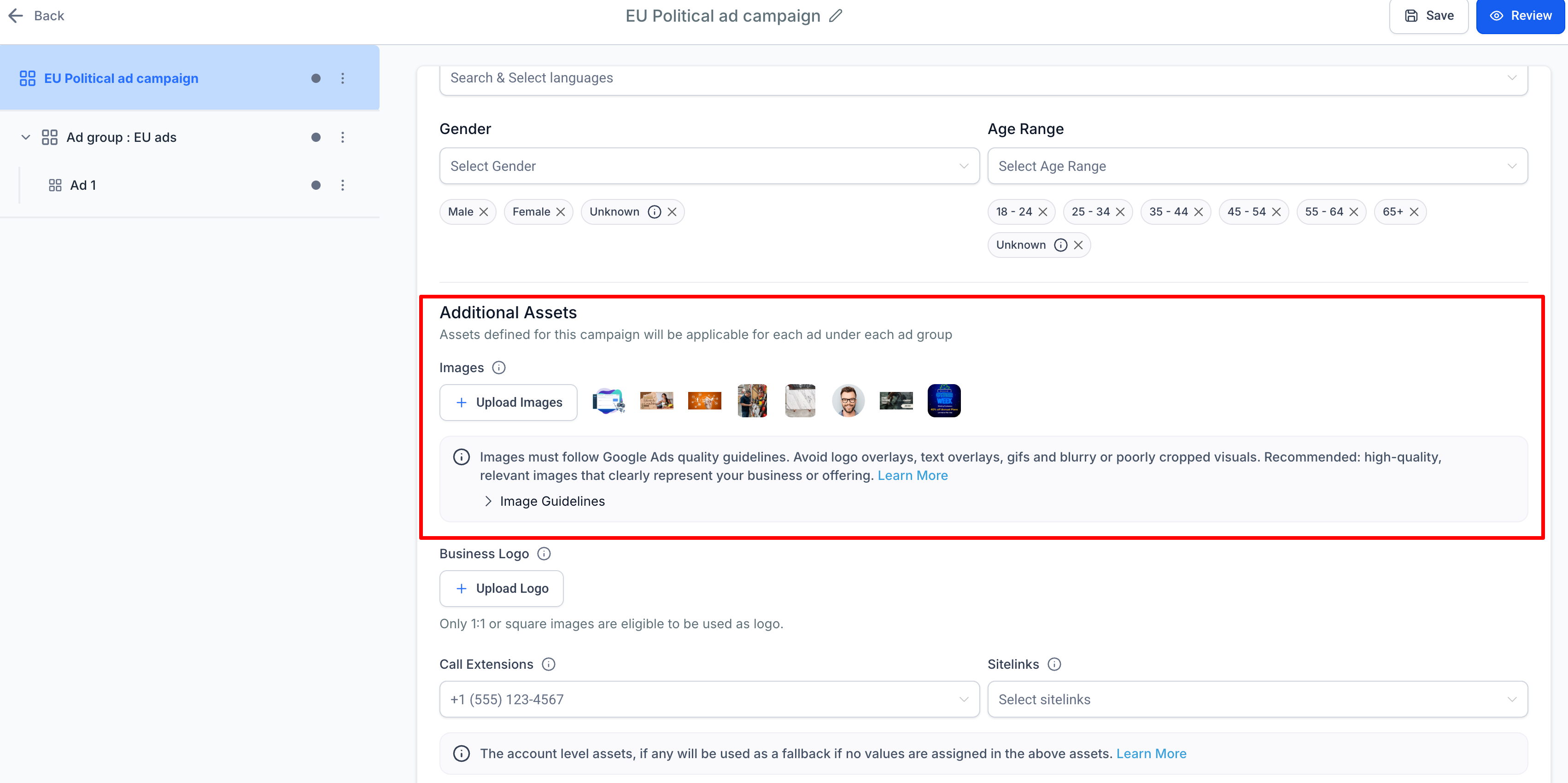
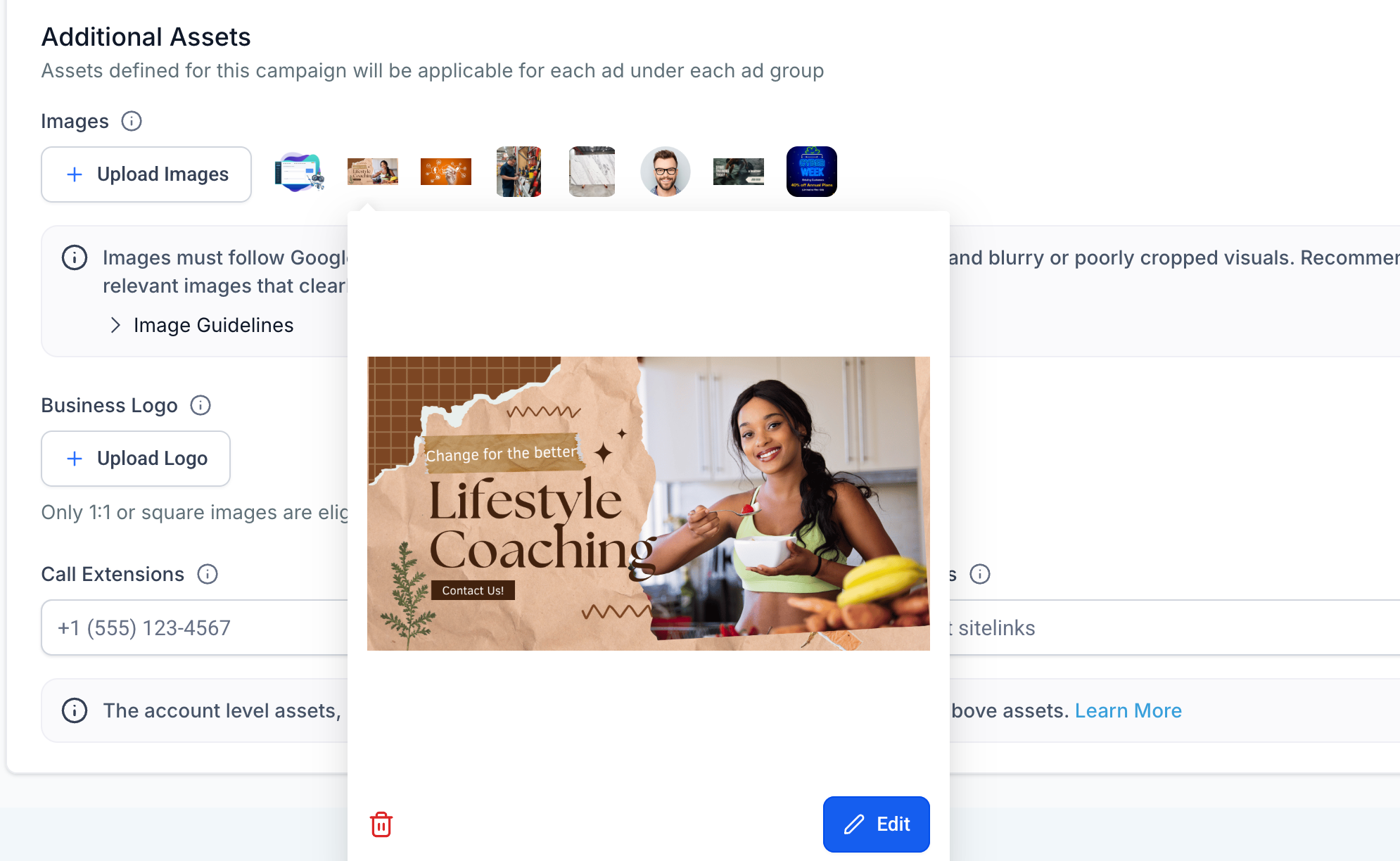
- In the campaign builder, you can upload up to 20 images as additional ad assets.
- Supported formats: JPG, PNG.
- Aspect ratios: Square (1:1) and Landscape (1.91:1).
- File size limit: 5MB per image.
- Google will automatically process and display the most relevant images for each ad placement.
- Clear error messages will guide you in case of any policy or aspect ratio issues.
⭐Why It Matters:
- Makes your ads more engaging and visually appealing.
- Provides better coverage across different Google networks.
- High-quality, relevant images can enhance ad performance and click-through rates.
- Built-in guidelines help minimise policy violations and publishing errors.
📝 Notes:
- Recommended: Add at least 2–3 images per aspect ratio for improved ad coverage.
- Avoid excessive text overlays, watermarks, GIFs, or misleading content.
- Only 1:1 and 1.91:1 ratios are supported. Uploading unsupported ratios will lead to asset failures with an error message displayed.
- The failure of individual images will not cause the entire campaign to fail; text ads will still publish successfully.
📄Help Doc:
How to configure Google Ads in Ad Manager